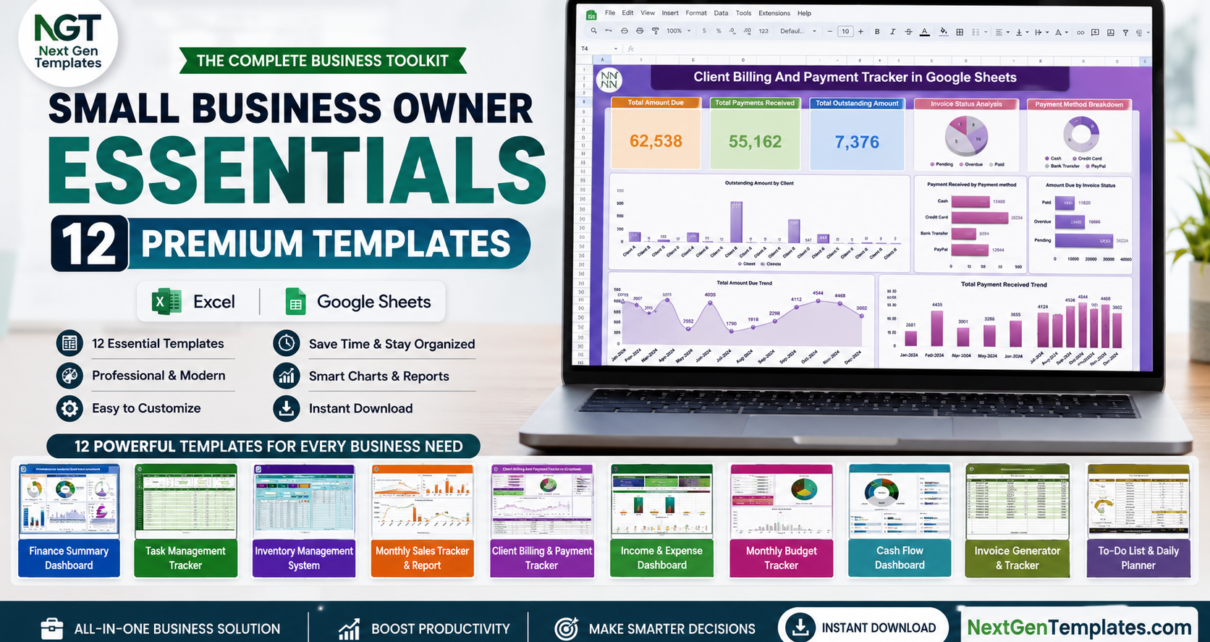
Running a small business means doing the work of an entire department on your own — finance one hour, sales the next, then inventory, payroll, and customer complaints before lunch. The Small Business Owner Essentials bundle was built for exactly that reality. It brings together 12 premium templates across Microsoft Excel and Google Sheets so you can run the entire back office of a small business from a single, affordable toolkit. Bought separately these tools cost $121.88; in this bundle you get all of them for $59.99 — a 51% saving. Browse more options in our Google Sheets templates and dashboard templates collections.
🚀 Small Business Owner Essentials — 12 Templates for $59.99
$121.88 $59.99 — save $61.89 (51% off)
Why Small Business Owners Need This Bundle
Most small businesses fail not because of a bad product, but because the owner loses control of the numbers — cash runs out, stock goes missing, invoices are forgotten, and good staff go unrecognised. The Small Business Owner Essentials bundle gives you a structured system for each of those areas without the cost and complexity of full SaaS software. You get a complete finance stack, sales and billing tools, inventory and purchasing control, team management, and a customer service tracker — all using apps you already know.
Because the kit spans both Excel and Google Sheets, you can work offline on your desktop or collaborate in the cloud with your team. Everything is plug-and-play: open a file, replace the sample data with your own, and the dashboards, charts, and KPIs update automatically. There is nothing to install, no monthly fee, and no coding required.
What’s Included in the Small Business Owner Essentials Bundle
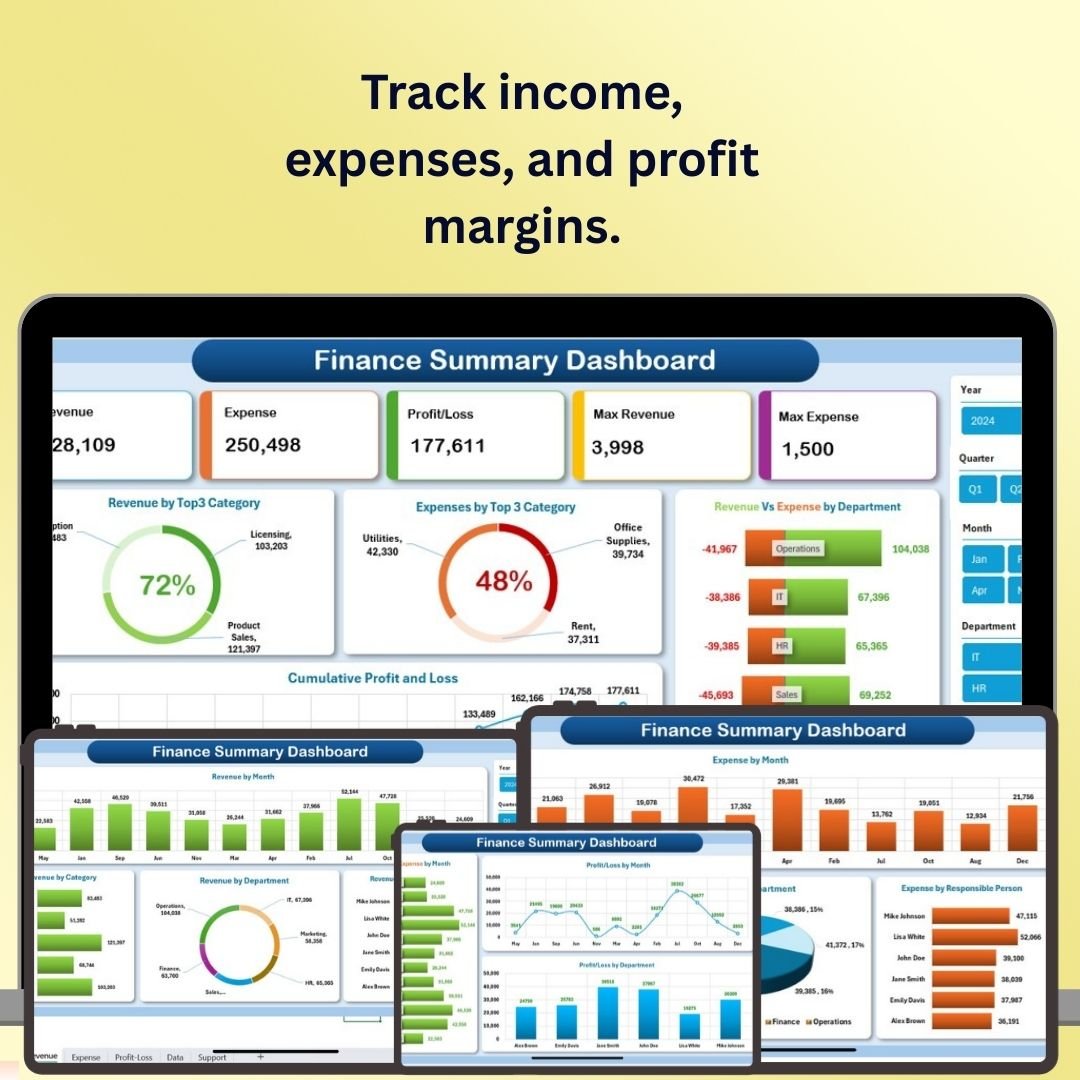
1. Finance Summary Dashboard in Excel
A complete view of income, expenses, profit margins, and cash flow in one interactive Excel dashboard. Perfect for a monthly financial health check. View template.
2. Inventory Management System V3.0
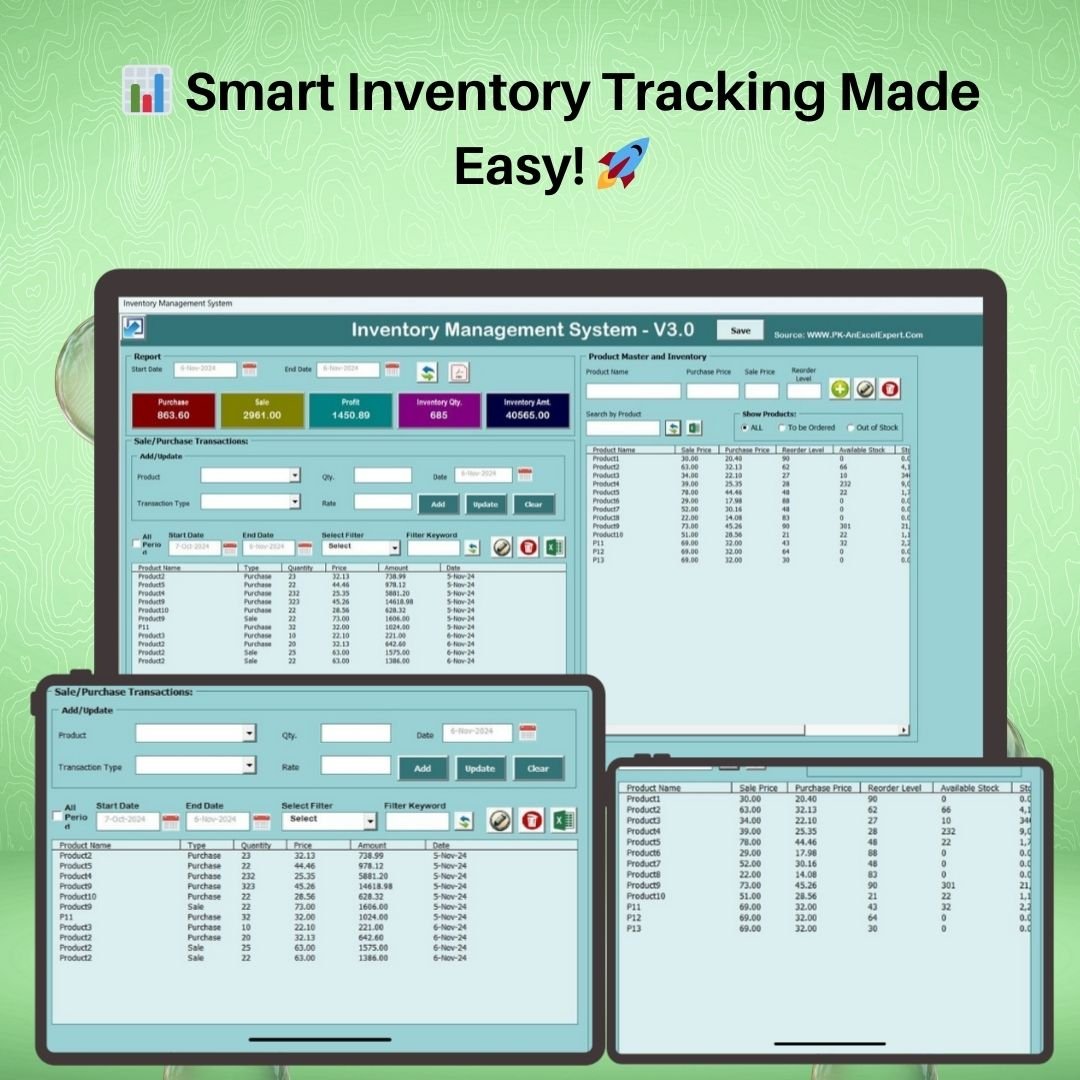
A VBA-powered Excel application with a login screen, product master, automatic stock updates, reorder alerts, and one-click Excel/PDF reports. View template.
3. Task Management Tracker in Google Sheets
Assign, prioritise, and track tasks by owner, status, and deadline so nothing slips through the cracks. View template.

4. Monthly Sales Tracker and Report in Google Sheets
Log daily sales and automatically generate clean monthly performance reports to spot trends fast. View template.

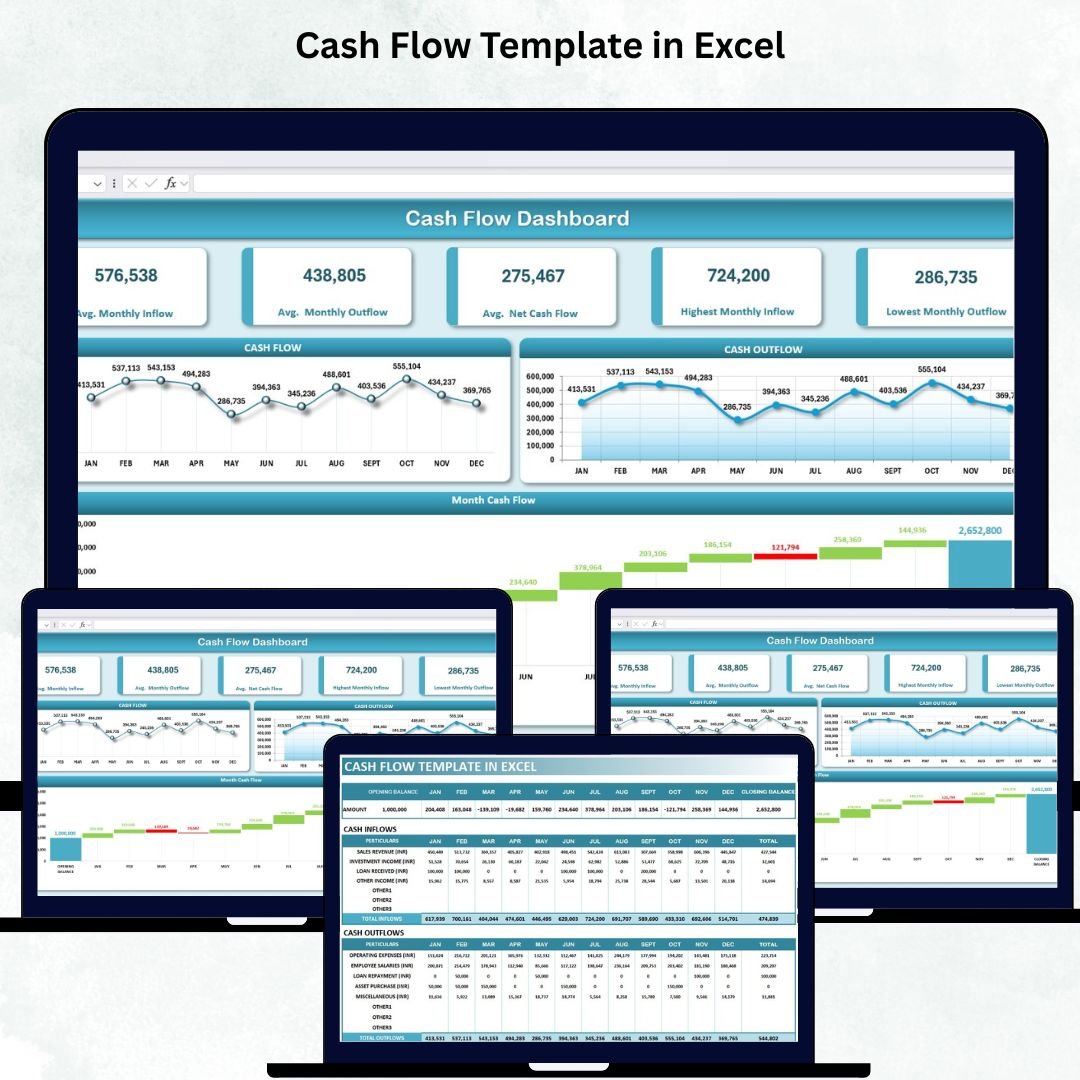
5. Cash Flow Template in Excel
Track inflows, outflows, and closing balances with automated charts so you always know your runway. View template.
6. Client Billing and Payment Tracker in Google Sheets
Track invoices, payments, and outstanding balances for every client to keep receivables under control. View template.

7. Income and Expense Dashboard in Google Sheets
Visualise income versus expenses with category breakdowns and monthly trends in a clean cloud dashboard. View template.

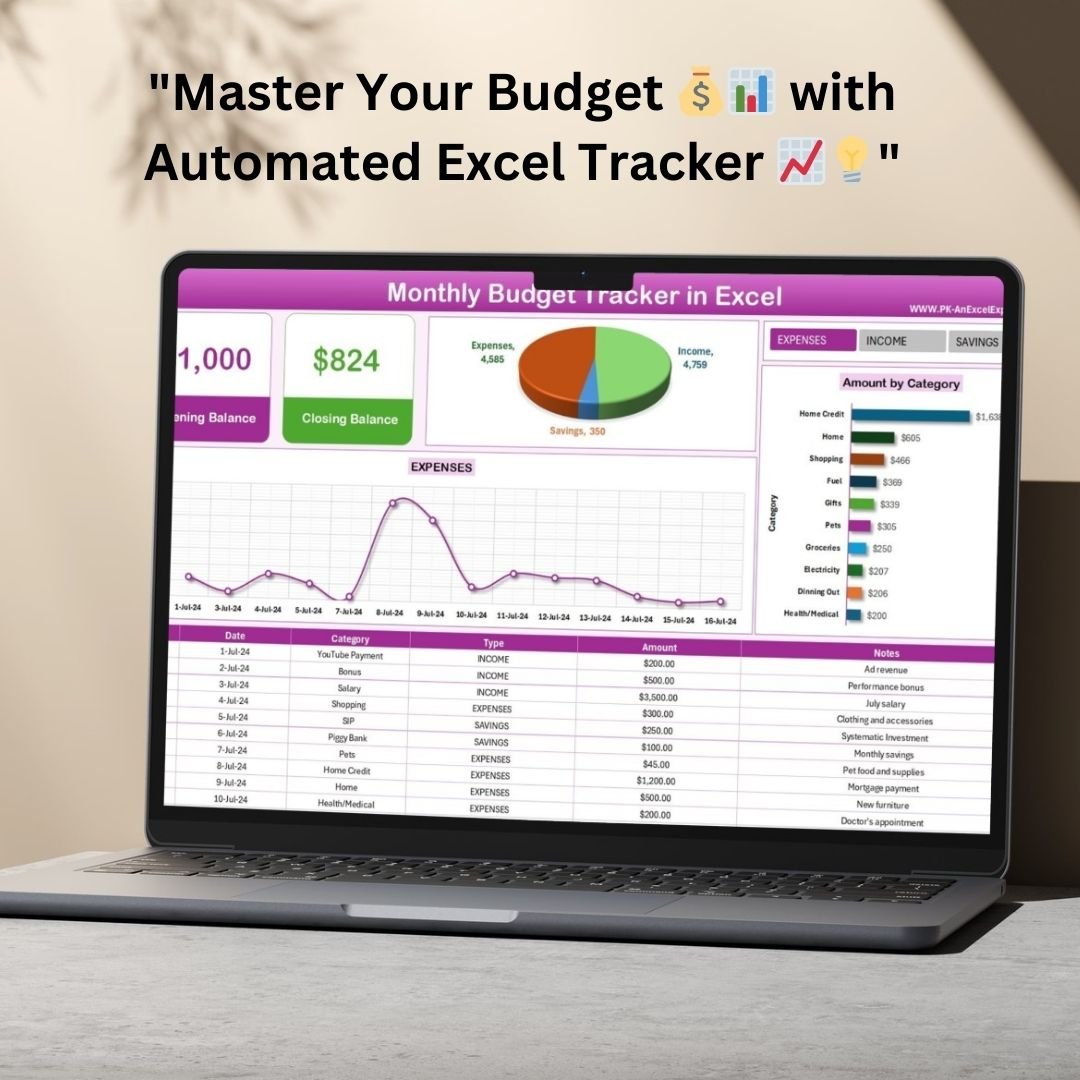
8. Monthly Budget Tracker in Microsoft Excel
Plan budget versus actuals across categories every month to keep spending on target. View template.
9. Employee Performance Rating Card and Dashboard in Excel
Score employees against criteria and visualise team performance on a clean dashboard for fair, data-driven reviews. View template.

10. Attendance Sheet Template in Google Sheet
Mark and track daily staff attendance with automatic monthly summaries. View template.

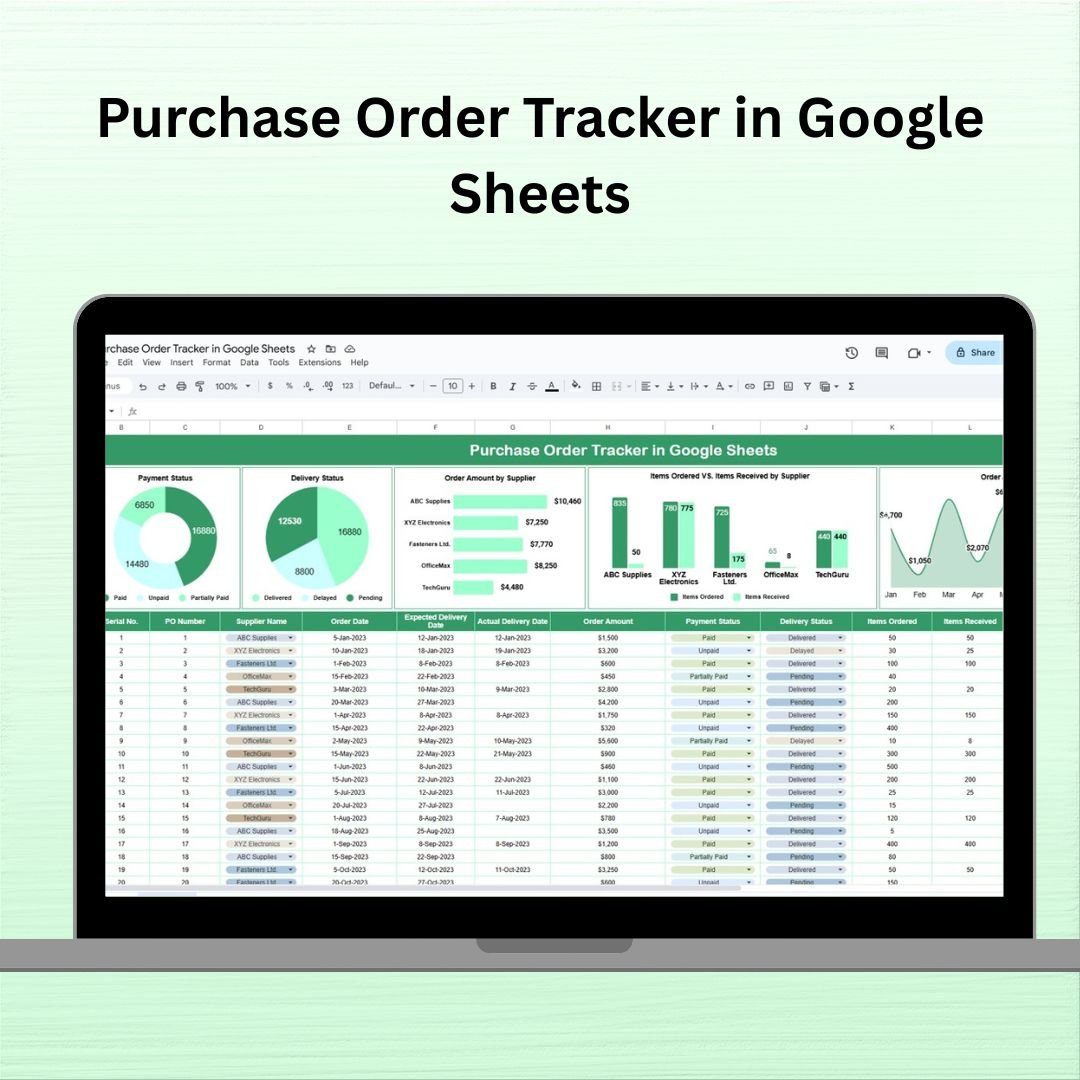
11. Purchase Order Tracker in Google Sheets
Raise, track, and manage purchase orders and supplier status in one organised sheet. View template.
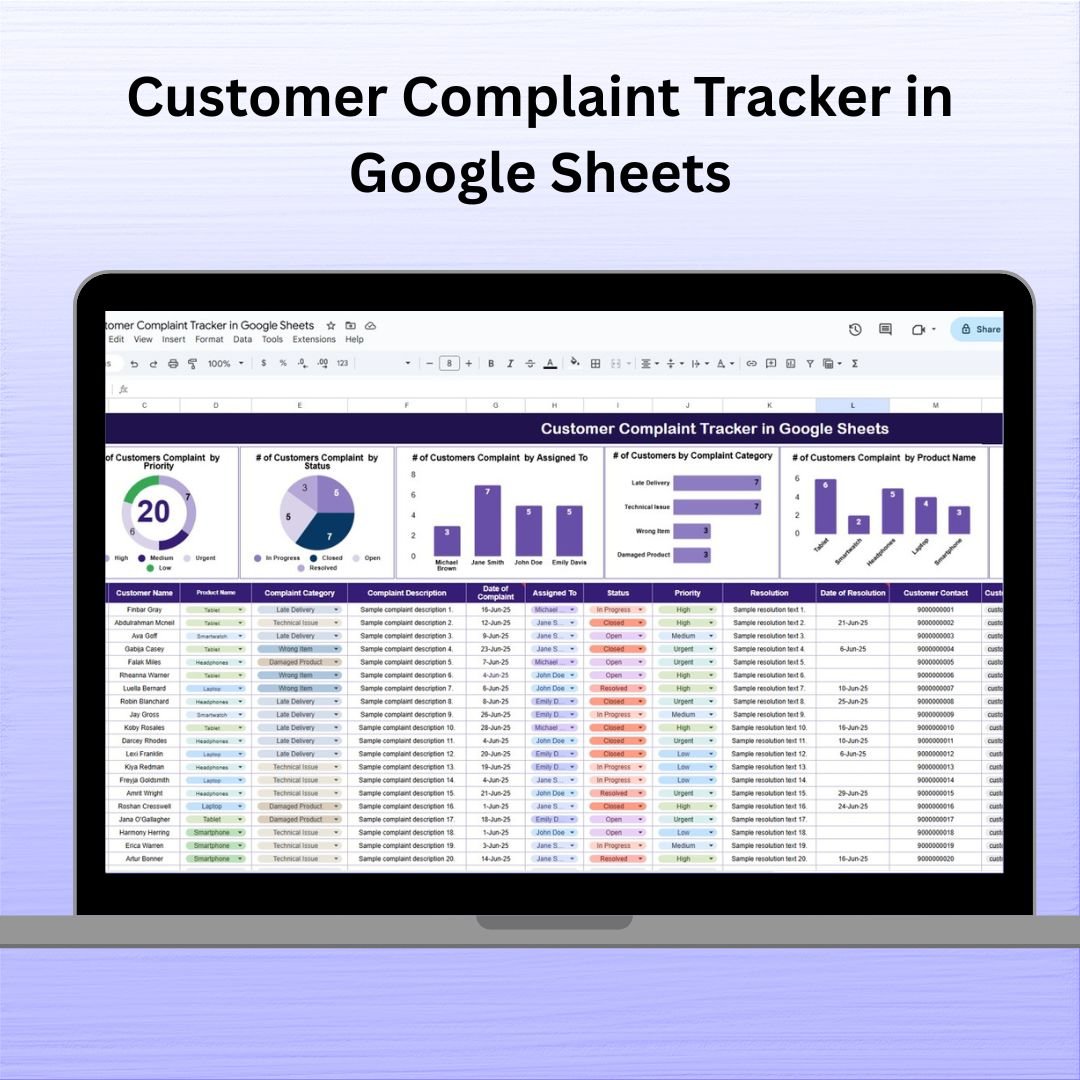
12. Customer Complaint Tracker in Google Sheets
Log, categorise, and resolve customer complaints with full status tracking so issues never get lost. View template.
Smart Comparison — Individual vs Bundle
| # | Template | Platform | Individual Price |
|---|---|---|---|
| 1 | Finance Summary Dashboard | Excel | $17.99 |
| 2 | Inventory Management System V3.0 | Excel (VBA) | $19.99 |
| 3 | Task Management Tracker | Google Sheets | $6.99 |
| 4 | Monthly Sales Tracker and Report | Google Sheets | $6.99 |
| 5 | Cash Flow Template | Excel | $6.99 |
| 6 | Client Billing and Payment Tracker | Google Sheets | $6.99 |
| 7 | Income and Expense Dashboard | Google Sheets | $9.99 |
| 8 | Monthly Budget Tracker | Excel | $6.99 |
| 9 | Employee Performance Rating Card and Dashboard | Excel | $17.99 |
| 10 | Attendance Sheet Template | Google Sheets | $6.99 |
| 11 | Purchase Order Tracker | Google Sheets | $6.99 |
| 12 | Customer Complaint Tracker | Google Sheets | $6.99 |
| Individual Total | $121.88 | ||
| Bundle Price | $59.99 (save $61.89) | ||
Advantages of Buying the Bundle
Buying the bundle instead of individual templates does more than save money. You get a consistent system across your whole business rather than a patchwork of tools bought at different times. The 51% discount means the kit pays for itself the first time it prevents a missed invoice or a stockout. And because you own every file outright, there are no recurring fees — unlike cloud platforms that charge per user, per month, forever.
It also future-proofs you: as your business grows, you already have tools for areas you may not be tracking yet, such as employee performance or customer complaints, ready to switch on the day you need them.
Best Practices for Deploying the Bundle
Start with the finance tools — the Finance Summary Dashboard, Cash Flow Template, and Monthly Budget Tracker — since cash control is the foundation of everything else. Once those are running, layer in sales and billing, then inventory and purchasing. Save the Google Sheets tools to your Drive with File > Make a Copy so your whole team can collaborate, and keep the Excel VBA Inventory System on the machine that manages stock. Set a fixed monthly routine: update each tracker, review the dashboards, and act on what the numbers tell you.
Explore More Templates
If you want to go deeper in any area, browse our Google Sheets templates, Excel templates, and dashboard templates. You can also see the full Small Business Owner Essentials bundle on our store.
Frequently Asked Questions
What is included in the Small Business Owner Essentials bundle?
The bundle includes 12 premium templates: Finance Summary Dashboard, Inventory Management System V3.0, Task Management Tracker, Monthly Sales Tracker and Report, Cash Flow Template, Client Billing and Payment Tracker, Income and Expense Dashboard, Monthly Budget Tracker, Employee Performance Rating Card and Dashboard, Attendance Sheet, Purchase Order Tracker, and Customer Complaint Tracker. They span Microsoft Excel and Google Sheets.
How much do I save by buying the bundle?
Purchased individually the 12 templates cost $121.88. The bundle is $59.99, so you save $61.89 — about 51% off.
Do I need both Excel and Google Sheets?
The bundle includes tools for both platforms. You can use whichever you prefer for each task; the Excel files run offline in Microsoft Excel and the Google Sheets tools work in the cloud after you make a copy to your Drive.
Does the Inventory Management System require macros?
Yes. The Inventory Management System V3.0 is a VBA tool, so you need to enable macros in Excel on Windows for its login, forms, and automation to work.
Is this a one-time purchase or a subscription?
It is a one-time purchase. You download the templates once and own them for life, with no recurring fees.
Can I customise the templates for my business?
Yes. Every template is fully editable — you can change categories, labels, and formatting, and replace the sample data with your own.
Ready to run your whole business from one toolkit?
Get all 12 templates for $59.99 (save 51%)
Visit our YouTube channel for step-by-step video tutorials: Youtube.com/@NextGenTemplates