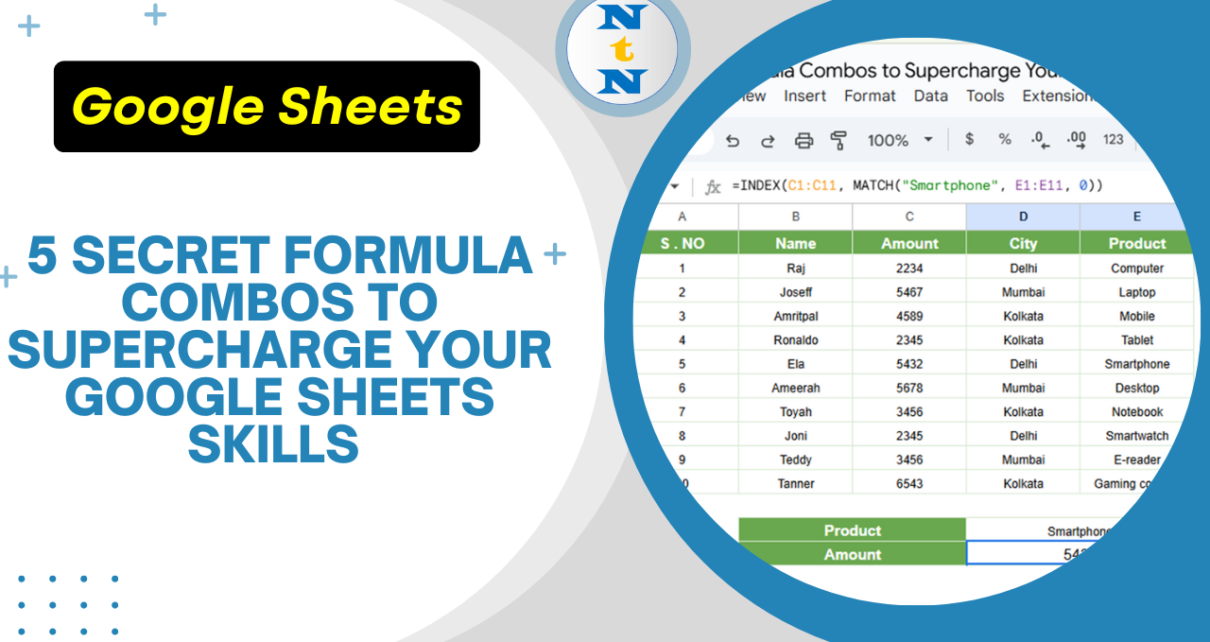
Google Sheets is a powerhouse for data management, and knowing how to combine formulas can boost productivity and automate tasks effortlessly. Here are five secret formula combinations that will transform the way you use Secret Formula Combos to Supercharge Your Google Sheets INDEX + MATCH for More Flexible Lookups Forget VLOOKUP – this combo is […]
Author: PK
Top 3 Google Sheets Features That Save You Hundreds of Hours
Google Sheets is a powerful and versatile tool that offers much more than just the basic spreadsheet functionality. With its cloud-based nature, real-time collaboration, and integration with other Google services, it has become an essential tool for millions of users around the world. Whether you’re working on data analysis, project management, or just keeping track […]
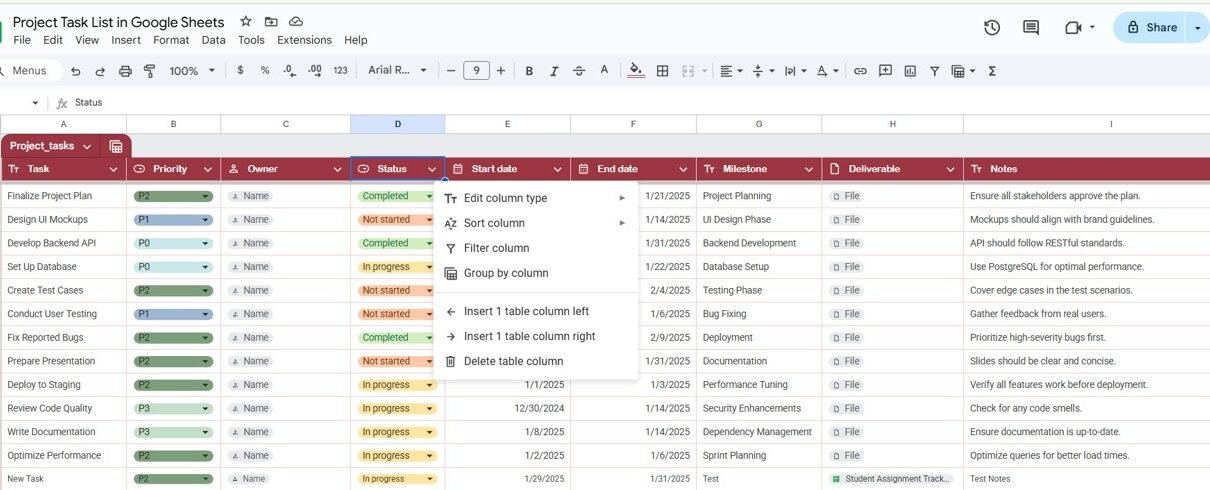
Project task list in google Sheets
A well-organized project task list is crucial for the successful management and completion of any project. When it comes to collaborating with teams, keeping track of deadlines, and staying on top of priorities, using tools like Google Sheets can make a huge difference. Google Sheets offers a flexible and easy-to-use platform to create, manage, and […]
10 Mind-Blowing Google Sheets Tricks You Didn’t Know Existed
Google Sheets is more than just a spreadsheet tool – it’s a powerful platform that can automate calculations, visualize data, and improve productivity. If you think you know Google Sheets tricks, think again! Here are 10 mind-blowing tricks that will change the way you use it forever. Use Google Translate Inside Google Sheets Did you […]
12 Genius Google Sheets Formulas That Will Change Your Workflow
Google Sheets is an incredible tool that, when mastered, can revolutionize how you work with data. This article introduces 12 genius formulas and Google Sheets formulas combinations that simplify complex tasks, save time, and enhance productivity. INDEX + MATCH for Dynamic Lookups Google Sheets formulas Instead of relying on VLOOKUP, this combo provides flexibility and […]
Mastering the EOMONTH Function in Google Sheets
Google Sheets is a powerful tool for data management and calculations. One of the most helpful functions it offers is the EOMONTH Function in Google Sheets, which is used to return the date of the last day of a given month. Whether you’re working with financial data, project deadlines, or simply need to calculate the […]
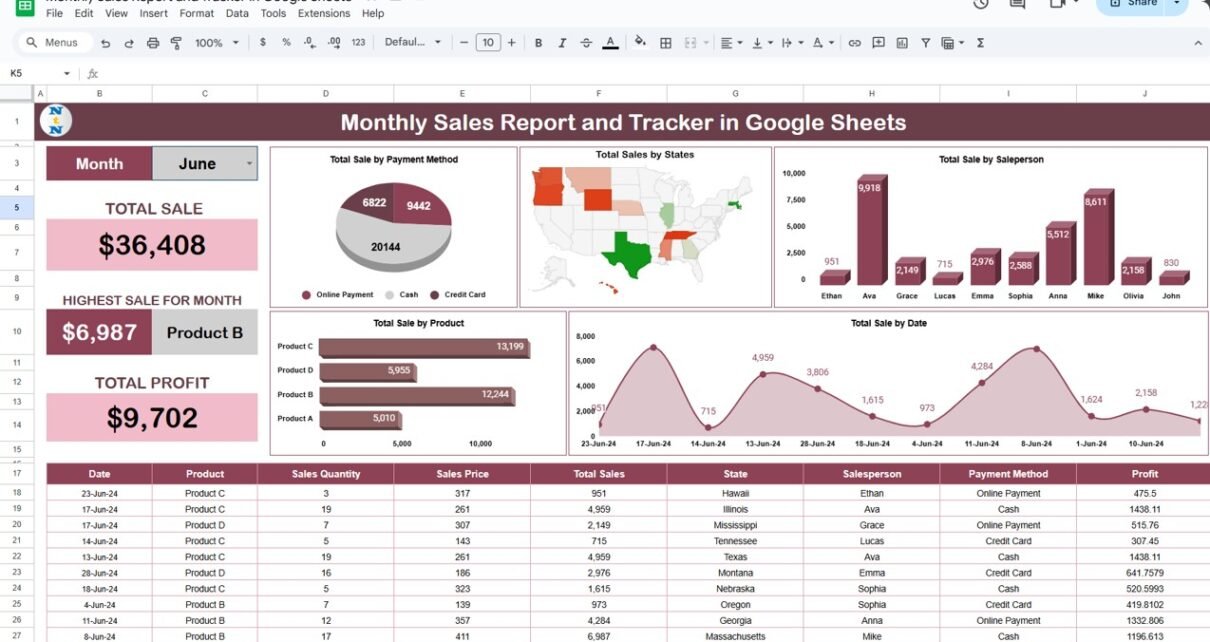
Monthly Sales Report and Tracker in Google Sheets
In today’s data-driven world, having a well-organized sales report and tracker is essential for businesses to understand performance and make informed decisions. Google Sheets provides an excellent platform to create monthly sales reports, thanks to its user-friendly features and cloud-based access. This guide will take you through the process of building a Monthly Sales Report […]
Track Real-Time Sales Performance in Google Sheets
Track Real-Time Sales Performance in Google Sheets in real time is crucial for any business. By having up-to-date information, companies can make informed decisions that improve profitability and efficiency. With Google Sheets, you can easily track sales, analyze trends, and visualize performance metrics. In this comprehensive tutorial, we’ll guide you through the process of setting […]
Mastering Google Sheets Text Functions
Google Sheets offers a variety of text functions that make working with data a breeze. Whether you’re managing names, addresses, or product lists, these functions allow you to manipulate, extract, and format text quickly. If you’re looking to save time and increase efficiency, you’re in the right place! In this guide, we’ll go over five […]
Calculate Date Differences in Google Sheets Using DATEDIF
Calculate Date Differences in Google Sheets between two dates is a common task in spreadsheets, whether you’re managing a project timeline, tracking an employee’s tenure, or calculating a customer’s subscription duration. Google Sheets provides the DATEDIF function, a powerful yet often underused tool, to perform these calculations seamlessly. Calculate Date Differences in Google Sheets In […]