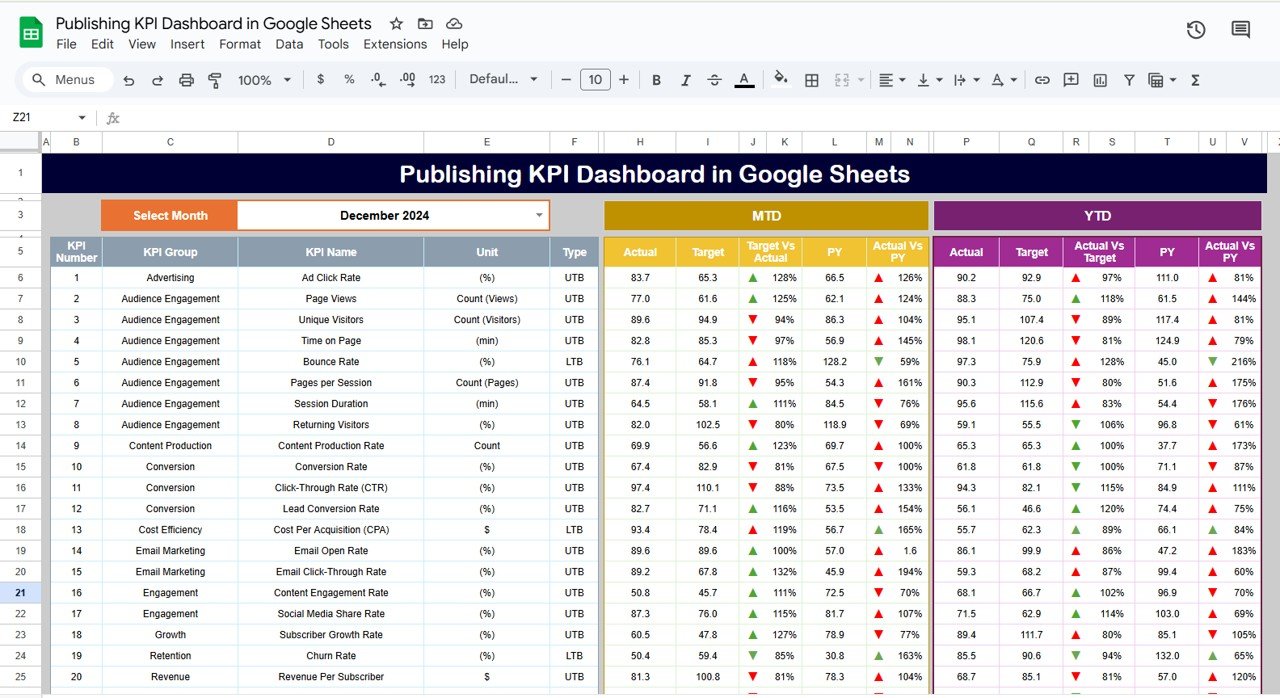
Google Sheets is more than just a spreadsheet tool—it’s a powerful automation and data analysis platform. Google Sheets formulas Mastering these 6 secret formulas will help you work smarter, automate tasks, and analyze data like a pro. Let’s dive in!
Google Sheets formulas
GOOGLETRANSLATE – Instantly Translate Text in Google Sheets
Want to automate translations without using Google Translate manually?
Example: Translate “Hello” from English to Spanish
=GOOGLETRANSLATE("Hello", "en", "es")
Translates text instantly between languages.
Works for bulk translations using ARRAYFORMULA.
Example: Translate an Entire Column from English to French
=ARRAYFORMULA(GOOGLETRANSLATE(A2:A100, "en", "fr"))
Great for e-commerce listings, customer service responses, and global data management.

GOOGLEFINANCE – Fetch Live Stock Market Data
Did you know you can track real-time stock prices inside Google Sheets?
Example: Get Apple’s Stock Price
=GOOGLEFINANCE("AAPL", "price")
Fetches live stock prices without third-party apps.
Works great for investment tracking.
IMPORTRANGE – Pull Data from Another Google Sheet
Need to connect two spreadsheets? IMPORTRANGE makes it seamless!
Example: Import Sales Data from Another Spreadsheet
=IMPORTRANGE("SpreadsheetURL", "Sheet1!A1:D100")
Automatically updates when data changes.
Saves hours of manual data entry.
QUERY – SQL-Powered Data Analysis in Sheets
Want to filter, group, or summarize data like a pro?
Example: Summarize Total Sales by Product
=QUERY(A2:C100, "SELECT A, SUM(C) GROUP BY A", 1)
Performs database-like queries.
Eliminates the need for complex pivot tables.
REGEXEXTRACT – Extract Specific Text Patterns
Need to separate numbers from text? This formula does it instantly!
Example: Extract Order Numbers from “Order #12345”
=REGEXEXTRACT(A2, "d+")
Works for emails, IDs, URLs, and more!
Saves manual text cleaning time.
ARRAYFORMULA – Automate Bulk Calculations
Stop dragging formulas down—apply them to an entire column instantly!
Example: Apply a 10% Discount to All Prices
=ARRAYFORMULA(IF(A2:A > 100, A2:A * 0.9, A2:A))
Saves time when working with large datasets.
Works with IF, TEXT, LEN, and more!
If formulas like these are new to you, the Excel AI Mastery: 100 Formulas course on NextGenTemplates Academy covers them with practice files.
Final Thoughts
These 6 secret formulas will transform your Google Sheets skills, helping you analyze data faster, automate tasks, and reduce manual work.
Download the free practice file and try each formula yourself.