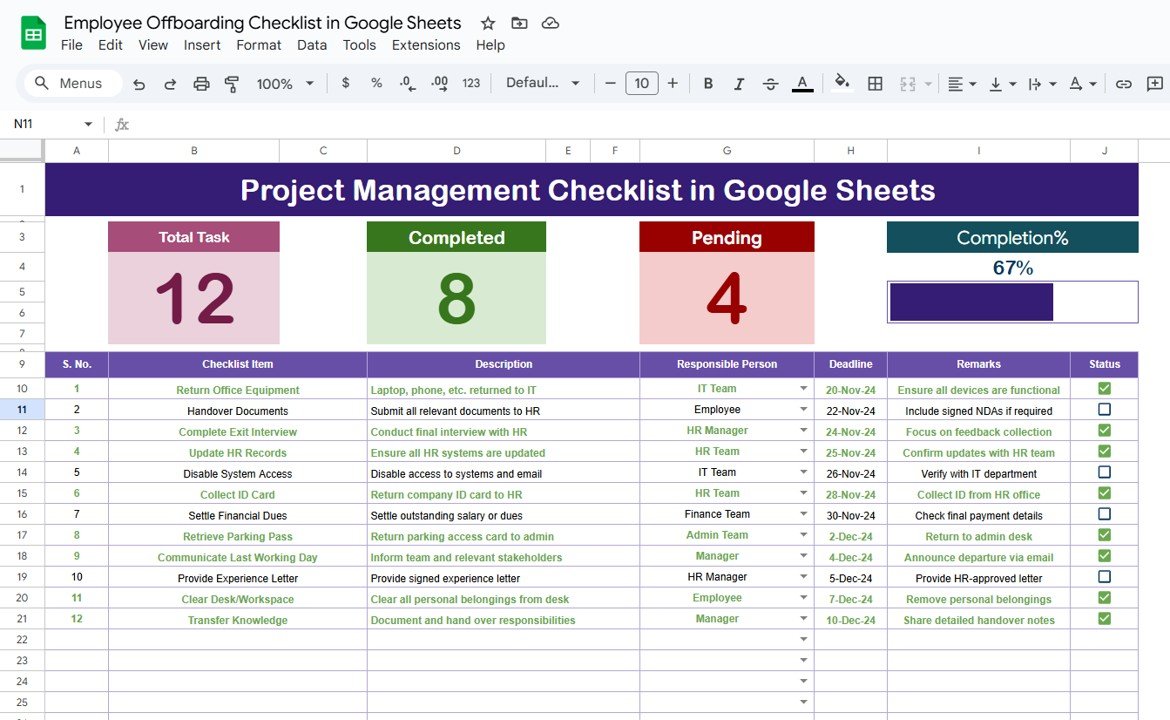
Employee offboarding is a critical process for any organization. It helps ensure that an employee’s departure is smooth, organized, and doesn’t disrupt the workflow of the business. In the digital age, using tools like Google Sheets can streamline and automate this process, ensuring that all necessary steps are taken when an employee leaves. One of […]
Author: PK
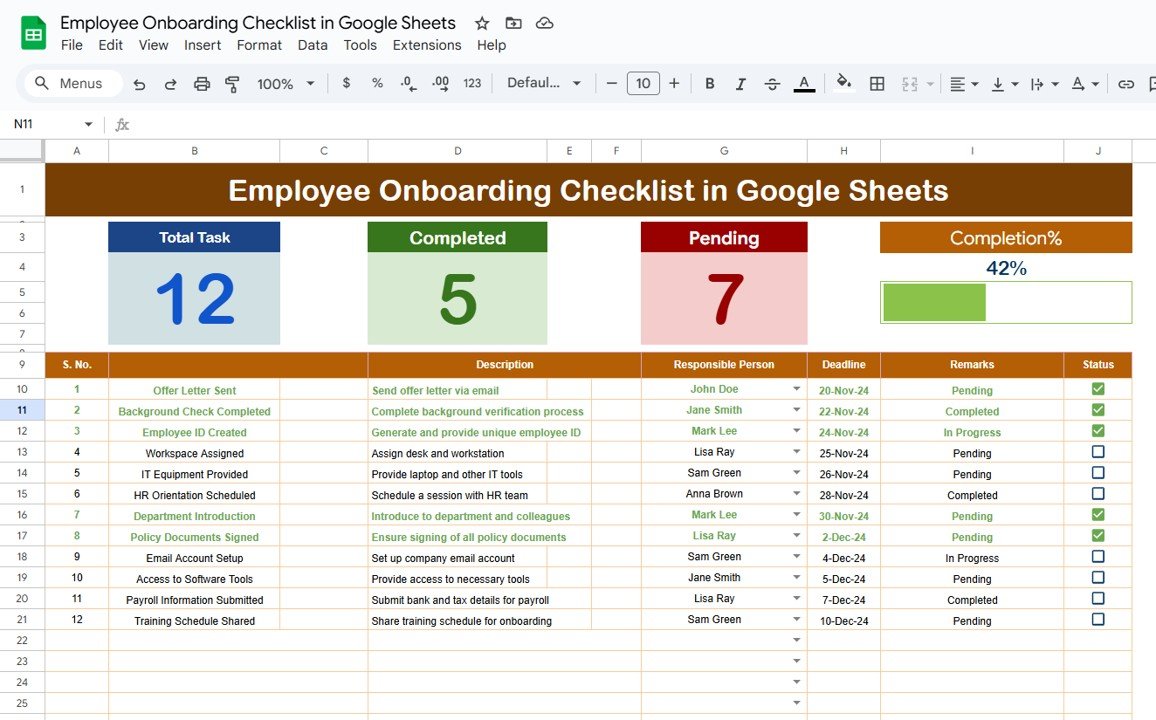
Employee Onboarding Checklist in Google Sheets
Onboarding a new employee is a crucial process that sets the tone for their experience within your organization. A well-structured onboarding plan helps new hires feel welcomed, informed, and prepared for their roles. One effective way to streamline this process is by using a Google Sheets Employee Onboarding Checklist. This article will guide you through […]
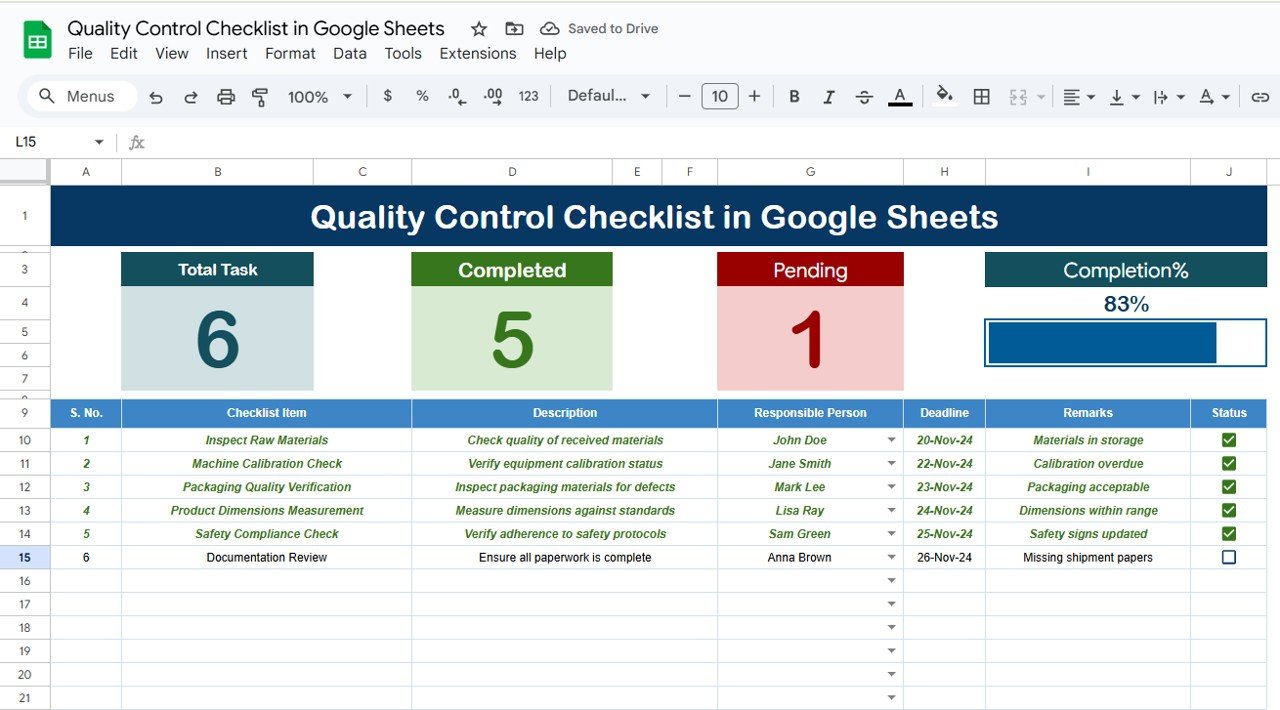
Quality Control Checklist in Google Sheets
In today’s fast-paced world, maintaining consistency and high standards is paramount in any business. Quality control plays a significant role in ensuring that your products, services, or processes meet the desired standards. With the increasing reliance on digital tools, Google Sheets has become an essential platform for managing various tasks, including quality control checklists. In […]
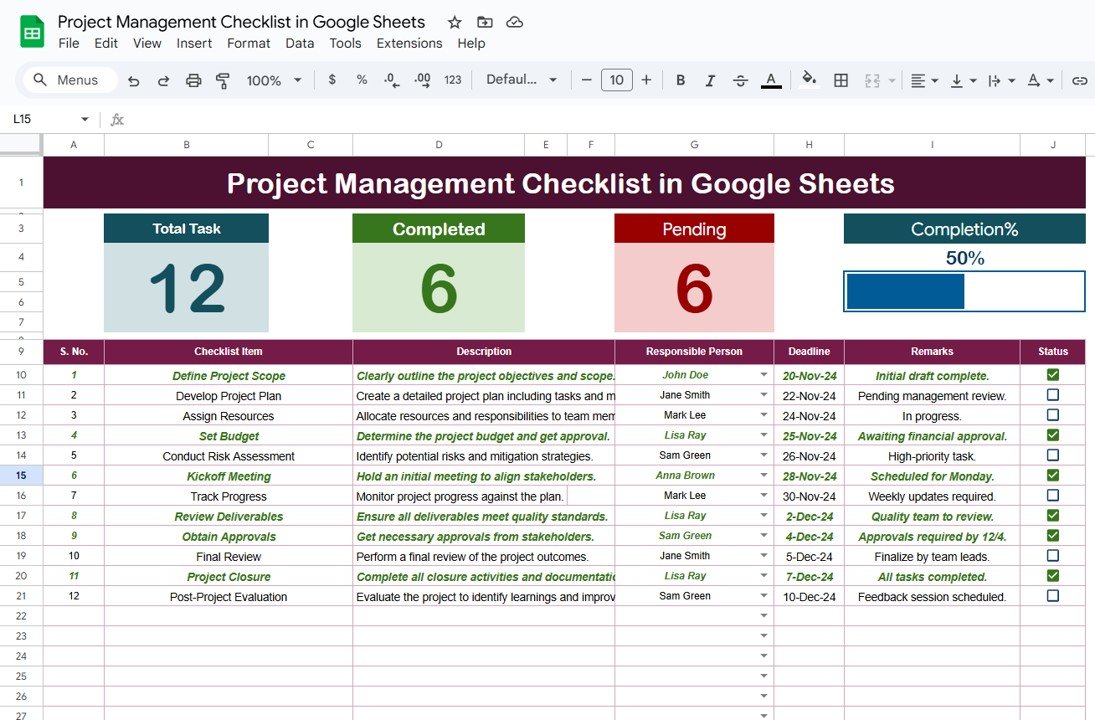
Project Management Checklist in Google Sheets
Project management is the backbone of any successful business or team. Whether you’re managing a small project or a large-scale endeavor, staying organized is crucial to ensure everything runs smoothly. A Project Management Checklist in Google Sheets is a powerful tool that helps streamline project tasks, track progress, and ensure deadlines are met. In this […]
Mastering the IF Function in Google Sheets with Real-Life Examples
The IF function in Google Sheets is one of the most versatile and commonly used functions. It’s incredibly useful for making decisions within your data, allowing you to return different values based on whether a condition is true or false. Whether you’re working with financial data, analyzing survey results, or building dynamic reports, mastering the […]
How to Use Google Sheets for Event Planning and Budget Tracking
Event planning can be a complex and time-consuming process, but with the right tools, it can become a streamlined and organized endeavor. Google Sheets, a free, accessible tool, can be an invaluable resource for planning events and tracking the associated budgets. In this detailed guide, we’ll walk you through how to use Google Sheets effectively […]
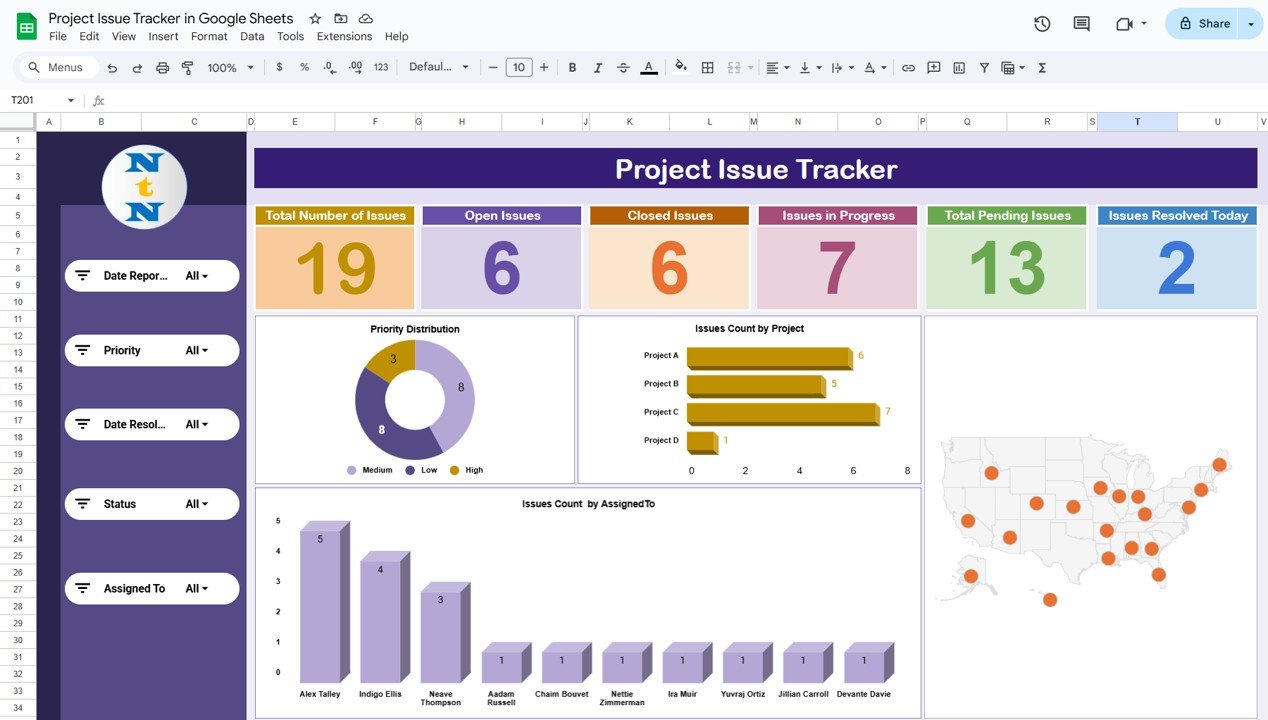
Project Issue Tracker in Google Sheets
Managing issues effectively is a crucial part of any project’s success. To streamline this process, a Project Issue Tracker helps teams track and resolve issues in a structured way. In this article, we’ll show you how to create a fully-functional Project Issue Tracker in Google Sheets that is easy to use and can be customized […]
Top 5 Text Functions in Google Sheets You Need to Know
Google Sheets is not just for numbers—it’s also a powerful tool for working with text. Whether you’re cleaning up data, formatting text, or performing analysis on string values, Google Sheets offers a wide range of text functions to help. In this blog post, we’ll dive into the top 5 text functions in Google Sheets that […]
How to Use the RANK Function in Google Sheets: A Comprehensive Guide
Google Sheets is a powerful tool that can help you organize, analyze, and visualize data. One of its most useful functions is the RANK function, which allows you to rank numbers in a dataset based on their values. Whether you’re organizing sales data, ranking students based on their scores, or determining the top performers in […]
How to Filter Data Rows in Power Query
In the world of data analysis and manipulation, Power Query stands out as an indispensable tool for transforming raw data into a clean, usable format. One of the most common tasks when working with data is filtering out irrelevant or unnecessary rows. Power Query offers a robust set of features to help users filter their […]