Google Sheets

How to Use the FILTER and MINIFS Functions in Google Sheets: Easy Example

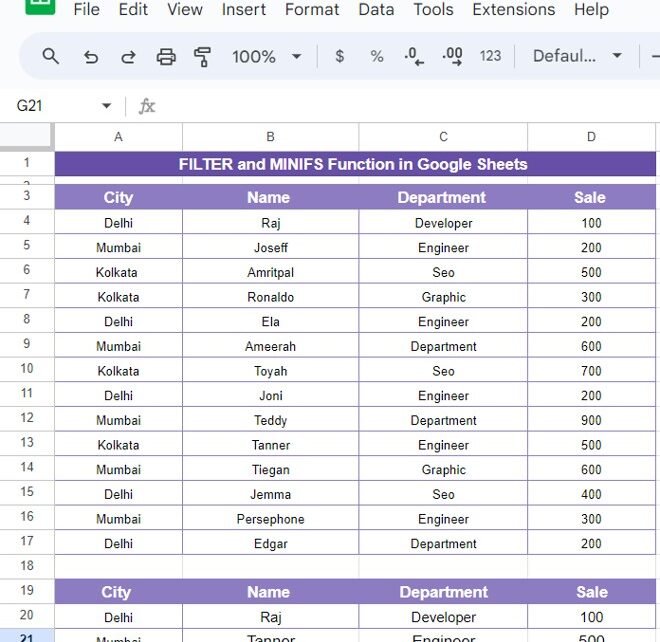
Do you want to filter your data based on specific criteria and find the minimum values in Google Sheets? You’re in the right place! In this post, we’ll explore how to use two powerful Google Sheets functions, FILTER and MINIFS Functions, together to streamline your data analysis. In our example, we’ll walk through the process […]
Google Sheets

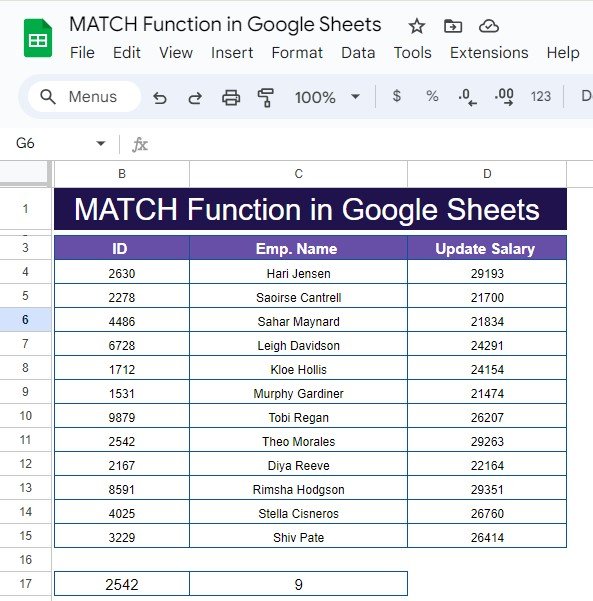
Mastering the MATCH Function in Google Sheets: A Step-by-Step Example

If you’ve been using Google Sheets and find yourself frequently searching for specific data, you’ll be glad to learn about the MATCH Function in Google Sheets . It’s a powerful tool that helps you quickly locate the position of a specific value within a range. But what makes it so special? Let’s dive into the […]

Google Sheets

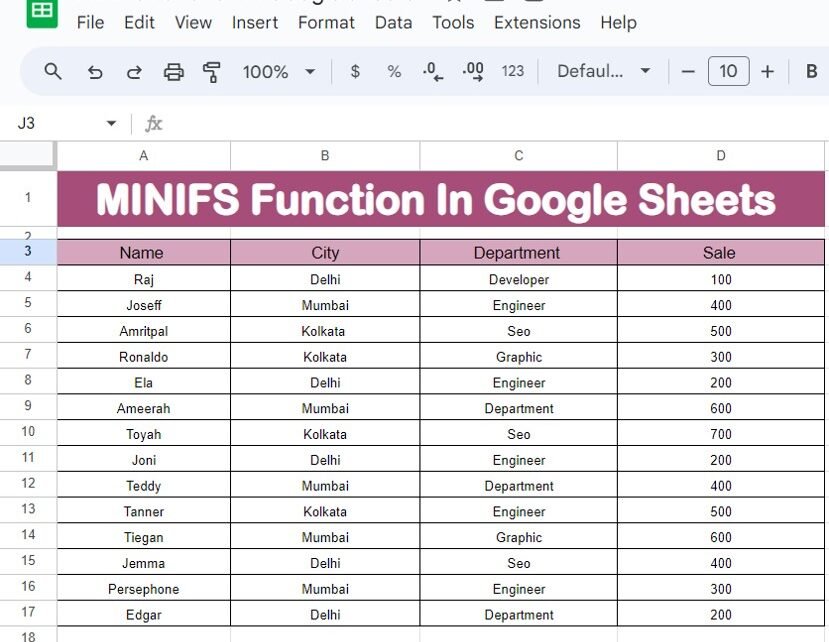
Mastering the MINIFS Function in Google Sheets: A Simple Example

If you’ve ever needed to find the minimum value in a dataset based on specific criteria, the MINIFS function in Google Sheets is here to make your life easier! Whether you’re analyzing sales data, project progress, or any other type of information, this function can help you quickly get the results you need. In this […]

Google Sheets

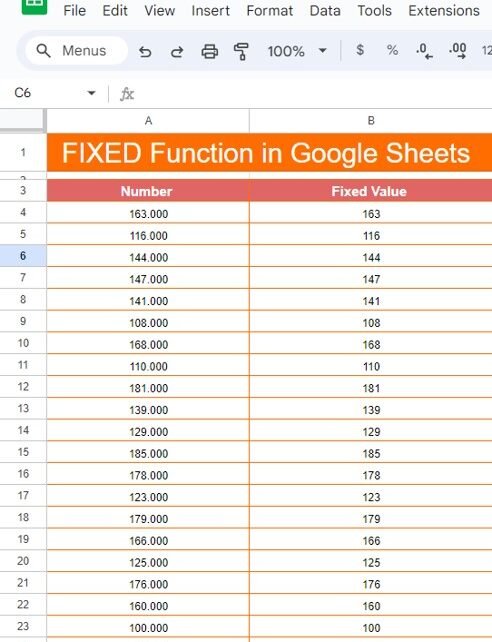
How to Use the FIXED Function in Google Sheets (With Example)

If you’ve ever needed to format numbers in Google Sheets, especially by removing decimal places or making the data look cleaner, then the FIXED Function in Google Sheets is exactly what you need. It helps you round numbers and present them in a simple, consistent format. In this post, we’ll walk you through how to […]

Google Sheets

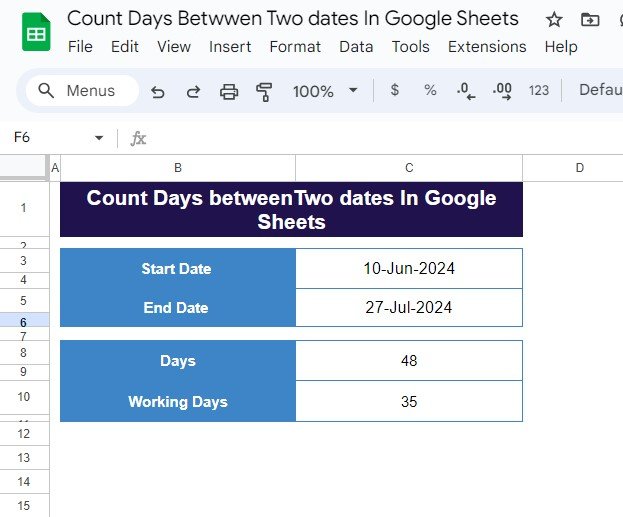
How to Count Days Between Two Dates in Google Sheets with an Example

Have you ever needed to Count Days Between Two Dates in Google Sheets in Google Sheets? Whether it’s for tracking project timelines, calculating age, or simply finding the number of working days between two dates, Google Sheets makes it incredibly easy. In this blog post, we’ll walk you through the step-by-step process to count the […]

Google Sheets

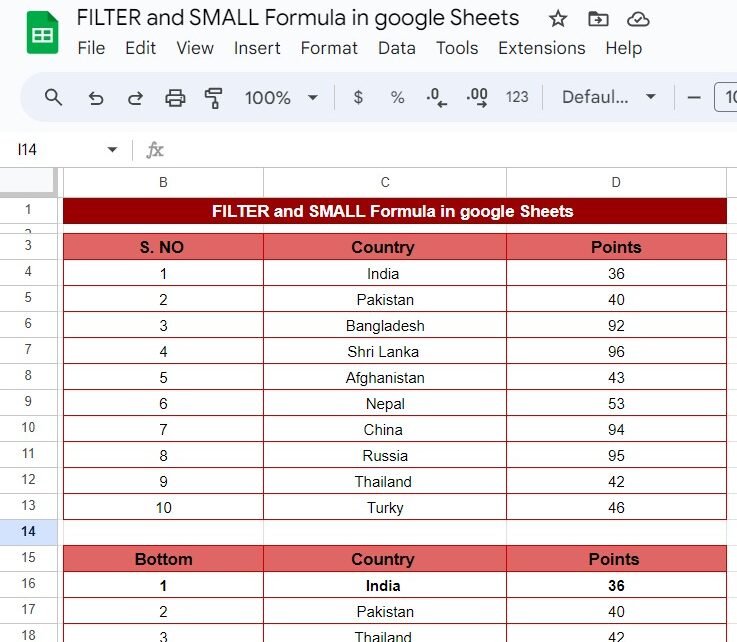
Mastering FILTER and SMALL Functions in Google Sheets: Easy Step-by-Step Example

Have you ever been stuck trying to find specific data in a large Google Sheets file? It can be a bit overwhelming, right? Well, you’re in luck! In today’s post, we’ll show you exactly how to use the FILTER and SMALL Functions in Google Sheets to make this task quick and easy. Don’t worry if […]

Google Sheets

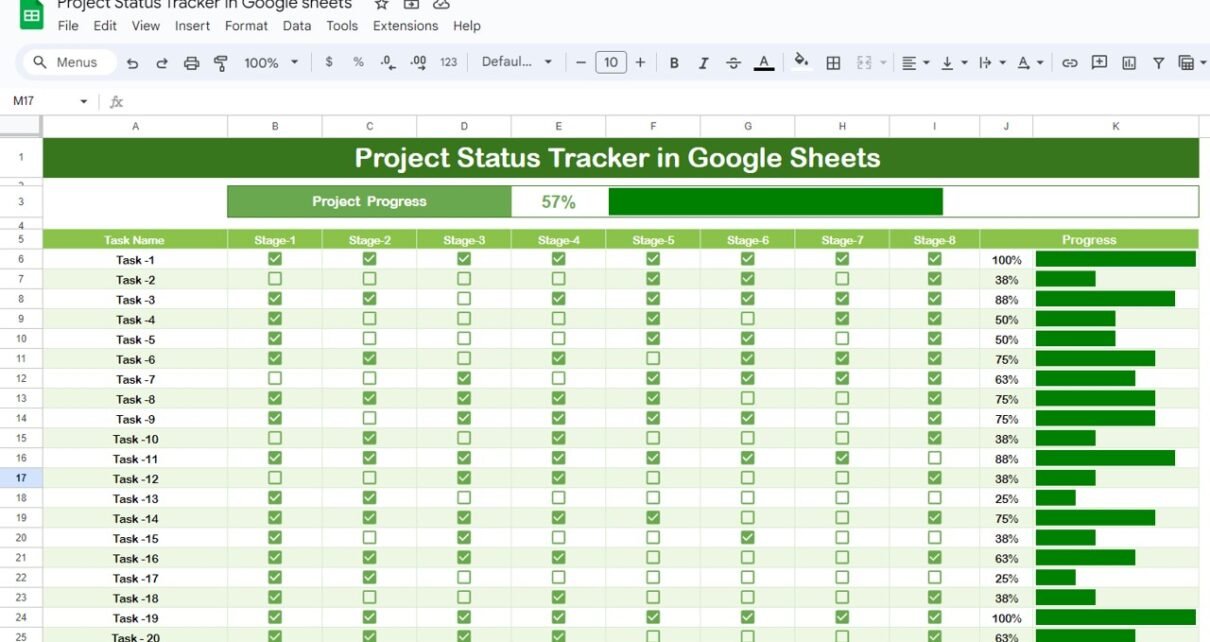
Mastering Project Management with a Project Status Tracker in Google Sheets

Let’s face it – managing multiple tasks, deadlines, and team members can feel overwhelming. That’s why having an easy-to-use Project Status Tracker can be a game changer. And here’s where Google Sheets comes in. Thanks to cloud-based tools like Google Sheets, tracking project progress has never been more accessible, efficient, or collaborative. Whether you’re managing […]

Google Sheets

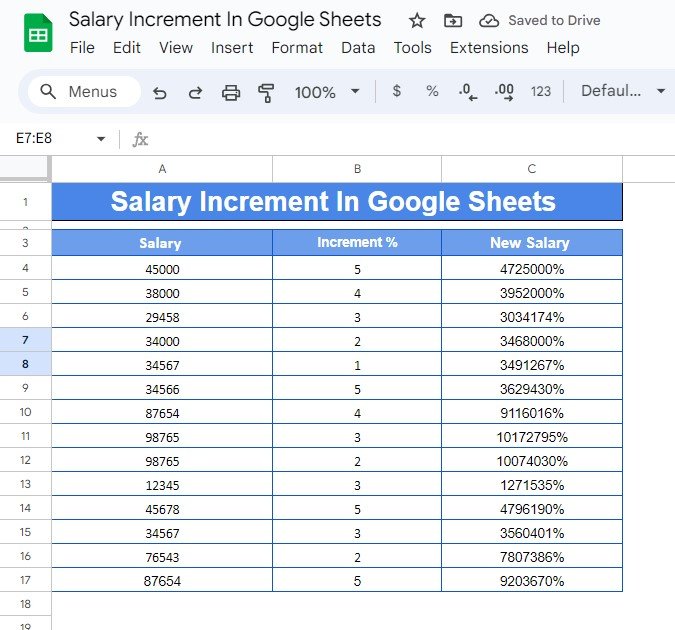
How to Calculate Salary Increment in Google Sheets (With Example)

Do you need to Calculate Salary Increment in Google Sheets quickly and accurately? Whether you’re managing a payroll, giving raises to employees, or simply want to track your own salary growth, Google Sheets offers a simple and effective way to calculate salary increments. In this guide, I’ll show you how to calculate salary increments in […]

Google Sheets

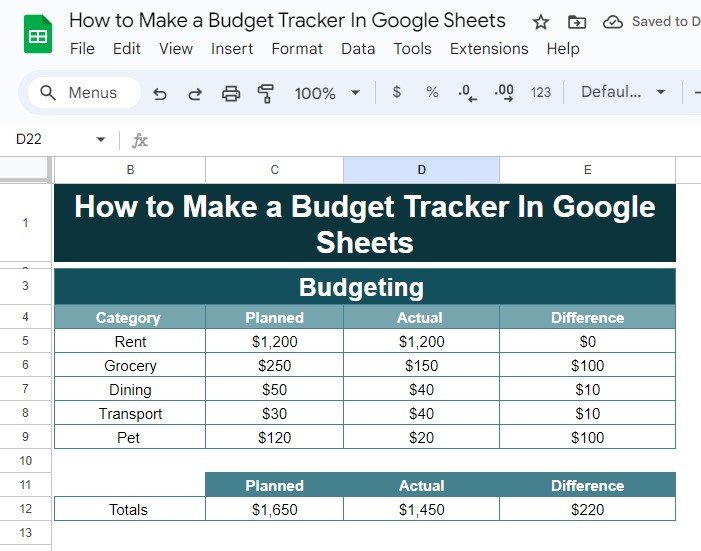
How to Make a Budget Tracker in Google Sheets: A Step-by-Step Guide with Example

Budgeting is one of the most essential tasks when it comes to managing your finances effectively. While there are many budgeting apps out there, creating your own personalized budget tracker in Google Sheets gives you flexibility and control over your expenses and savings. In this post, I’ll guide you through the process of making a […]