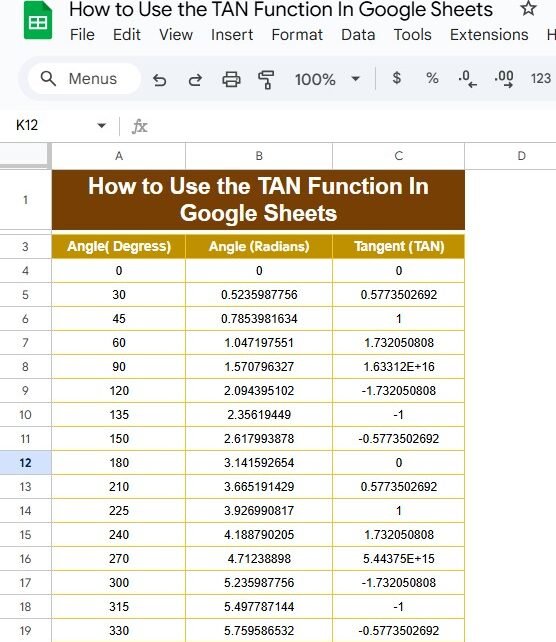
If you’ve ever found yourself tangled in trigonometry while using Google Sheets, you’re not alone! Today, we’re diving into the TAN function and how you can use it effectively. This blog post is inspired by our recent YouTube video, where we break down the process with practical examples. So, grab your spreadsheet, and let’s get […]
Tag: Google Sheets
Memory updated How to Create an Invoice in Google Sheets with Step-by-Step Example
Create an Invoice in Google Sheets might seem like a tedious task, but using Google Sheets makes it easy and efficient. In this post, I will walk you through the entire process of generating a simple invoice from scratch in Google Sheets. We will cover each step in detail, and by the end of this […]
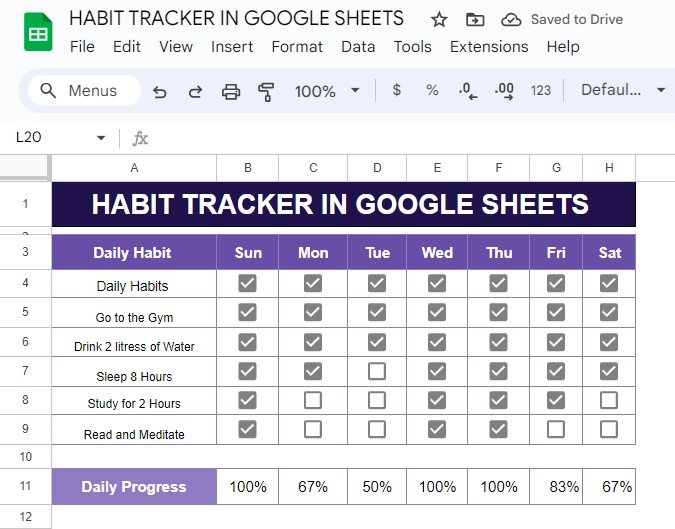
Master Your Habits with a Google Sheets Habit Tracker (Step-by-Step Guide)
Do you want to track your daily habits and see your progress in real time? A habit tracker in Google Sheets might just be the perfect tool for you! In this post, I’ll show you how to set up a habit tracker with an example that you can easily replicate. No matter what habits you […]
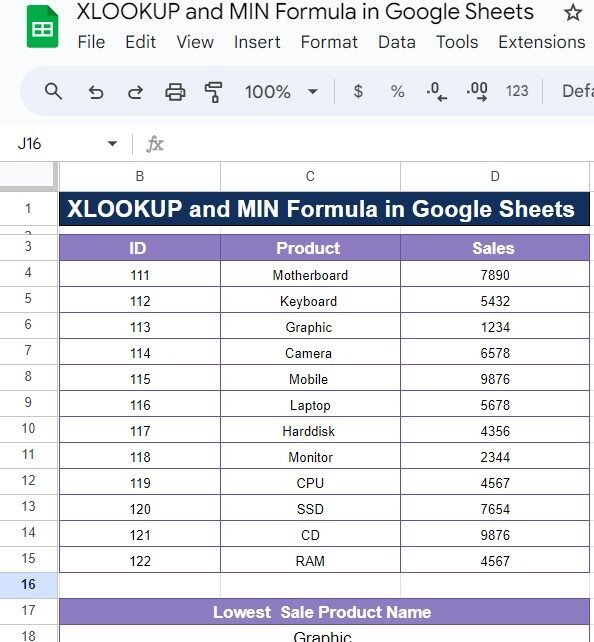
XLOOKUP and MIN Formula in Google Sheets: A Simple Guide with Example
If you’ve ever needed to find specific data, like the lowest sales figure from a dataset in Google Sheets, then you’re in for a treat! Today, we’ll explore how to combine the power of the XLOOKUP and MIN Formula to quickly and accurately retrieve valuable information. Don’t worry if you’re not familiar with these functions […]
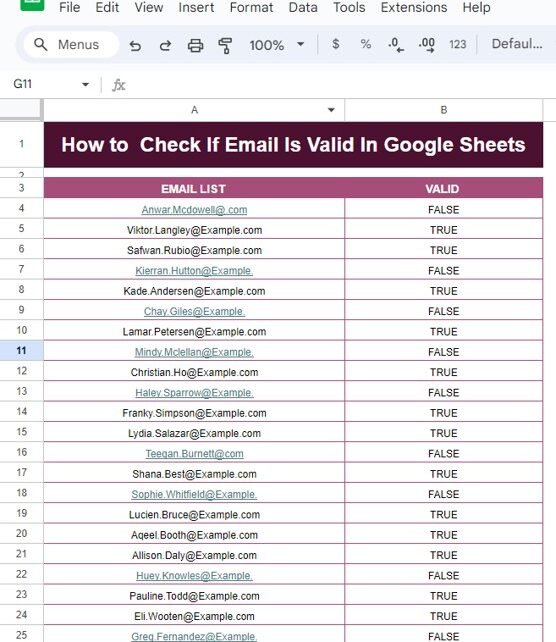
How to Check If Email Is Valid in Google Sheets – Step-by-Step Guide with Example
How to Check If Email Is Valid in Google Sheets In today’s digital age, emails are essential for communication, and having a valid email address is crucial for many processes. But how do you ensure that the email addresses you’re working with in your Google Sheets are valid? That’s where Google Sheets can come to […]
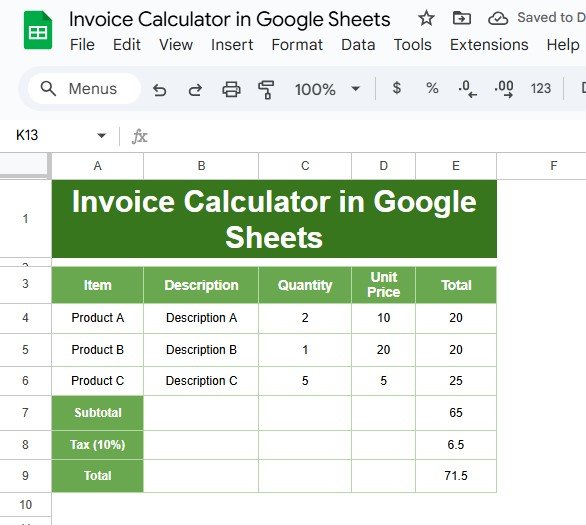
How to Create an Invoice Calculator in Google Sheets: A Step-by-Step Guide
Are you tired of dealing with messy invoices? If so, you’re in the right place! In this blog post, we’ll show you how to create an Invoice Calculator in Google Sheets using a simple example. By the end, you’ll have an easy-to-use tool that makes your invoicing process smooth and efficient. Why Choose Google Sheets […]
How to Easily Convert Numbers into Dates in Google Sheets
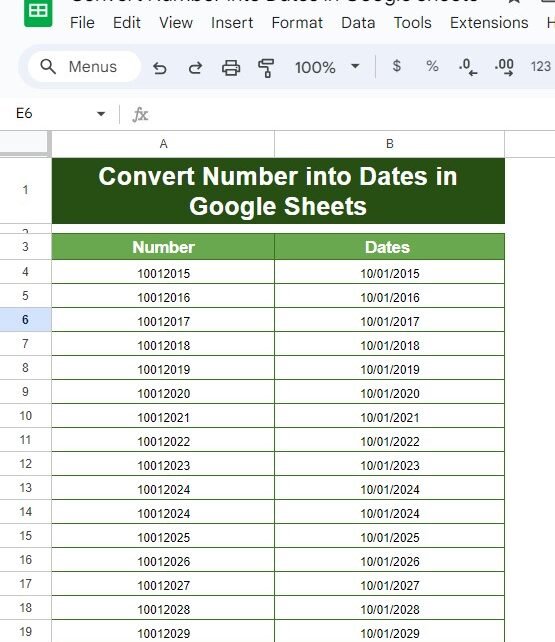
Convert Numbers into Dates Have you ever looked at a column of numbers in Google Sheets and thought, “These are supposed to be dates, but they don’t look right!”? Don’t worry—you’re not alone! This is a common issue, but luckily, there’s a quick and easy solution. In this blog post, I’ll show you how to […]
How to Find Working Hours of Employees and Calculate Totals in Attendance Sheets: A Practical Example
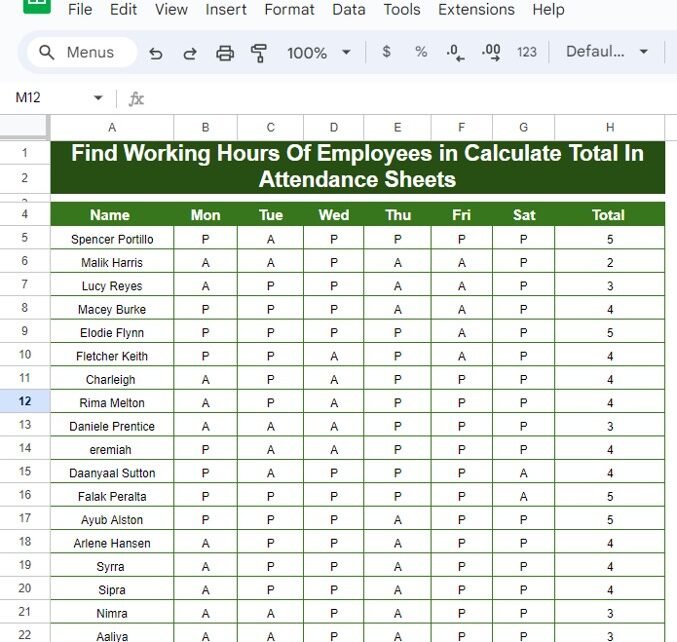
Managing employee attendance can be tricky, especially when you have to keep track of their working hours day by day. Thankfully, with Google Sheets, you can easily calculate the total working hours using the COUNTIF function, saving you tons of time and effort! In this guide, we’ll walk you through how to track attendance and […]
Risk Management Dashboard In Google Sheets
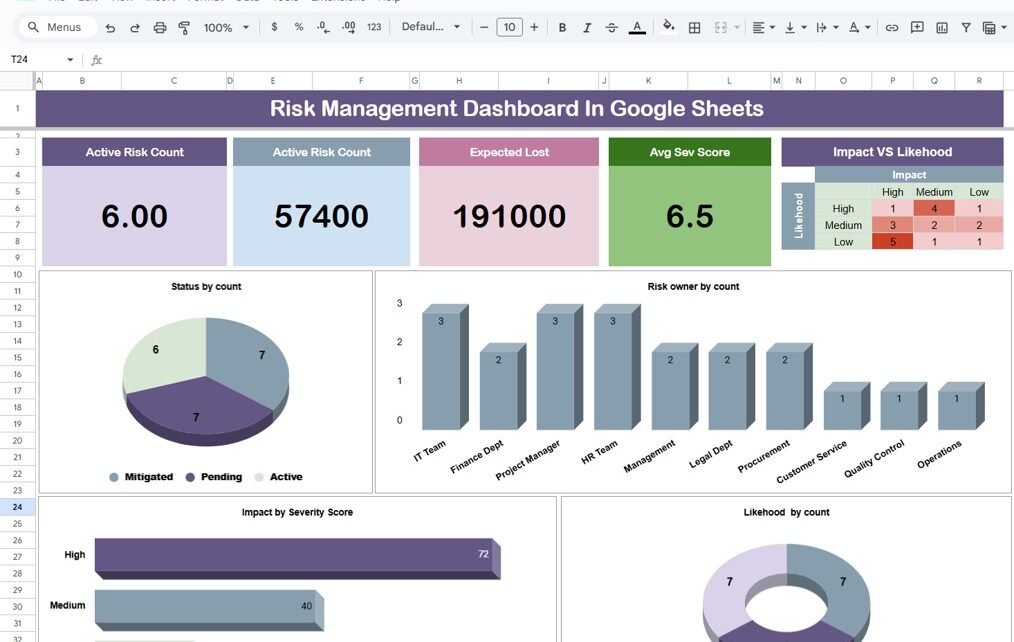
In today’s fast-paced business environment, managing risks is more important than ever. Whether you’re dealing with financial challenges, cybersecurity threats, or operational hurdles, it’s crucial to stay on top of potential risks. One of the best ways to do this is by using a Risk Management Dashboard. Even better? You can easily create one using […]
ACOS Function in Google Sheets
If you’ve ever worked with trigonometric functions in Google Sheets, you may have come across the ACOS function. This powerful tool calculates the inverse cosine (arccosine) of a given number, returning the angle in radians. You can even convert the result to degrees with another simple formula. In this post, we’ll show you exactly how […]