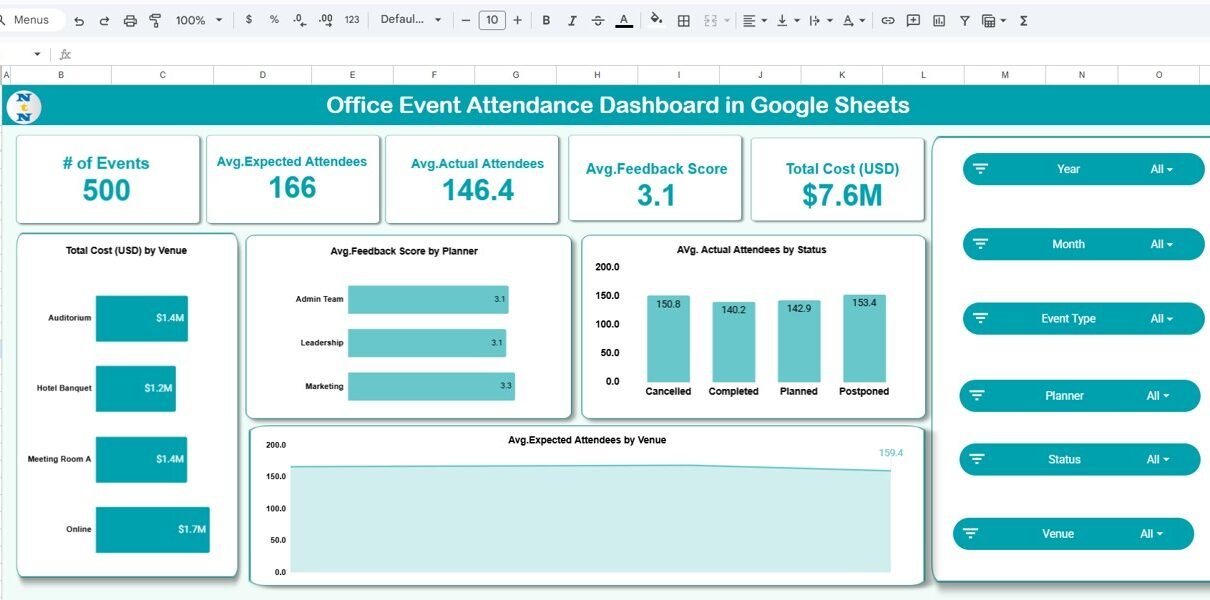
Managing office events without clear visibility into attendance, costs, and feedback often leads to budget overruns and low engagement. Spreadsheets filled with raw data rarely tell the full story. That is why an Office Event Attendance Dashboard in Google Sheets becomes an essential tool for HR teams, admin teams, and event planners.Office Event Attendance Dashboard […]
Tag: Productivity Tools
Team Performance Dashboard in Google Sheets
Managing a team becomes easier when you track tasks, hours, progress, performance, and workload in one place. When this information remains scattered across multiple sheets, managers struggle to take clear decisions. Therefore, you need a simple and powerful tool that shows true productivity in real time. A Team Performance Dashboard in Google Sheets solves this […]
Team Meeting Minutes Tracker in Google Sheets
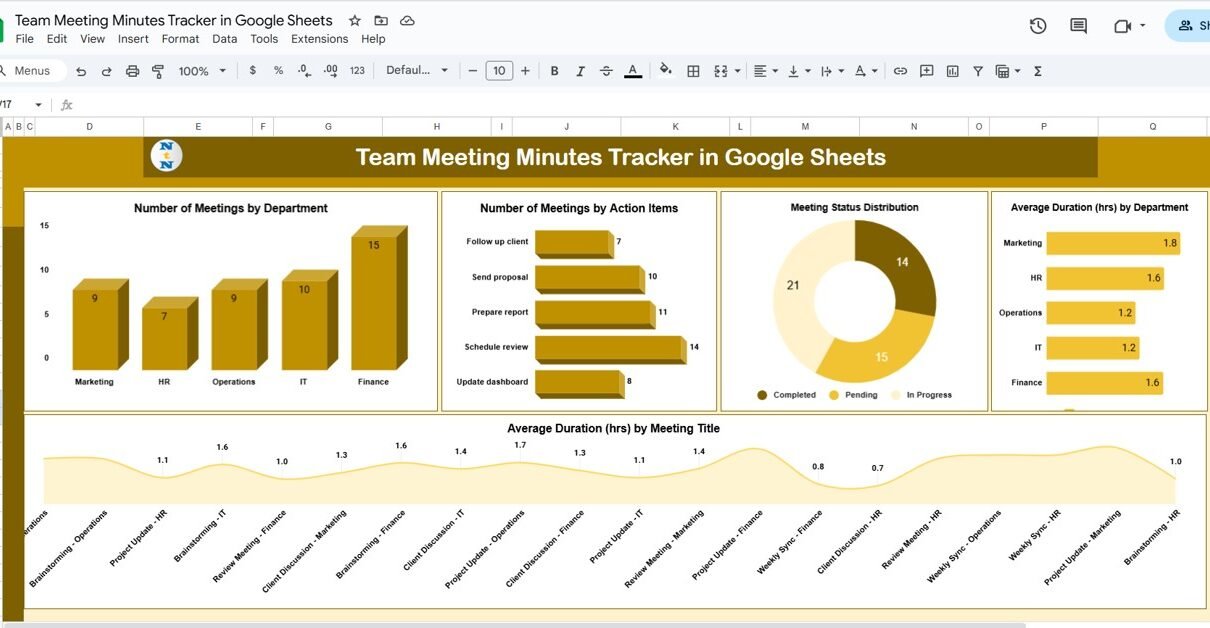
Managing meeting records, action items, and follow-ups can be time-consuming without an organized system. The Team Meeting Minutes Tracker in Google Sheets is a ready-to-use, data-driven solution that helps teams capture meeting outcomes, assign responsibilities, and monitor progress effortlessly. In this article, we’ll explore the features, benefits, and best practices of this Google Sheets tracker […]
Weekly Reflection Schedule Checklist in Google Sheets
Staying organized and consistent in personal or professional life often depends on self-reflection. Weekly reflection is a powerful practice that allows you to pause, evaluate your activities, celebrate achievements, and identify areas for improvement. However, without a structured system, this practice may become inconsistent or even forgotten. A Weekly Reflection Schedule Checklist in Google Sheets […]
MS Word Shortcut Keys to Create Emojis, Arrow and Horizontal lines
Microsoft Word, a cornerstone of daily document creation, extends beyond mere text entry. This article unveils the simplicity behind using Learn to use MS Word shortcut keys for emojis, arrows, and lines to enhance your documents efficiently and effectively. in MS Word to enhance your documents with emojis, arrows, and various lines, transforming your document […]
6 Easy steps to Dynamic Calendar in Google Sheet
Hey there! Did you know that Google Sheets is more than just a spreadsheet tool? It’s also fantastic for creating dynamic Calendar in Google Sheet. Whether you’re juggling personal appointments, managing work schedules, or planning events, a custom calendar can really boost your organizational skills. Let’s dive into how you can set up your very […]
How to use Copilot in Windows 11
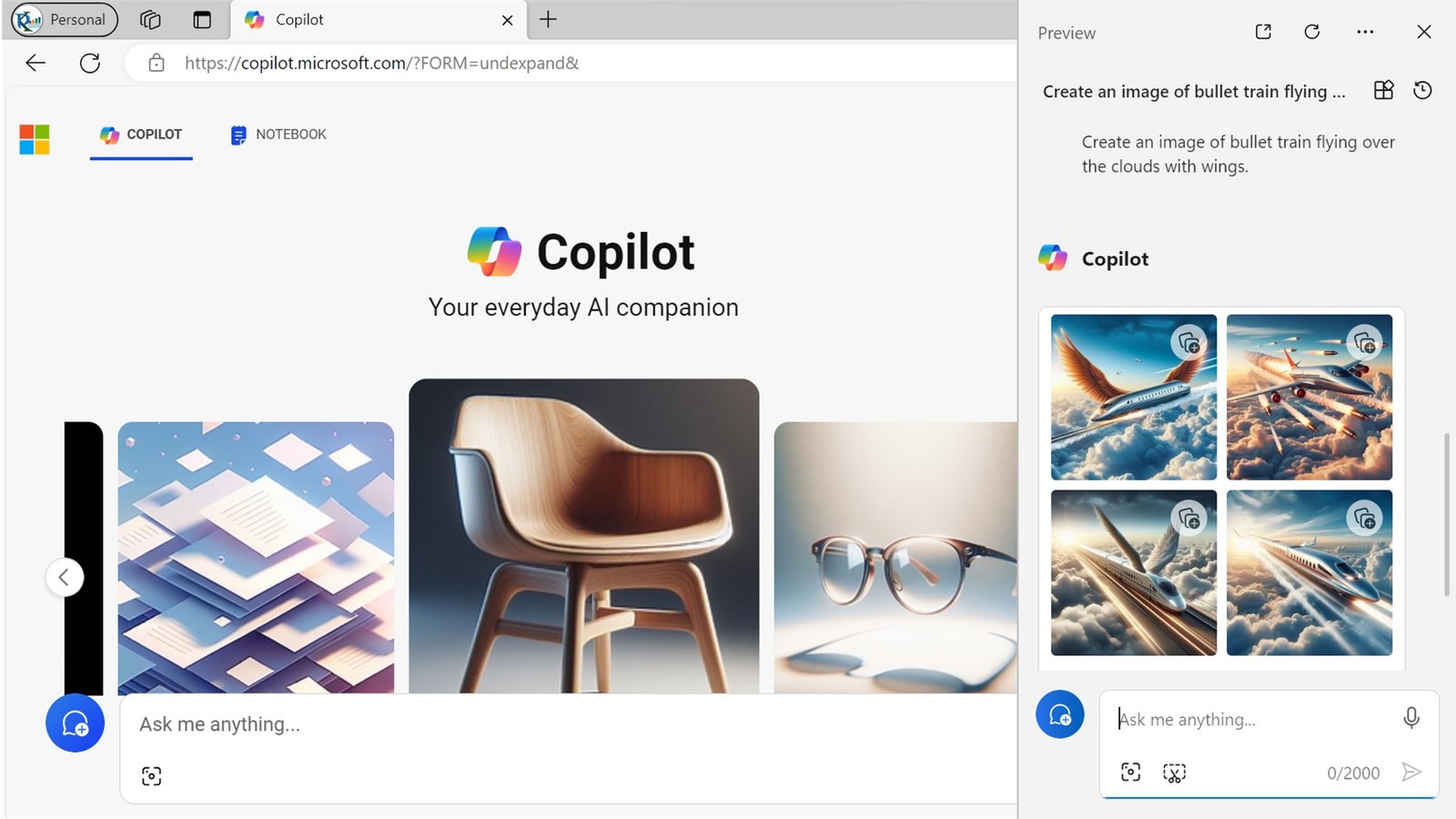
Introduction Microsoft Copilot is an exciting new AI based feature. It is available with the Windows 11 23H2 update. It’s like your personal assistant. It can assist you with tasks, answers your questions, and enhances your productivity. In this article we will explain you how to use copilot in windows 11. Let’s dive into what […]