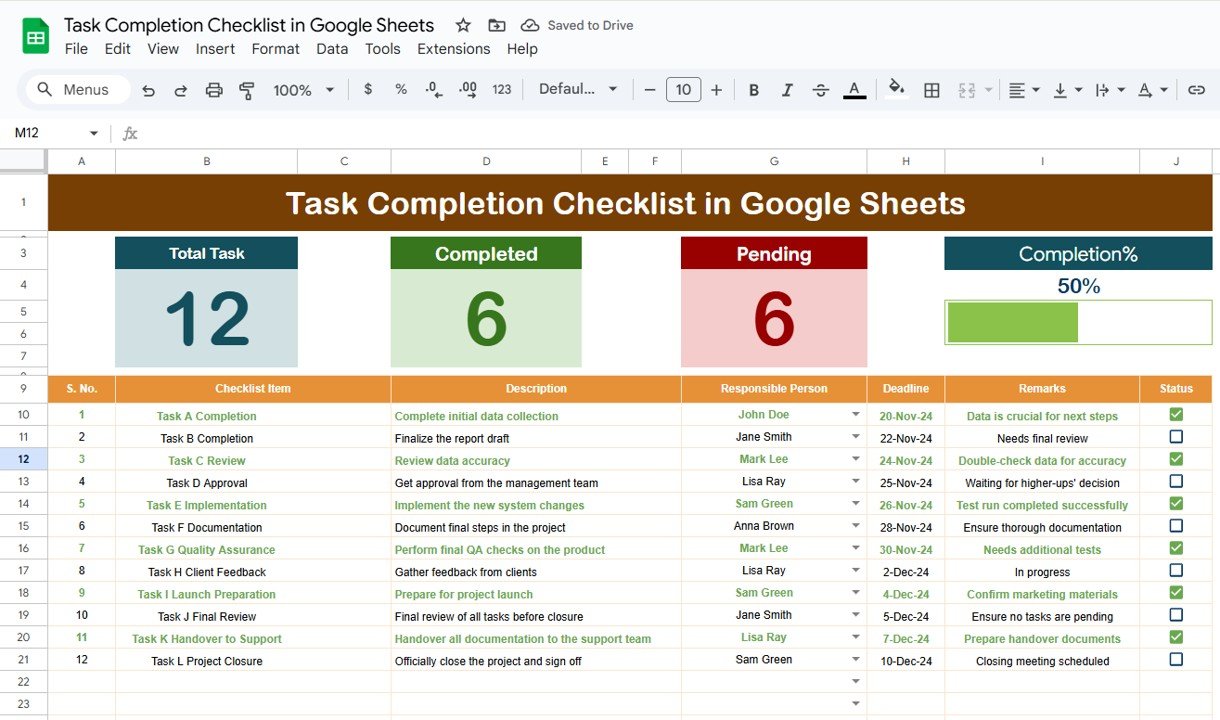
Staying organized is key to successfully completing any project, and when you’re managing multiple tasks, having an efficient system becomes even more essential. A Task Completion Checklist in Google Sheets can be a game-changer when it comes to keeping track of tasks, assigning responsibilities, and monitoring progress. With the help of a simple yet powerful […]
Tag: Google Sheets
Daily Work Schedule Checklist in Google Sheets
Managing daily tasks and responsibilities can be overwhelming, especially when juggling multiple projects and deadlines. A well-structured Daily Work Schedule Checklist can help individuals and teams stay organized, prioritize tasks, and track progress efficiently. By using Google Sheets, this checklist becomes a versatile and easily accessible tool for organizing your daily work. In this article, […]
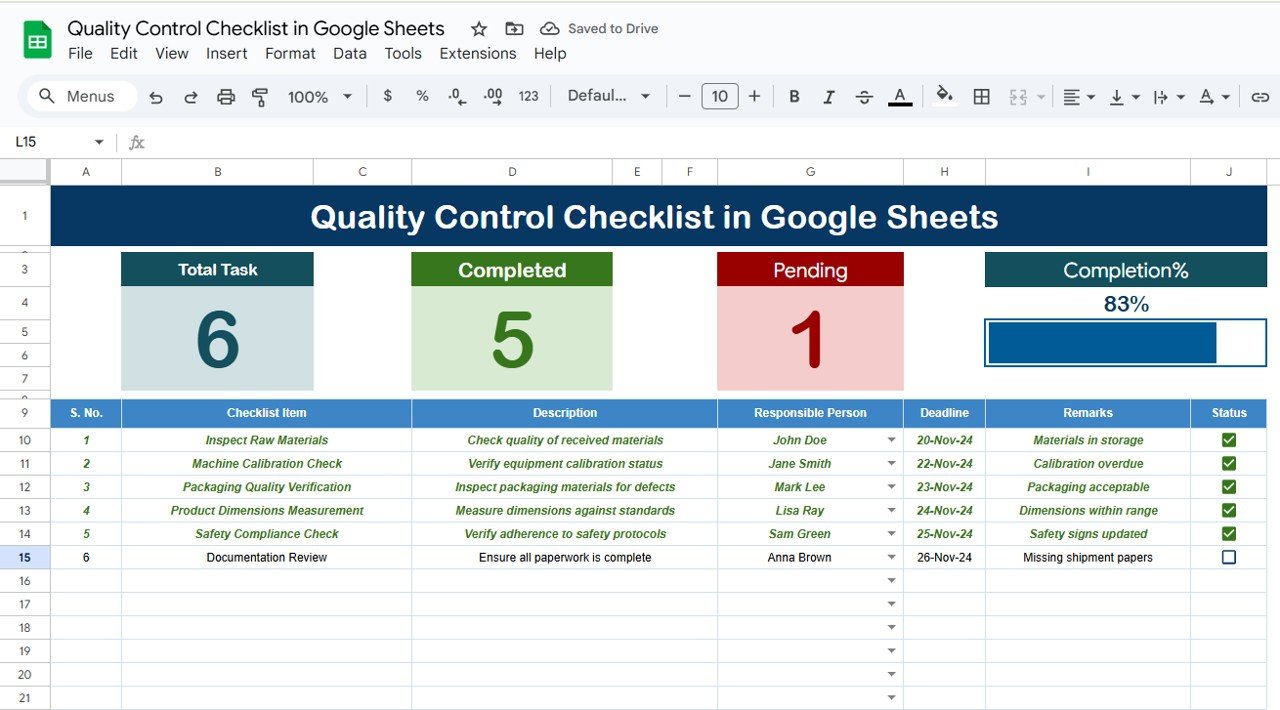
Quality Control Checklist in Google Sheets
In today’s fast-paced world, maintaining consistency and high standards is paramount in any business. Quality control plays a significant role in ensuring that your products, services, or processes meet the desired standards. With the increasing reliance on digital tools, Google Sheets has become an essential platform for managing various tasks, including quality control checklists. In […]
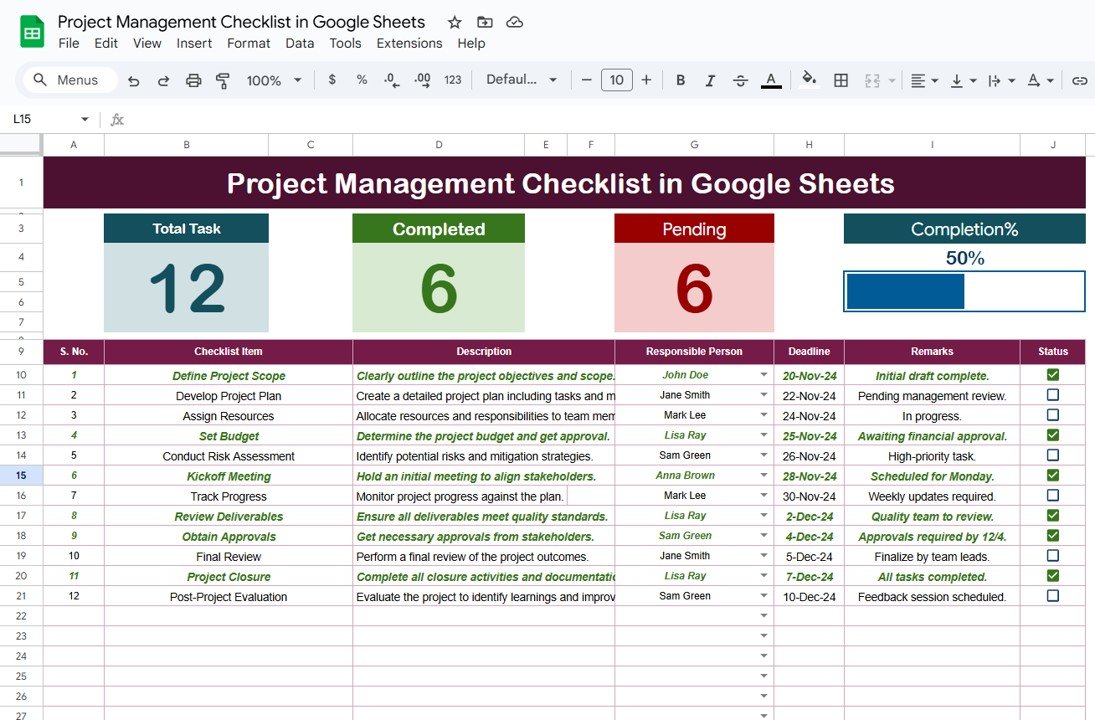
Project Management Checklist in Google Sheets
Project management is the backbone of any successful business or team. Whether you’re managing a small project or a large-scale endeavor, staying organized is crucial to ensure everything runs smoothly. A Project Management Checklist in Google Sheets is a powerful tool that helps streamline project tasks, track progress, and ensure deadlines are met. In this […]
How to Use Google Sheets for Event Planning and Budget Tracking
Event planning can be a complex and time-consuming process, but with the right tools, it can become a streamlined and organized endeavor. Google Sheets, a free, accessible tool, can be an invaluable resource for planning events and tracking the associated budgets. In this detailed guide, we’ll walk you through how to use Google Sheets effectively […]
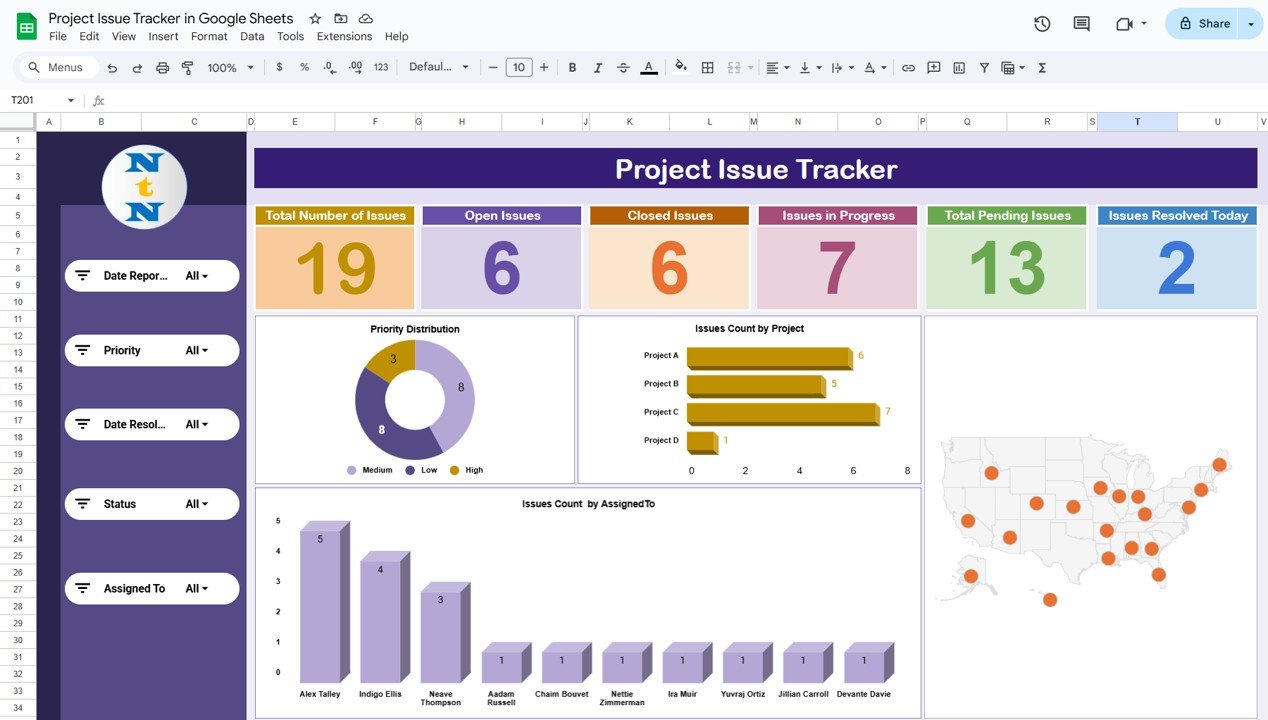
Project Issue Tracker in Google Sheets
Managing issues effectively is a crucial part of any project’s success. To streamline this process, a Project Issue Tracker helps teams track and resolve issues in a structured way. In this article, we’ll show you how to create a fully-functional Project Issue Tracker in Google Sheets that is easy to use and can be customized […]
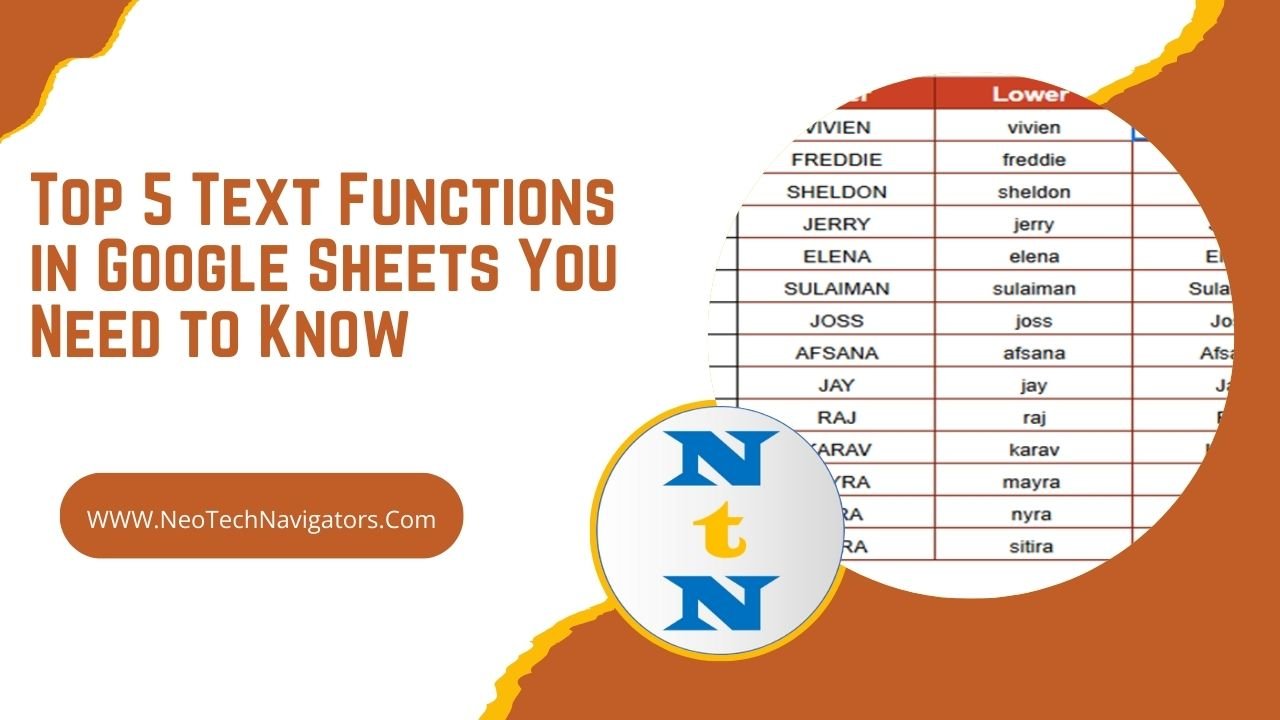
Top 5 Text Functions in Google Sheets You Need to Know
Google Sheets is not just for numbers—it’s also a powerful tool for working with text. Whether you’re cleaning up data, formatting text, or performing analysis on string values, Google Sheets offers a wide range of text functions to help. In this blog post, we’ll dive into the top 5 text functions in Google Sheets that […]
How to Use the RANK Function in Google Sheets: A Comprehensive Guide
Google Sheets is a powerful tool that can help you organize, analyze, and visualize data. One of its most useful functions is the RANK function, which allows you to rank numbers in a dataset based on their values. Whether you’re organizing sales data, ranking students based on their scores, or determining the top performers in […]
Transform Your Productivity: 7 Google Sheets Hacks That Save Hours
Google Sheets is more than just a spreadsheet tool—it’s a game-changer for productivity. Whether you’re crunching numbers, organizing data, or collaborating with your team, Google Sheets hacks offers powerful features that can save you hours. In this article, we’ll explore 7 must-know hacks that will transform the way you work. Let’s dive in!Google Sheets hacks […]
9 Life-Changing Google Sheets Tricks You Must Try Today
Google Sheets is more than just a spreadsheet tool—it’s a productivity powerhouse. Mastering these 9 life-changing tricks will save you time, automate tasks, and improve data management. Let’s dive in! Google Sheets tricks Use GOOGLETRANSLATE to Instantly Translate Text in Google Sheets tricks Forget copy-pasting into Google Translate—translate directly in Sheets! Example: Translate “Hello” from […]