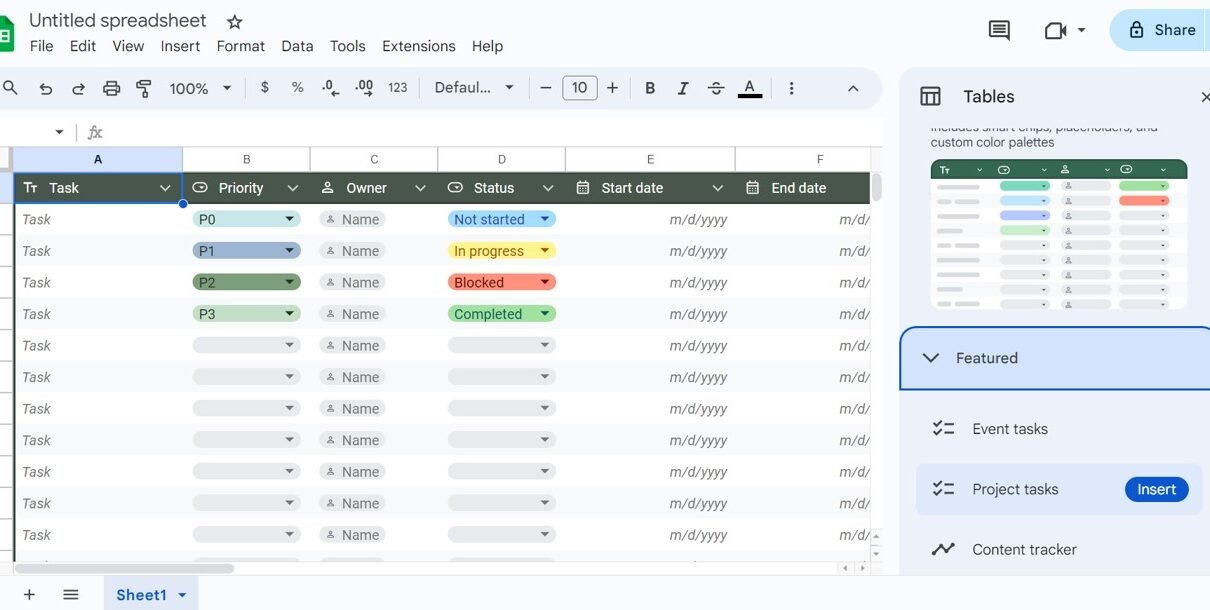
A step-by-step guide to Tables in Google Sheets: insert ready-made tables, set column types, convert a range, change colours, save group-by and filter views, rename tables and use table references like =SUM(Sales_Data[Sales]) in formulas.
Online Tutorial for Data Analysis and Automation
A step-by-step guide to Tables in Google Sheets: insert ready-made tables, set column types, convert a range, change colours, save group-by and filter views, rename tables and use table references like =SUM(Sales_Data[Sales]) in formulas.