Google Sheets

Memory updated Mastering the DATEDIF Function in Google Sheets:

Have you ever needed to calculate the difference between two dates in Google Sheets but weren’t sure how? If so, you’re in the right place! In this blog post, we’ll dive into the DATEDIF Function in Google Sheets, a powerful tool that can help you easily calculate the difference between dates in days, months, or […]

Google Sheets

How to Use the EXACT Function in Google Sheets

If you’re working with text data in Google Sheets, you might sometimes need to compare two text strings to see if they are exactly the same. But how can you do this efficiently? The EXACT function is your answer! In this blog post, we’ll dive into how to use the EXACT function in Google Sheets, […]

Google Sheets

INDEX Function in Google Sheets: Your Easy Guide

Hello there! If you’re eager to enhance your Google Sheets skills and streamline your data handling, you’re in the right spot. Today, we’re diving into the INDEX Function in Google Sheets—a fantastic tool that will make your data tasks smoother and more efficient. Let’s break it down together in a way that’s easy to grasp […]

Google Sheets

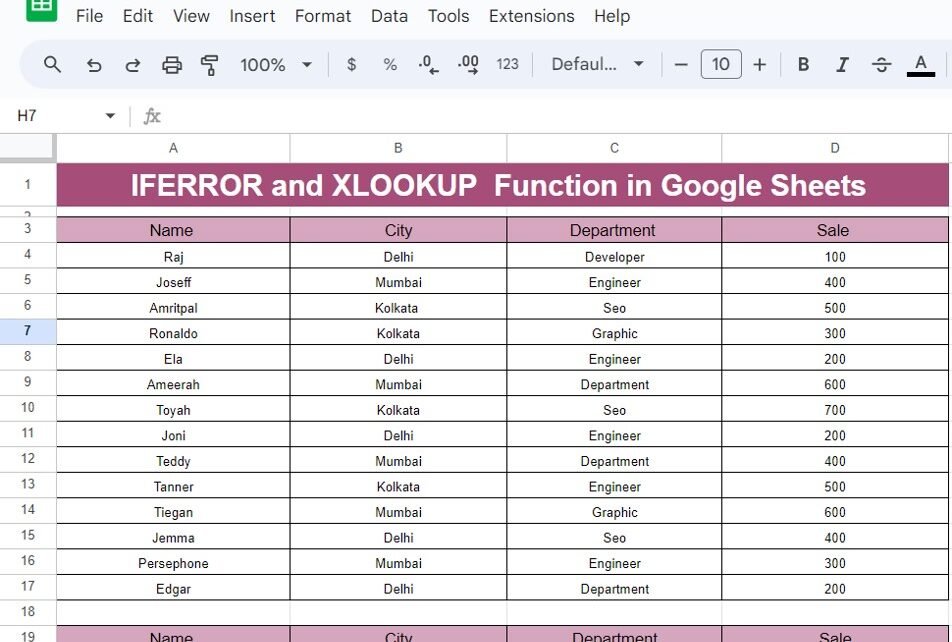
Mastering the IFERROR and XLOOKUP Function in Google Sheets

In this blog post, we’re diving into two of the most useful and efficient functions in Google Sheets: IFERROR and XLOOKUP Function. If you’ve ever worked with data, especially large sets of it, you’ve probably encountered errors or had trouble looking up specific information. Well, today, we’re going to tackle these common issues with the […]

Google Sheets

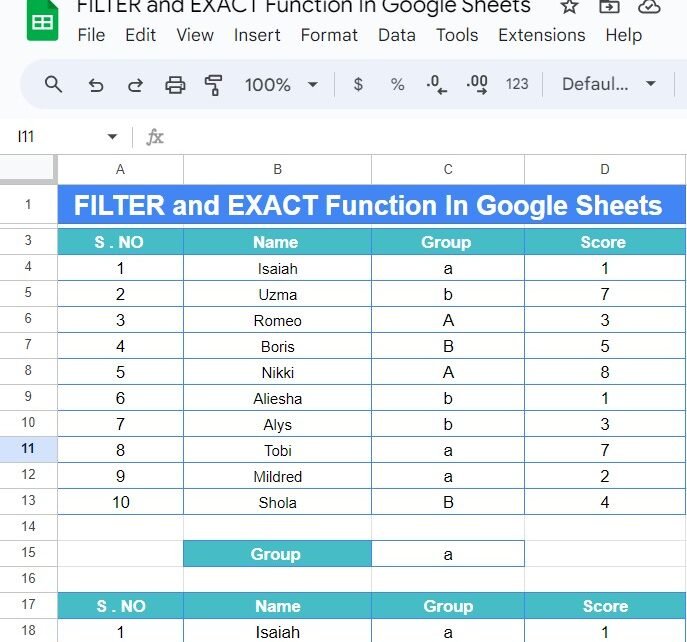
How to Use FILTER and EXACT Functions in Google Sheets with Example

If you’re working with a large dataset in Google Sheets and need to filter specific results, especially when exact matching is essential, the combination of the FILTER and EXACT functions is incredibly powerful. In this blog post, we’ll break down how to use these functions step-by-step in an example so you can start applying them […]

Google Sheets

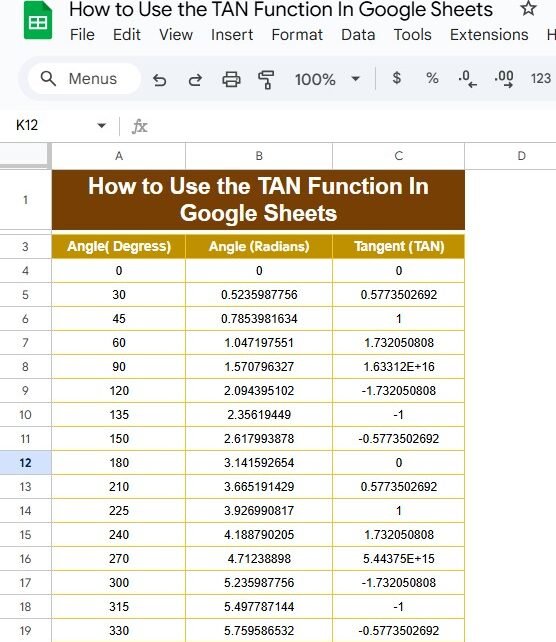
How to Use the TAN Function in Google Sheets: A Step-by-Step Guide

If you’ve ever found yourself tangled in trigonometry while using Google Sheets, you’re not alone! Today, we’re diving into the TAN function and how you can use it effectively. This blog post is inspired by our recent YouTube video, where we break down the process with practical examples. So, grab your spreadsheet, and let’s get […]

Google Sheets

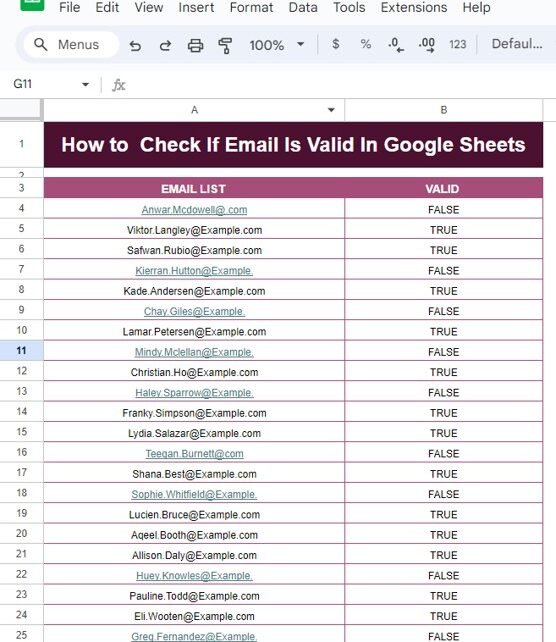
How to Check If Email Is Valid in Google Sheets – Step-by-Step Guide with Example

How to Check If Email Is Valid in Google Sheets In today’s digital age, emails are essential for communication, and having a valid email address is crucial for many processes. But how do you ensure that the email addresses you’re working with in your Google Sheets are valid? That’s where Google Sheets can come to […]

Google Sheets

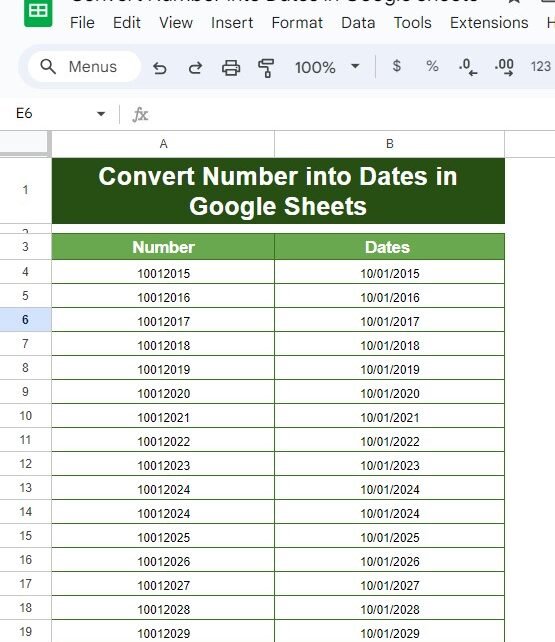
How to Easily Convert Numbers into Dates in Google Sheets

Convert Numbers into Dates Have you ever looked at a column of numbers in Google Sheets and thought, “These are supposed to be dates, but they don’t look right!”? Don’t worry—you’re not alone! This is a common issue, but luckily, there’s a quick and easy solution. In this blog post, I’ll show you how to […]

Google Sheets

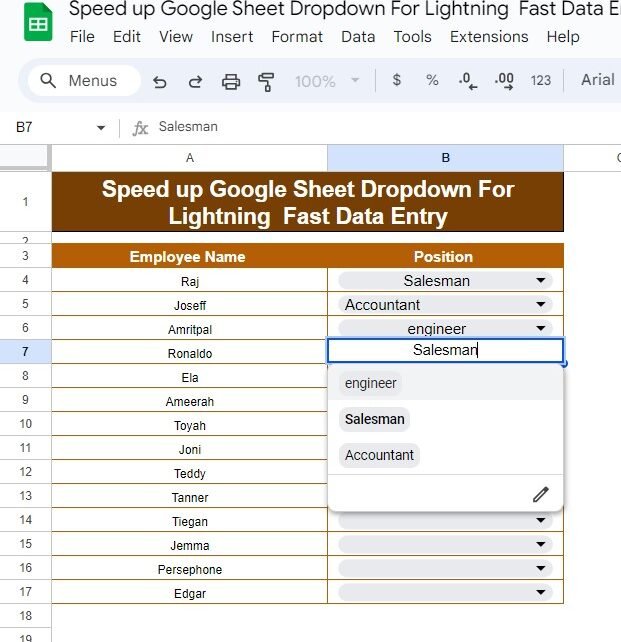
How to Speed Up Google Sheets Dropdowns for Lightning-Fast Data Entry

Before we get into the details, let’s talk about why Speed Up Google Sheets Dropdowns are such a game-changer. Imagine you have a list of employees and their positions, and you’re tired of typing the same positions over and over again. Wouldn’t it be nice if you could just click a dropdown and select the […]

Google Sheets

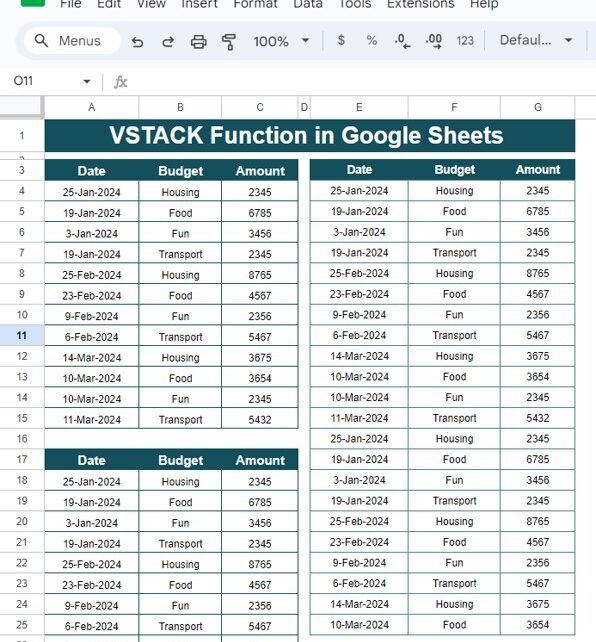
How to Use the VSTACK Function in Google Sheets: A Step-by-Step Example

Are you looking for a way to combine multiple data sets in Google Sheets effortlessly? The VSTACK function might be just what you need! In this post, we’ll walk you through how to use the VSTACK function in Google Sheets using an easy-to-follow example. Whether you’re new to Google Sheets or already have some experience, […]