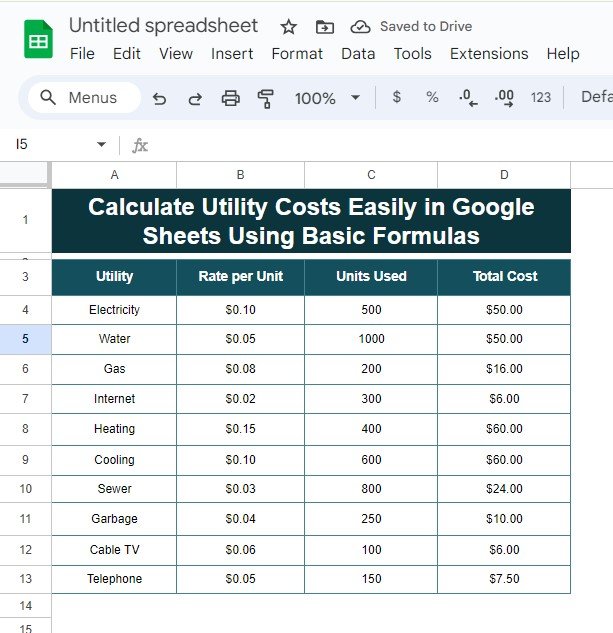
Are you looking for a super easy way to manage your calculate utility costs? You’re in the right place! In this blog post, I’ll show you how to use Google Sheets to calculate your utility expenses quickly using simple formulas. Whether it’s for electricity, water, or gas, you’ll learn how to calculate costs with just […]
Tag: Spreadsheet Tips
5 Easy Methods to Remove Duplicates in Google Sheets (With Examples!)
remove duplicates in Google Sheets is essential when you’re working with large data sets. Whether you’re handling customer lists, sales data, or inventory sheets, duplicated values can distort your results. In this blog post, I’ll walk you through five simple methods to remove duplicates, all of which are easy to use and highly effective! Why […]
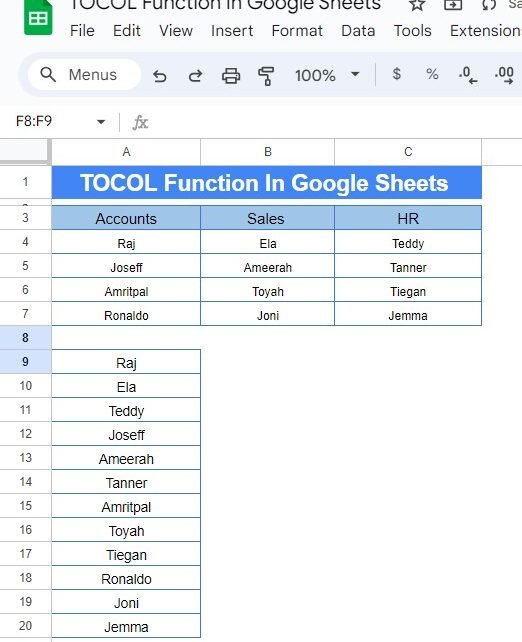
Memory updated How to Use the TOCOL Function in Google Sheets: A Step-by-Step Example
If you’ve ever had to reorganize data in Google Sheets, you know how tedious it can be to copy and paste data into a different format. But what if there was an easy way to take data from multiple columns and turn it into one single column? Well, there is! It’s called the TOCOL Function […]
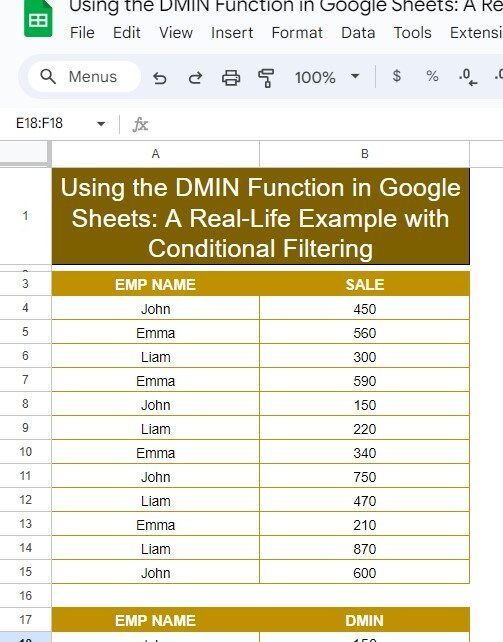
Using the DMIN Function in Google Sheets: A Real-Life Example with Conditional Filtering
Google Sheets offers a wide range of powerful functions that make data analysis simple and efficient. One of these is the DMIN Function in Google Sheets, which allows you to find the minimum value from a set of data that meets specific criteria. If you’re working with a large dataset and want to extract the […]
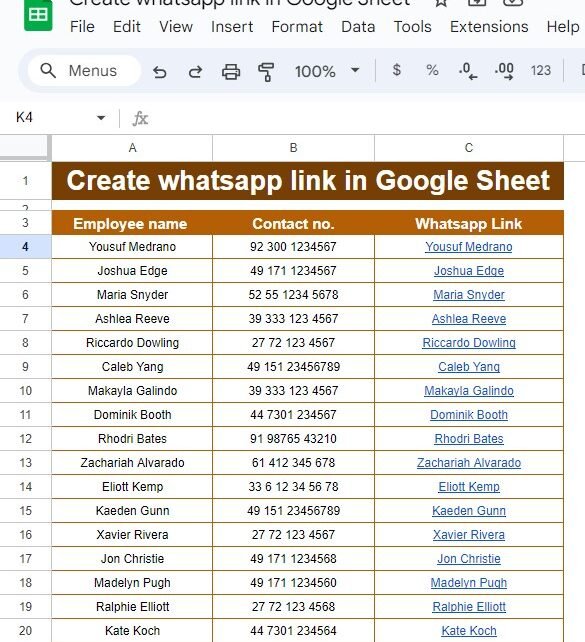
How to Easily Create WhatsApp Links in Google Sheets – A Step-by-Step Guide
Have you ever wanted to quickly send a WhatsApp message to someone, but had to go through the trouble of manually typing their number? Well, guess what? There’s a much easier way! In this guide, I’ll show you how to Create WhatsApp Links in Google Sheets, making communication with your contacts faster and more efficient. […]
How to Use FILTER and LARGE Formula in Google Sheets:
If you’re looking to analyze data in Google Sheets with precision and efficiency, you’ve come to the right place! In this blog post, we’re going to break down how to use the FILTER and LARGE functions together. By the end of this post, you’ll know exactly how to filter data based on top or bottom […]
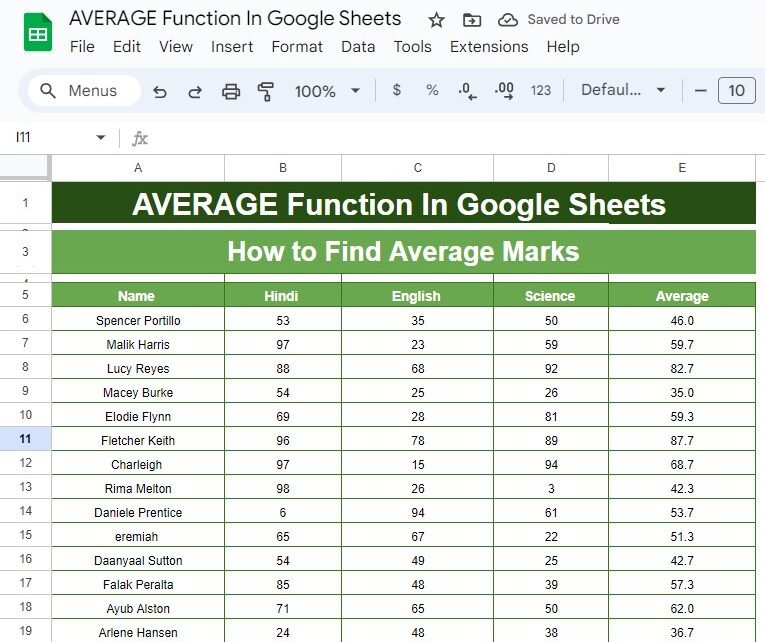
Master the AVERAGE Function in Google Sheets: A Step-by-Step Example
Google Sheets has an abundance of functions that can simplify calculations, and one of the most commonly used is the AVERAGE Function in Google Sheets. Whether you’re a student, teacher, or a professional dealing with numbers, learning how to calculate the average can help you analyze data faster and more accurately. Today, we’ll dive deep […]
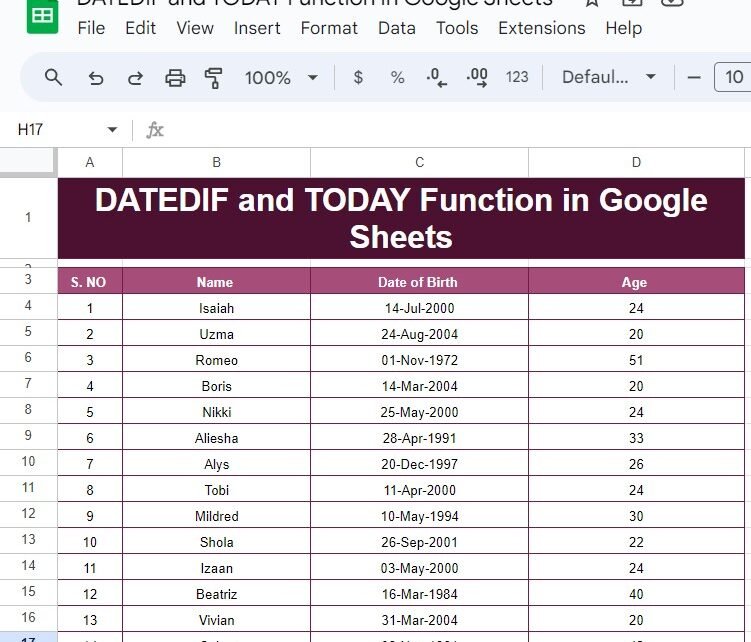
How to Use the DATEDIF and TODAY Functions in Google Sheets with Example
f you’ve ever needed to calculate someone’s age or figure out the difference between two dates, Google Sheets makes it incredibly easy with the DATEDIF and TODAY functions. These two functions, when combined, can help you dynamically calculate ages, durations, or any other date-based differences without manually updating the values. In this blog post, we’ll […]
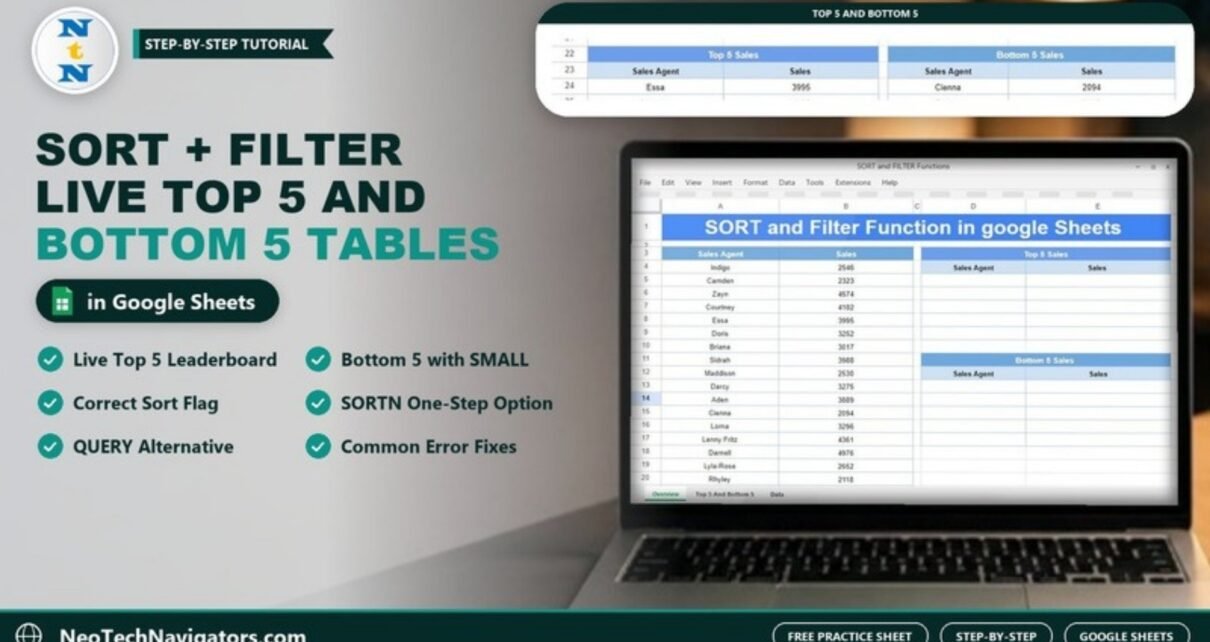
SORT and FILTER Functions in Google Sheets with an Example
Build live Top 5 and Bottom 5 tables with the SORT and FILTER functions in Google Sheets. Worked example with 17 sales agents, the correct sort flag, SORTN and QUERY alternatives, and fixes for common errors.
IF and UNICHAR Function in Google Sheets: Add Trophy Symbols Automatically
Combine the IF and UNICHAR functions in Google Sheets to show a trophy, tick or star next to rows that meet a condition. Worked example with 17 students, symbol codes, variations and fixes for common errors.