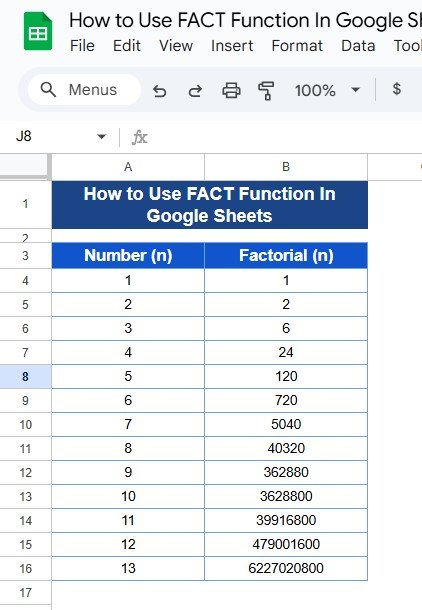
If you’ve ever wondered how to calculate the factorial of a number without doing all the multiplication yourself, you’re in the right place! In Google Sheets, the FACT Function in Google Sheets can do the heavy lifting for you, especially if you’re dealing with factorials for probabilities, statistics, or even math assignments. Don’t worry—this guide […]
Author: PK
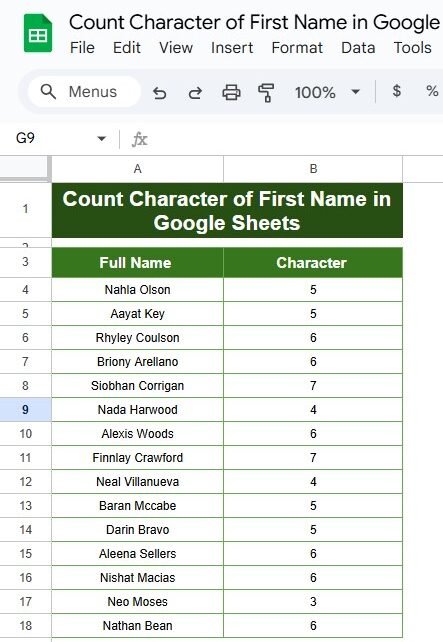
Count the Characters of First Names in Google Sheets: A Quick Guide with Examples
Ever wanted to count just the characters in the first names of a list in Google Sheets? Maybe you’re working with a dataset and need to quickly identify how long each first name is. Well, you’re in the right place! In this blog post, we’ll show you a simple way to count the characters of […]
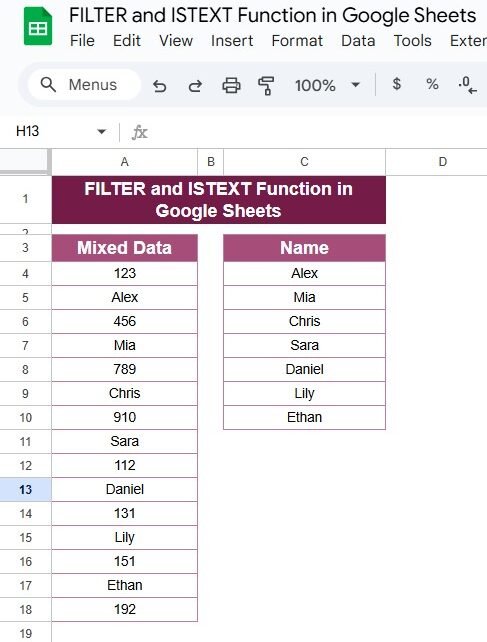
How to Use the FILTER and ISTEXT Functions in Google Sheets with Example
Are you looking to make sense of a mixed dataset in Google Sheets? Maybe you have a list that contains both numbers and names, and you want to filter out only the text entries. Well, you’re in the right place! Today, I’ll show you a super easy way to do this using two powerful functions: […]
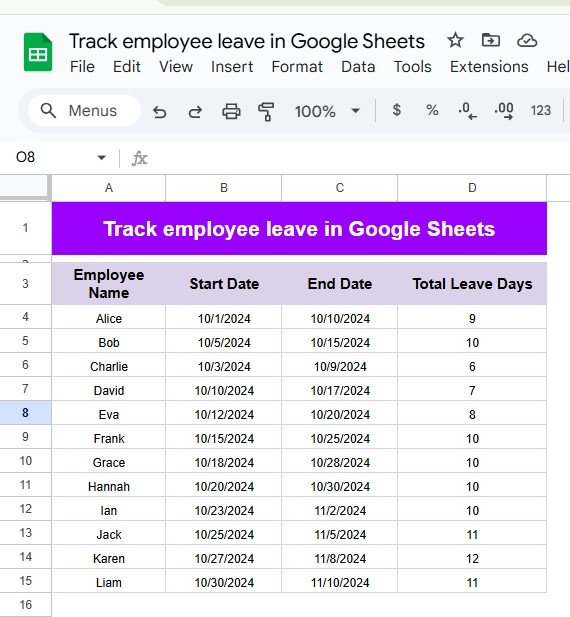
Track Employee Leave Days in Google Sheets: A Simple Step-by-Step Guide
Track Employee Leave Days can be challenging, especially when working with a large team or a complex schedule. Google Sheets offers a straightforward way to monitor employee leave, calculate total days, and ensure you’re always up-to-date with each team member’s leave status. In this post, we’ll dive into how you can set this up in […]
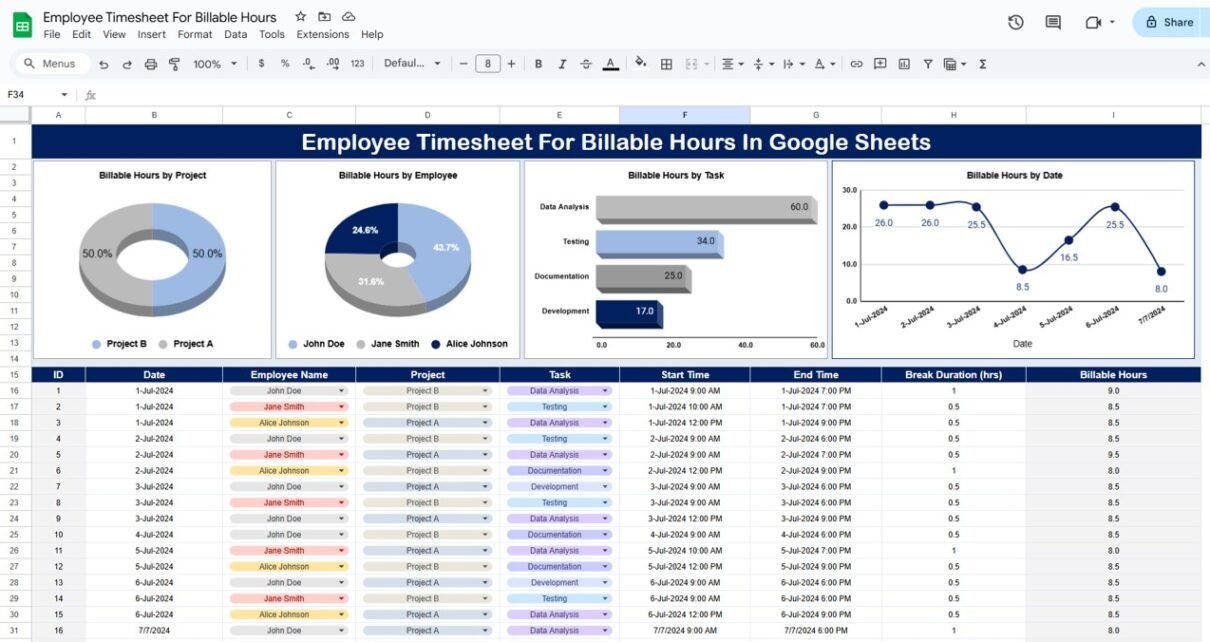
Employee Timesheet for Billable Hours in Google Sheets
In today’s fast-paced workplace, accurate tracking of employee billable hours is essential for project management, client billing, and overall business productivity. Google Sheets provides an accessible, flexible platform for managing timesheets with customized data inputs and easy-to-read charts. This article covers everything you need to know about creating and managing an Employee Timesheet for Billable […]
Easily Track Your Freelance Projects with a Google Sheets Timeline
Managing Easily Track Your Freelance Projects efficiently often comes down to having a clear timeline with deadlines. In our recent YouTube video, we demonstrated how to create a freelance project timeline with deadlines in Google Sheets, making it easier to track tasks, progress, and completion status. This article dives deeper into that example, explaining each […]
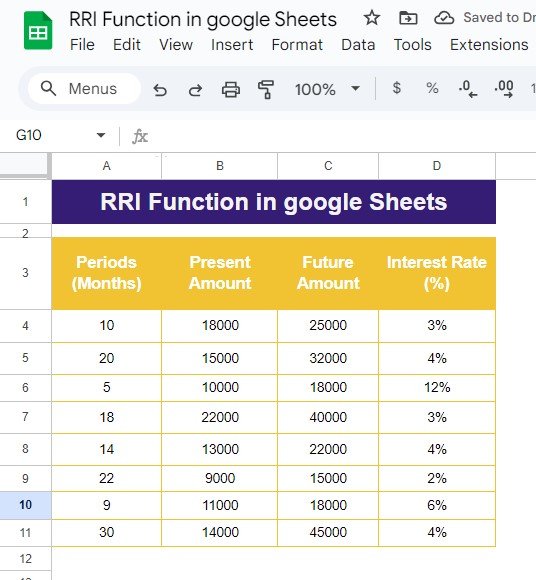
How to Use the RRI Function in Google Sheets – A Step-by-Step Example
Are you trying to calculate the rate of return on an investment using Google Sheets? Well, look no further! In this blog post, we’ll walk you through the RRI Function in Google Sheets, which is perfect for calculating the compound interest rate required for your investments to grow over a specific period. Whether you’re an […]
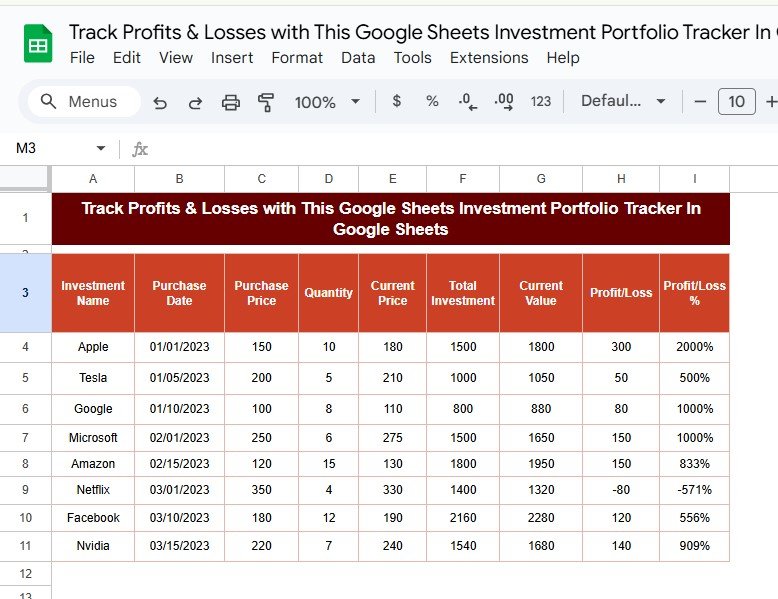
Easily Track Your Profits & Losses with This Google Sheets Investment Portfolio Tracker
Curious about how your investments are performing? Want a quick way to see Track Your Profits & Losses without complicated software? This guide will show you how to create an Investment Portfolio Tracker in Google Sheets. You’ll be able to monitor your investments, view profit or loss percentages, and even get actionable insights to help […]
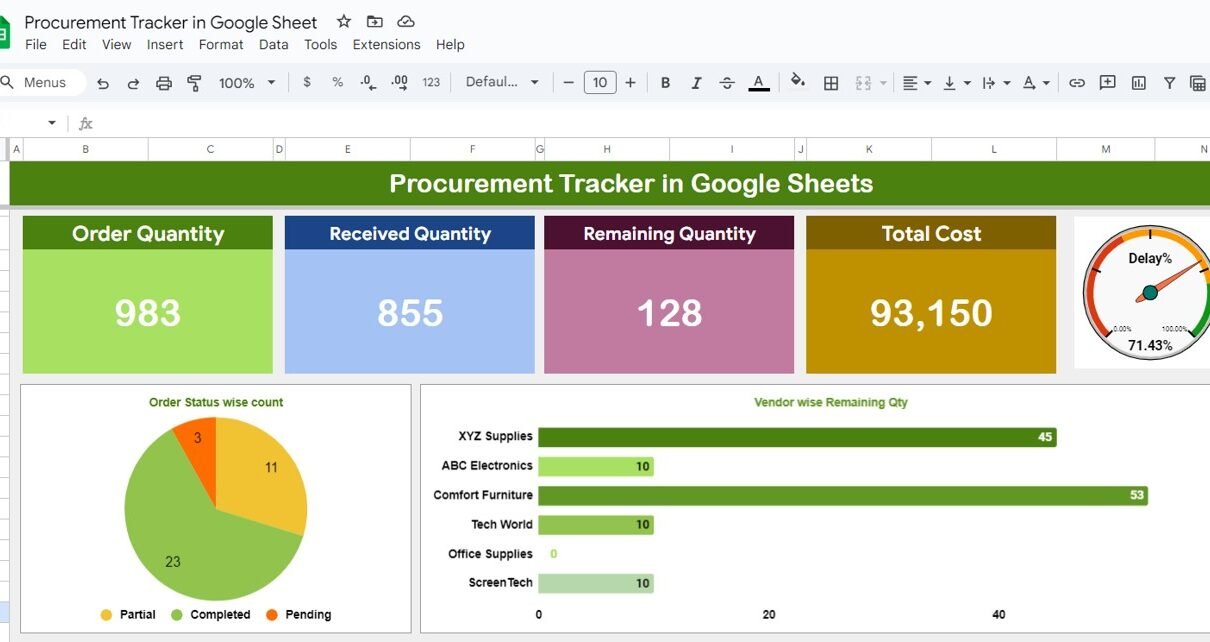
Procurement Tracker in google sheet
In today’s fast-moving business world, keeping a close eye on your procurement process is key to running a smooth supply chain. Without proper tracking, things can quickly go wrong, like missing inventory or costly delays. Luckily, Google Sheets provides a simple yet powerful solution to help you manage your procurement process efficiently. With its easy-to-use […]
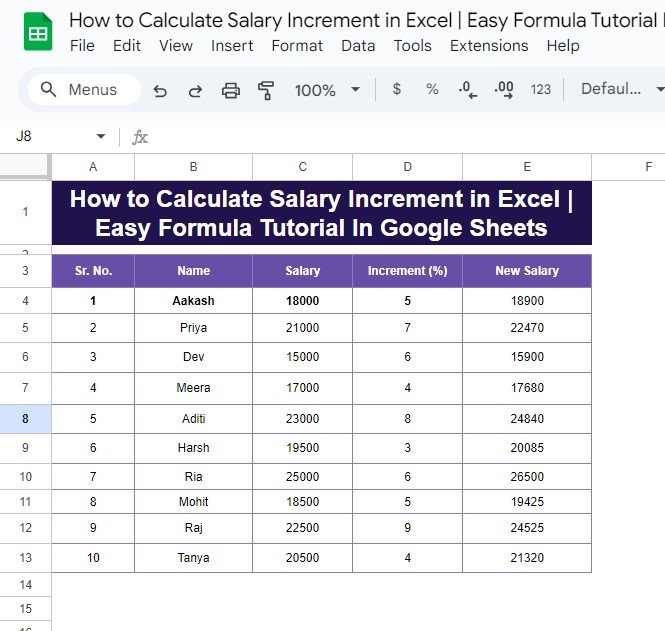
How to Calculate Salary Increment in Google Sheets: Easy Formula Tutorial
Looking for a quick way to calculate salary increments in Excel or Google Sheets? Whether you’re managing payroll or simply want to understand how salary changes are calculated, this guide will walk you through it with a straightforward example. By the end, you’ll be able to calculate salary increments with ease—let’s get started! Why Calculate […]