Skip to content
Friday, November 27, 2026
  • About
  • Contact Us

Neotech Navigators

Online Tutorial for Data Analysis and Automation

  • Home
  • Google Sheets
    • Templates (NextGenTemplates)
    • Dashboards
    • KPI Dashboards
  • HTML Dashboards
  • Power BI
  • SQL Tutorial
    • All SQL chapters
  • Python Tutorial
  • Template Store
  • Courses
  • Academy
    • Excel + AI Mastery: 100 Formulas
    • Excel Pivot Tables & Dashboards
  • More
    • MS Word
    • PowerPoint
    • Excel Tutorials (PK-AnExcelExpert)
    • About
    • Contact

Author: PK

Meet PK, the founder of NeotechNavigators.com! With over 15 years of experience in Data Visualization, Excel Automation, and dashboard creation. PK is a Microsoft Certified Professional who has a passion for all things in Excel. PK loves to explore new and innovative ways to use Excel and is always eager to share his knowledge with others. With an eye for detail and a commitment to excellence, PK has become a go-to expert in the world of Excel. Whether you're looking to create stunning visualizations or streamline your workflow with automation, PK has the skills and expertise to help you succeed. Join the many satisfied clients who have benefited from PK's services and see how he can take your data analysis skills to the next level!
Google Sheets

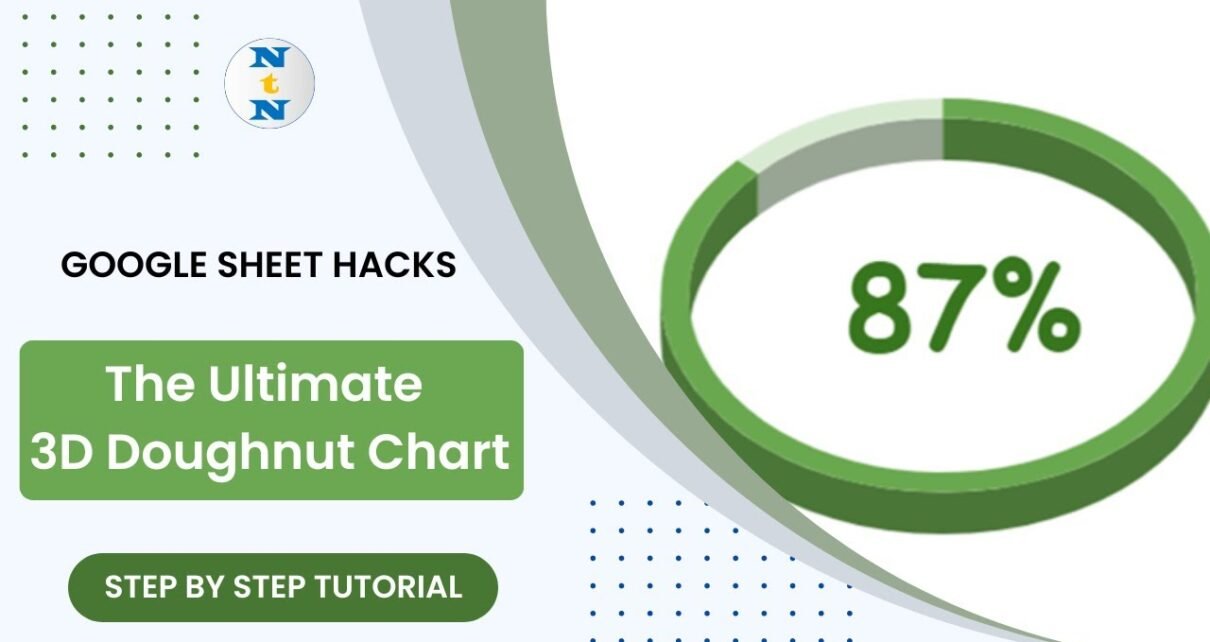
3D Doughnut Chart in Google Sheets: Step-by-Step Guide

July 21, 2024October 9, 2026PKComments Off on 3D Doughnut Chart in Google Sheets: Step-by-Step Guide

Build a dynamic 3D doughnut chart in Google Sheets from a pie chart, two data cells and one helper formula, with the KPI value shown in the centre of the ring.
Google Sheets

Gauge Chart in Google Sheets: Step-by-Step Guide (Service Level Example)

July 20, 2024October 9, 2026PKComments Off on Gauge Chart in Google Sheets: Step-by-Step Guide (Service Level Example)

Build a gauge chart in Google Sheets from just a label and a value: insert the Gauge chart, set the scale and red/orange/green bands, and drive it with a live Service Level formula. Free practice file included.

Google Sheets

6 VLOOKUP Tricks in Google Sheets (With Real Examples)

July 19, 2024October 9, 2026PKComments Off on 6 VLOOKUP Tricks in Google Sheets (With Real Examples)

Six practical VLOOKUP tricks in Google Sheets – normal lookup, VLOOKUP with COLUMN, VLOOKUP with MATCH, double VLOOKUP, IFERROR handling and age buckets – with a free practice file and checked results.
Google Sheets

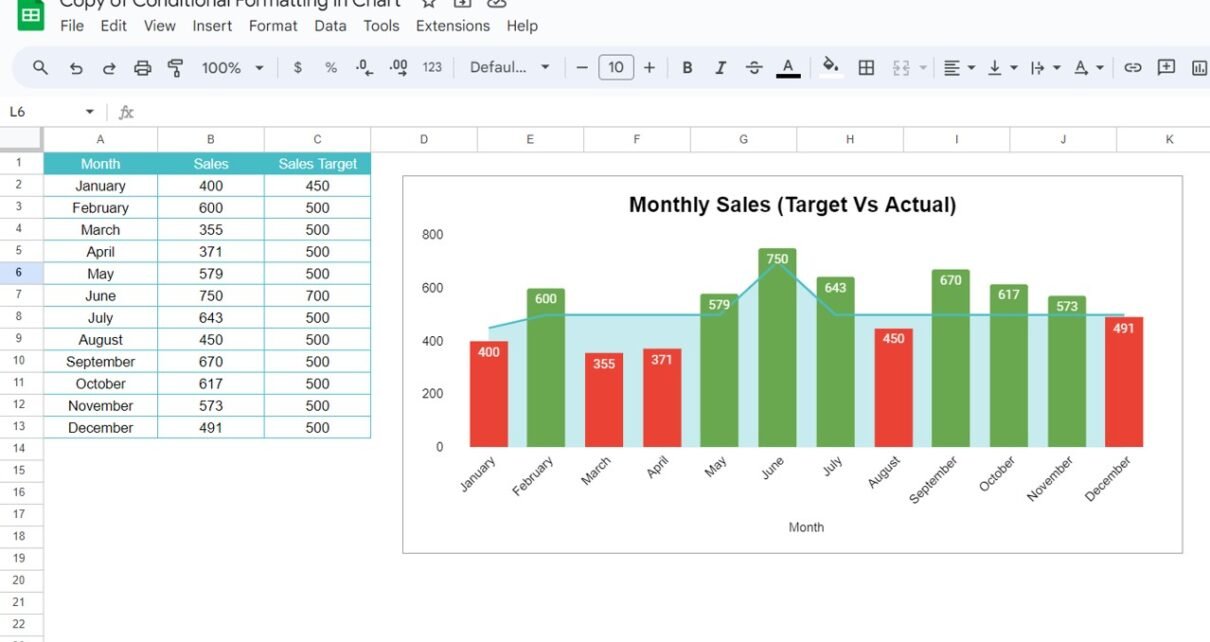
Conditional Formatting in a Google Sheets Chart (Target vs Actual)

July 13, 2024October 9, 2026PKComments Off on Conditional Formatting in a Google Sheets Chart (Target vs Actual)

Make Google Sheets chart bars turn red when sales miss the target and green when they meet it, using two IF/NA() helper columns and a stacked combo chart. Free practice file included.
Google Sheets

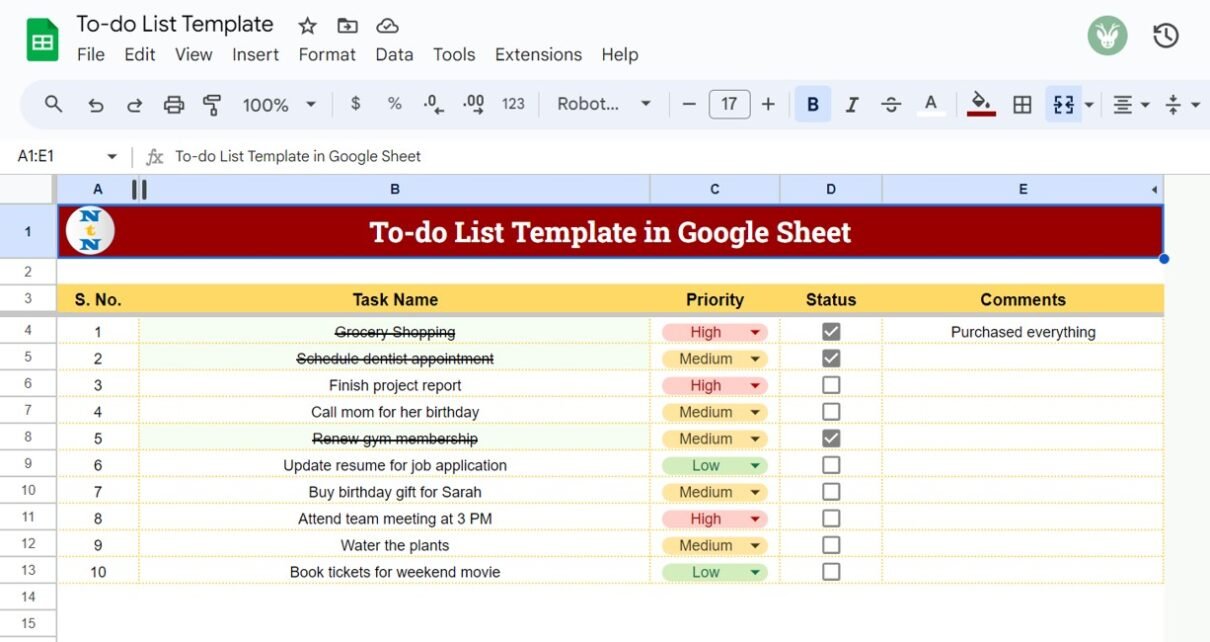
To-Do List in Google Sheets: Free Template with Priority and Checkboxes

July 12, 2024October 9, 2026PKComments Off on To-Do List in Google Sheets: Free Template with Priority and Checkboxes

A free, simple to-do list template in Google Sheets with an automatic serial number, a colour-coded High/Medium/Low priority dropdown, status checkboxes and automatic strike-through for finished tasks.

Google Sheets

NETWORKDAYS vs NETWORKDAYS.INTL in Google Sheets (With Examples)

July 11, 2024October 9, 2026PKComments Off on NETWORKDAYS vs NETWORKDAYS.INTL in Google Sheets (With Examples)

Compare NETWORKDAYS and NETWORKDAYS.INTL in Google Sheets with a ten-project practice file, weekend codes, holiday handling and worked examples you can check by hand.

Google Sheets

Dynamic Calendar in Google Sheets: 6 Easy Steps (Free Template)

July 10, 2024October 9, 2026PKComments Off on Dynamic Calendar in Google Sheets: 6 Easy Steps (Free Template)

Build a dynamic calendar in Google Sheets that redraws itself when you pick a year and month, using DATEVALUE, one SEQUENCE formula, a DD number format and a conditional formatting rule.
Google Sheets

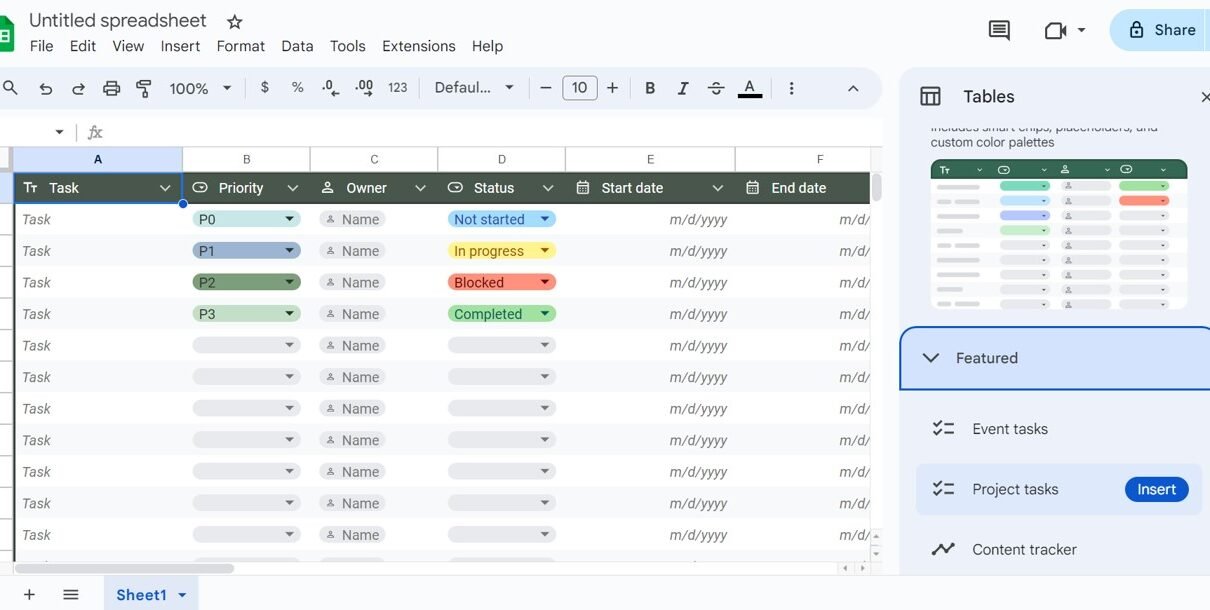
Tables in Google Sheets: How to Create, Format and Use Them

July 9, 2024October 10, 2026PKComments Off on Tables in Google Sheets: How to Create, Format and Use Them

A step-by-step guide to Tables in Google Sheets: insert ready-made tables, set column types, convert a range, change colours, save group-by and filter views, rename tables and use table references like =SUM(Sales_Data[Sales]) in formulas.
Google Sheets

Pivot Table Guide for Google Sheets (3 Step-by-Step Examples)

July 5, 2024October 10, 2026PKComments Off on Pivot Table Guide for Google Sheets (3 Step-by-Step Examples)

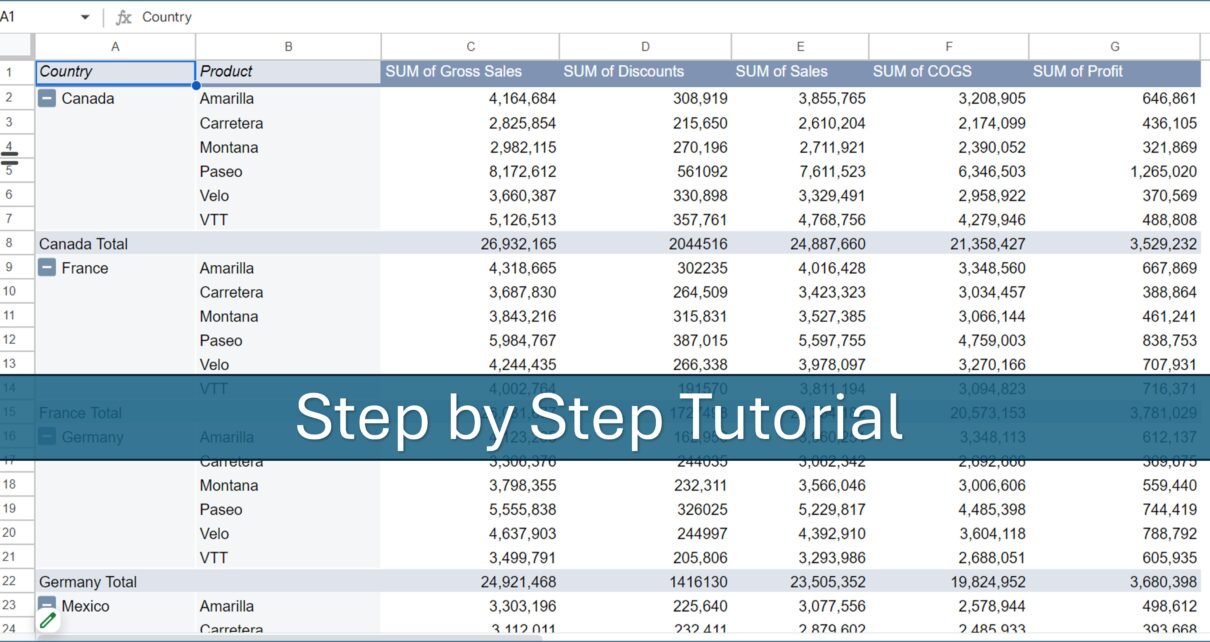
A practical pivot table guide for Google Sheets: build three real summaries from a sales dataset (totals by product, country and product metrics, and percent of sales by segment), plus calculated fields, date grouping and fixes for common problems.

Google Sheets

Sales Commission Template with Bonus Amount in Google Sheets

July 5, 2024October 10, 2026PKComments Off on Sales Commission Template with Bonus Amount in Google Sheets

A Google Sheets sales commission template that applies tiered commission rates and target-based bonuses to every sale and totals commission, bonus and earnings for any date range. See each tab, a worked example and the formulas behind it.

Posts pagination

Previous 1 … 39 40 41 42 Next

Categories

  • Dashboard
  • Formulas
  • Google Sheets
  • KPI Dashboard
  • MS Word
  • Power BI
  • PowerPoint
  • Python
  • SQL
  • Templates
  • Windows

Popular Tutorials

  • Sales KPI Dashboard in Google Sheets
  • Dynamic Calendar with Holidays & Events
  • Multi-Location Inventory Management in Google Sheets
  • Attendance Sheet Template in Google Sheets
  • What is Power BI? A Beginner’s Guide
  • Cleaning Data with Power Query in Power BI
  • Complete Guide to SQL JOINs
  • How to Use Copilot in Windows 11

Free SQL Course

SQL from Scratch — a free, 31-chapter course from SELECT to window functions, with runnable examples and a final quiz.

Start the SQL course →

Browse all SQL chapters · All courses

Popular Tags

automation Business Tools Conditional Formatting data analysis Database data cleaning Data Filtering Data Management data transformation Data Visualization Excel Excel alternative FILTER function formulas Google Sheets Google Sheets Dashboard Google Sheets example Google sheets Formula Google Sheets formulas Google Sheets functions Google Sheets template Google Sheets tips Google Sheets Tutorial Learn SQL Power BI Power BI Tutorial Power Query Productivity productivity tips Project management project tracking Sales Performance sales tracking spreadsheet spreadsheet formulas spreadsheet functions spreadsheets Spreadsheet Tips spreadsheet tricks spreadsheet tutorial SQL Basics SQL for Beginners SQL Tutorial task management tutorial
| Editorial by MysteryThemes.
  • Blog
  • Google Sheets KPI Dashboards
  • Contact Us
  • Google Sheets Dashboards
  • About
  • Google Sheets Templates Library
  • HTML Dashboards