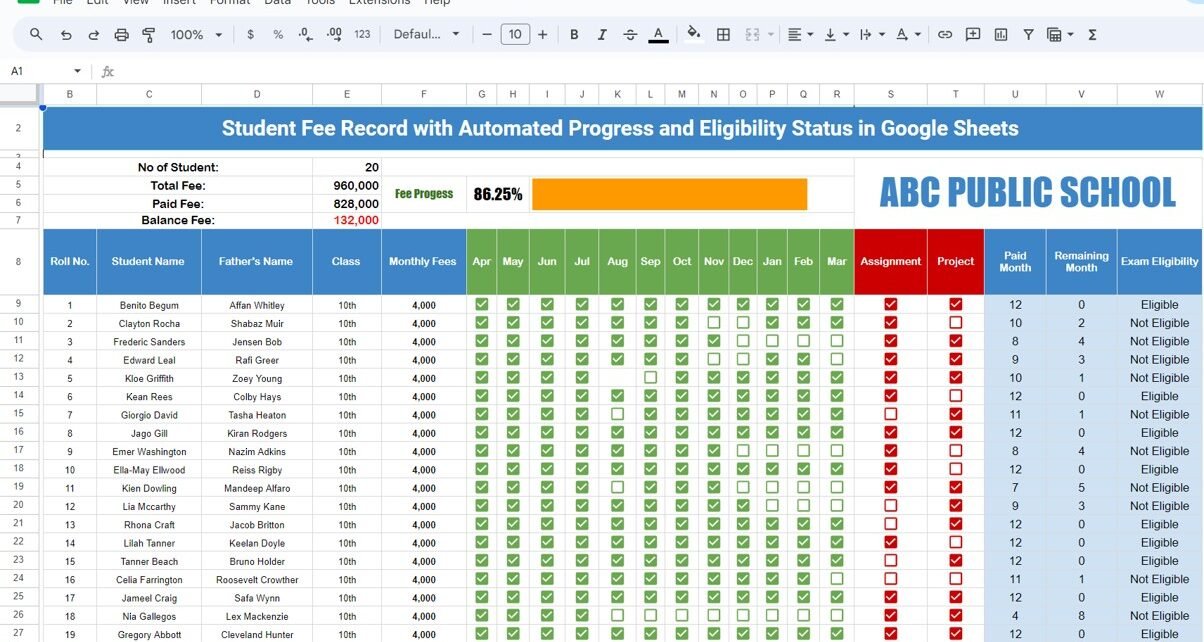
Managing student fee records can sometimes feel like a juggling act, especially when dealing with a large number of students. But don’t worry, Here we have created Student Fee Record Template in Google Sheets. In this guide, I’ll show you how to use this ready-made template to make managing student fee records a breeze. This […]
Tag: Google Sheets
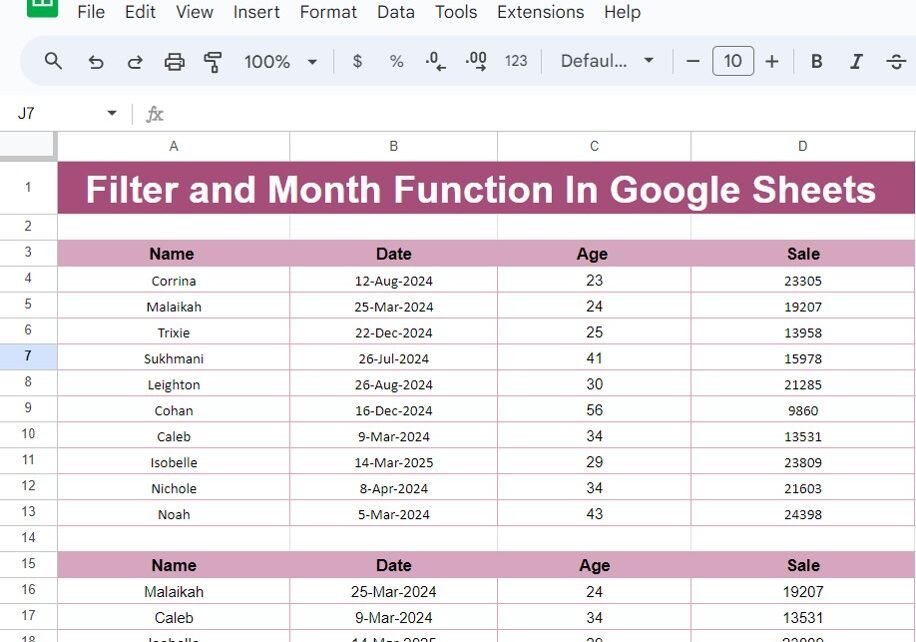
FILTER and MONTH Function In Google Sheets
Have you ever wondered how to make your Google Sheets work more efficiently? If so, you’re in the right place! The FILTER and MONTH functions are two powerful tools that can help you organize and analyze your data with ease. In this blog post, I’m going to walk you through how to use these functions […]
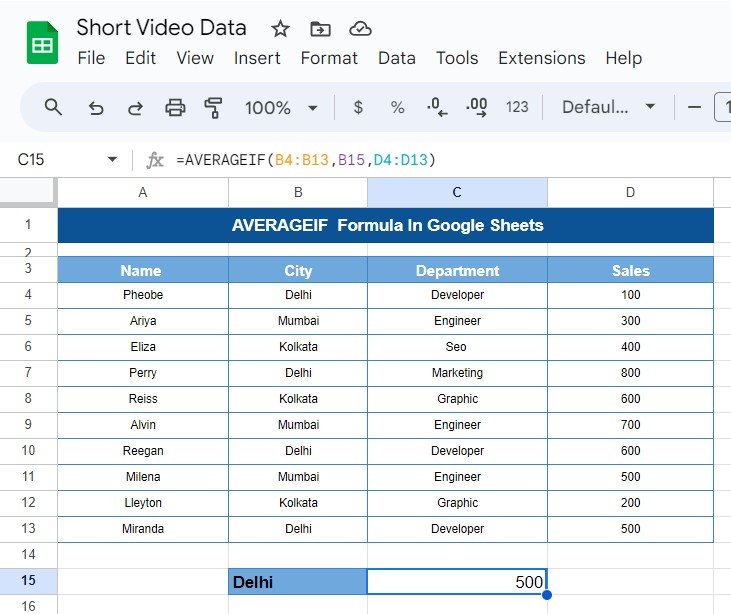
AVERAGEIF Formula In Google Sheets
Hello, spreadsheet wizards! Have you ever found yourself sifting through heaps of data, wishing there was a simpler way to calculate averages for specific groups? Well, you’re in luck! Today, we’re diving into the AVERAGEIF Formula In Google Sheets. This handy tool is perfect for zeroing in on the data that really matters, making your […]
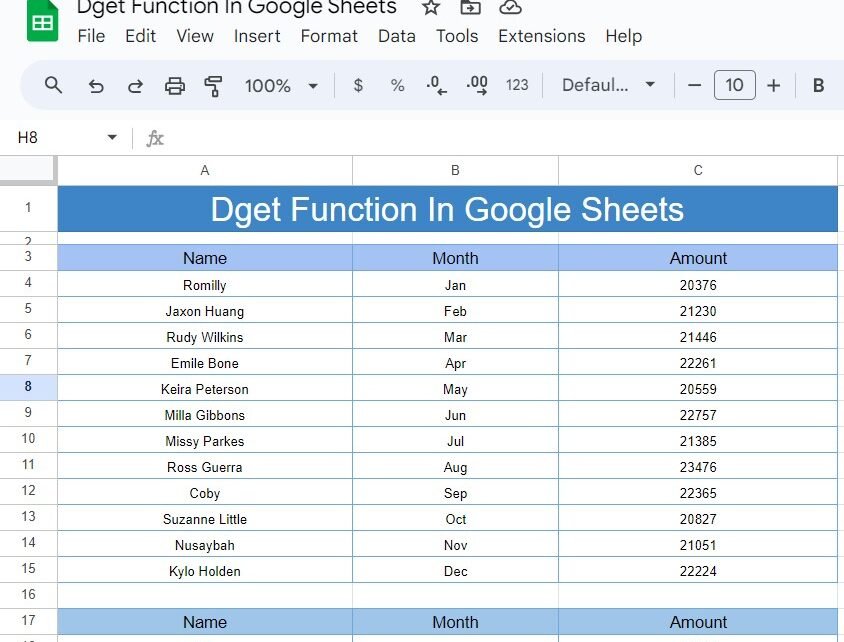
DGET Function in Google Sheets: A Practical Example
Welcome to our blog post! Today, we’re diving into the fascinating world of Google Sheets and exploring how to use the DGET Function in Google Sheets to pull specific data from a range. If you’ve ever wondered how to extract a precise piece of information from a table, you’re in the right place. Let’s break […]
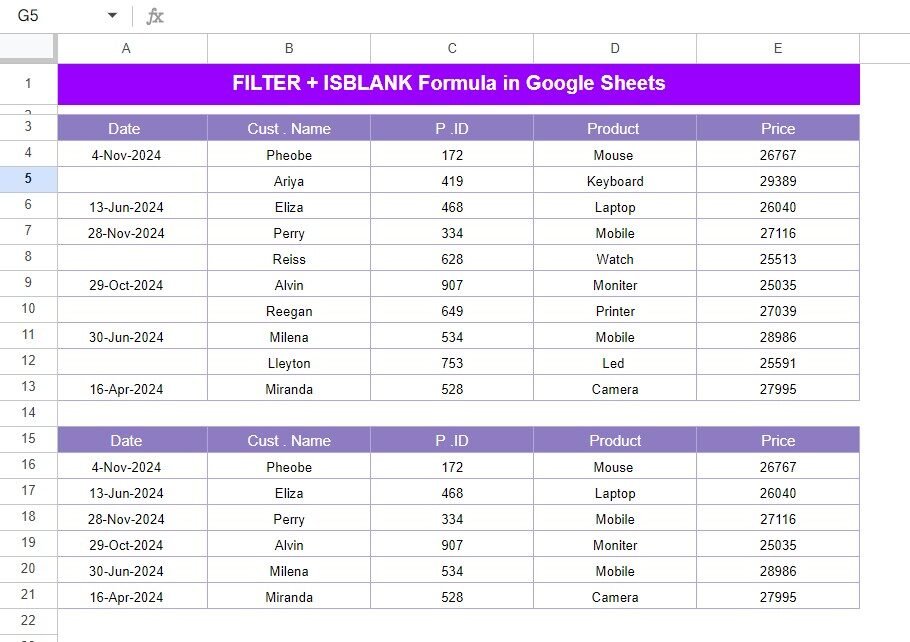
FILTER and ISBLANK Function in Google sheets with Example
Hello, data lovers! Ever felt overwhelmed looking at a messy spreadsheet, wishing for a way to quickly filter out unnecessary details? Today, we’re going to explore how the FILTER and ISBLANK Function in Google Sheets can make your data-crunching tasks a breeze. Let’s effortlessly find the information that matters the most to you! Understanding Our […]
Income Expense Dashboard In Google Sheets
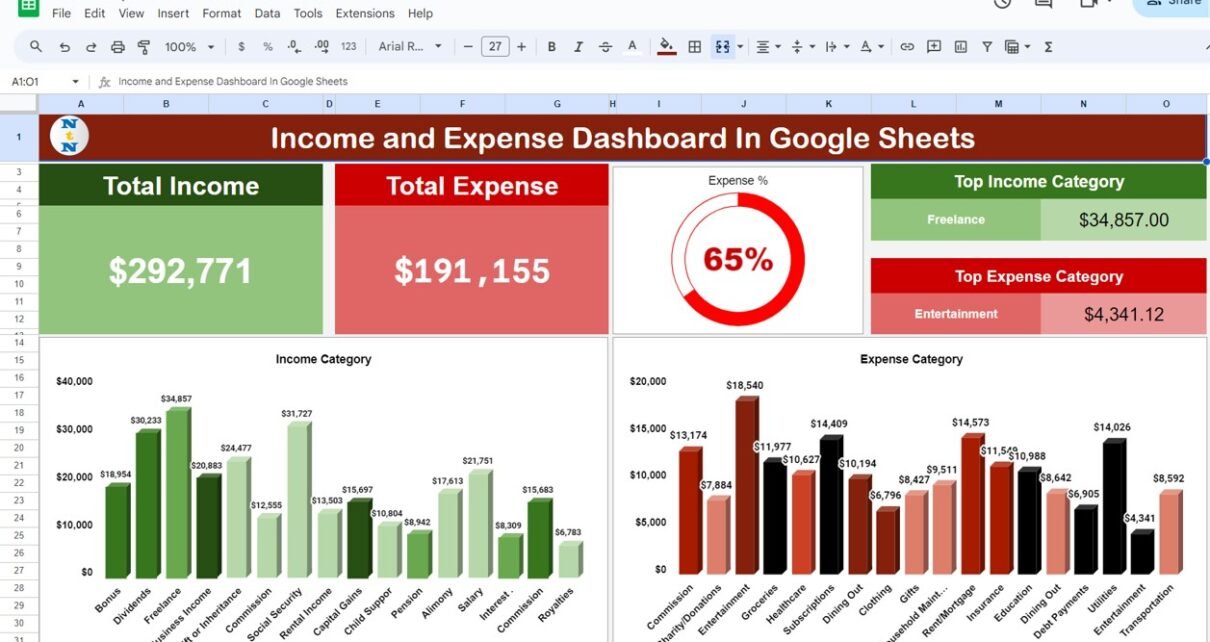
Income Expense Dashboard Isn’t it great when managing your money becomes less of a chore and more like a breeze? That’s exactly what Google Sheets can do for you. Imagine a tool that not only helps you track every dollar of income and expense but also updates itself in real time and is a cinch […]
Packing Checklist Template in Google Sheets
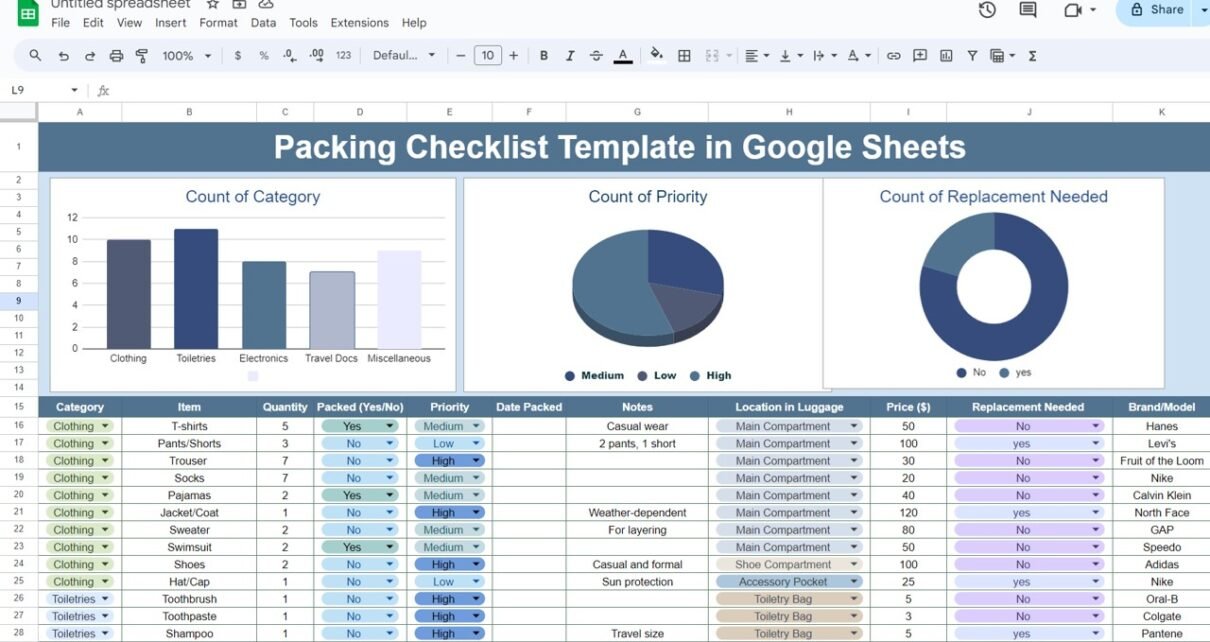
Traveling can be exciting, but packing can be a daunting task. To ensure that you don’t forget any essentials, a packing checklist is a must. Using Google Sheets to create this checklist offers the benefits of accessibility, easy updates, and the ability to share with travel companions. This article will guide you through creating a […]
Birthday and Anniversary Tracker in Google Sheets with Search Feature
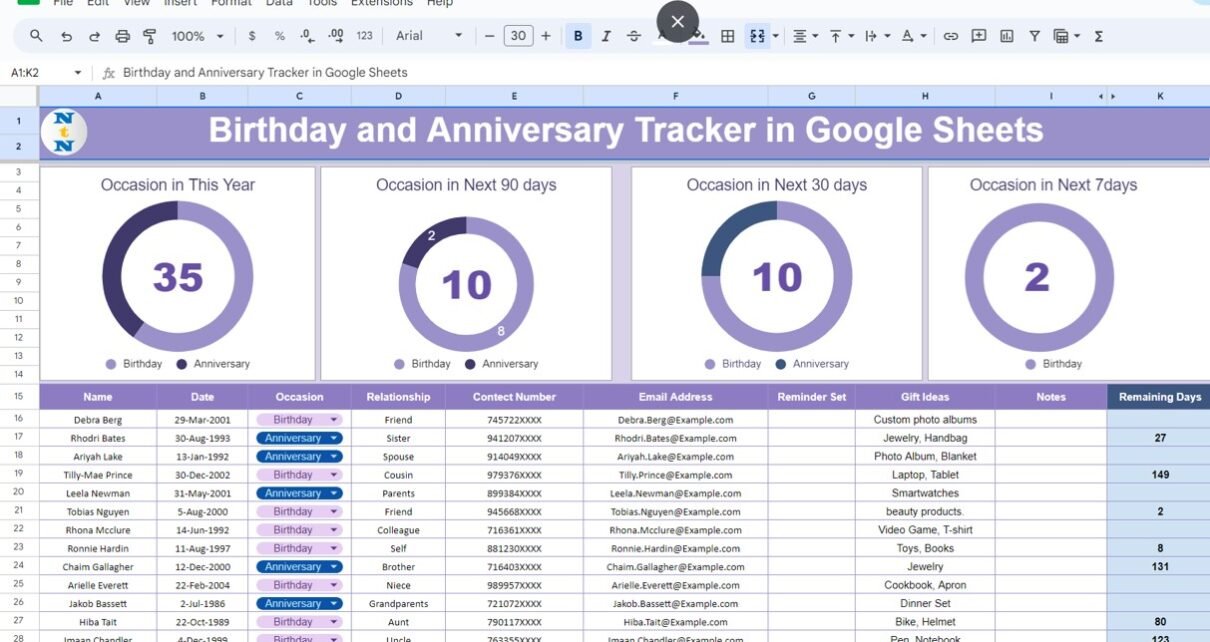
Celebrating birthdays and anniversaries is a wonderful way to show your loved ones how much you care. However, keeping track of all these important dates can be challenging. With Google Sheets, you can create a comprehensive tracker that ensures you never miss a special occasion again. In this article, we will guide you through the […]
Google Sheet Magic: Double MATCH with INDEX Function
Google Sheets has evolved into a powerful tool for data analysis and management. One of its most valuable features for navigating large datasets is the combination of the Double MATCH with INDEX Function. This technique provides flexibility and power in retrieving specific data points across complex datasets, empowering users to make data-driven decisions quickly. This […]
Sparklines in Google Sheets
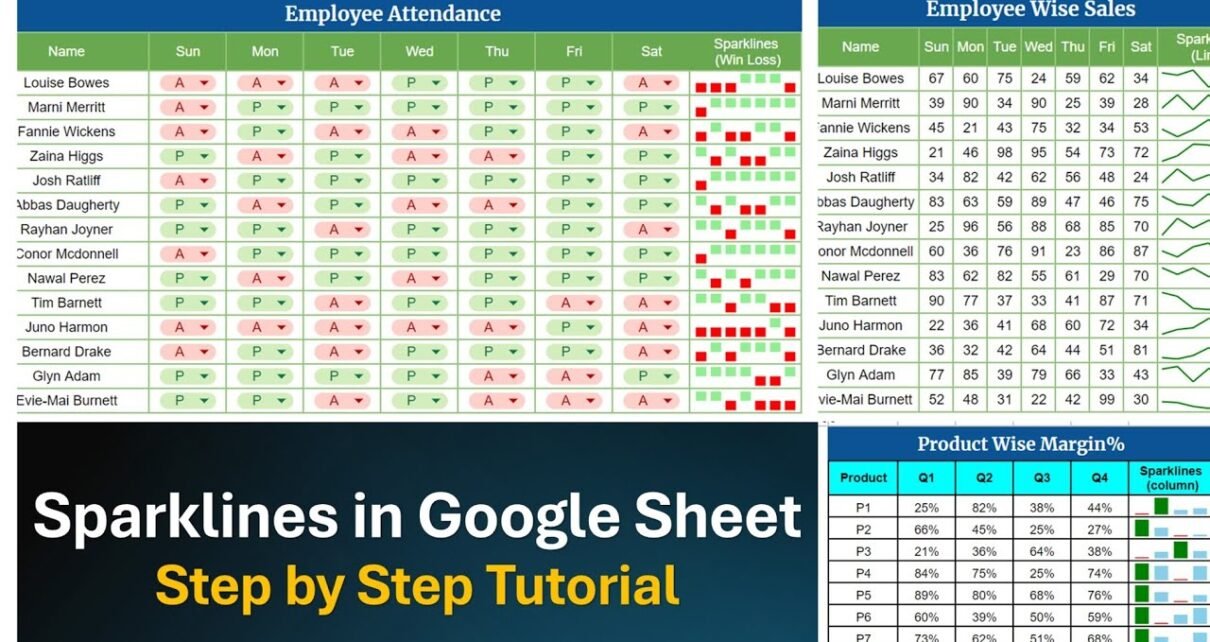
Have you ever wondered how to make your data look snappy without clogging your spreadsheet with bulky charts? Well, Sparklines in Google Sheets are your go-to solution! These tiny, powerful mini-charts sit neatly in a single cell, showcasing trends and variations with ease. Google Sheets has made it incredibly simple for anyone to add and […]