Google Sheets

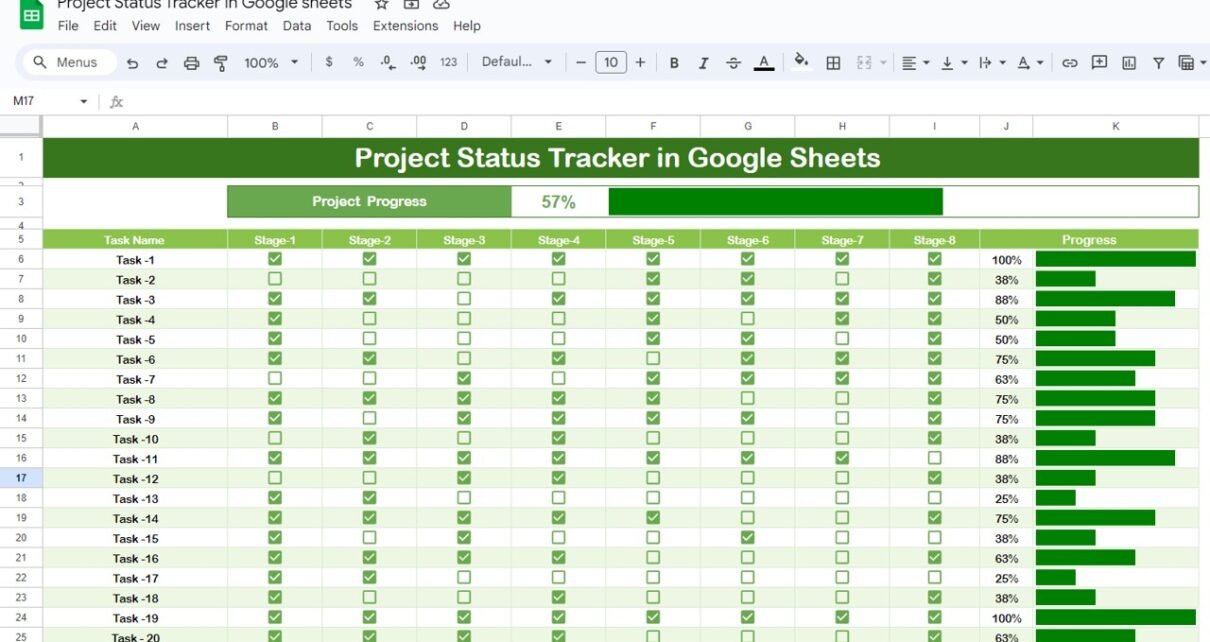
Mastering Project Management with a Project Status Tracker in Google Sheets

Let’s face it – managing multiple tasks, deadlines, and team members can feel overwhelming. That’s why having an easy-to-use Project Status Tracker can be a game changer. And here’s where Google Sheets comes in. Thanks to cloud-based tools like Google Sheets, tracking project progress has never been more accessible, efficient, or collaborative. Whether you’re managing […]
Google Sheets

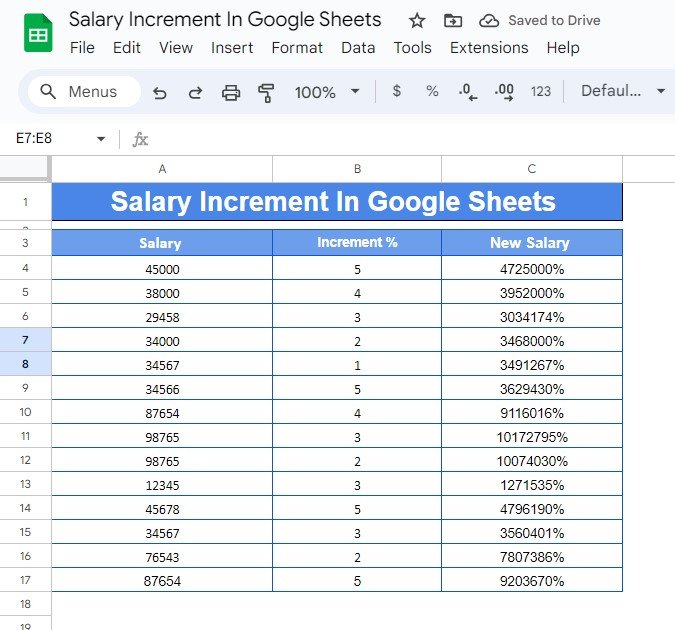
How to Calculate Salary Increment in Google Sheets (With Example)

Do you need to Calculate Salary Increment in Google Sheets quickly and accurately? Whether you’re managing a payroll, giving raises to employees, or simply want to track your own salary growth, Google Sheets offers a simple and effective way to calculate salary increments. In this guide, I’ll show you how to calculate salary increments in […]

Google Sheets

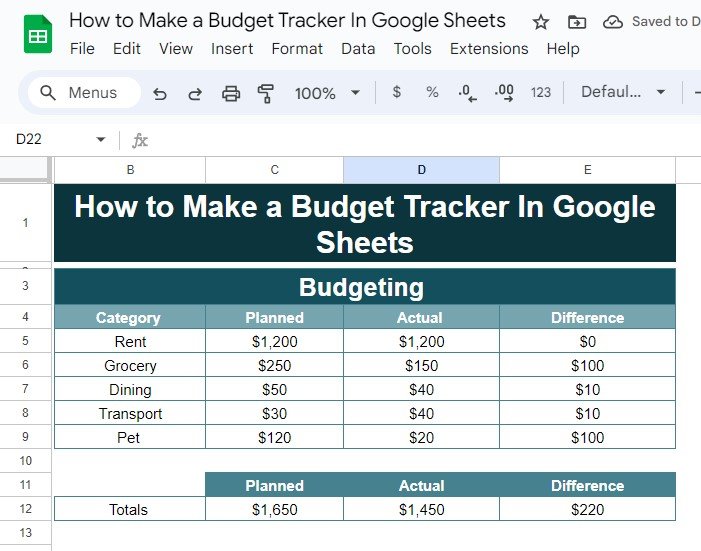
How to Make a Budget Tracker in Google Sheets: A Step-by-Step Guide with Example

Budgeting is one of the most essential tasks when it comes to managing your finances effectively. While there are many budgeting apps out there, creating your own personalized budget tracker in Google Sheets gives you flexibility and control over your expenses and savings. In this post, I’ll guide you through the process of making a […]

Google Sheets

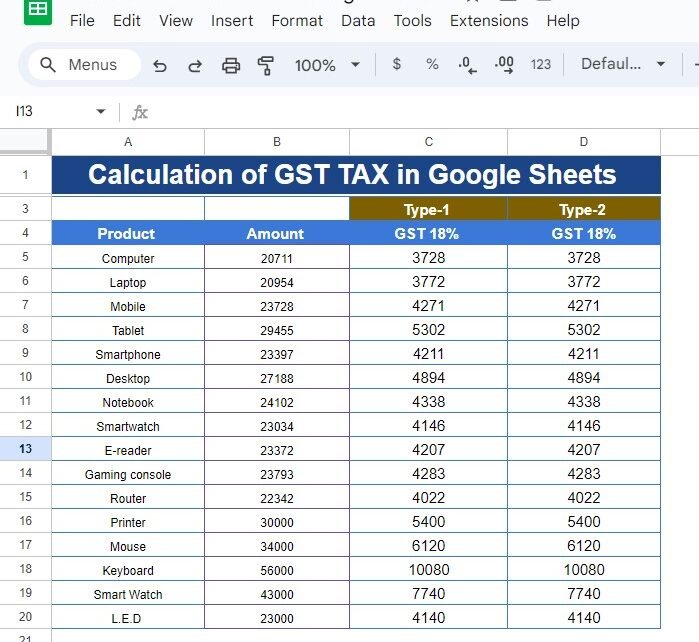
How to Calculate GST Tax in Google Sheets: A Step-by-Step Example

Calculate GST Tax in Google Sheets taxes can be a daunting task, especially when you’re dealing with complex datasets. Fortunately, Google Sheets offers a simple and efficient way to calculate GST (Goods and Services Tax), allowing you to quickly assess the tax on your products. In this blog post, we’ll walk through a practical example […]

Google Sheets

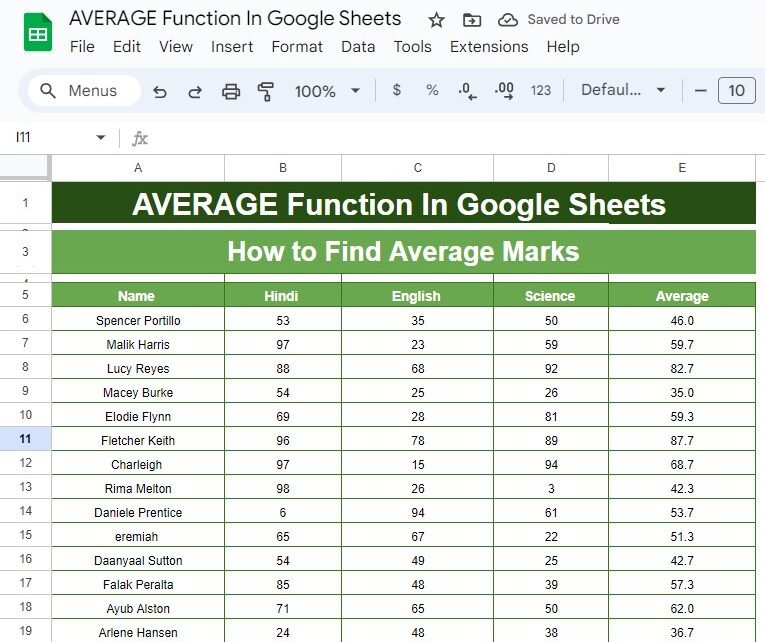
Master the AVERAGE Function in Google Sheets: A Step-by-Step Example

Google Sheets has an abundance of functions that can simplify calculations, and one of the most commonly used is the AVERAGE Function in Google Sheets. Whether you’re a student, teacher, or a professional dealing with numbers, learning how to calculate the average can help you analyze data faster and more accurately. Today, we’ll dive deep […]

Google Sheets

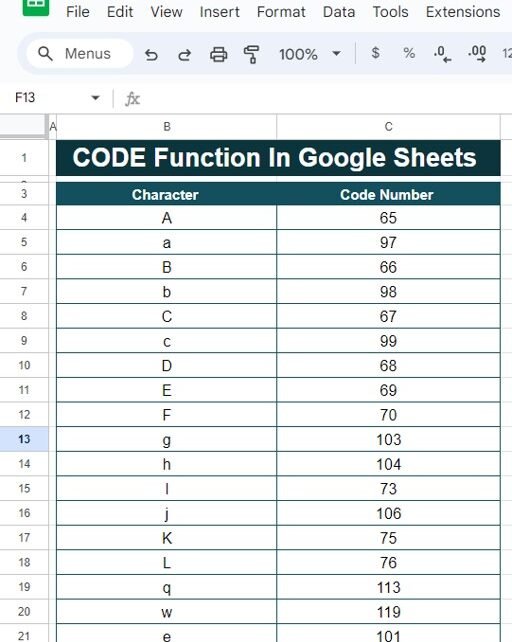
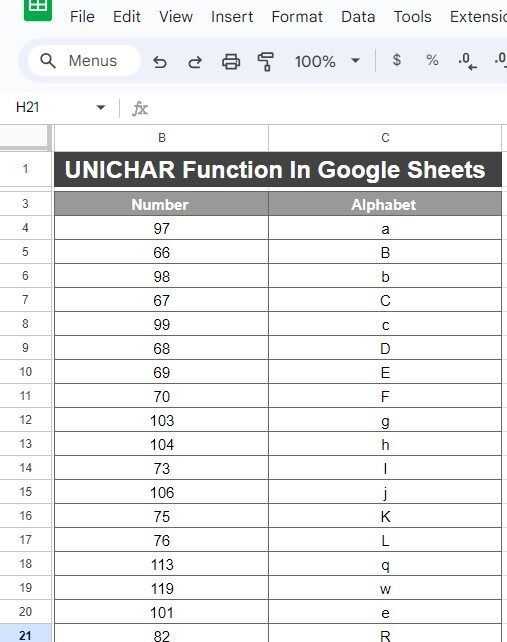
How to Use the CODE Function in Google Sheets (With Example)

Have you ever wondered how to turn a character into its corresponding numeric code? Well, Google Sheets has a simple solution for that—the CODE Function in Google Sheets! In this blog post, we’ll show you step-by-step how to use the CODE function with a real example. It’s much easier than you might think, and by […]

Google Sheets

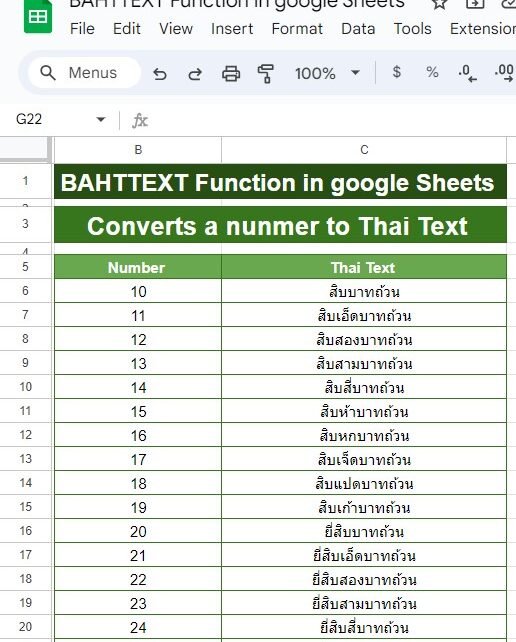
How to Use the BAHTTEXT Function in Google Sheets (With Example)

If you’re working with currencies, especially Thai Baht, and want to convert numbers into text format automatically in Google Sheets, you’re in the right place! The BAHTTEXT function does just that. In this blog post, I’ll guide you through how to use the BAHTTEXT function in Google Sheets with a real-world example. So, let’s dive […]

Google Sheets

How to Use the EDATE Function in Google Sheets with Real-Life Example

Have you ever needed to quickly add or subtract months from a specific date in Google Sheets? The EDATE function is the perfect tool for this task! Whether you’re managing project deadlines, loan schedules, or any other time-based tasks, the EDATE function makes it easy to adjust dates accurately. In this blog post, we’ll walk […]

Google Sheets

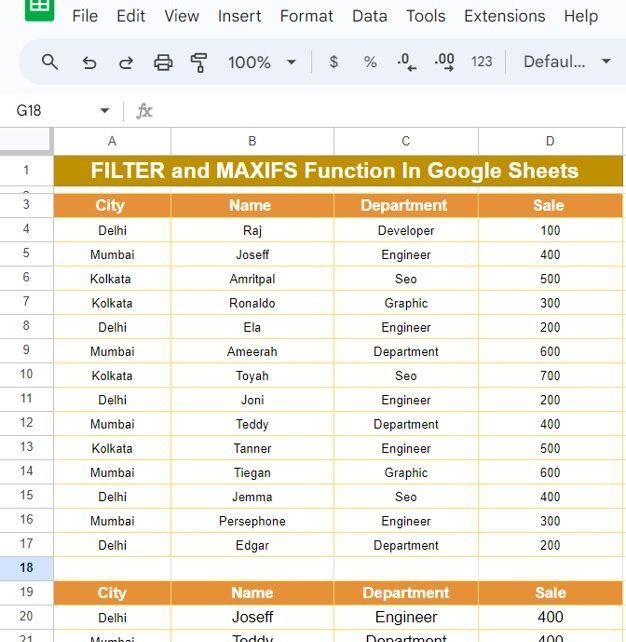
FILTER and MAXIFS Function In Google Sheets With Example

When it comes to working with large datasets in Google Sheets, knowing the right functions can be a lifesaver. In today’s post, we’re going to dive into two essential formulas that make filtering and identifying maximum values in your data a breeze—FILTER and MAXIFS Function If you’ve ever wondered how to easily extract specific information […]