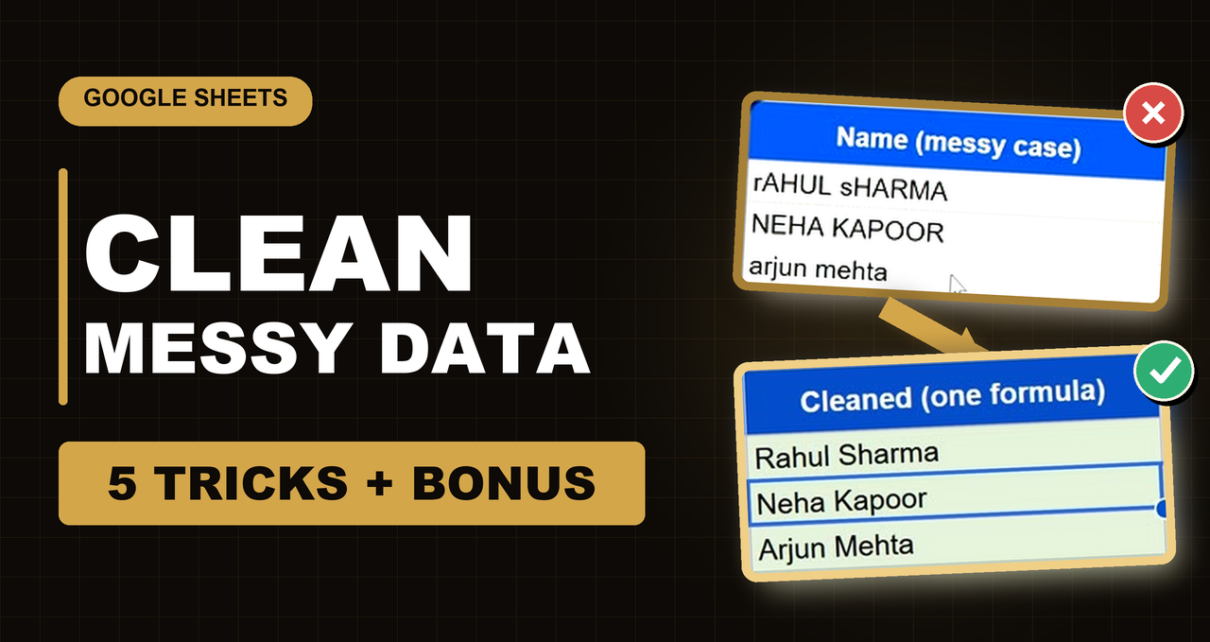
Clean messy data in Google Sheets step by step: TRIM and CLEAN for spaces and hidden characters, PROPER/LOWER/UPPER for capitals, SPLIT and Split text to columns, UNIQUE and Remove duplicates, ISEMAIL for broken emails, plus ARRAYFORMULA to clean a whole column with one formula. Free practice file included.
Tag: UNIQUE function
How to Use SORT and UNIQUE Functions in Google Sheets: A Step-by-Step Guide with Example
If you’ve ever found yourself working with large datasets in Google Sheets, you probably know the importance of efficiently organizing and filtering your data. Two powerful tools in Google Sheets that make this easy are the UNIQUE Functions in Google Sheets. In this post, we will walk you through how to use both functions with […]
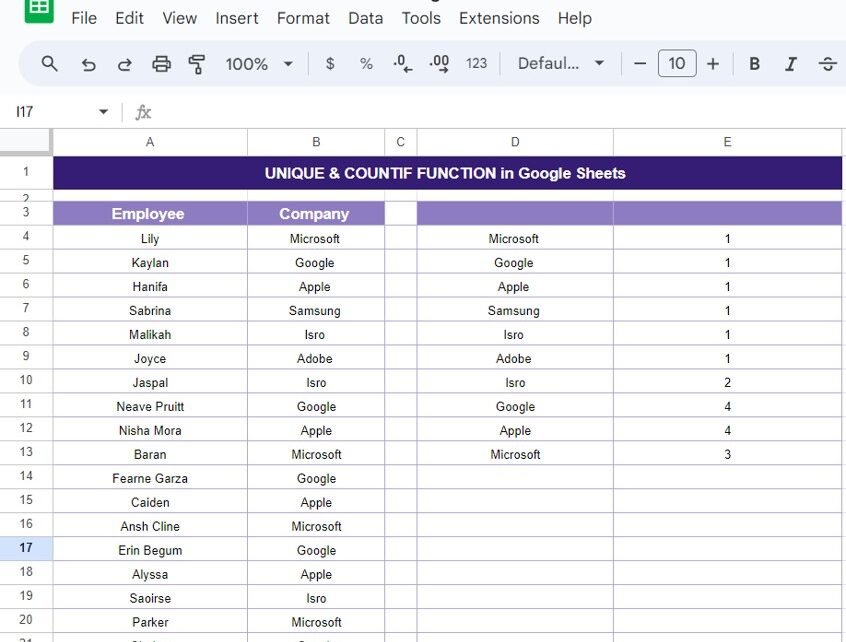
Master the UNIQUE & COUNTIF Functions in Google Sheets:
In today’s blog post, we’re diving into two powerful Google Sheets functions: UNIQUE & COUNTIF Functions. Whether you’re managing large datasets or just trying to organize some information, these functions can save you time and effort. We’ll walk through a real-world example to show you how to use these functions together to make data management […]
5 Easy Methods to Remove Duplicates in Google Sheets (With Examples!)
remove duplicates in Google Sheets is essential when you’re working with large data sets. Whether you’re handling customer lists, sales data, or inventory sheets, duplicated values can distort your results. In this blog post, I’ll walk you through five simple methods to remove duplicates, all of which are easy to use and highly effective! Why […]