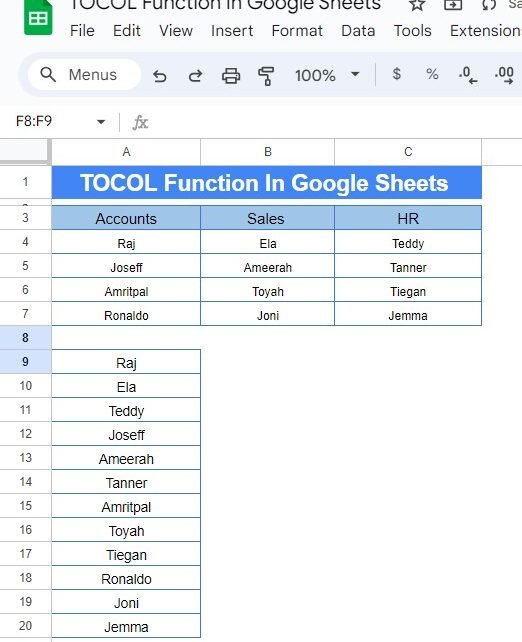
If you’ve ever had to reorganize data in Google Sheets, you know how tedious it can be to copy and paste data into a different format. But what if there was an easy way to take data from multiple columns and turn it into one single column? Well, there is! It’s called the TOCOL Function […]
Author: PK
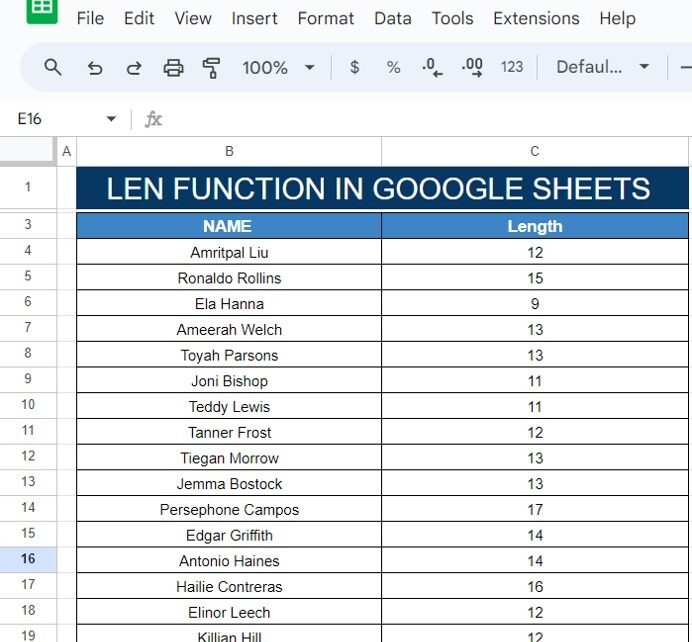
How to Use the LEN Function in Google Sheets (With a Simple Example!)
Have you ever needed to count the number of characters in a cell? Whether it’s for analyzing names, product descriptions, or any other type of text data, Google Sheets has a helpful feature for this—the LEN function! In this post, I’ll show you exactly how to use the LEN Function in Google Sheets with a […]
Find Budget Categories with MATCH in Google Sheets – A Simple Guide
Managing your budget can feel overwhelming, but with Google Sheets, it doesn’t have to be! In this blog post, we’ll show you a super easy way to Find Budget Categories with MATCH in Google Sheets. Whether you’re keeping track of your monthly expenses or just need a quick way to find certain budget items, this tutorial […]
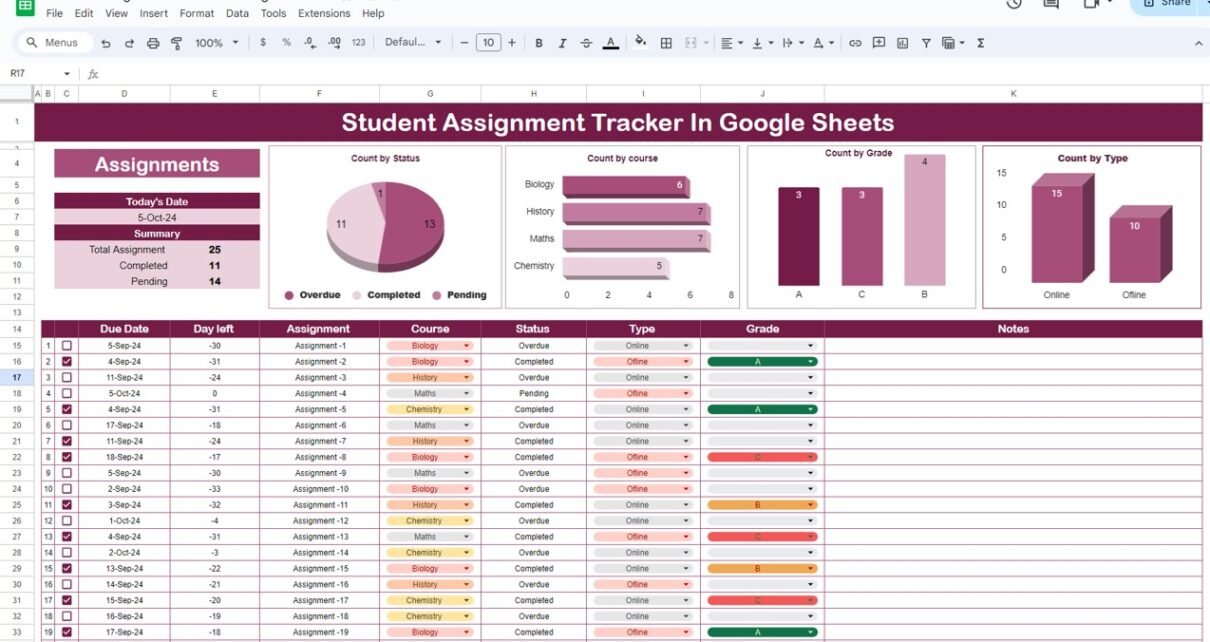
Student Assignment Tracker in Google Sheets: Your Ultimate Guide
Feeling overwhelmed by all your assignments? Between juggling multiple subjects, deadlines, and assignment types, staying organized can feel like a challenge. But don’t worry! Google Sheets offers a simple solution: the Student Assignment Tracker. This easy-to-use tool helps you stay on top of deadlines, track your progress, and manage assignments across all your subjects. In […]
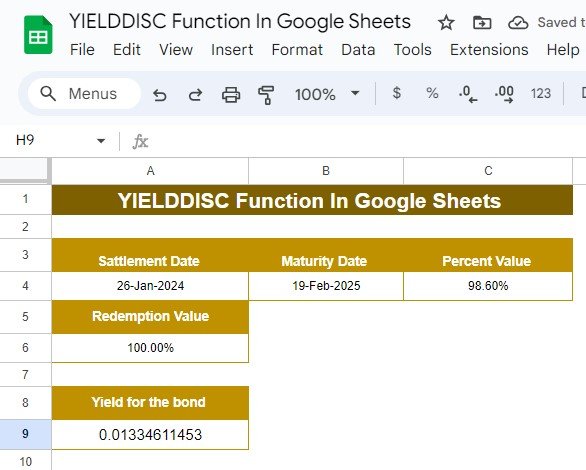
Mastering the YIELDDISC Function in Google Sheets: A Simple Example Explained
Have you ever wondered how to calculate the yield of a bond bought at a discount? Well, Google Sheets has a function that can make this process super simple: YIELDDISC Function in Google Sheets. Whether you’re a financial professional or just someone trying to better understand bond yields, this guide will walk you through how […]
Mastering the YIELDMAT Function in Google Sheets: A Simple Example
Are you working with bonds and trying to figure out how to calculate the annual yield? You’re in the right place! In this post, we’re going to walk through how to use the YIELDMAT function in Google Sheets with an easy-to-follow example. Whether you’re just starting out or need a refresher, this guide will make […]
How to Use the ROUND Function in Google Sheets (With Example)
Have you ever worked with numbers in Google Sheets and wished you could clean them up by rounding them off? It’s something we all encounter when dealing with long decimal numbers that don’t look very neat. The good news is, Google Sheets has a simple tool for this: the ROUND function! In this blog post, […]
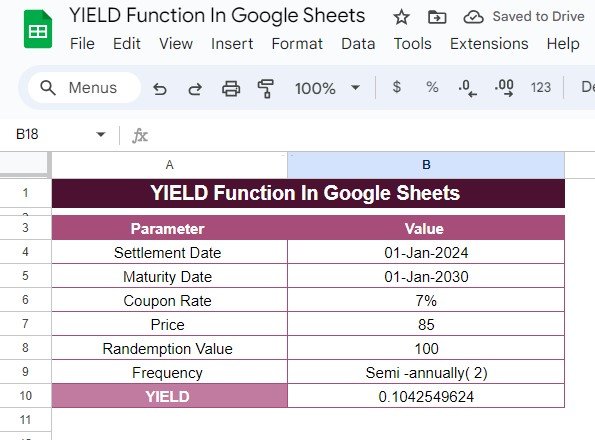
How to Use the YIELD Function in Google Sheets: Step-by-Step Example
Calculating bond yields can be a tricky task, but thankfully, Google Sheets has a built-in function that makes it a lot easier. In this guide, we’ll explain how to use the YIELD function in Google Sheets with a real-world example, breaking down each step to help you understand the process. If you’re ready to learn […]
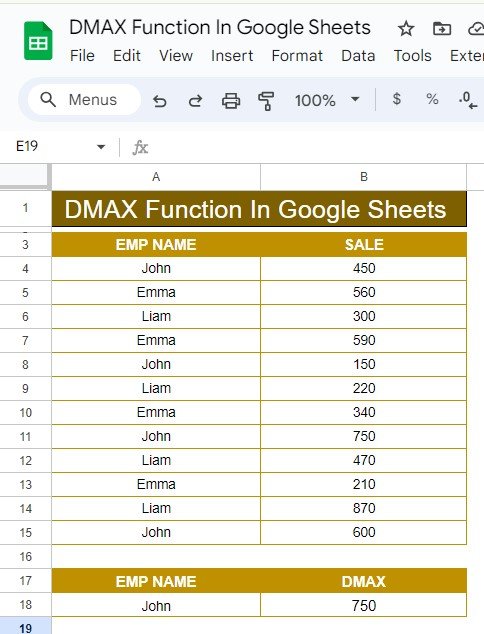
How to Use the DMAX Function in Google Sheets: A Step-by-Step Example
Google Sheets offers a variety of useful functions for data analysis, and one of the most powerful is the DMAX Function in Google Sheets. This function allows you to retrieve the maximum value from a dataset based on specific conditions. Whether you’re managing a large dataset or just need to analyze a small set of […]
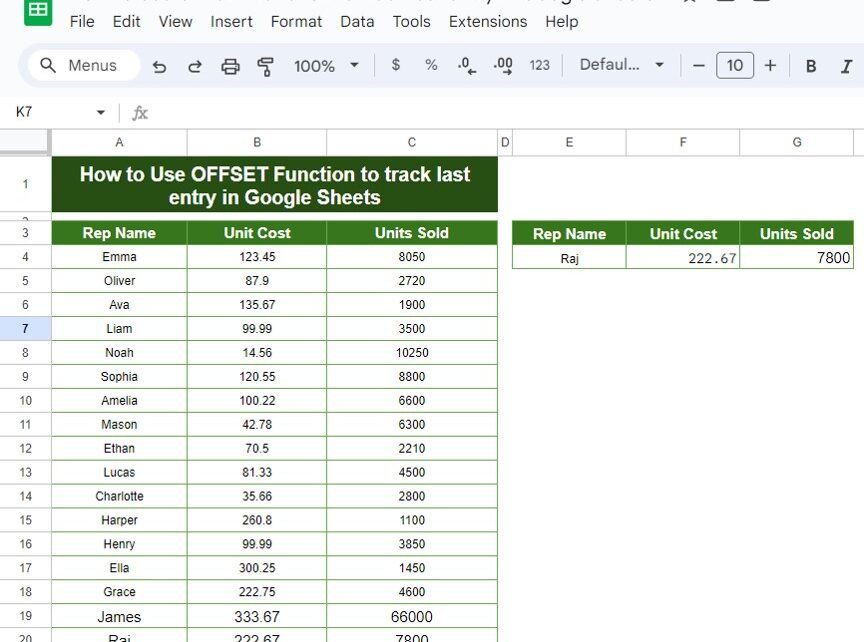
How to Use the OFFSET Function to Track the Last Entry in Google Sheets: A Step-by-Step Example
Google Sheets offers so many functions that make managing and analyzing your data much easier. One of the most useful functions, especially when working with data that keeps growing, is the OFFSET function. With this function, you can OFFSET Function to Track the Last Entry in Google Sheets in a dataset, which can be incredibly […]