Managing projects can feel overwhelming, especially when you’re juggling tasks, deadlines, and resources. But don’t worry—there’s a simple solution to make your life easier: Project Planning and Tracking Templates in Google Sheets! These templates are designed to simplify project management by offering an organized framework for tracking every detail. Project Planning and Tracking Templates In […]
Tag: project tracking
Easily Track Your Freelance Projects with a Google Sheets Timeline
Managing Easily Track Your Freelance Projects efficiently often comes down to having a clear timeline with deadlines. In our recent YouTube video, we demonstrated how to create a freelance project timeline with deadlines in Google Sheets, making it easier to track tasks, progress, and completion status. This article dives deeper into that example, explaining each […]
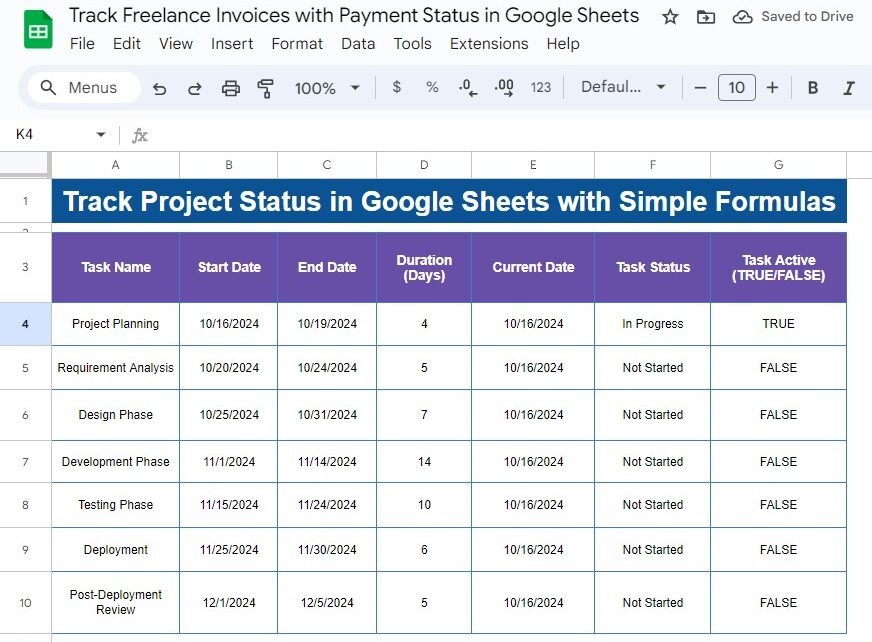
Track Project Status in Google Sheets with Simple Formulas – A Step-by-Step Guide
Track Project Status can be tricky, especially when working with multiple tasks and deadlines. But don’t worry—Google Sheets can simplify it for you! In this post, we’ll walk you through the process of tracking project status using simple formulas. You’ll learn how to calculate task duration, monitor real-time progress, and automate status updates. Get the […]
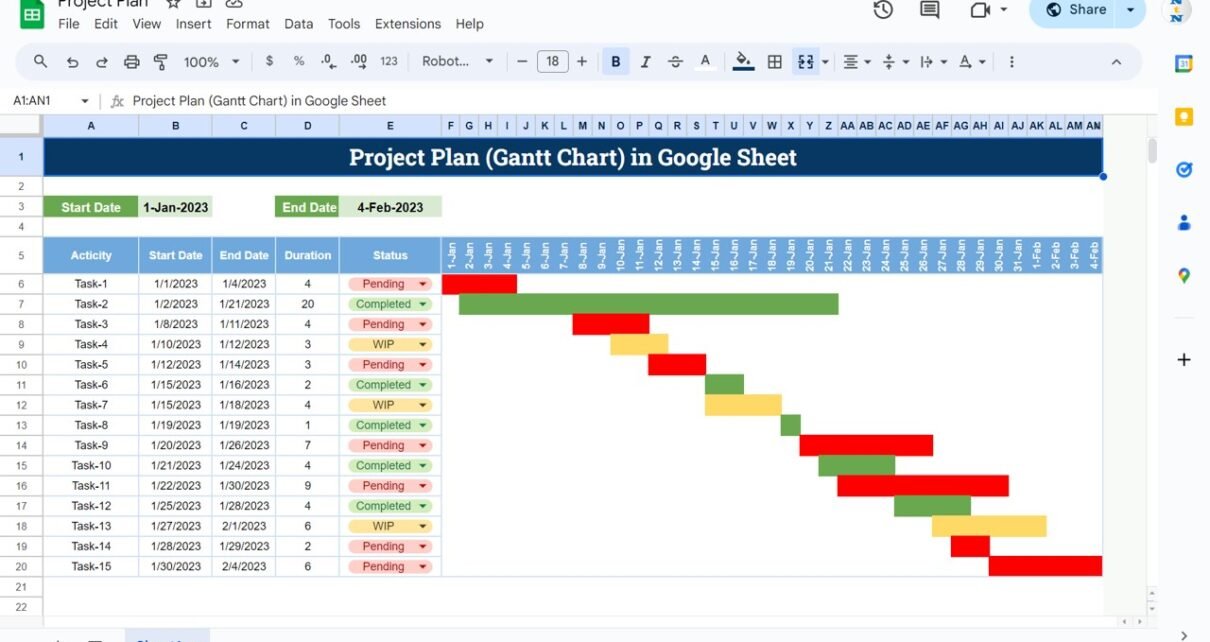
Project Plan or Gantt Chart in Google Sheets
A practical guide to the Project Plan (Gantt Chart) template in Google Sheets: enter tasks, start dates and durations, and the sheet calculates end dates and draws red, amber and green bars by status. Includes the formulas to rebuild it yourself.
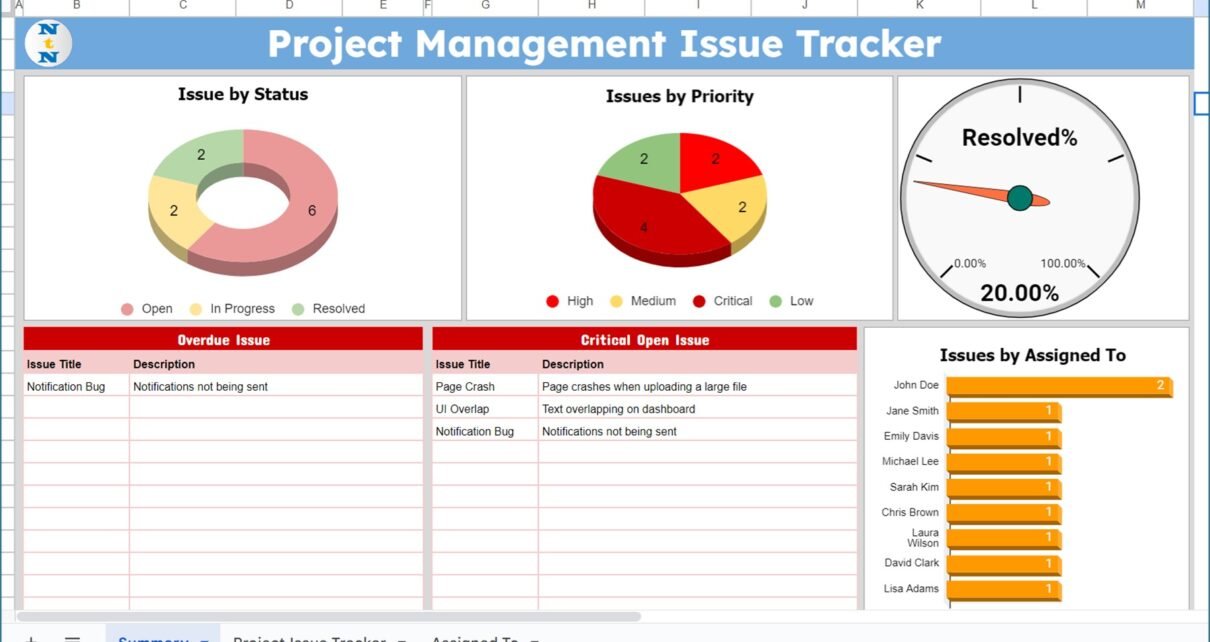
Project Management Issue Tracker in Google Sheets
A ready-to-use Project Management Issue Tracker in Google Sheets with an input table, Priority, Status and Assigned To slicers, and a Summary tab showing Resolved%, overdue issues and critical open issues. See every field and how to set it up.