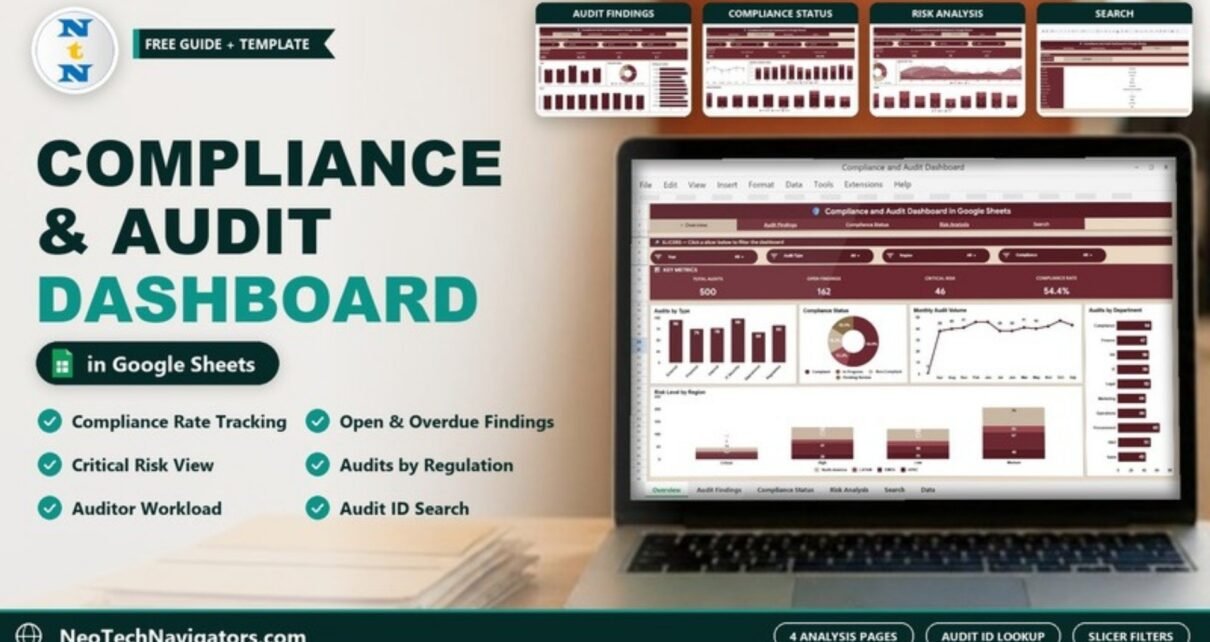
A page-by-page guide to the Compliance and Audit Dashboard in Google Sheets: compliance rate, open and overdue findings, risk levels and an Audit Record Lookup, filterable by department, region and regulation.
Online Tutorial for Data Analysis and Automation
A page-by-page guide to the Compliance and Audit Dashboard in Google Sheets: compliance rate, open and overdue findings, risk levels and an Audit Record Lookup, filterable by department, region and regulation.
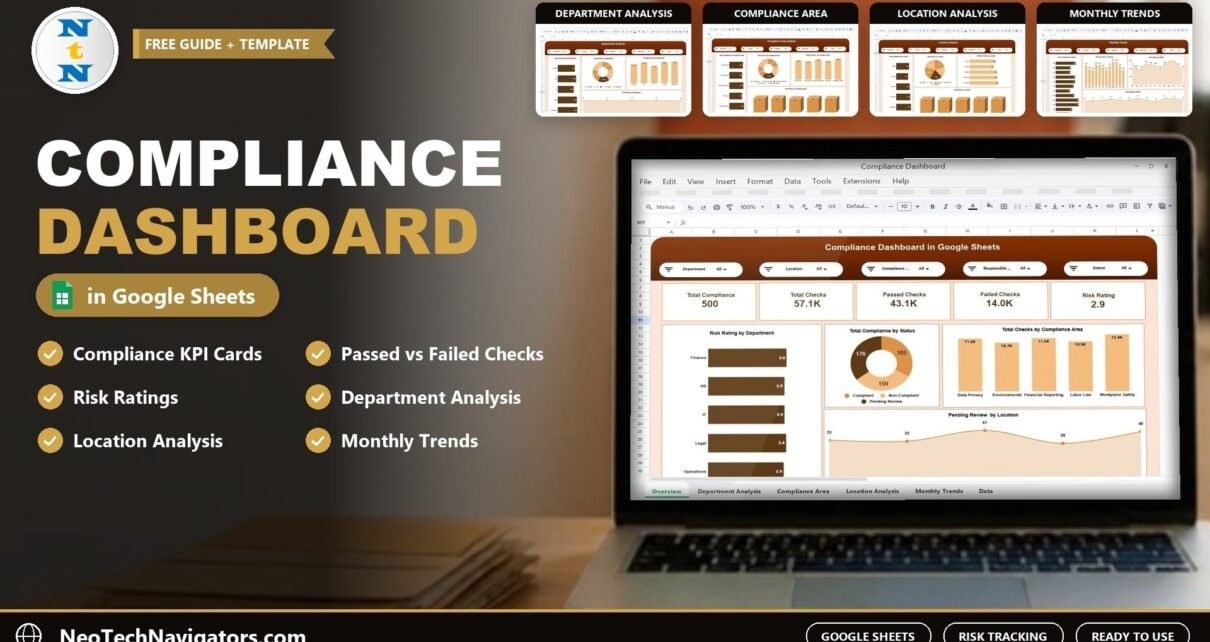
The Compliance Dashboard in Google Sheets tracks compliance records, total, passed and failed checks and risk ratings across departments, compliance areas, locations and months, with slicers for fast drill-down.
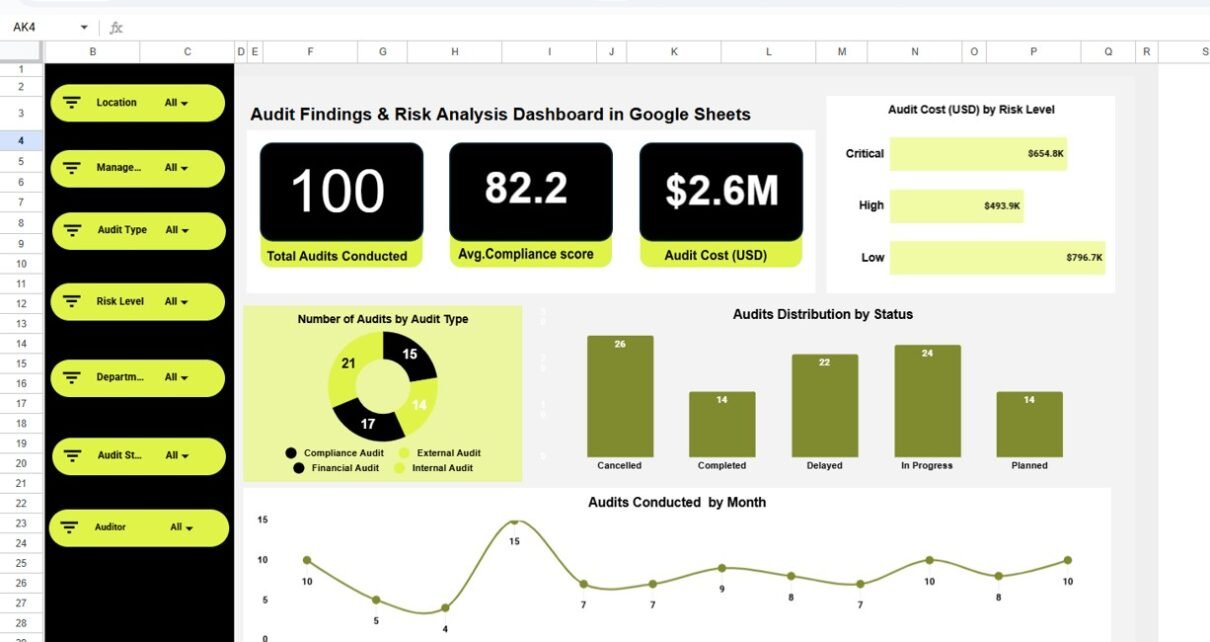
Audits play a critical role in ensuring compliance, managing risk, and improving operational efficiency. However, many organizations still rely on manual reports, scattered spreadsheets, and static presentations to track audit outcomes. As a result, leadership teams struggle to identify high-risk areas, control audit costs, and monitor corrective actions effectively. This is exactly where an Audit […]
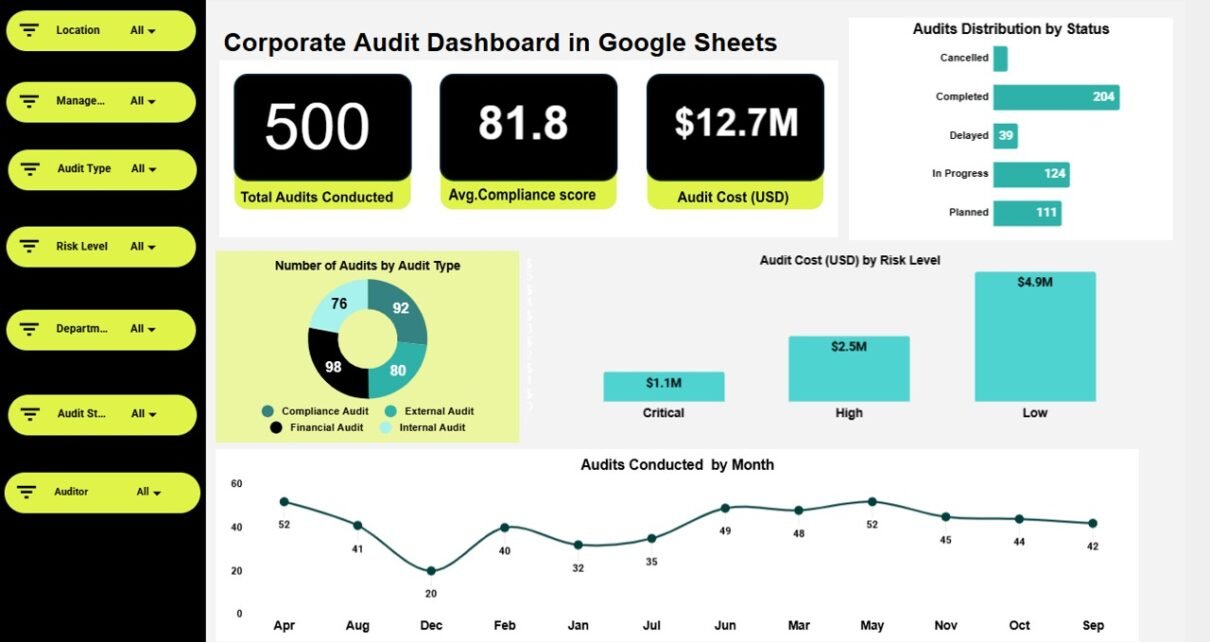
Managing corporate audits effectively requires visibility into compliance scores, risks, costs, and audit outcomes. However, many organizations still rely on static reports and disconnected spreadsheets, which makes audit tracking slow and inefficient. That is exactly why the Corporate Audit Dashboard in Google Sheets is a powerful and practical solution. Get the Corporate Audit Dashboard in […]

In the world of business, managing risks is crucial for maintaining stability and ensuring long-term success. A Risk Management KPI Dashboard in Google Sheets serves as an essential tool that allows organizations to monitor, evaluate, and manage various risks in real-time. It helps businesses stay on top of their risk management strategies, making it easier […]