Effective planning and tracking of R&D activities is essential for innovation and timely project delivery. The R&D Activity Calendar in Google Sheets provides a ready-to-use solution for managing research projects, experiments, and milestones.
This calendar helps teams stay organized, ensures deadlines are met, and improves collaboration across departments.R&D Activity Calendar in Google Sheets
Get the R&D Activity Calendar in Google Sheets
What Is an R&D Activity Calendar?
An R&D Activity Calendar is a structured tool that organizes research and development activities in a centralized Google Sheet. It allows project managers, R&D teams, and department heads to track tasks, deadlines, and events while providing a clear view of ongoing and upcoming activities.R&D Activity Calendar in Google Sheets
Using Google Sheets ensures accessibility, real-time collaboration, and ease of updates across multiple users.
Key Features of the R&D Activity Calendar
This calendar includes 5 worksheets to provide comprehensive planning and tracking:
1. Home Sheet Tab
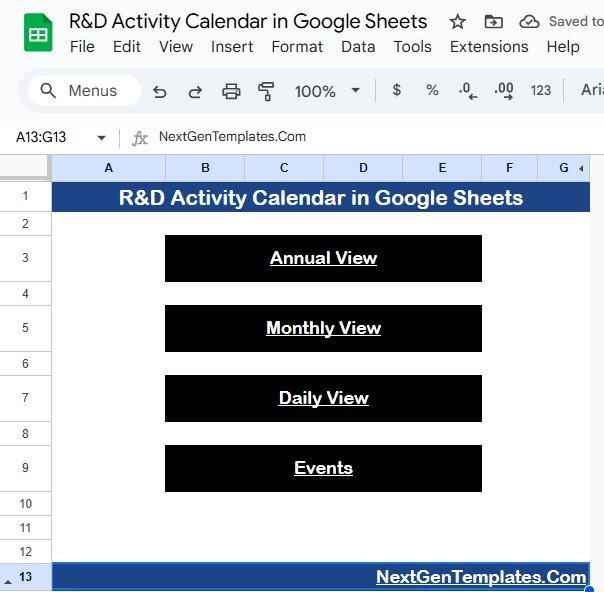
The Home sheet is the index page with four buttons for easy navigation:
-
Annual View – Jump to the year overview
-
Monthly View – Access a single month’s calendar
-
Daily View – See detailed events for a selected range
-
Events – Go directly to the event database
This setup ensures quick access to all views and simplifies navigation.
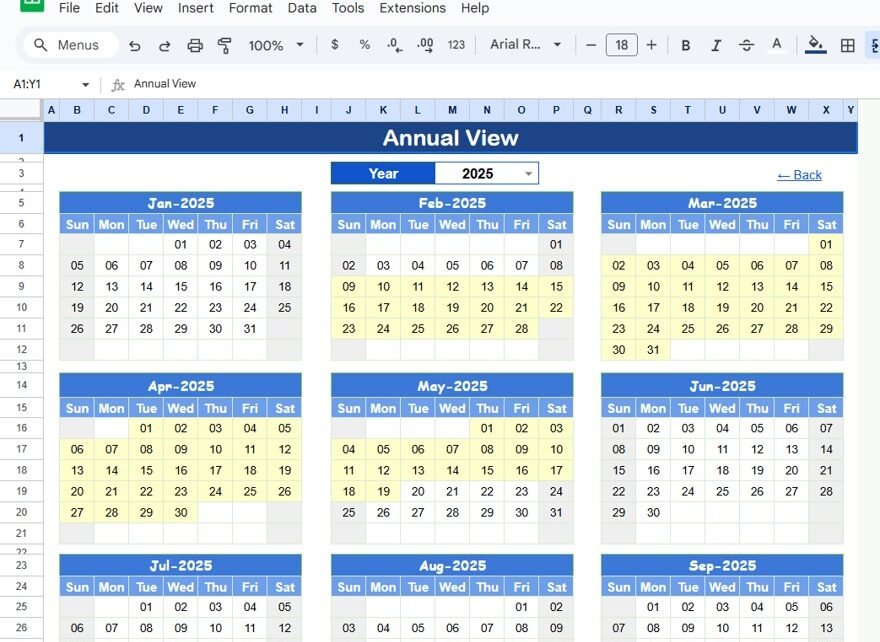
2. Annual View Sheet Tab
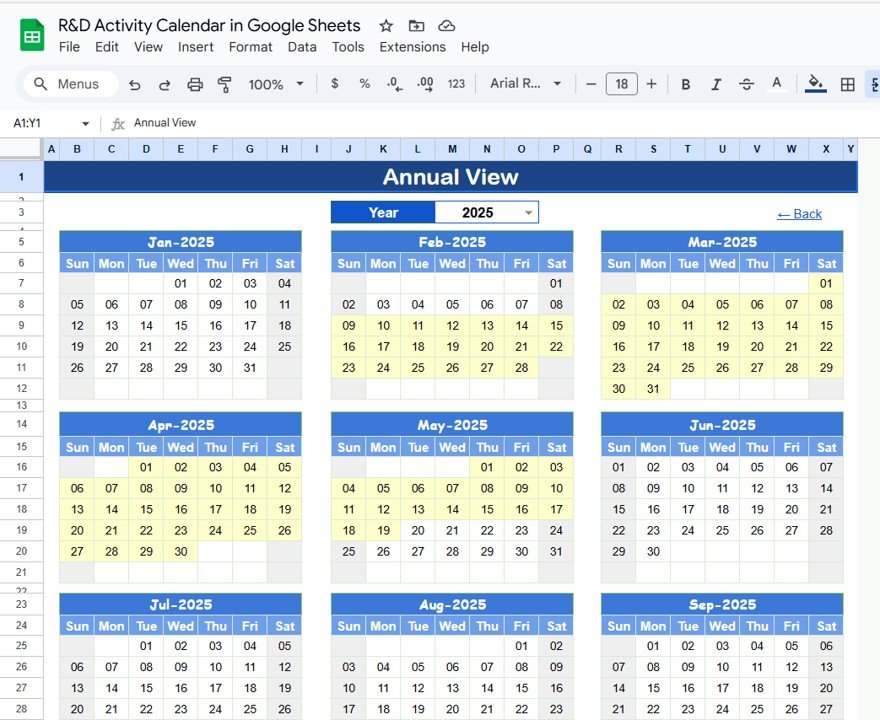
The Annual View provides a full-year overview of R&D activities:
-
Displays all 12 months in one sheet
-
Year Selection: Automatically update the calendar for any year
-
Customize starting month and first day of the week
This view is ideal for long-term planning and resource allocation.
3. Monthly View Sheet Tab
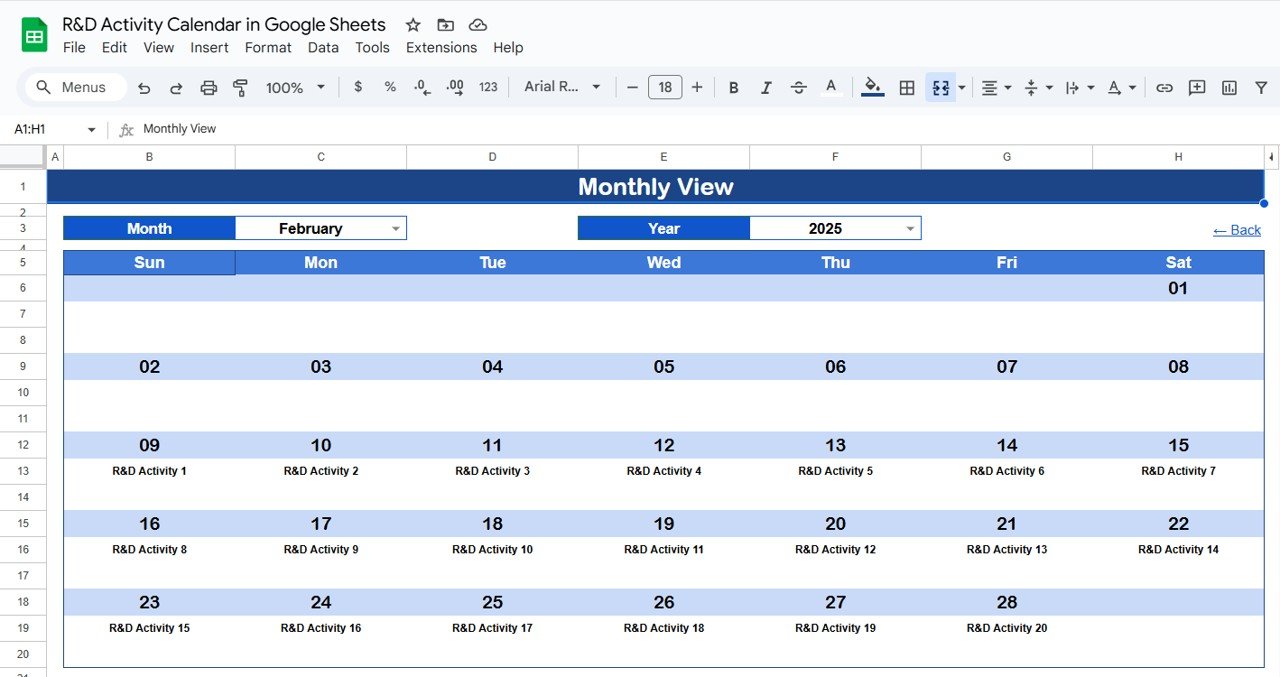
The Monthly View focuses on a single month:
-
Select Month and Year to update the calendar dynamically
-
Shows scheduled events for each day
-
If multiple events occur on the same day, it displays “more than 1…”
This view is useful for detailed monthly planning and coordination.
4. Daily View Sheet Tab
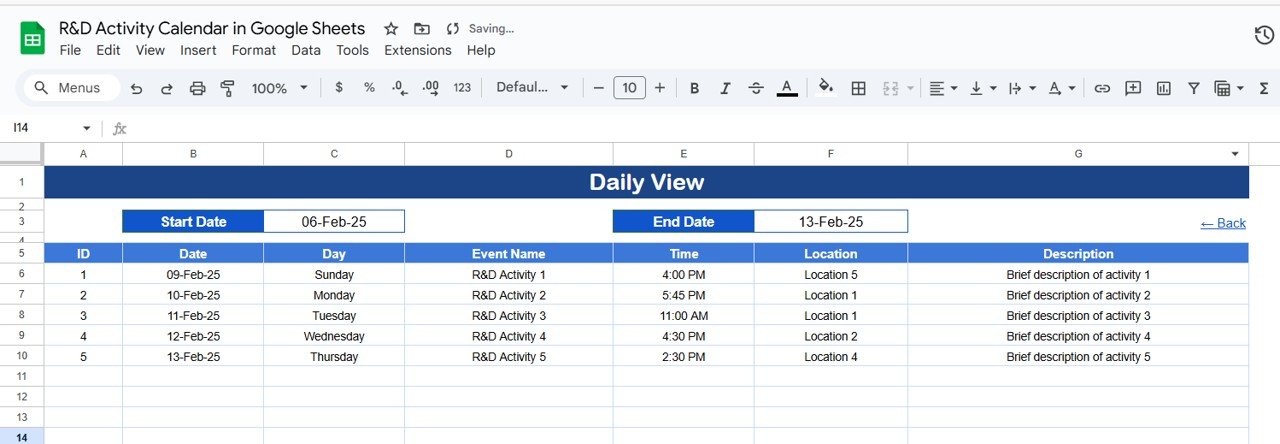
The Daily View provides a list of events with details for a selected date range:
-
Select Start Date and End Date using the calendar icon
-
View detailed information including time, location, and description
This sheet ensures no R&D activity is missed and improves daily task management.
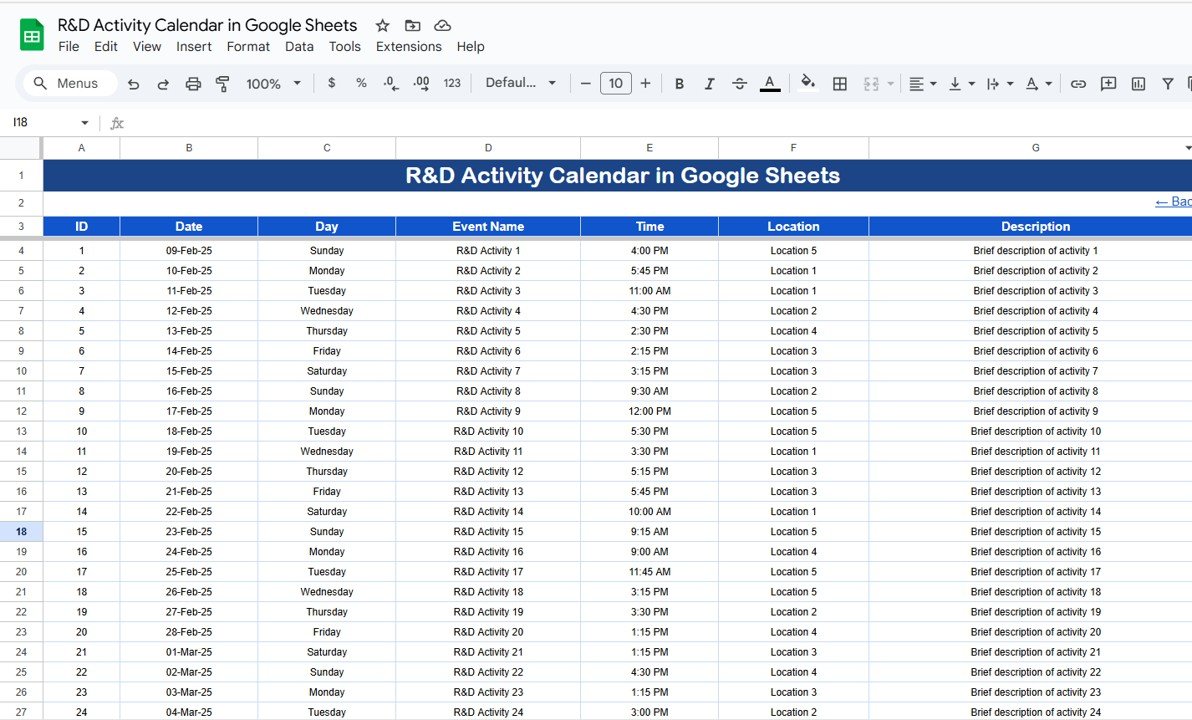
5. Events Sheet Tab
The Events sheet serves as the database for all R&D activities:
-
ID: Unique identifier for each event
-
Date: Date of the event
-
Day: Day of the week (Sunday, Monday, etc.)
-
Event Name: Name of the R&D activity or milestone
-
Time: Scheduled time
-
Location: Where the event takes place
-
Description: Short notes about the event
This centralized database allows teams to track and manage all R&D activities efficiently.
Advantages of Using the R&D Activity Calendar
-
Centralized Planning: All R&D activities are in one place
-
Improved Coordination: Teams can plan and track activities collaboratively
-
Deadline Management: Ensure milestones are met on time
-
Flexible Views: Annual, monthly, and daily perspectives for easy tracking
-
Real-Time Updates: Google Sheets allows multiple users to edit simultaneously
-
Enhanced Productivity: Reduces miscommunication and missed tasks
Best Practices for Using the Calendar
-
Update Events Promptly: Add new activities as soon as they are scheduled
-
Segment by Project or Team: Use event names and locations to organize by team or project
-
Review Monthly and Annual Views: Ensure all milestones are planned and aligned
-
Use Descriptive Event Names: Make events clear for all team members
-
Leverage Daily View for Execution: Track day-to-day activities and ensure timely completion
How This Calendar Helps R&D Teams
-
Organize Projects: Plan experiments, tests, and research activities systematically
-
Track Deadlines: Keep track of key milestones and deliverables
-
Enhance Collaboration: Share the sheet across teams for visibility
-
Monitor Progress: Identify overlapping or delayed activities easily
-
Streamline Reporting: Generate insights for management or project reviews
Thinking about building a calendar like this yourself? The NextGenTemplates Academy learning paths cover the spreadsheet skills involved, with practice files along the way.
Get the R&D Activity Calendar in Google Sheets
Frequently Asked Questions (FAQs)
Q1: Can I customize the calendar for multiple projects?
Yes, you can add project names, departments, or teams in the Event Name or Description for better organization.
Q2: Can I track recurring R&D activities?
Yes, you can duplicate events or manually enter recurring tasks for consistent tracking.
Q3: Is this calendar suitable for large R&D teams?
Absolutely. Google Sheets supports multiple collaborators and large datasets efficiently.
Q4: Can I filter events by location or team?
Yes, use the filter options in the Events sheet to display events by location, team, or date range.
Q5: How do I update the calendar for a new year?
Simply change the year in the Annual View input group to update the full-year calendar automatically.
Conclusion
The R&D Activity Calendar in Google Sheets is a simple, effective, and collaborative tool to plan, track, and manage research and development activities. With annual, monthly, and daily views, as well as a centralized event database, this calendar ensures deadlines are met, resources are efficiently allocated, and R&D teams stay on track to achieve their goals.