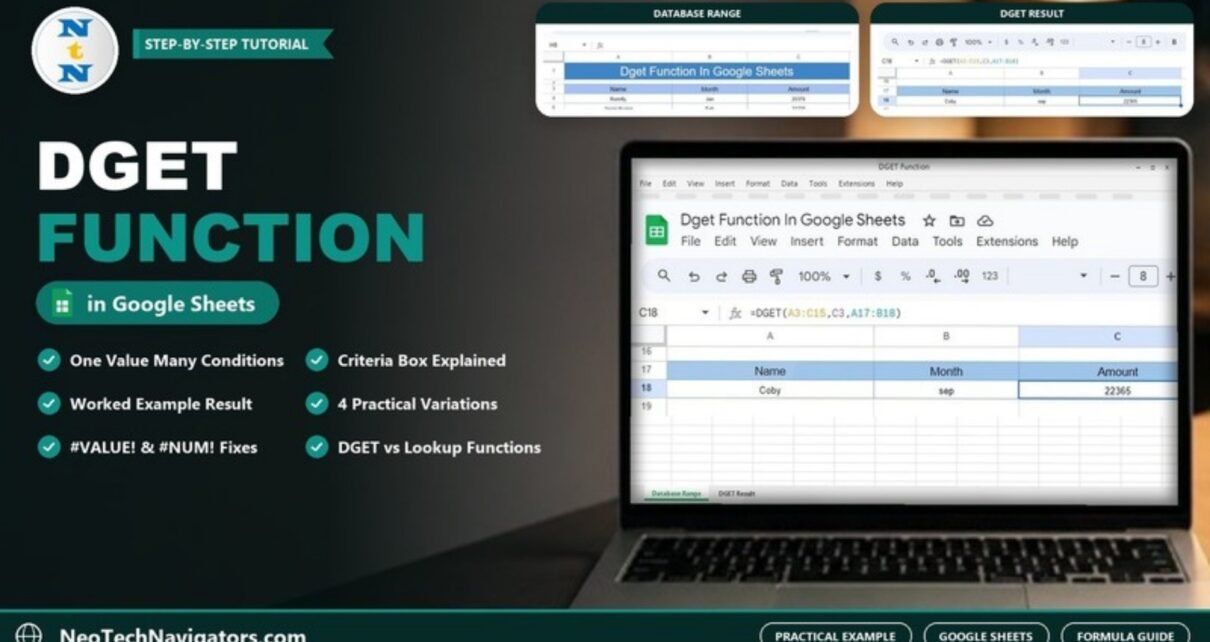
Learn how the DGET function in Google Sheets returns one value that meets several conditions, with a worked Name and Month example, four variations and fixes for #VALUE! and #NUM!.
Online Tutorial for Data Analysis and Automation
Learn how the DGET function in Google Sheets returns one value that meets several conditions, with a worked Name and Month example, four variations and fixes for #VALUE! and #NUM!.
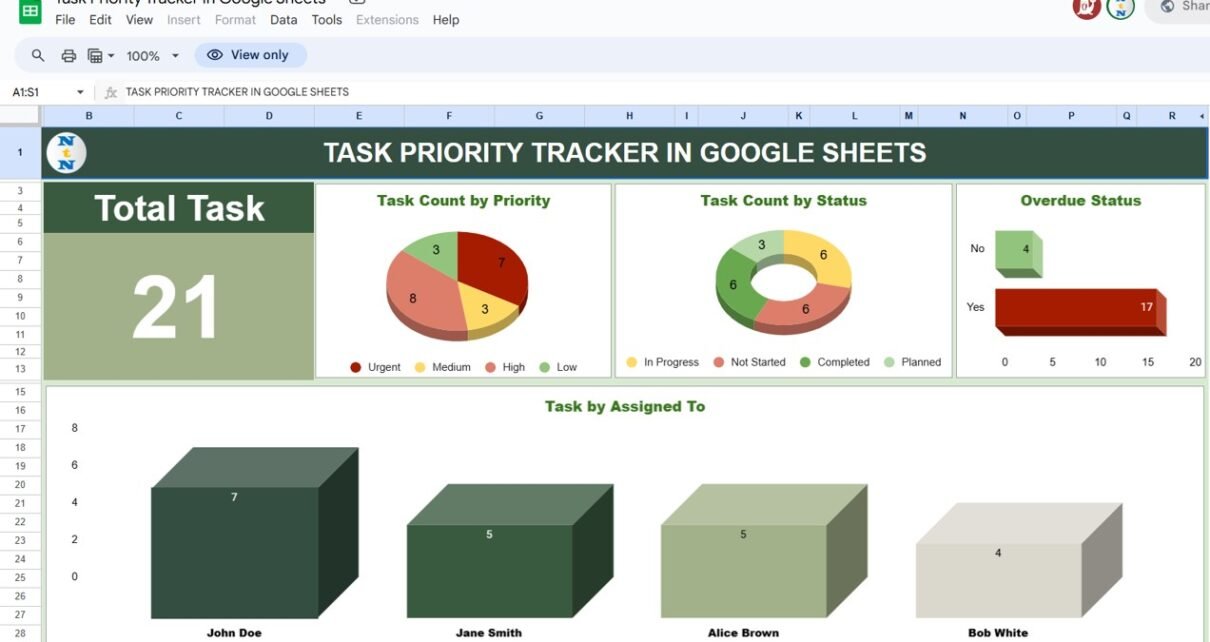
A Task Priority Tracker in Google Sheets with a dashboard, a Kanban-style priority view, an overdue flag and completion percentages for Urgent, High, Medium and Low tasks. See how each sheet works and how to set it up.
Build a dynamic calendar in Google Sheets that redraws itself when you pick a year and month, using DATEVALUE, one SEQUENCE formula, a DD number format and a conditional formatting rule.
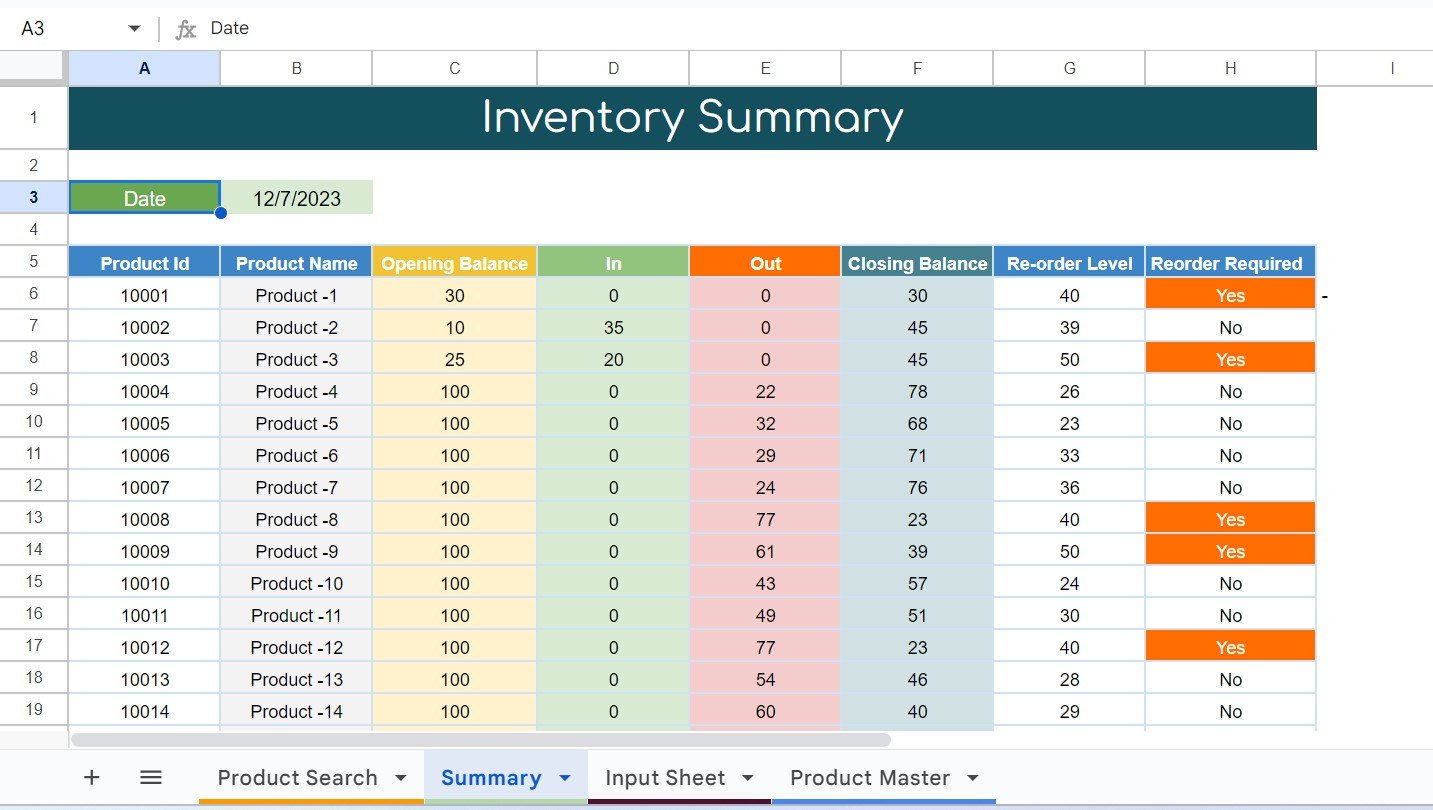
Track stock in and out, see closing balances for any date and get reorder alerts with a free four-tab inventory management system in Google Sheets, with the formulas explained.