Use Word’s Transcribe feature to turn a video or audio recording into editable, speaker-labelled text, with requirements, step-by-step instructions and accuracy tips.
Online Tutorial for Data Analysis and Automation
Use Word’s Transcribe feature to turn a video or audio recording into editable, speaker-labelled text, with requirements, step-by-step instructions and accuracy tips.

Type a few characters in Microsoft Word to insert arrows, smiley faces, symbols and six styles of horizontal line, and learn how to remove or switch off the automatic formatting.
Use INDEX with two MATCH functions in Google Sheets to look up any employee by ID and any field by its header, with a worked call-centre example and a free practice file.
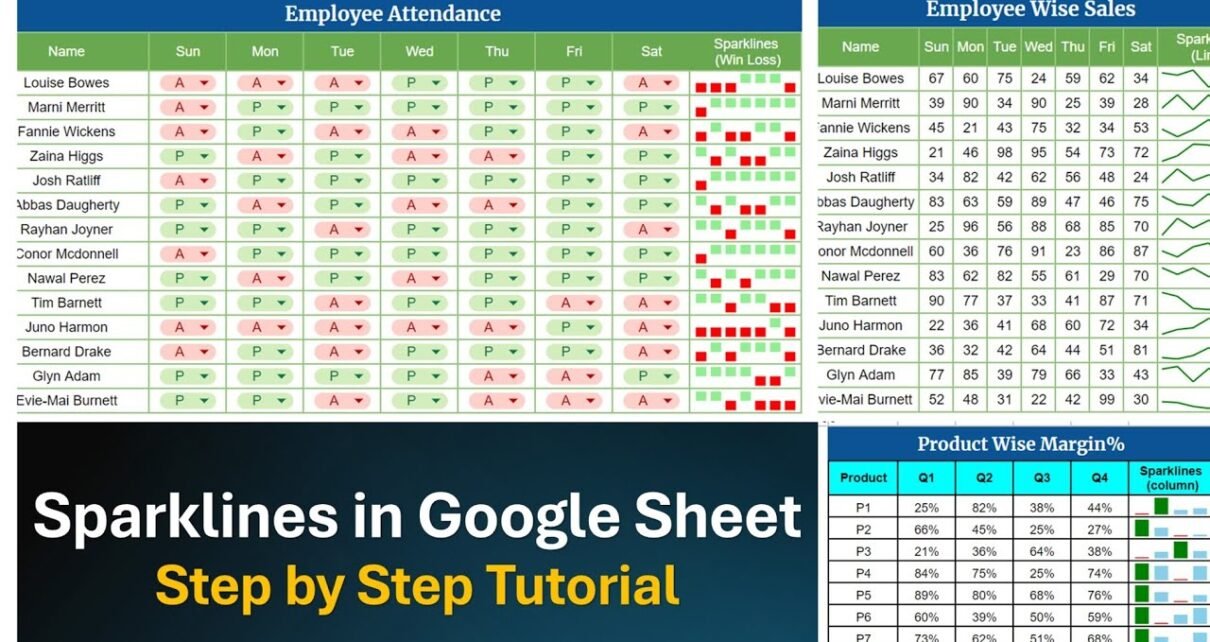
Learn the SPARKLINE function in Google Sheets with three worked examples: a line sparkline for daily sales, a column sparkline for quarterly margin and a win/loss sparkline for attendance.
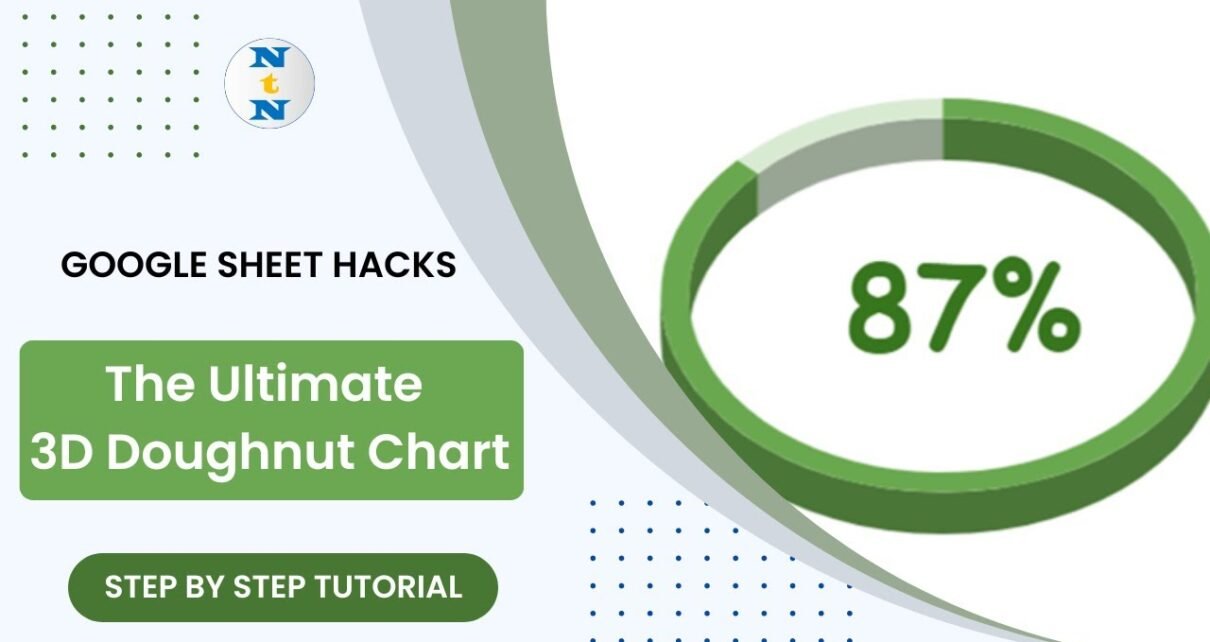
Build a dynamic 3D doughnut chart in Google Sheets from a pie chart, two data cells and one helper formula, with the KPI value shown in the centre of the ring.

Build a gauge chart in Google Sheets from just a label and a value: insert the Gauge chart, set the scale and red/orange/green bands, and drive it with a live Service Level formula. Free practice file included.
Six practical VLOOKUP tricks in Google Sheets – normal lookup, VLOOKUP with COLUMN, VLOOKUP with MATCH, double VLOOKUP, IFERROR handling and age buckets – with a free practice file and checked results.
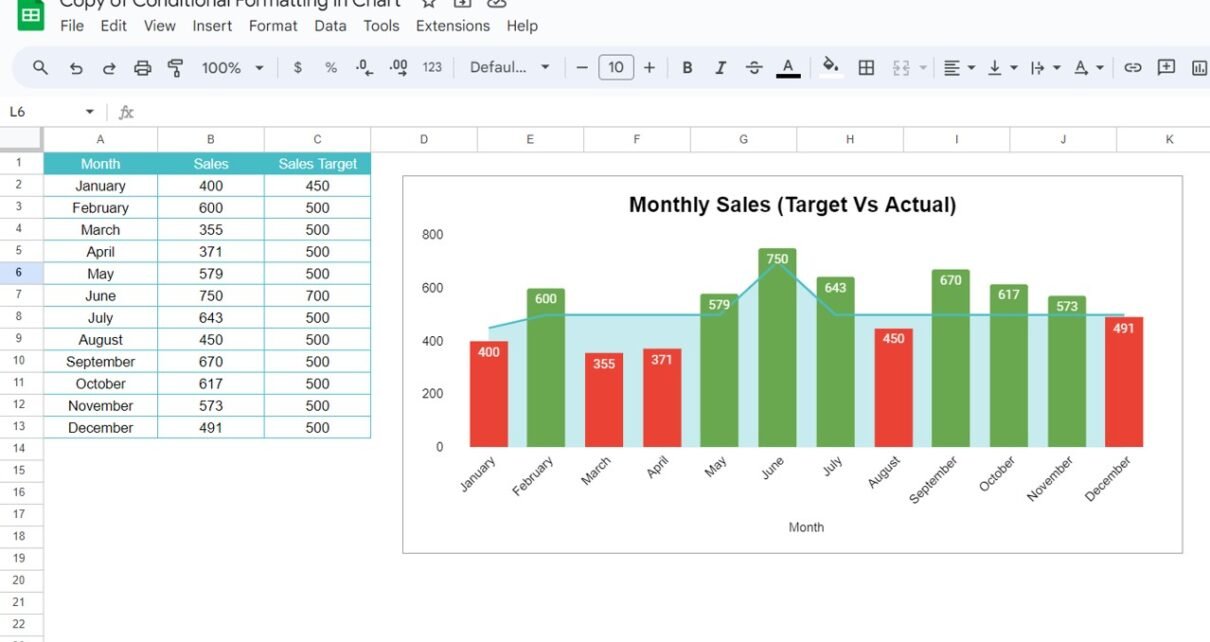
Make Google Sheets chart bars turn red when sales miss the target and green when they meet it, using two IF/NA() helper columns and a stacked combo chart. Free practice file included.
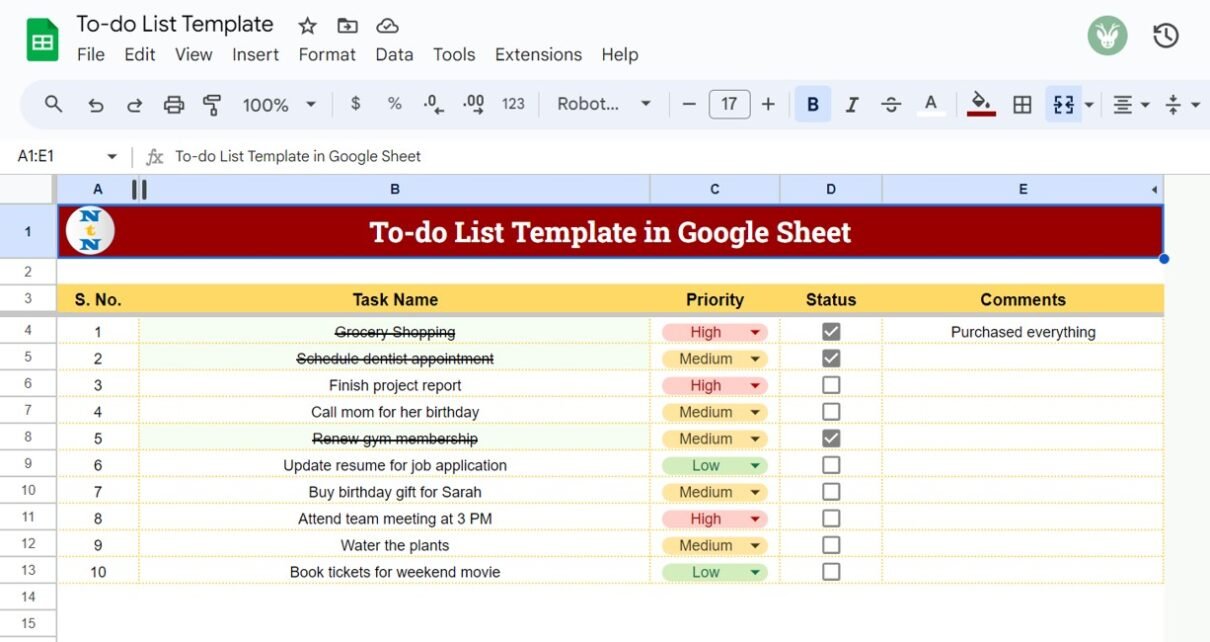
A free, simple to-do list template in Google Sheets with an automatic serial number, a colour-coded High/Medium/Low priority dropdown, status checkboxes and automatic strike-through for finished tasks.
Compare NETWORKDAYS and NETWORKDAYS.INTL in Google Sheets with a ten-project practice file, weekend codes, holiday handling and worked examples you can check by hand.