Skip to content
Sunday, November 08, 2026
  • About
  • Contact Us

Neotech Navigators

Online Tutorial for Data Analysis and Automation

  • Home
  • Google Sheets
    • Templates (NextGenTemplates)
    • Dashboards
    • KPI Dashboards
  • HTML Dashboards
  • Power BI
  • SQL Tutorial
    • All SQL chapters
  • Python Tutorial
  • Template Store
  • Courses
  • Academy
    • Excel + AI Mastery: 100 Formulas
    • Excel Pivot Tables & Dashboards
  • More
    • MS Word
    • PowerPoint
    • Excel Tutorials (PK-AnExcelExpert)
    • About
    • Contact

Author: PK

Meet PK, the founder of NeotechNavigators.com! With over 15 years of experience in Data Visualization, Excel Automation, and dashboard creation. PK is a Microsoft Certified Professional who has a passion for all things in Excel. PK loves to explore new and innovative ways to use Excel and is always eager to share his knowledge with others. With an eye for detail and a commitment to excellence, PK has become a go-to expert in the world of Excel. Whether you're looking to create stunning visualizations or streamline your workflow with automation, PK has the skills and expertise to help you succeed. Join the many satisfied clients who have benefited from PK's services and see how he can take your data analysis skills to the next level!
Google Sheets

Dynamic Calendar in Google Sheets: 6 Easy Steps (Free Template)

July 10, 2024October 9, 2026PKComments Off on Dynamic Calendar in Google Sheets: 6 Easy Steps (Free Template)

Build a dynamic calendar in Google Sheets that redraws itself when you pick a year and month, using DATEVALUE, one SEQUENCE formula, a DD number format and a conditional formatting rule.

Google Sheets

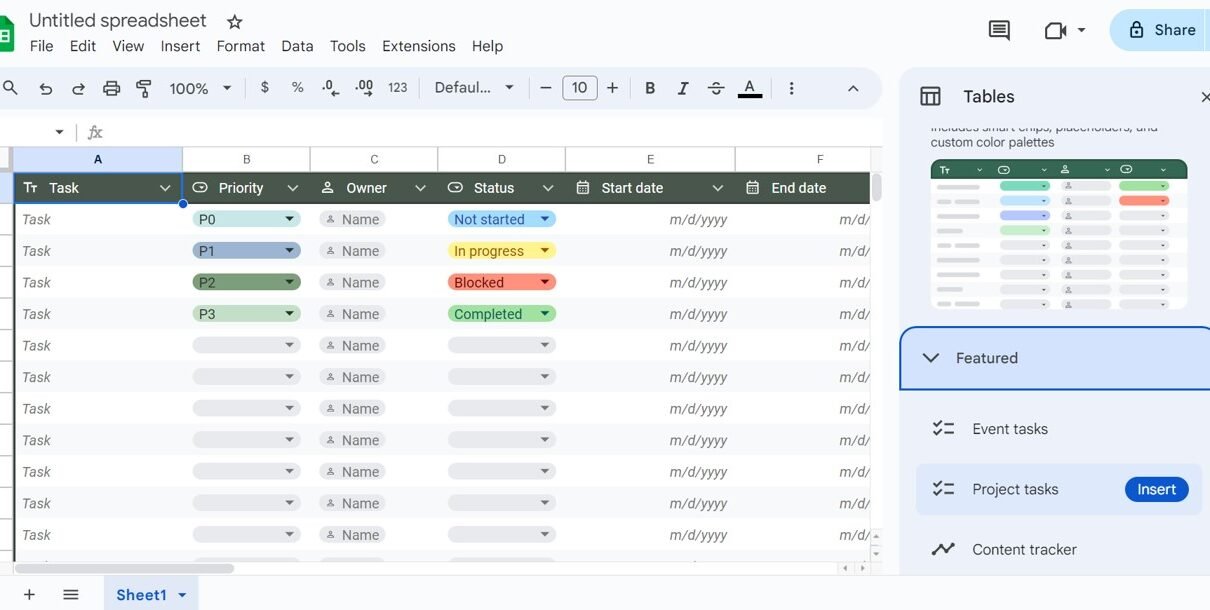
Tables in Google Sheets: How to Create, Format and Use Them

July 9, 2024October 10, 2026PKComments Off on Tables in Google Sheets: How to Create, Format and Use Them

A step-by-step guide to Tables in Google Sheets: insert ready-made tables, set column types, convert a range, change colours, save group-by and filter views, rename tables and use table references like =SUM(Sales_Data[Sales]) in formulas.
Google Sheets

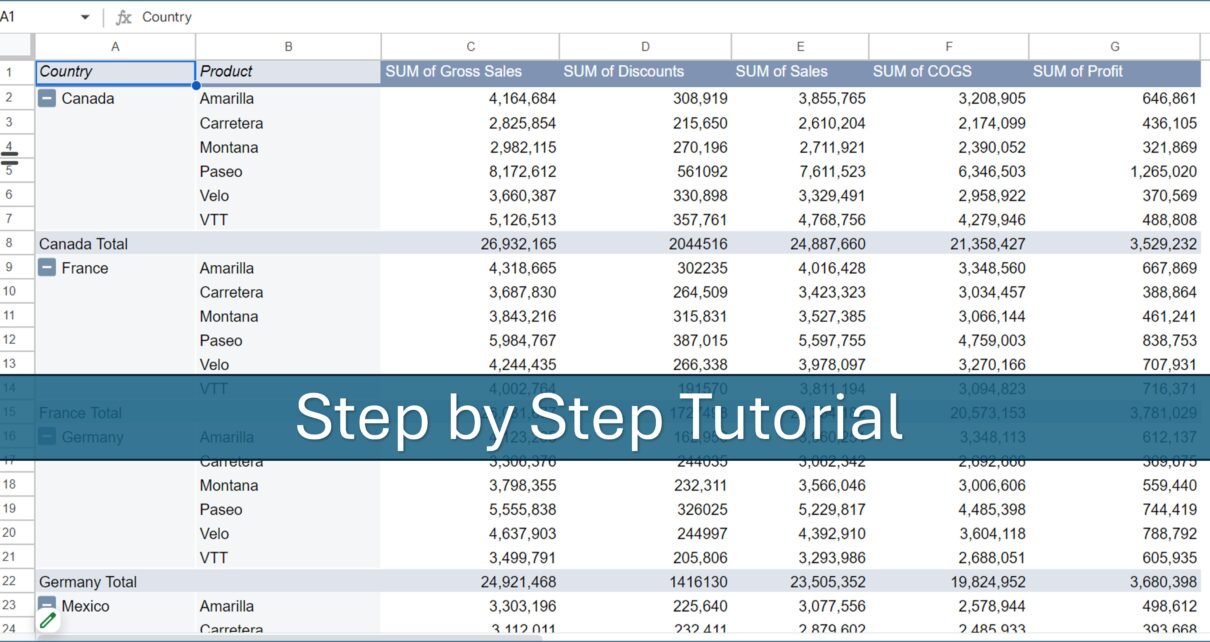
Pivot Table Guide for Google Sheets (3 Step-by-Step Examples)

July 5, 2024October 10, 2026PKComments Off on Pivot Table Guide for Google Sheets (3 Step-by-Step Examples)

A practical pivot table guide for Google Sheets: build three real summaries from a sales dataset (totals by product, country and product metrics, and percent of sales by segment), plus calculated fields, date grouping and fixes for common problems.

Google Sheets

Sales Commission Template with Bonus Amount in Google Sheets

July 5, 2024October 10, 2026PKComments Off on Sales Commission Template with Bonus Amount in Google Sheets

A Google Sheets sales commission template that applies tiered commission rates and target-based bonuses to every sale and totals commission, bonus and earnings for any date range. See each tab, a worked example and the formulas behind it.

Google Sheets

Filter and Filter View in Google Sheets: Step-by-Step Guide

July 4, 2024October 10, 2026PKComments Off on Filter and Filter View in Google Sheets: Step-by-Step Guide

Learn how to use Filter and Filter View in Google Sheets: filter by values, condition, colour and custom formula, then save a personal filter view that does not change the sheet for collaborators.
Attendance Sheet with Check boxes
Google Sheets

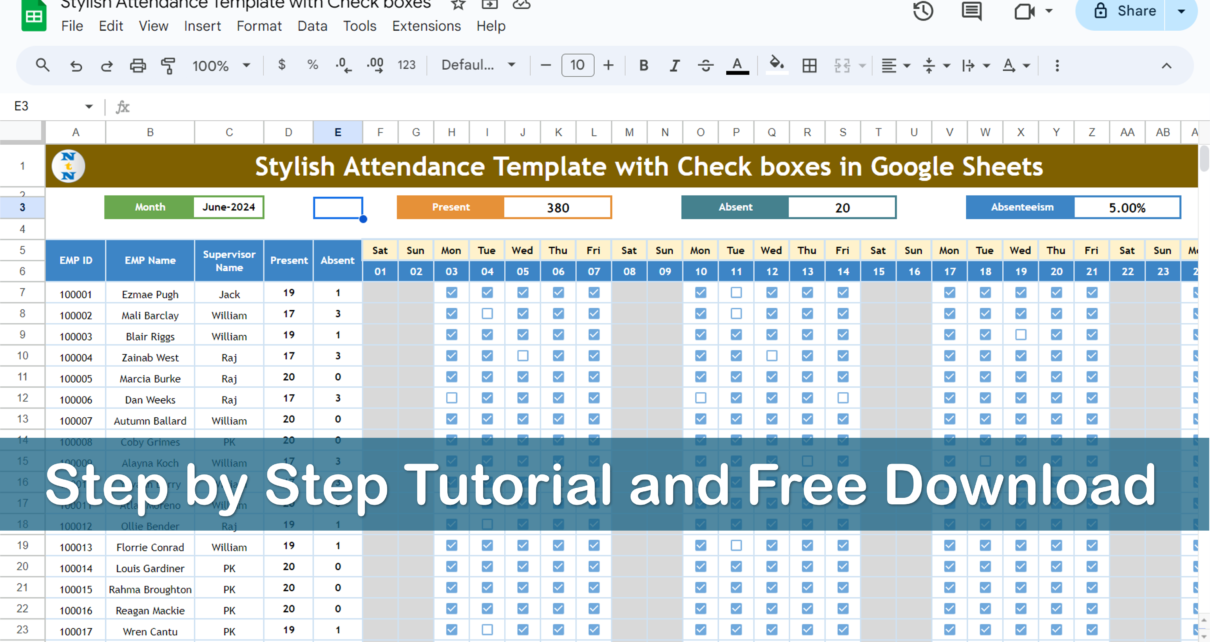
Dynamic Monthly Attendance Template in Google Sheets with Check Boxes (Free Download)

July 3, 2024October 10, 2026PKComments Off on Dynamic Monthly Attendance Template in Google Sheets with Check Boxes (Free Download)

A free monthly attendance template in Google Sheets with check boxes that builds the calendar from one month cell, skips weekends and calculates present days, absent days and absenteeism automatically.
Project Plan (Gantt Chart) in Google Sheet
Google Sheets

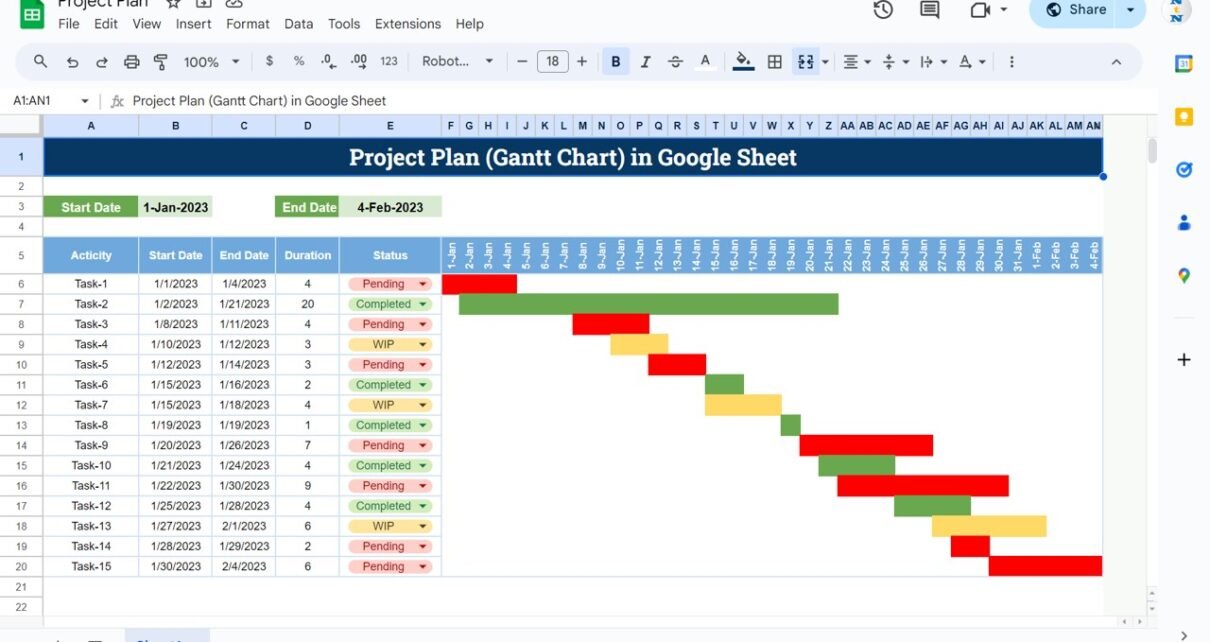
Project Plan or Gantt Chart in Google Sheets

July 1, 2024October 10, 2026PKComments Off on Project Plan or Gantt Chart in Google Sheets

A practical guide to the Project Plan (Gantt Chart) template in Google Sheets: enter tasks, start dates and durations, and the sheet calculates end dates and draws red, amber and green bars by status. Includes the formulas to rebuild it yourself.

Google Sheets

Weekly Roster Template in Google Sheets (Free)

June 22, 2024October 9, 2026PKComments Off on Weekly Roster Template in Google Sheets (Free)

A free weekly roster template in Google Sheets with shift drop-downs, automatic week-off and leave counts, a red-row check for two week offs and a daily Shift Wise Count. See how it works and how to set it up for your team.
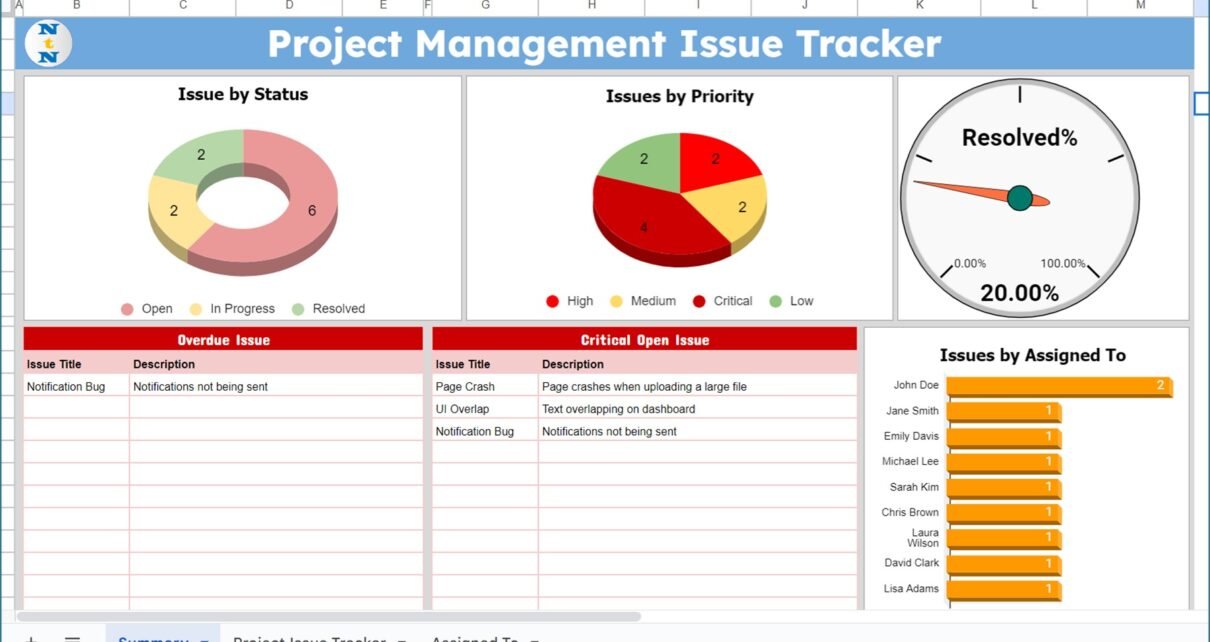
Project Management Issue Tracker
Google Sheets

Project Management Issue Tracker in Google Sheets

May 22, 2024October 9, 2026PKComments Off on Project Management Issue Tracker in Google Sheets

A ready-to-use Project Management Issue Tracker in Google Sheets with an input table, Priority, Status and Assigned To slicers, and a Summary tab showing Resolved%, overdue issues and critical open issues. See every field and how to set it up.
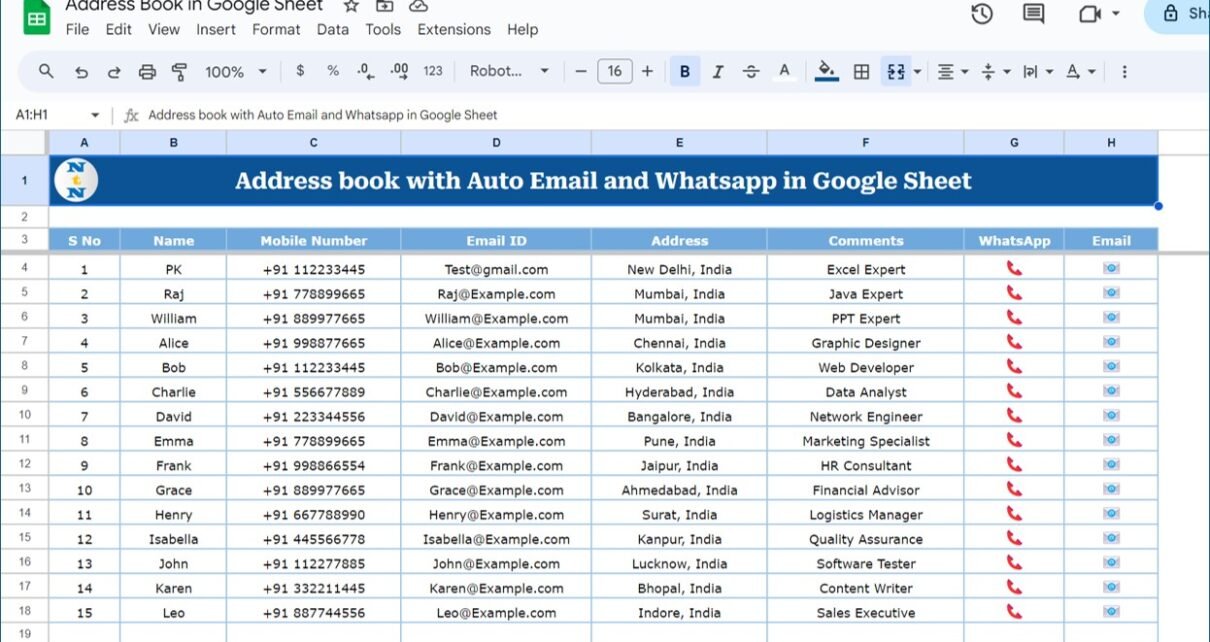
Auto WhatsApp and Email Functionality Address book in Google sheet
Google Sheets

Address Book in Google Sheets with Auto WhatsApp and Email

May 10, 2024October 9, 2026PKComments Off on Address Book in Google Sheets with Auto WhatsApp and Email

A Google Sheets address book where each contact row has a WhatsApp icon that opens the chat in WhatsApp Web and an Email icon that starts a new message. See the columns, how the links work and the HYPERLINK formulas behind them.

Posts pagination

Previous 1 … 226 227 228 Next

Categories

  • AI
  • Dashboard
  • Formulas
  • Google Sheets
  • Google Sheets Templates
  • HTML Dashboard
  • KPI Dashboard
  • MS Word
  • Power BI
  • PowerPoint
  • Python
  • SQL
  • Templates
  • Windows

Popular Tutorials

  • Sales KPI Dashboard in Google Sheets
  • Dynamic Calendar with Holidays & Events
  • Multi-Location Inventory Management in Google Sheets
  • Attendance Sheet Template in Google Sheets
  • What is Power BI? A Beginner’s Guide
  • Cleaning Data with Power Query in Power BI
  • Complete Guide to SQL JOINs
  • How to Use Copilot in Windows 11

Free SQL Course

SQL from Scratch — a free, 31-chapter course from SELECT to window functions, with runnable examples and a final quiz.

Start the SQL course →

Browse all SQL chapters · All courses

Popular Tags

business KPI scorecard calendar template Checklist Template Customer Satisfaction Dashboard Template data analysis Database Data Visualization Google Apps Script Google Apps Script Management System Google Apps Script Web App Google Sheets Google Sheets calendar Google Sheets Dashboard Google Sheets Dashboard Template Google Sheets KPI Google Sheets KPI Dashboard google sheets kpi scorecard Google Sheets KPI template Google Sheets template Google Sheets Tracker Google Sheets tracker template Google Sheets Tutorial Healthcare HR Analytics HR Dashboard HTML Dashboard HTML Dashboard Template KPI Dashboard KPI Dashboard Google Sheets KPI Scorecard KPI tracking Learn SQL Performance Tracking personal finance Productivity Project management Spreadsheet Tips SQL Basics SQL for Beginners SQL Tutorial task management task tracker task tracking Web App Template
| Editorial by MysteryThemes.
  • Blog
  • Contact Us
  • About