The Multi-Branch Shop Accounting Management System Web App is built for retail shops, distributors, and small business teams that need branch-wise accounting control in one browser workspace. It brings sales, returns, receipts, expenses, journal entries, transfers, ledgers, inventory, reports, users, settings, archive records, and audit history into a structured web app flow.Multi-Branch Shop Accounting Management System Web App
Instead of managing each branch in a separate spreadsheet, this template gives owners and managers a consistent system for daily billing, stock visibility, customer balances, supplier tracking, cash and bank review, and operational reporting.Multi-Branch Shop Accounting Management System Web App
Get the Multi-Branch Shop Accounting Management System Web App
Get the Multi-Branch Shop Accounting Management System Web App from NextGenTemplates
For teams planning to deploy or customize the app on Google infrastructure, the official Google Apps Script web app guide is a useful reference.
🚀 Try the Live Demo Before You Buy
We have deployed this web app in our own Google account so you can test every page, every role, and every branch — with real sample data — before purchasing. No signup, no email required.
🔑 Test Login Credentials
This system supports 7 role types across multiple branches. Sign in as admin for full system control, owner for an all-branch financial view, or try any of the branch-level roles below to see how access changes per user type.
💡 What you get after purchase: The full source code (Code.gs + Index.html) plus a step-by-step deployment guide so you can deploy your own private instance in your own Google account in under 15 minutes.
Key Features of the Multi-Branch Shop Accounting Web App
- Branch-wise dashboard for sales, expenses, stock, transfers, and accounting activity.
- Sales billing, sales return, receipt, expense, journal, contra, and transfer modules.
- Customer and supplier ledgers for balance tracking and transaction history.
- Cashbook and bank review screens for daily financial movement.Multi-Branch Shop Accounting Management System Web App
- Products, stock ledger, and branch transfer workflows for inventory control.
- Chart of accounts, branches, lists, settings, users, and audit log administration.
- Reports and document screens for management review and record keeping.
- Import, export, archive database, and controlled user management screens.
- One-time purchase template for businesses that want an editable accounting system.
Dashboard Pages Explanation
Below is a screen-by-screen walkthrough of the 25 main pages included in the template.
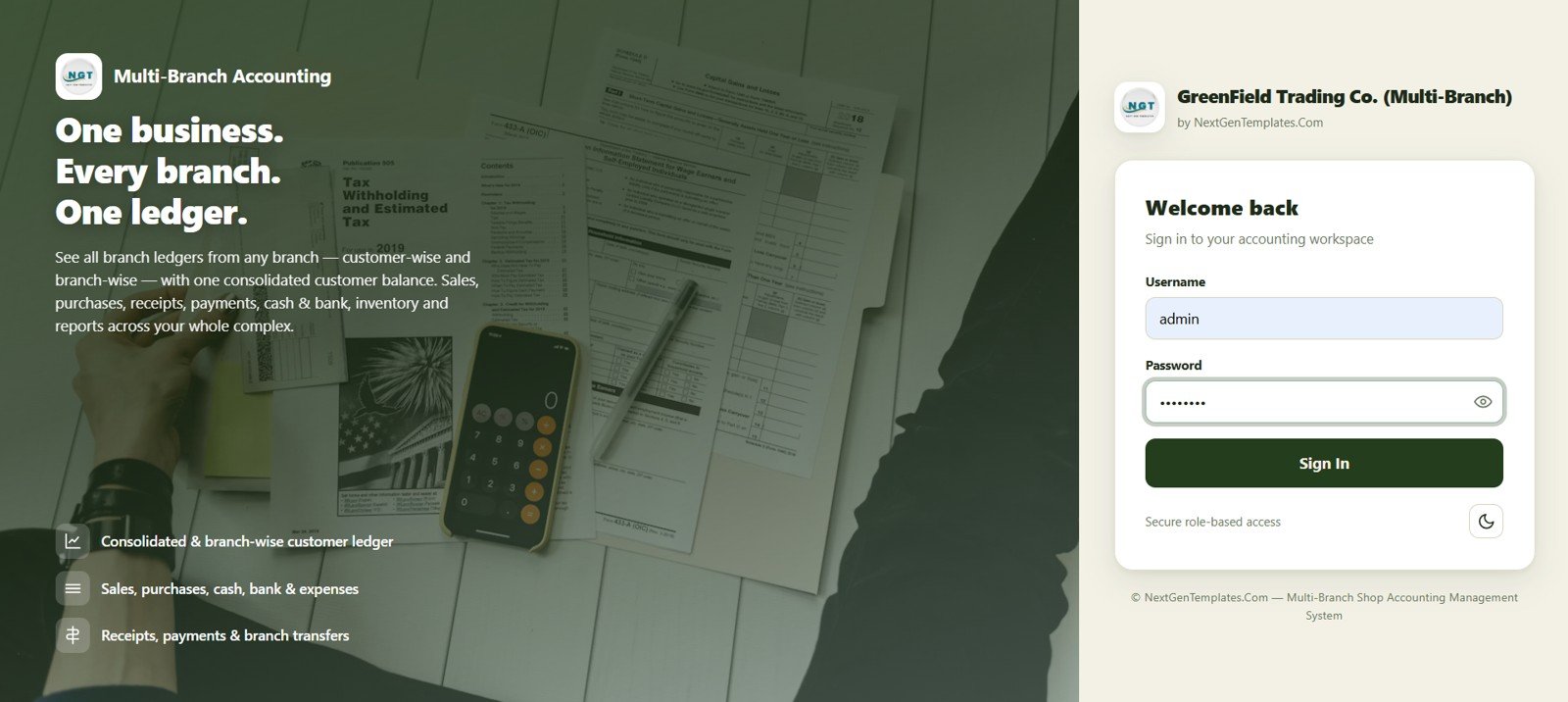
1. Login Page
The login page keeps the system entry controlled before users reach accounting data. It is the starting point for admins, branch users, and staff members who need role-based access to the web app.Multi-Branch Shop Accounting Management System Web App
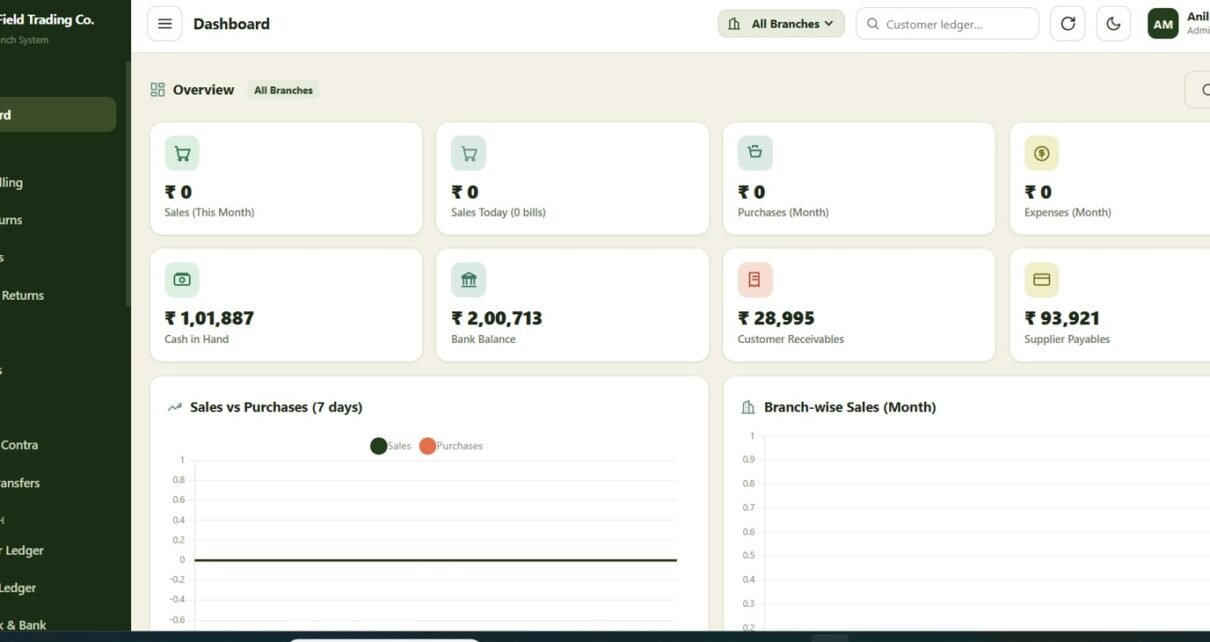
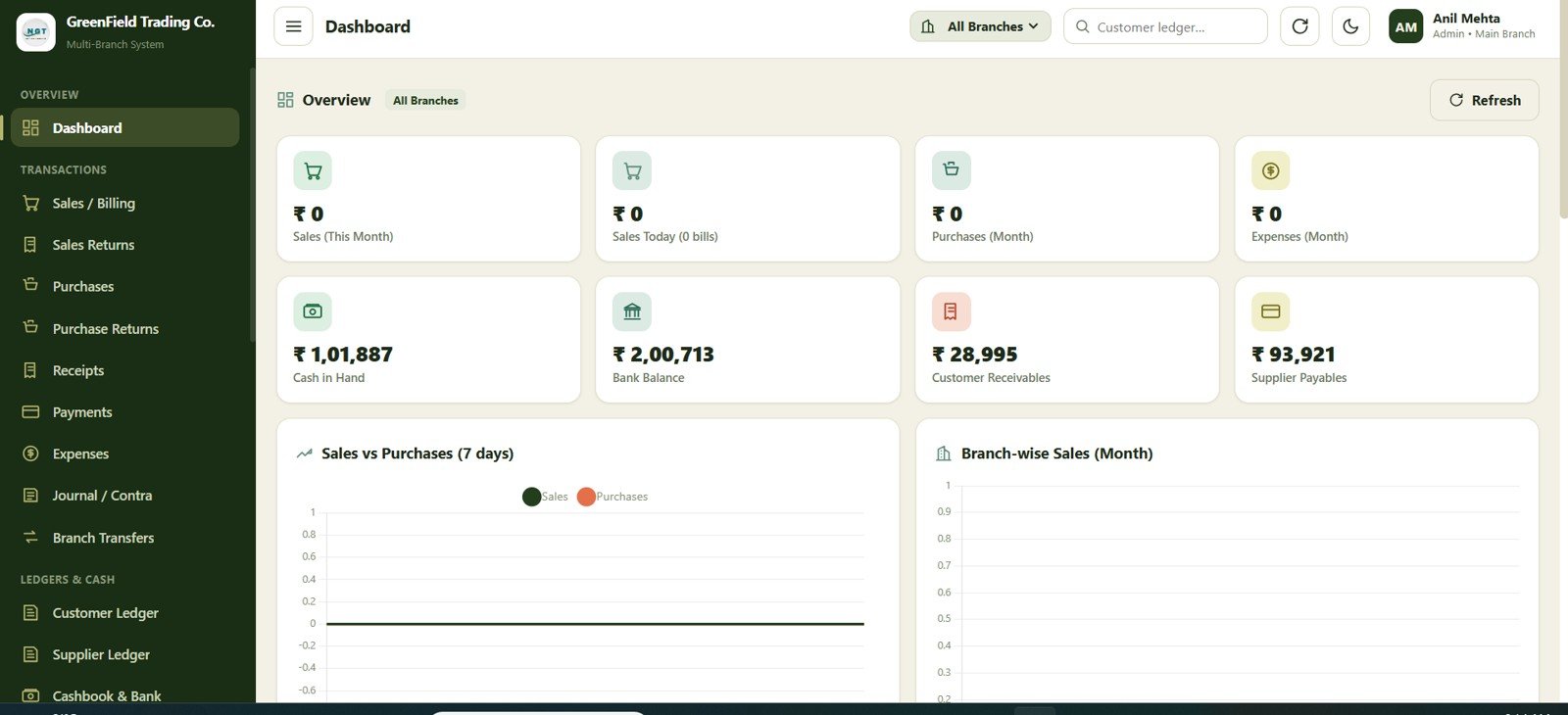
2. Dashboard
The dashboard gives a quick view of business performance across branches. Managers can review key financial and operational indicators before drilling into sales, expenses, stock, transfers, and reports.Multi-Branch Shop Accounting Management System Web App
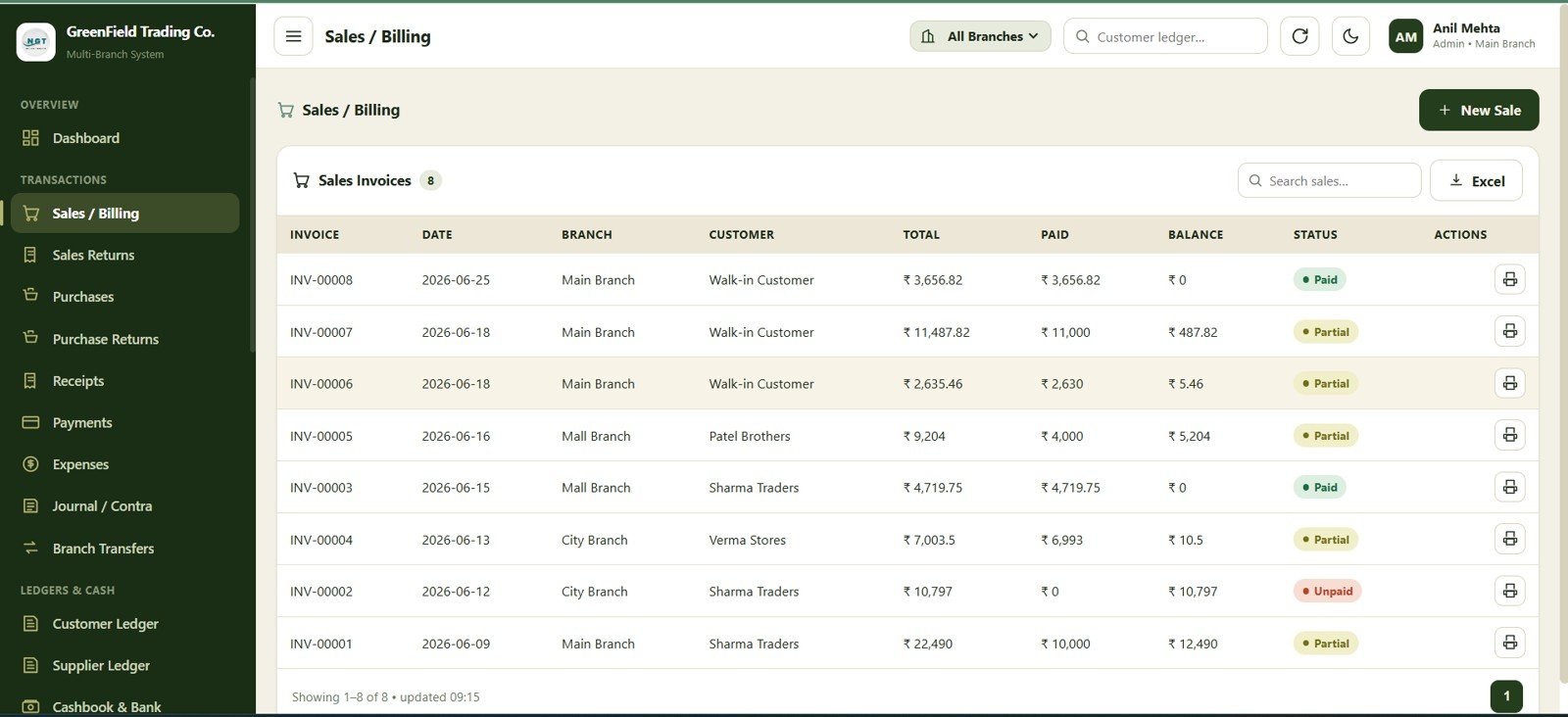
3. Sales / Billing
The sales and billing screen supports daily invoice entry for shop transactions. It helps users capture customer, product, branch, quantity, rate, tax, discount, and payment details in a structured format.
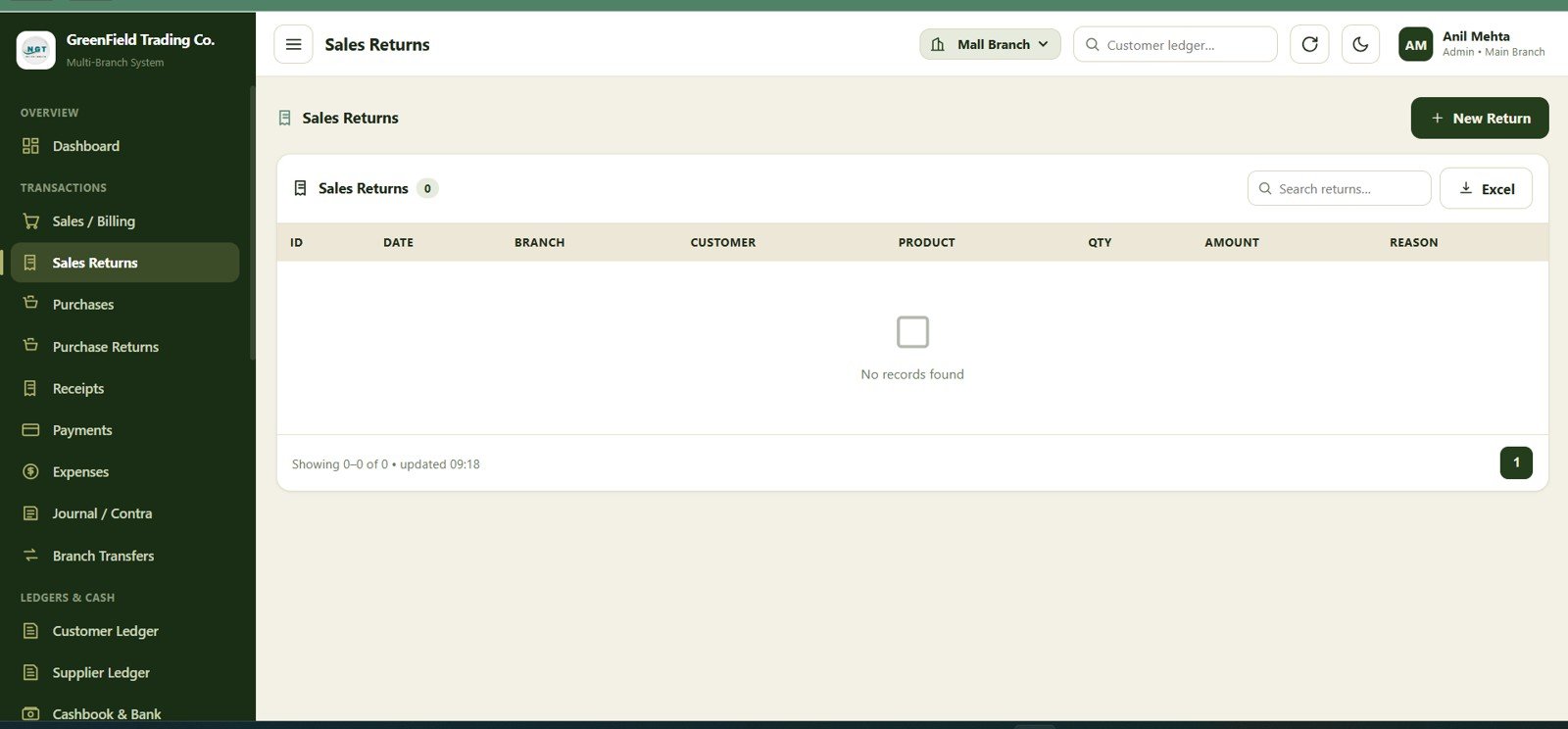
4. Sales Returns
Download the Multi-Branch Shop Accounting Management System Web App from NextGenTemplates
The sales returns page records returned items and reversal activity. This helps maintain cleaner sales figures, customer balances, and stock movement when products are brought back after billing.
5. Receipts
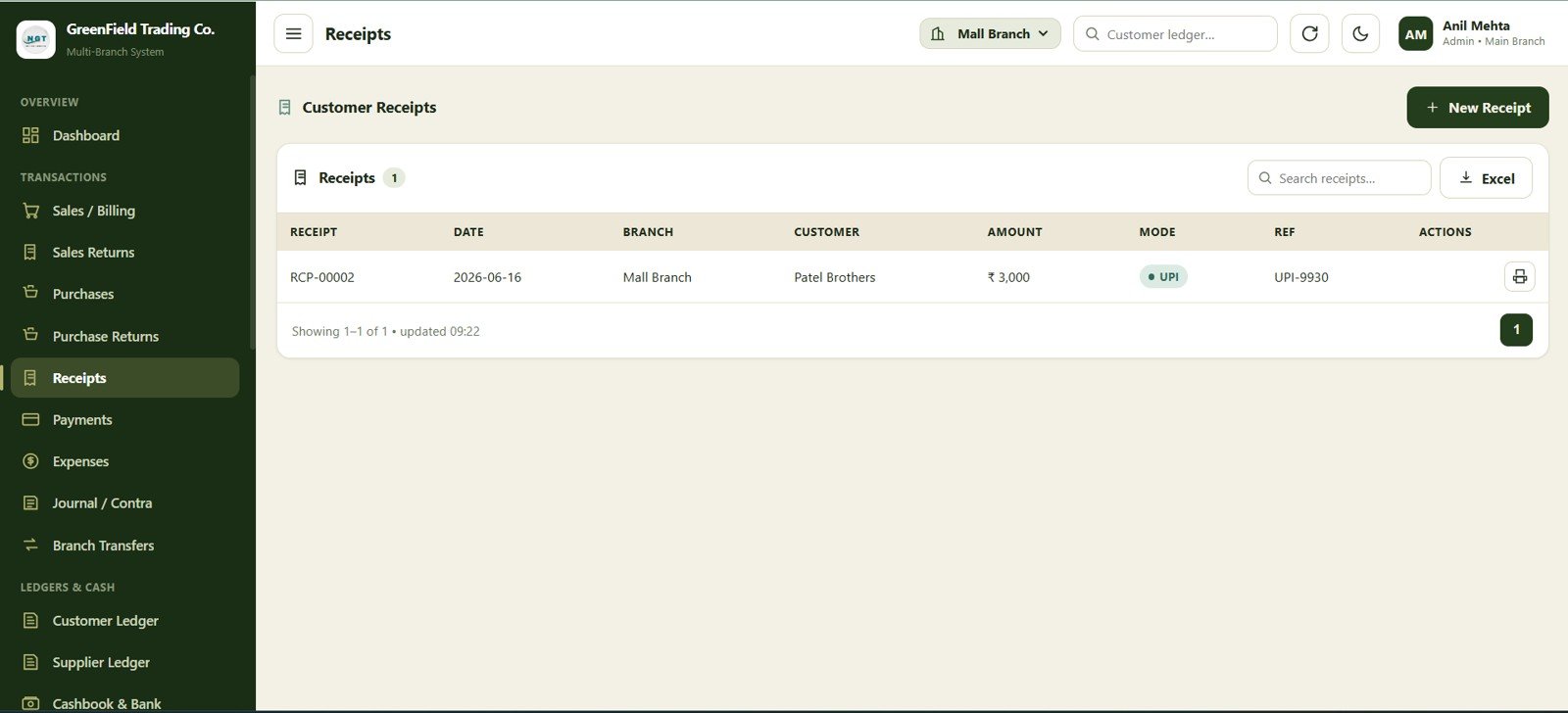
The receipts module tracks money received from customers or other parties. It gives the accounting team a place to record payments, allocate them to accounts, and monitor collection activity.Multi-Branch Shop Accounting Management System Web App
6. Expenses
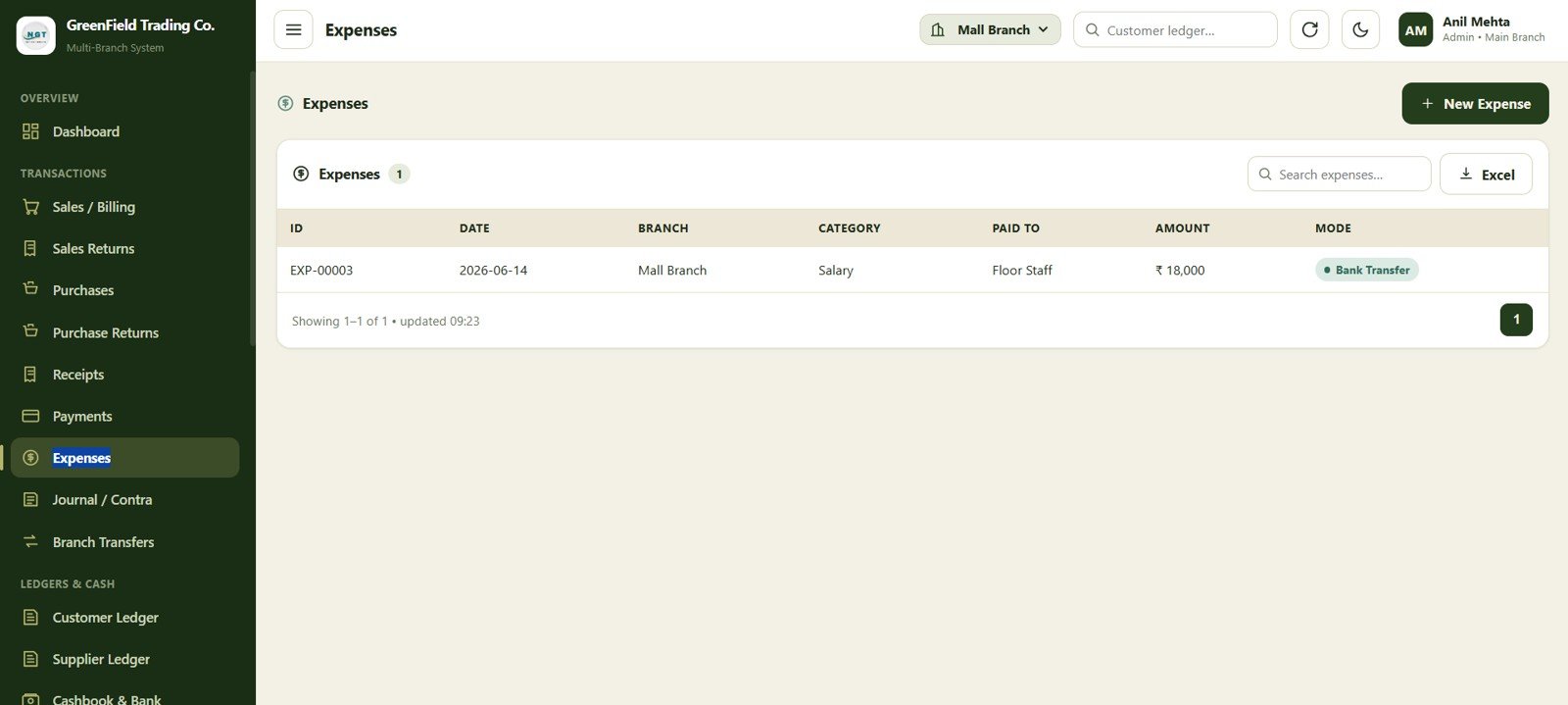
The expenses page records branch-level and business-level costs such as rent, salaries, utilities, transport, repairs, and other operating payments. This makes it easier to compare sales and costs by location.
7. Journal / Contra
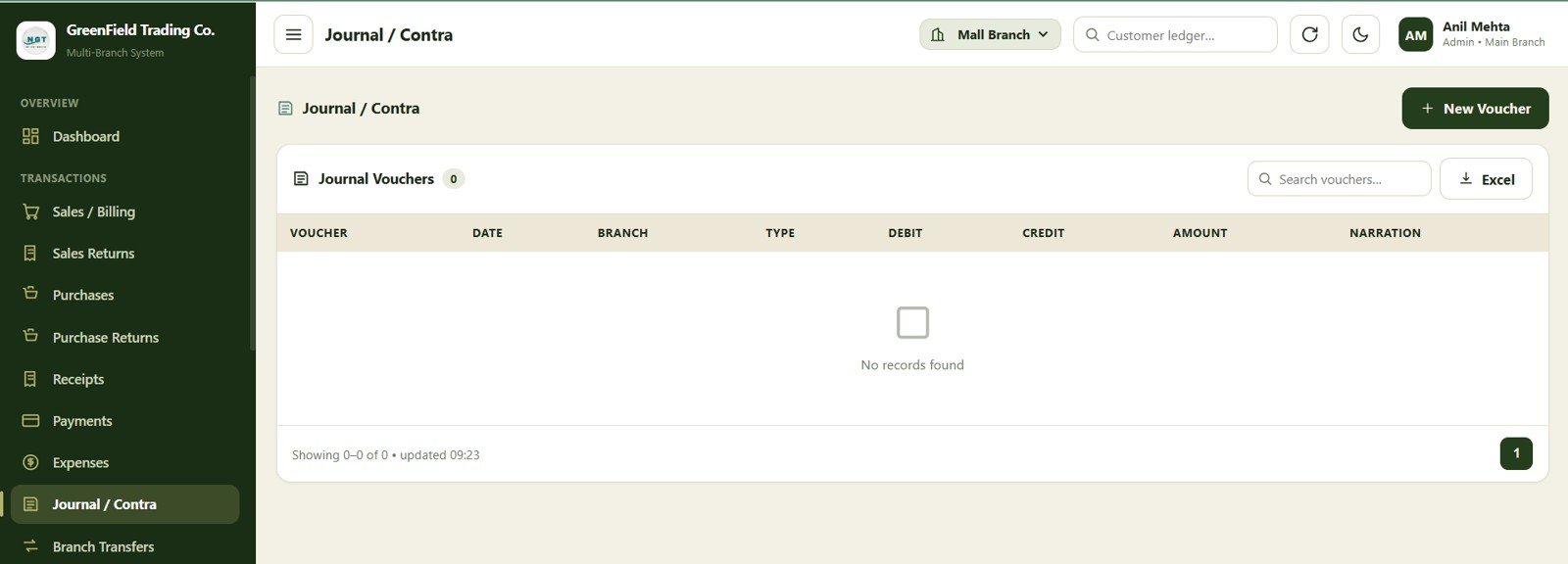
The journal and contra screen supports accounting adjustments, internal transfers, and non-sales entries. It is useful for corrections, cash-to-bank movements, and account-to-account transactions.Multi-Branch Shop Accounting Management System Web App
8. Branch Transfers
Download the Multi-Branch Shop Accounting Management System Web App from NextGenTemplates
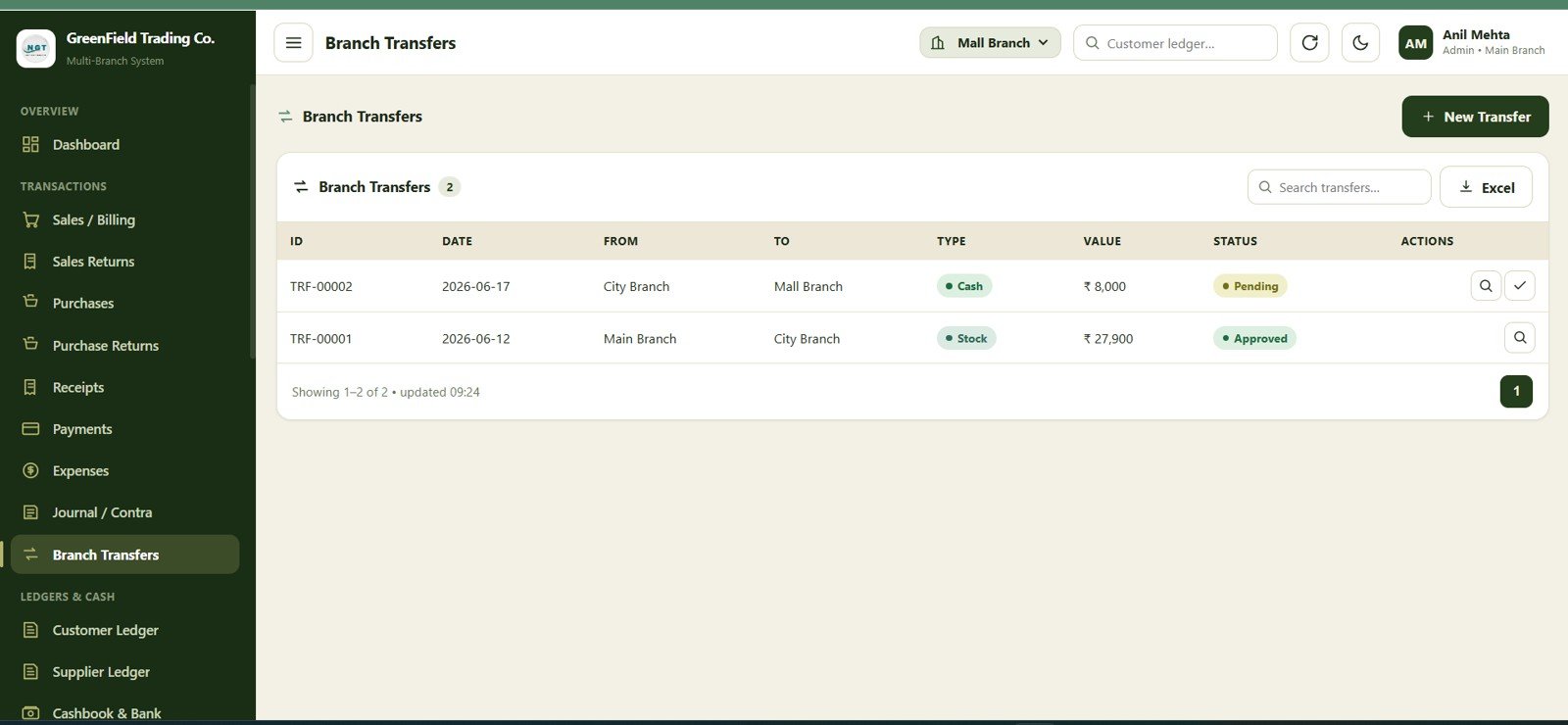
The branch transfers module records stock or value movement between locations. Multi-branch operators can use it to track what moved, where it came from, where it went, and when it was transferred.
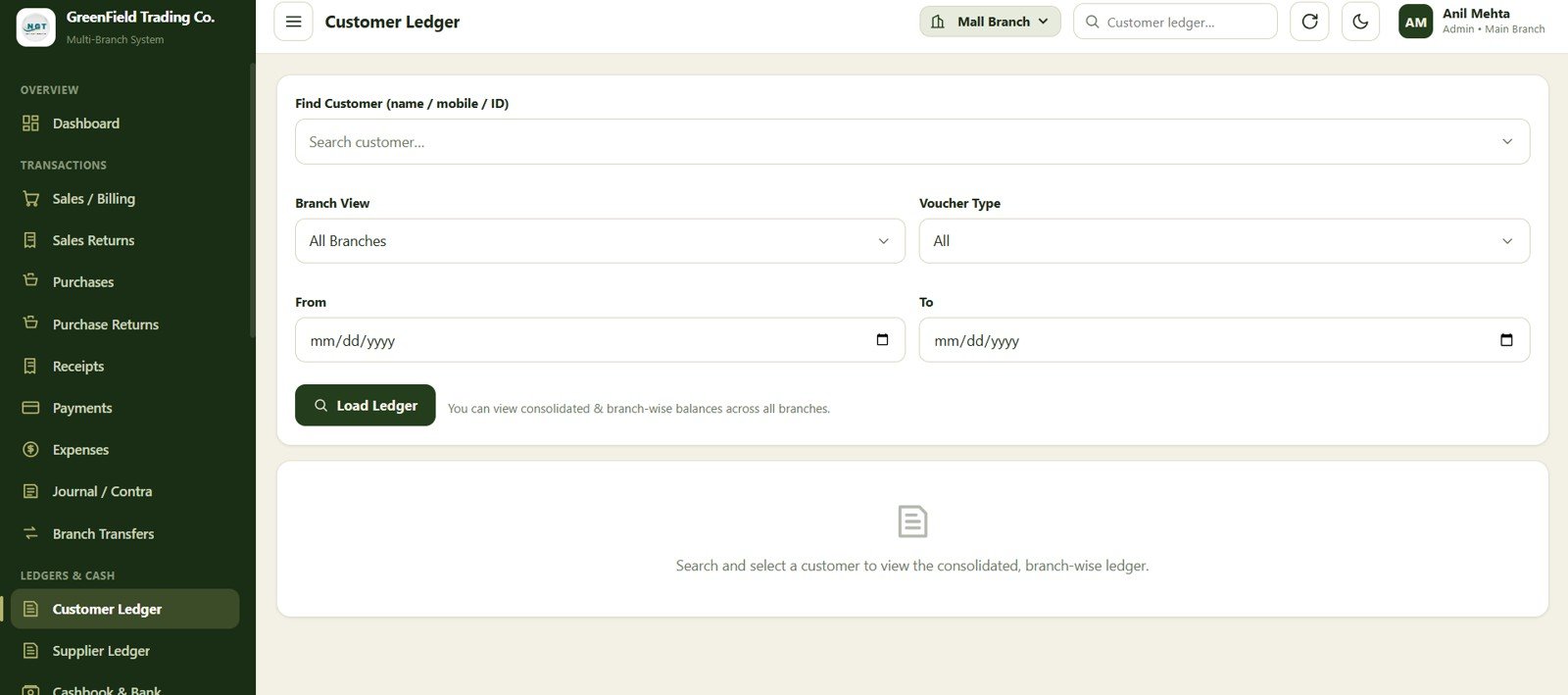
9. Customer Ledger
The customer ledger screen consolidates customer transactions, payments, returns, and balances. This is helpful for shops that sell on credit and need a clear view of receivables.
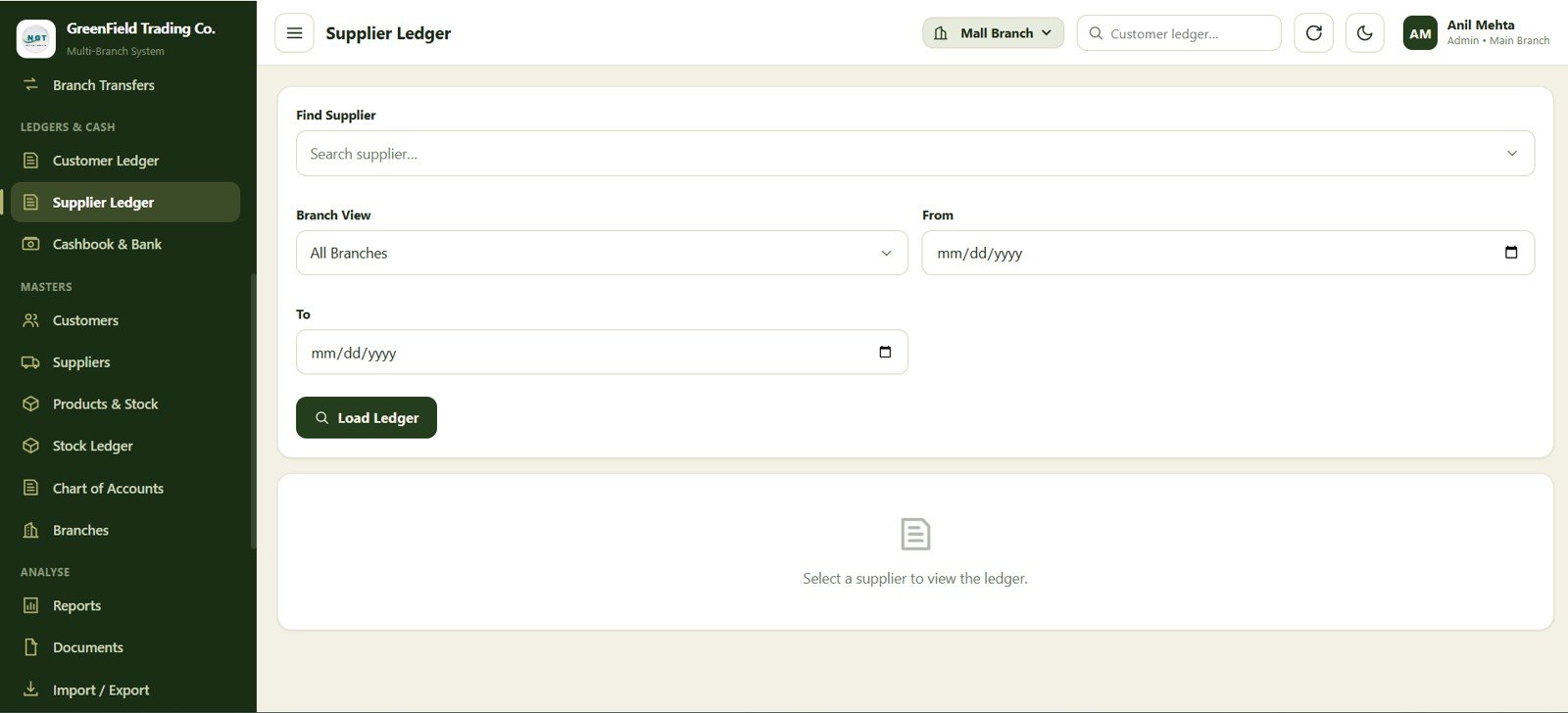
10. Supplier Ledger
The supplier ledger records purchase-side balances and supplier transaction history. It helps owners monitor payables, vendor activity, and outstanding amounts by supplier.
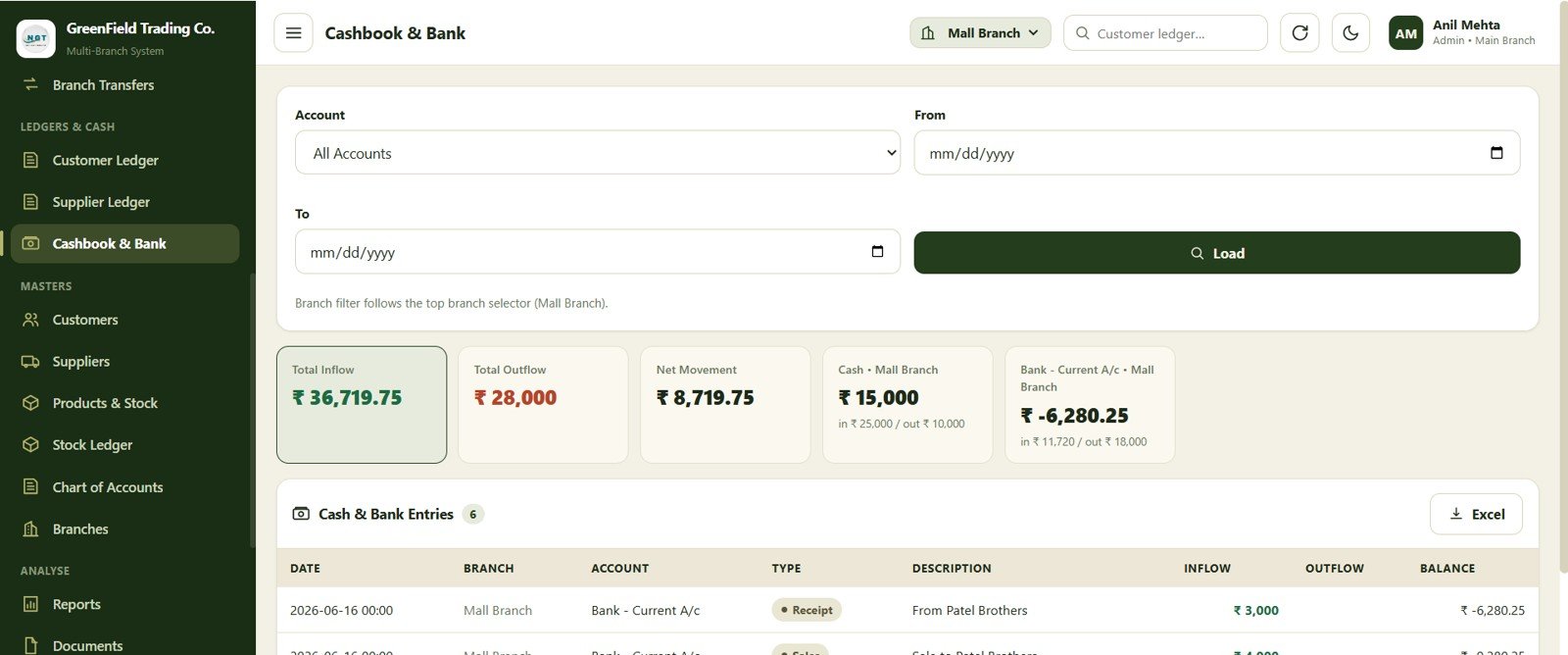
11. Cashbook & Bank
Download the Multi-Branch Shop Accounting Management System Web App from NextGenTemplates
The cashbook and bank screen brings cash and bank movements into one review area. It is useful for checking collections, payments, deposits, withdrawals, and daily closing positions.
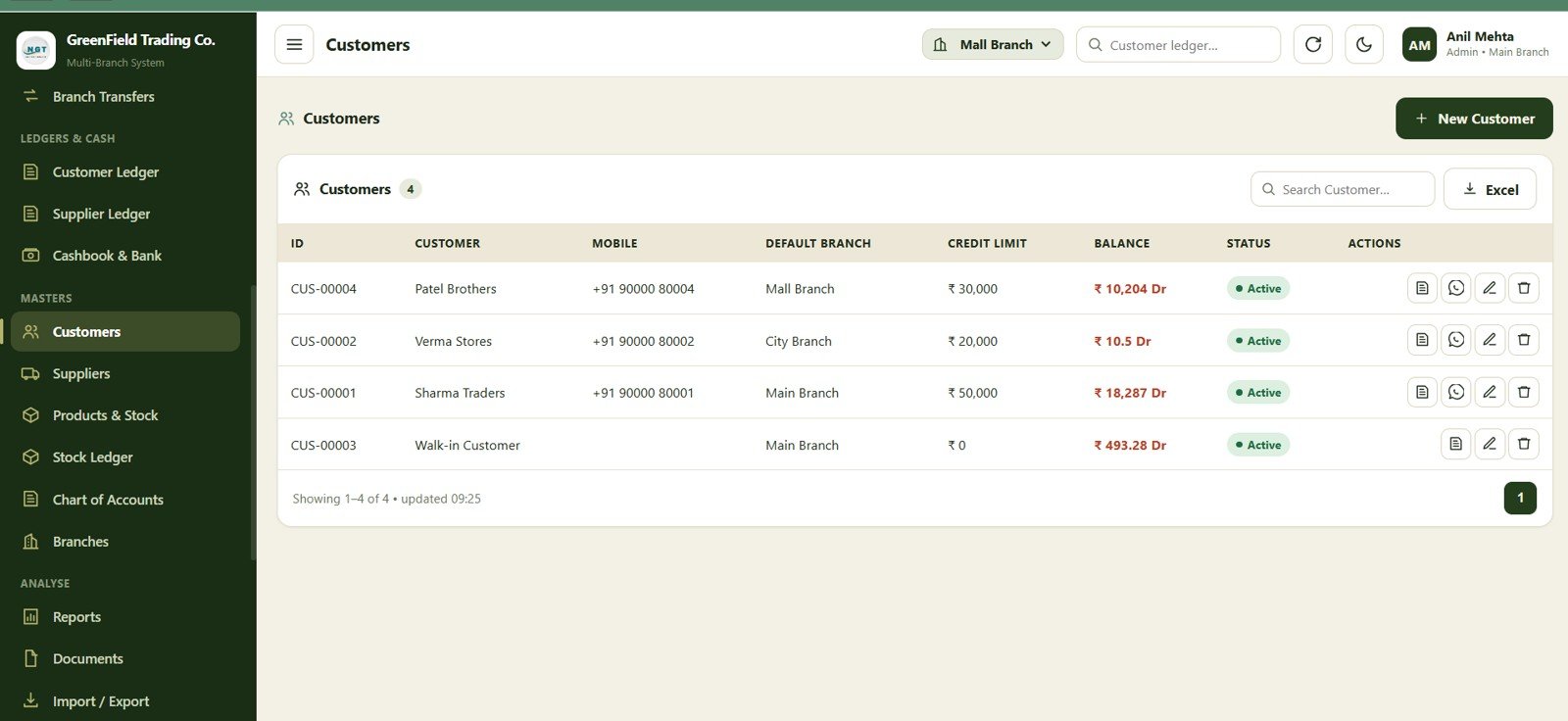
12. Customers
The customers page stores customer master data so billing, receipts, and ledgers can use consistent records. Teams can manage contact details, account references, and customer status in one place.
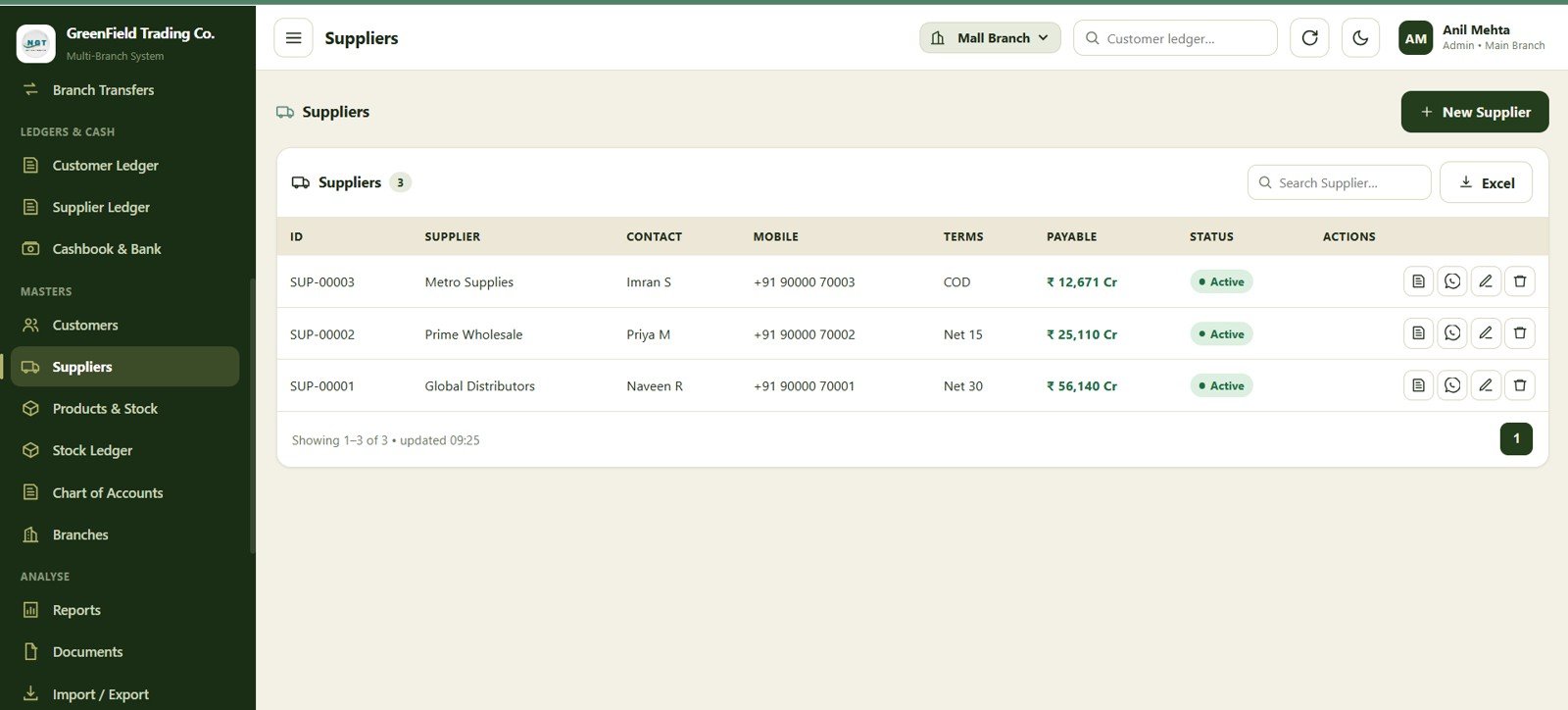
13. Suppliers
The suppliers module keeps vendor records organized for accounting and reporting. This helps maintain reliable supplier ledgers and makes purchase-side tracking easier to manage.
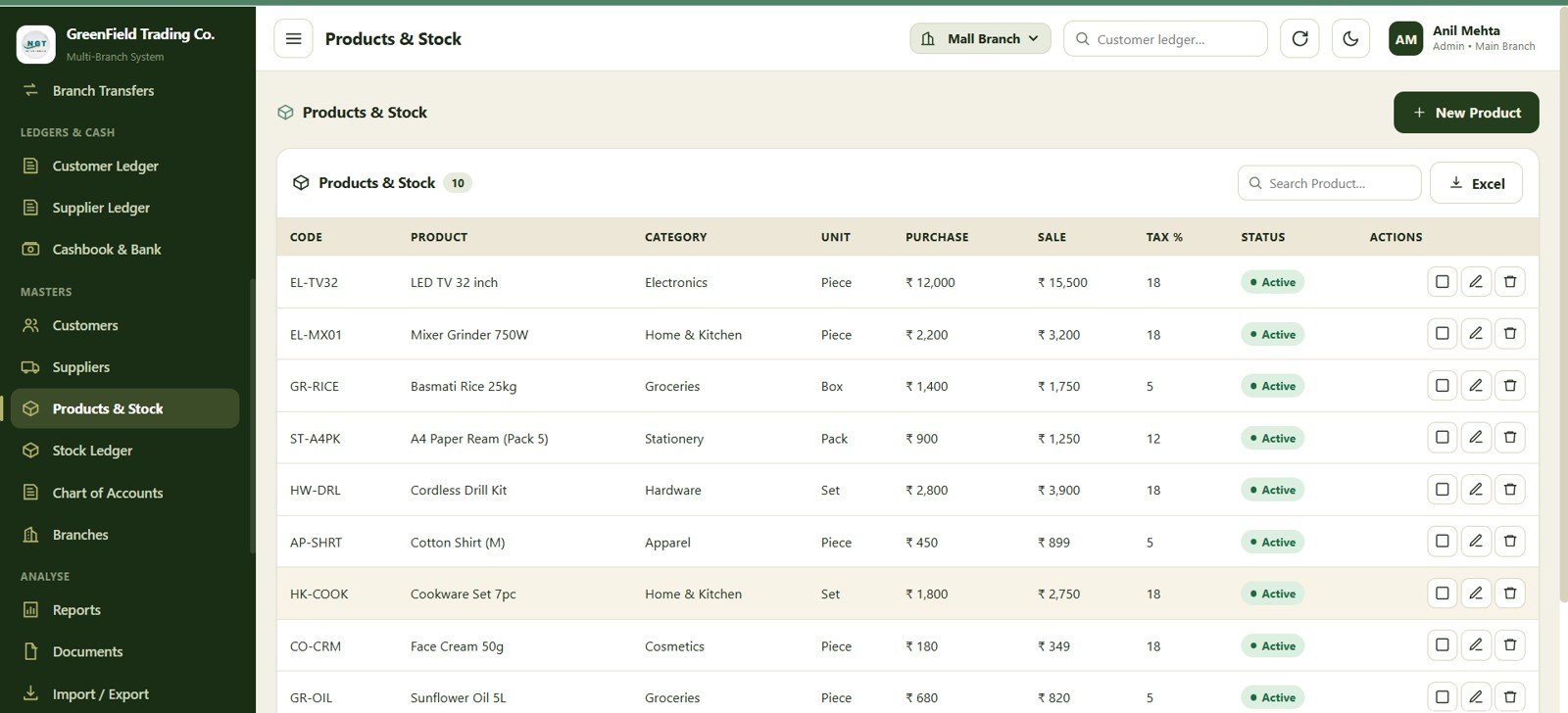
14. Products & Stock
Download the Multi-Branch Shop Accounting Management System Web App from NextGenTemplates
The products and stock page is used to maintain item details, stock information, and product-level references. It supports branch operations by giving billing and transfer screens a consistent product list.
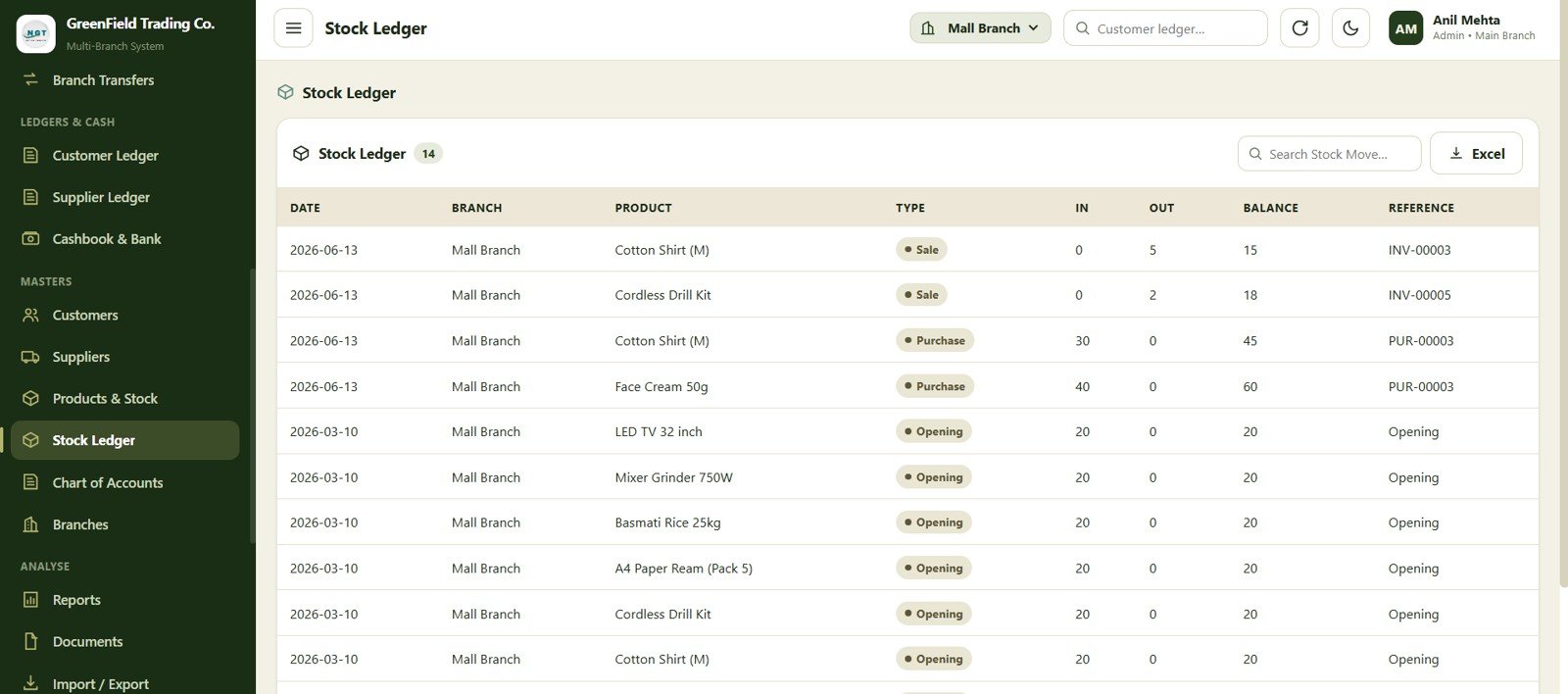
15. Stock Ledger
The stock ledger shows inventory movement history. Owners can use it to review item-wise activity from sales, returns, branch transfers, and other stock adjustments.
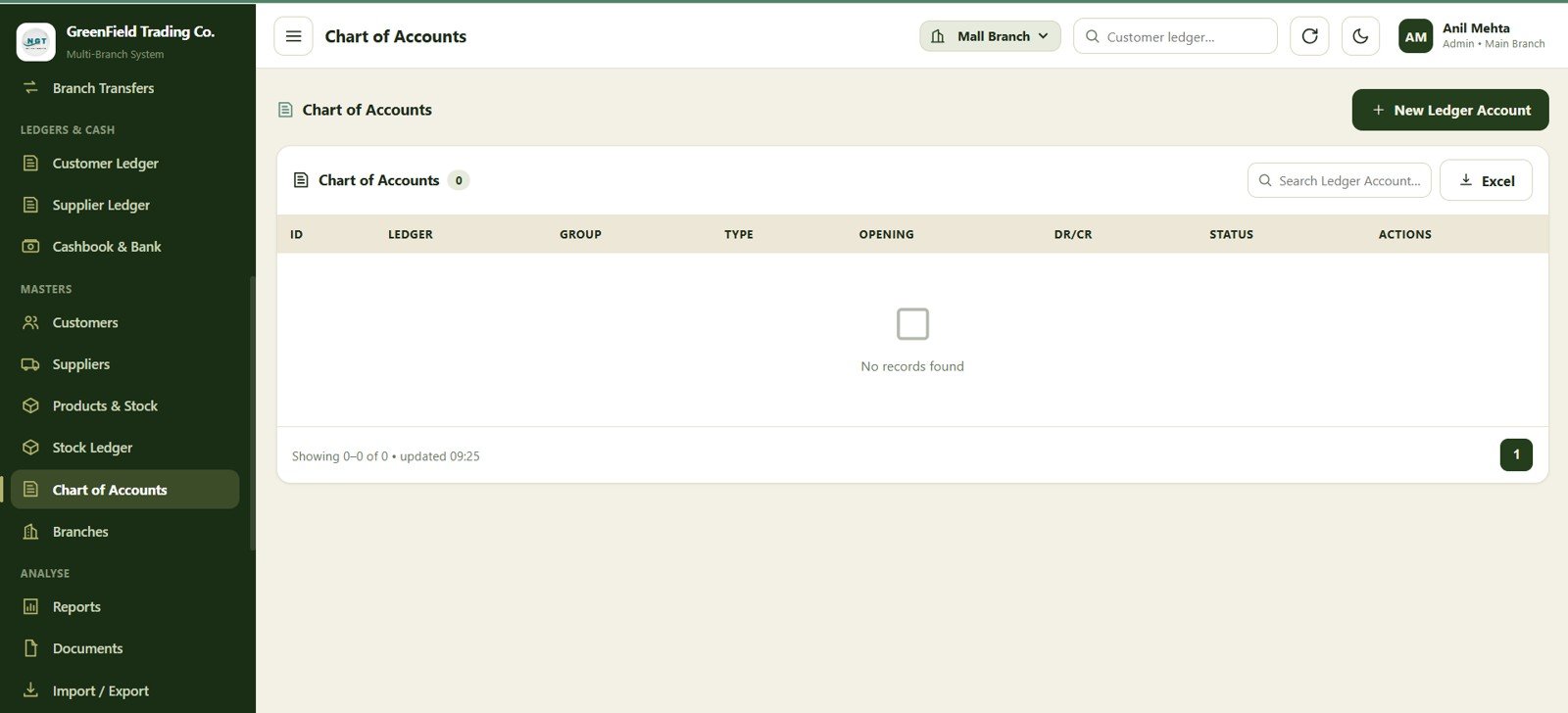
16. Chart of Accounts
The chart of accounts screen organizes the account structure used across receipts, expenses, journals, contra entries, cashbook, bank, and reports. This gives the system a cleaner accounting foundation.
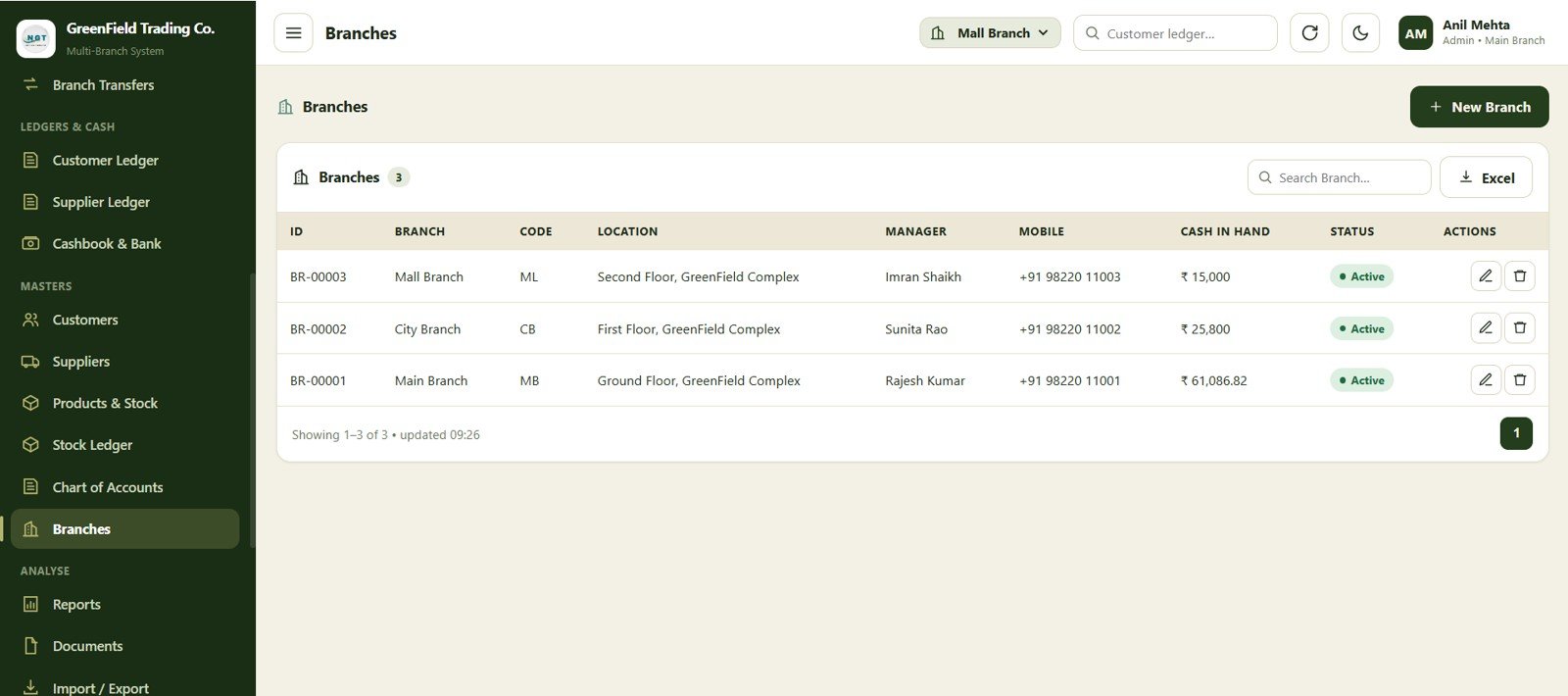
17. Branches
The branches screen stores location records for multi-branch operations. Each shop, office, or outlet can be managed as part of the same accounting system.
18. Reports
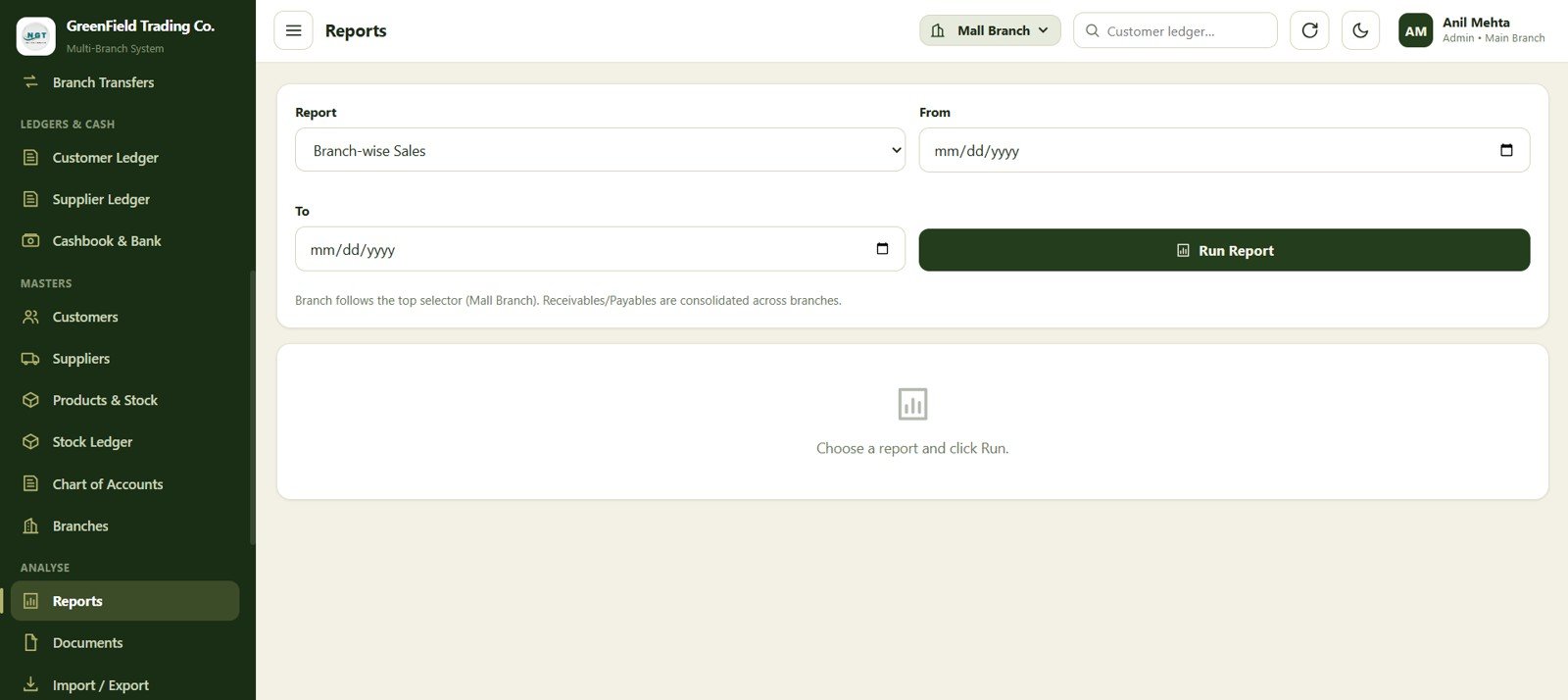
Download the Multi-Branch Shop Accounting Management System Web App from NextGenTemplates
The reports page turns transaction data into management views. It is designed for reviewing sales, expenses, balances, inventory activity, and branch performance without manually rebuilding summaries.
19. Documents
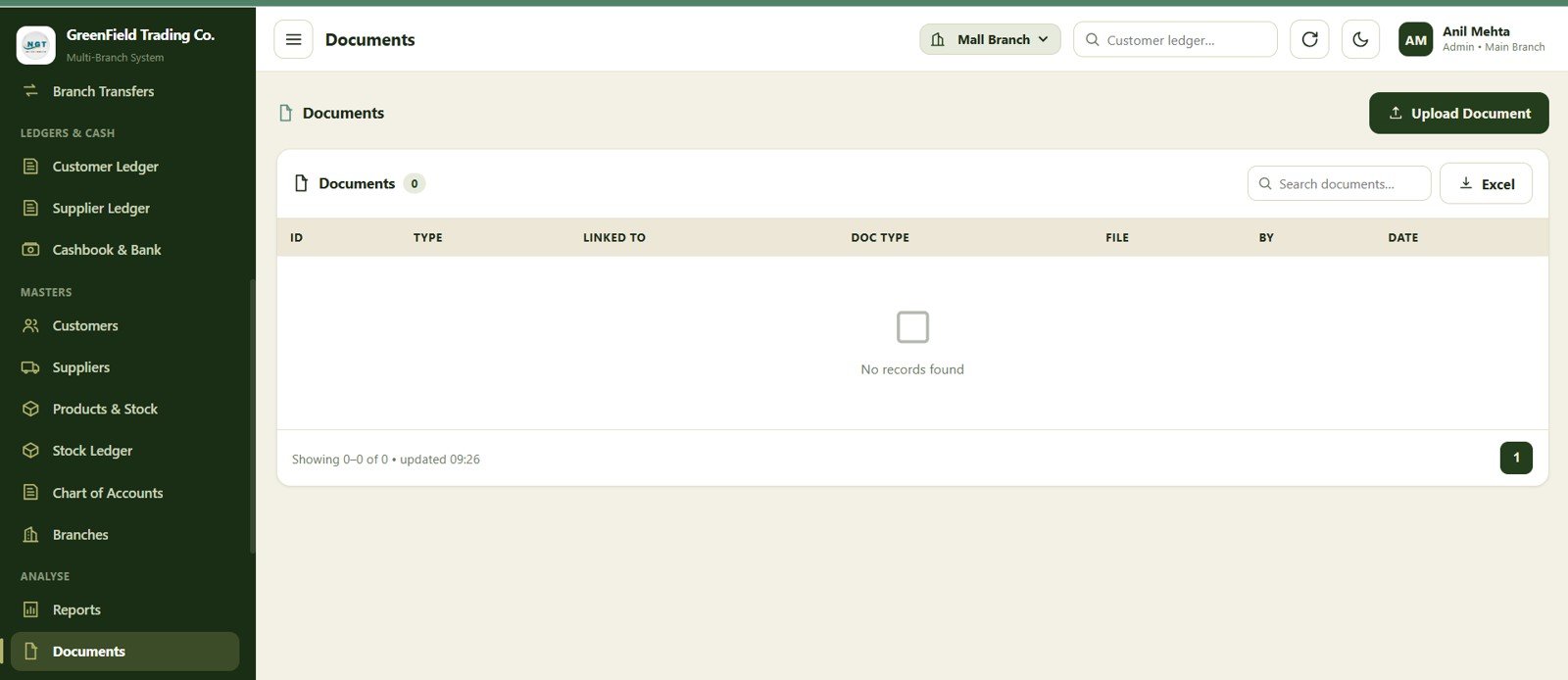
The documents screen helps teams organize related business records. This can support invoices, proofs, statements, or other accounting documents that need to stay linked to business activity.
20. Import / Export
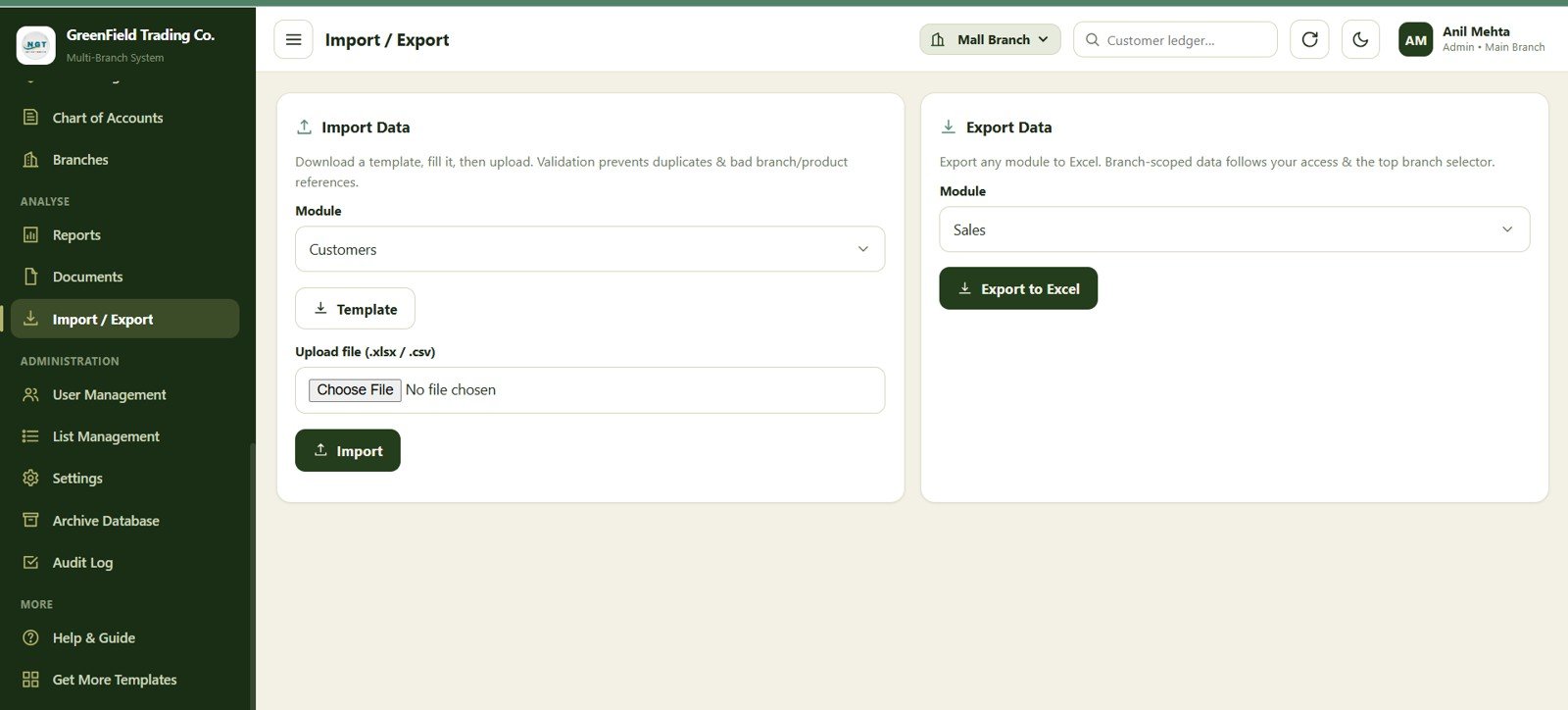
The import and export screen supports data movement for setup, backup, review, and bulk updates. This is useful when migrating from an existing tracker or preparing records outside the web app.
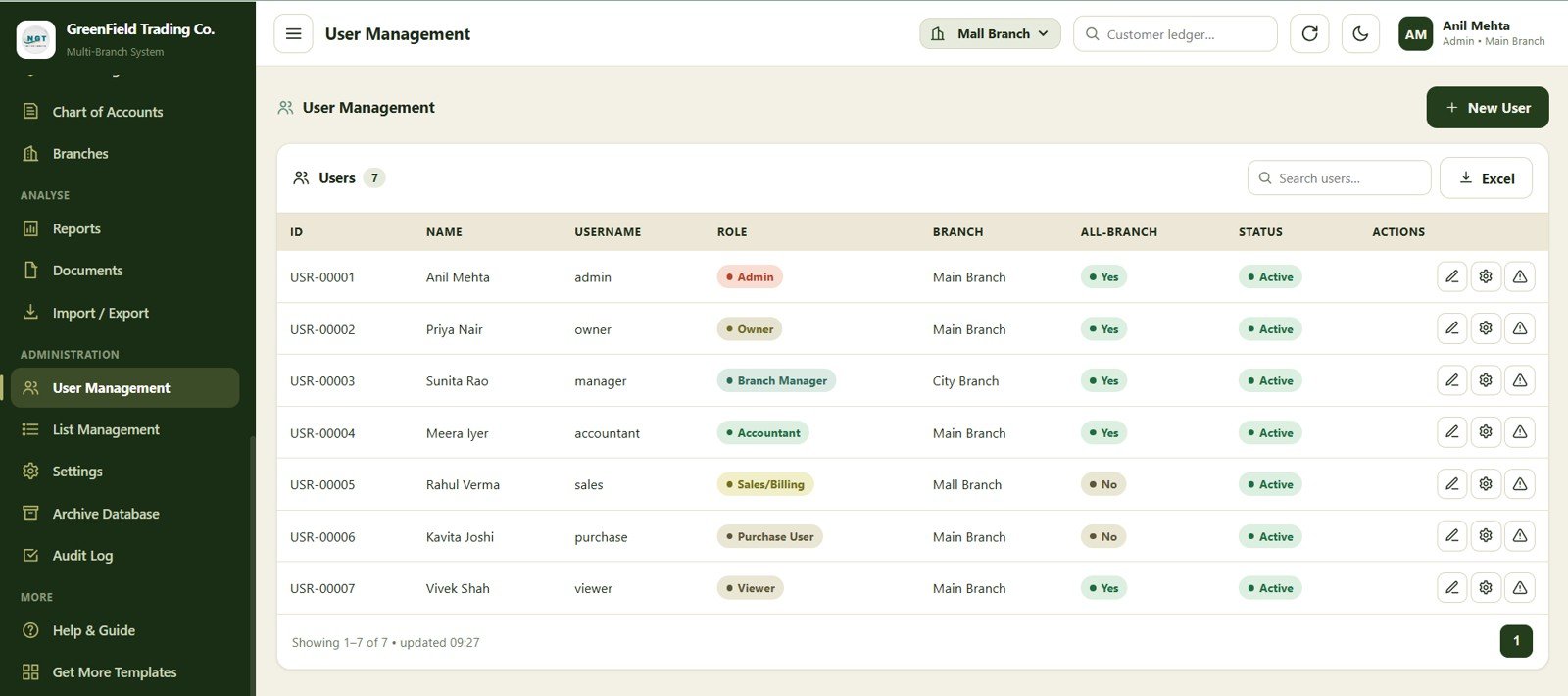
21. User Management
Download the Multi-Branch Shop Accounting Management System Web App from NextGenTemplates
User management lets admins control who can access the system. For a multi-branch shop, this is important because different people may need different levels of access to billing, reports, settings, and records.
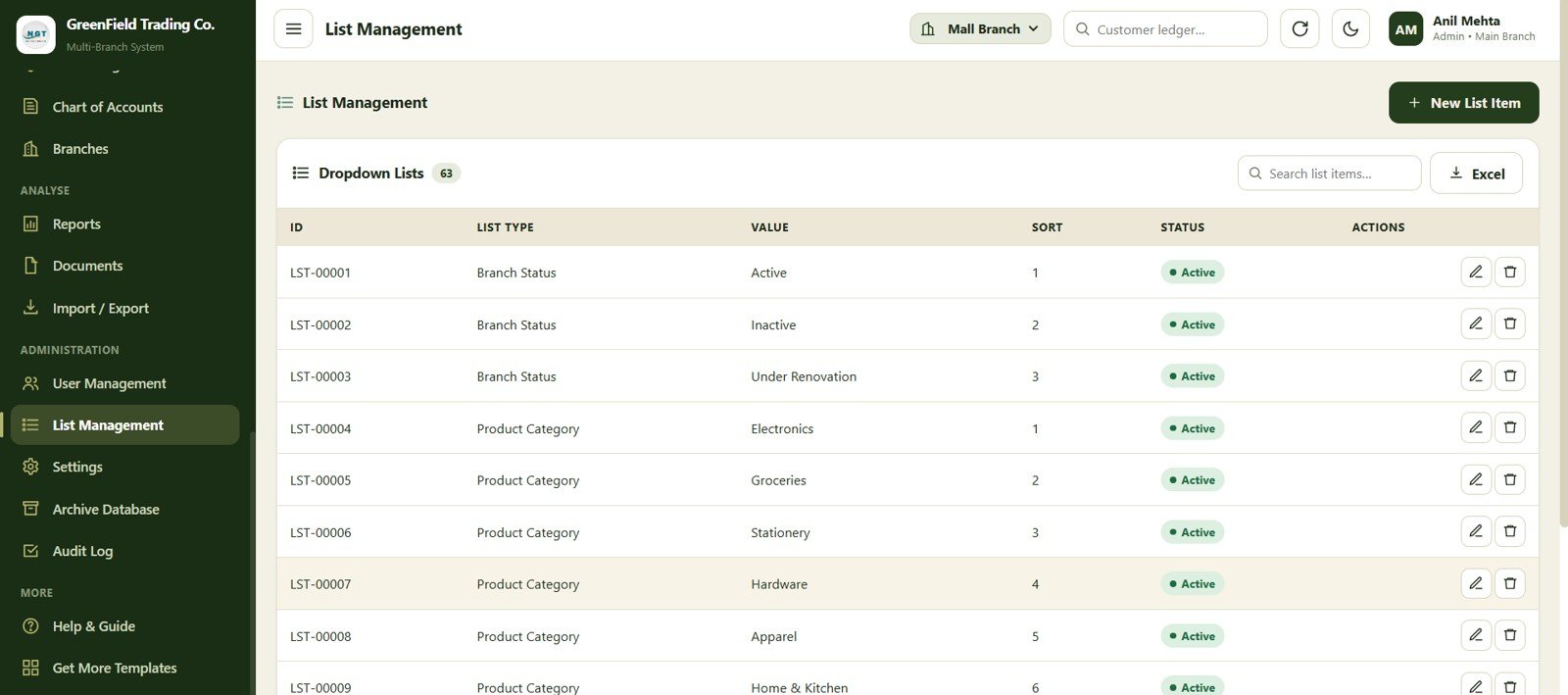
22. List Management
The list management screen centralizes dropdowns and reference lists used throughout the app. This keeps entries consistent and reduces messy variations in categories, statuses, account types, or other selection fields.
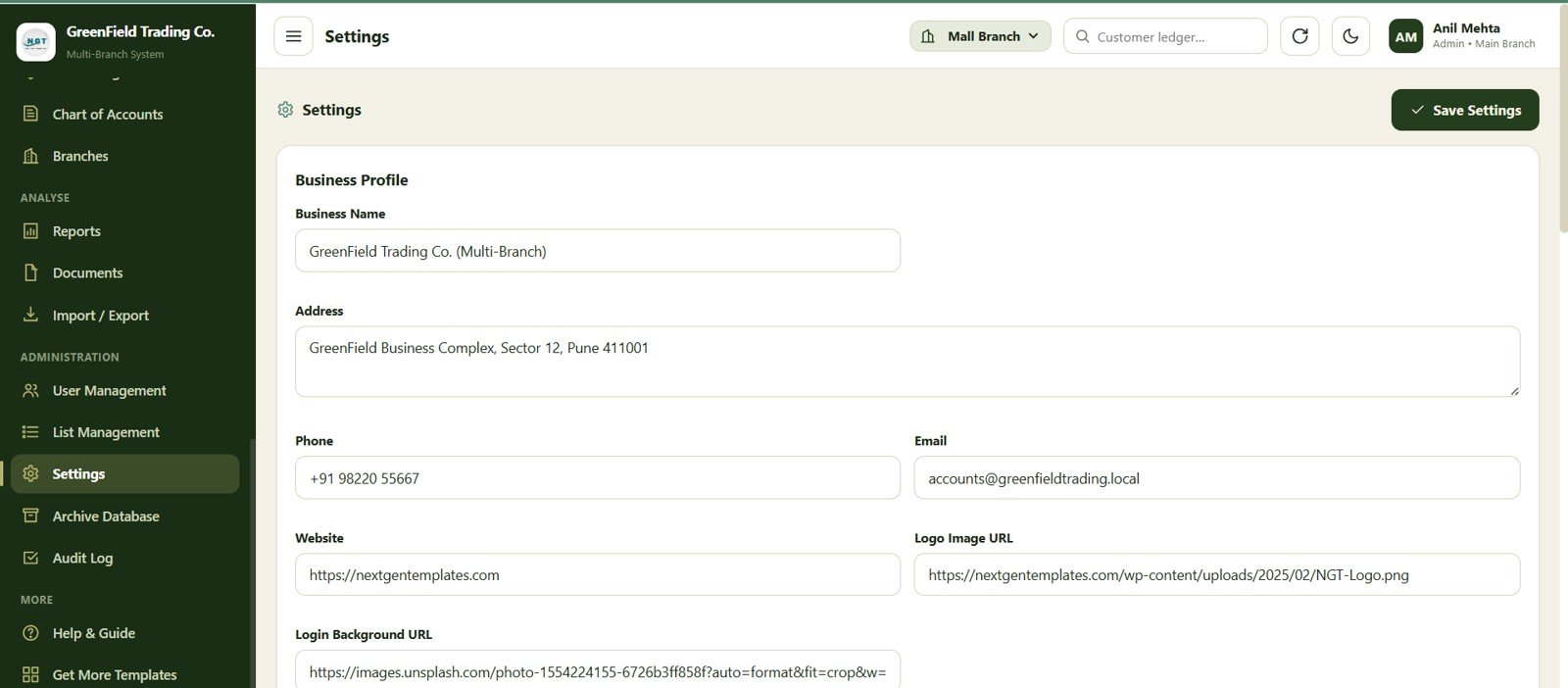
23. Settings
The settings screen gives administrators a place to manage system-level preferences. It helps tailor the template to the business before regular users begin entering live data.
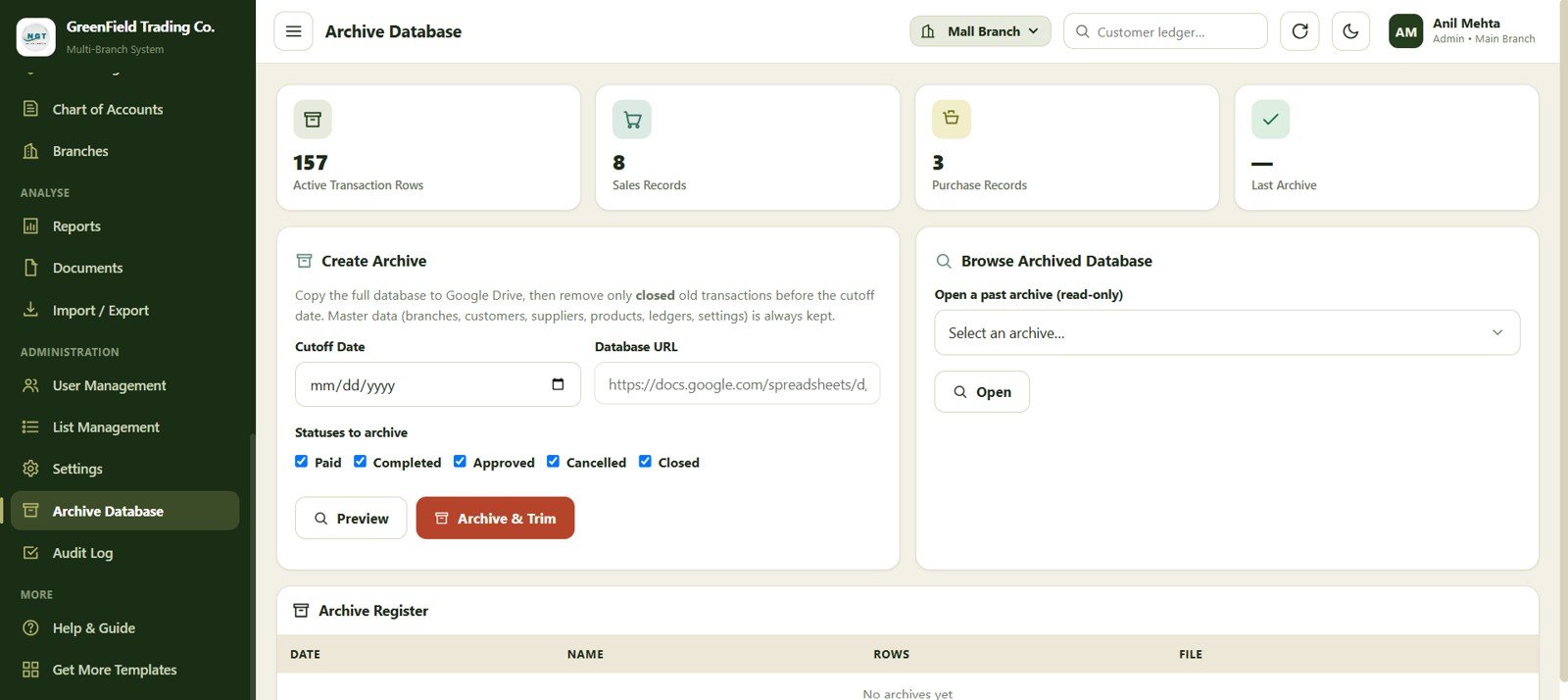
24. Archive Database
Download the Multi-Branch Shop Accounting Management System Web App from NextGenTemplates
The archive database screen supports long-term data organization. It gives teams a place to manage older records and keep active workspaces easier to review.
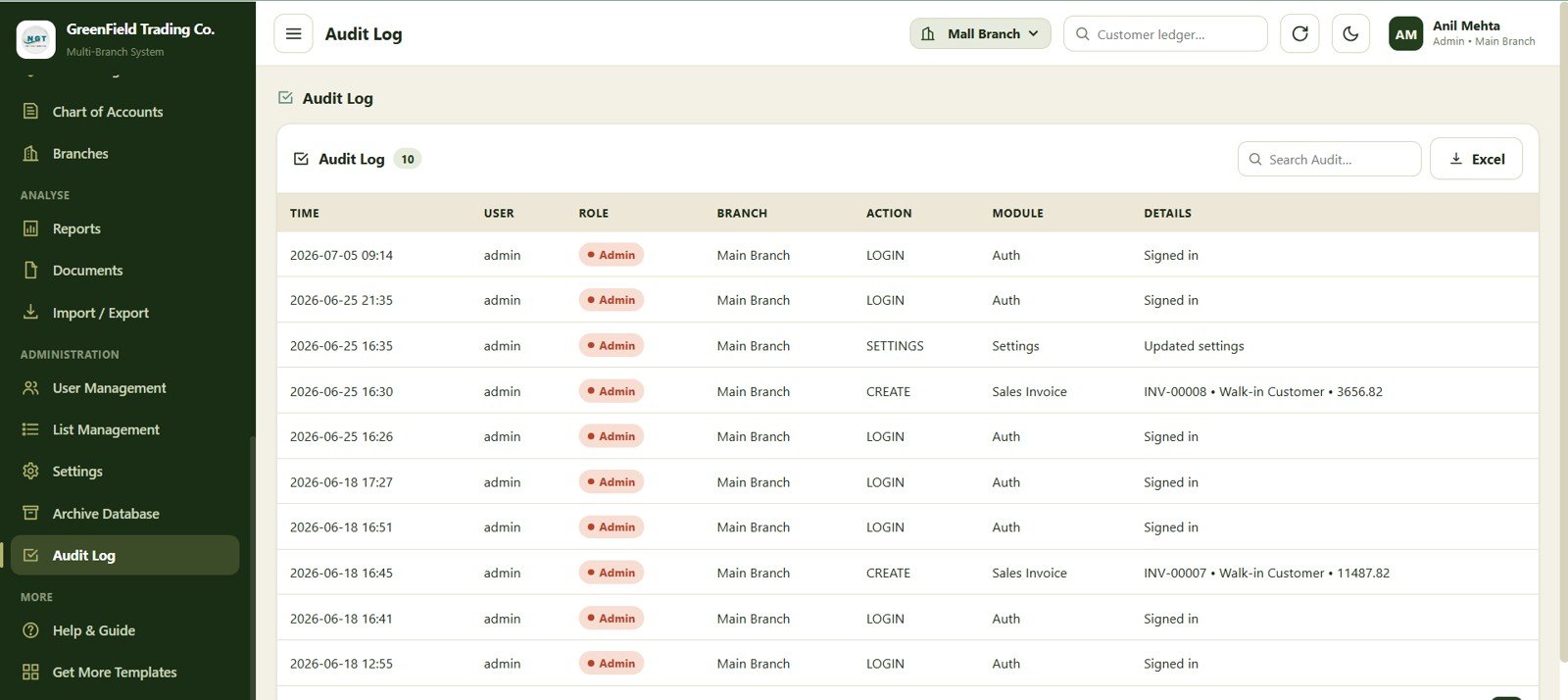
25. Audit Log
The audit log provides a record of system activity and changes. This is especially useful when several users work across branches and the owner needs traceability for important actions.
Feature Comparison
| Capability | Multi-Branch Shop Accounting Web App | Basic Spreadsheet Tracker | Paid Accounting SaaS |
|---|---|---|---|
| Branch-wise records | Built around branch tracking | Usually manual | Available in higher plans |
| Sales, returns, receipts, and expenses | Included as separate modules | Requires custom sheets | Usually included |
| Stock and transfer tracking | Products, stock ledger, and branch transfers included | Often difficult to maintain | Common in inventory plans |
| User and audit controls | User management and audit log included | Limited | Usually available |
| Ownership model | One-time downloadable template | Self-built | Recurring subscription |
| Customization | Editable template files | Highly editable but fragile | Depends on vendor limits |
Who Should Use This Template
Download the Multi-Branch Shop Accounting Management System Web App from NextGenTemplates
- Retail shop owners managing more than one branch or outlet.
- Small distributors that need sales, stock, receipts, expenses, and ledgers in one place.
- Finance teams that want a lightweight web app instead of separate spreadsheet files.
- Consultants building accounting workflows for small business clients.
- Business owners who want editable source files and a one-time purchase model.
Who This Template Is Not For
- Businesses that require a certified accounting platform with country-specific statutory filing built in.
- Enterprises needing deep ERP integrations, automated bank feeds, or advanced tax compliance workflows.
- Teams that do not want to customize or maintain any template-based system.
Real-World Use Cases
- Track branch-wise retail sales and compare location performance.
- Record sales returns and maintain cleaner customer balances.
- Monitor supplier payables and customer receivables.
- Control item movement between branches with transfer records.
- Review daily cash and bank activity before closing accounts.
- Give branch staff access while keeping admin controls centralized.
Advantages of This Web App Template
The main advantage is structure. A growing shop often starts with scattered spreadsheets, but branch-wise accounting quickly becomes hard to control when sales, stock, customer balances, and user access are spread across different files. This template gives the business a ready-made operating model that can be customized instead of built from zero.
The one-time purchase model is also useful for owners who want predictable cost. You can download the source package, set up the system, replace the demo data, and adapt the workflow to your business process.
Opportunities for Improvement
Download the Multi-Branch Shop Accounting Management System Web App from NextGenTemplates
Like any template-based system, the best results come from setup discipline. Businesses should review the chart of accounts, branch list, customer list, supplier list, product list, user roles, and opening balances before using the web app for live operations. Larger teams may also want to add more approval rules, tax-specific fields, or integrations based on local requirements.
Best Practices Before Going Live
- Test the full workflow with sample sales, returns, receipts, expenses, transfers, and reports.
- Clean customer, supplier, product, branch, and account master data before import.
- Define who can access billing, reports, user management, settings, archive records, and audit logs.
- Back up the source files and business data before making major customizations.
- Ask your accountant to review the chart of accounts and reporting format for your business.
Explore Relevant Templates
- GST Billing System Web App
- Advanced Inventory Management System Web App
- Hotel Booking Management System Web App
- Advanced Task Management System Web App Template
- Browse all Web App Templates on NextGenTemplates
Want to build skills like this step by step? The NextGenTemplates Academy learning paths on NextGenTemplates Academy walk you through spreadsheet and data skills with practice files.
Get the Multi-Branch Shop Accounting Management System Web App
Frequently Asked Questions
What is included in the Multi-Branch Shop Accounting Management System Web App?
The template includes a web app package with modules for login, dashboard, billing, sales returns, receipts, expenses, journal and contra entries, branch transfers, ledgers, cashbook, bank, customers, suppliers, products, stock, accounts, branches, reports, documents, import/export, users, lists, settings, archive database, and audit log.
Is this a subscription product?
No. It is sold as a one-time downloadable template on NextGenTemplates. You receive the source package and can customize it for your business workflow.
Can this be used for multiple shop branches?
Yes. The template is designed around branch management, including branch records, branch-wise tracking, and branch transfer workflows.
Do I need coding knowledge to use it?
Basic setup and customization knowledge is helpful, especially if you want to modify fields, workflows, or deployment settings. The template is built for users who want an editable web app system rather than a locked SaaS platform.
Can I customize the chart of accounts and lists?
Yes. The chart of accounts and list management screens are included so you can align the system with your business categories and accounting structure.
Is this a replacement for professional accounting advice?
No. This is an operational accounting and management template. For tax filing, statutory reporting, audit requirements, and legal compliance, consult a qualified accountant or advisor in your jurisdiction.
Does the blog include a video tutorial?
No video URL was provided for this release, so this article focuses on the written walkthrough and screenshots. For future tutorials, visit YouTube.com/@NeoTechNavigators.
About the Author
This template is prepared by PK, a Microsoft Certified Professional with experience building practical dashboards, spreadsheets, automation systems, and web app templates for small business operations.
Conclusion
The Multi-Branch Shop Accounting Management System Web App is a practical option for shop owners who need a more organized way to manage branch-wise sales, expenses, stock, ledgers, reports, users, and audit records. It gives you a ready-made structure that can be customized for your business instead of starting from a blank file.
Download the Multi-Branch Shop Accounting Management System Web App from NextGenTemplates