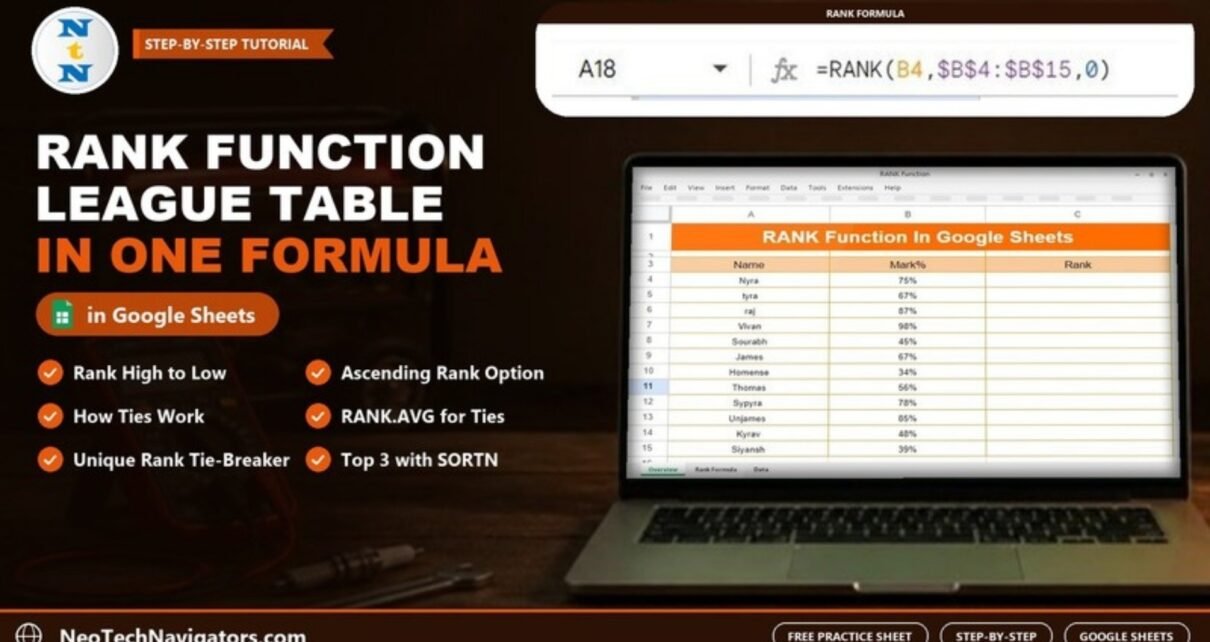
Rank scores, sales or times in Google Sheets with the RANK function. Worked example with 12 students, how ties are handled, ascending ranks, RANK.AVG, unique ranks and common errors.
Online Tutorial for Data Analysis and Automation
Rank scores, sales or times in Google Sheets with the RANK function. Worked example with 12 students, how ties are handled, ascending ranks, RANK.AVG, unique ranks and common errors.
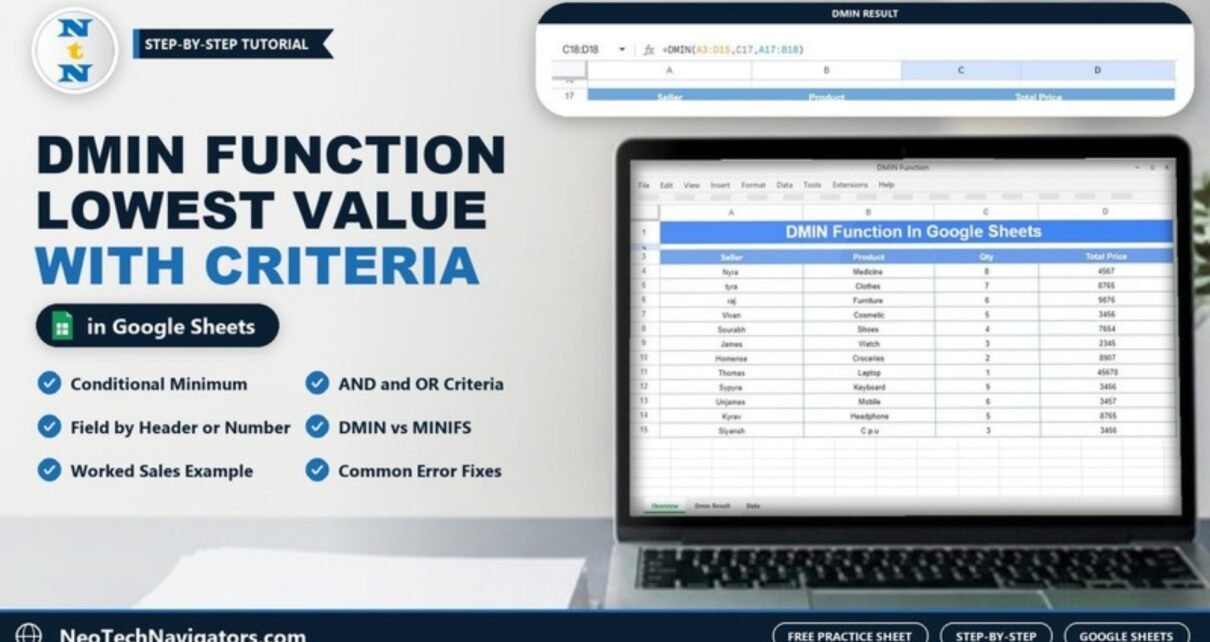
Learn how the DMIN function in Google Sheets returns the lowest value for rows that match a criteria block. Worked example with real numbers, AND/OR criteria, five variations and common errors.
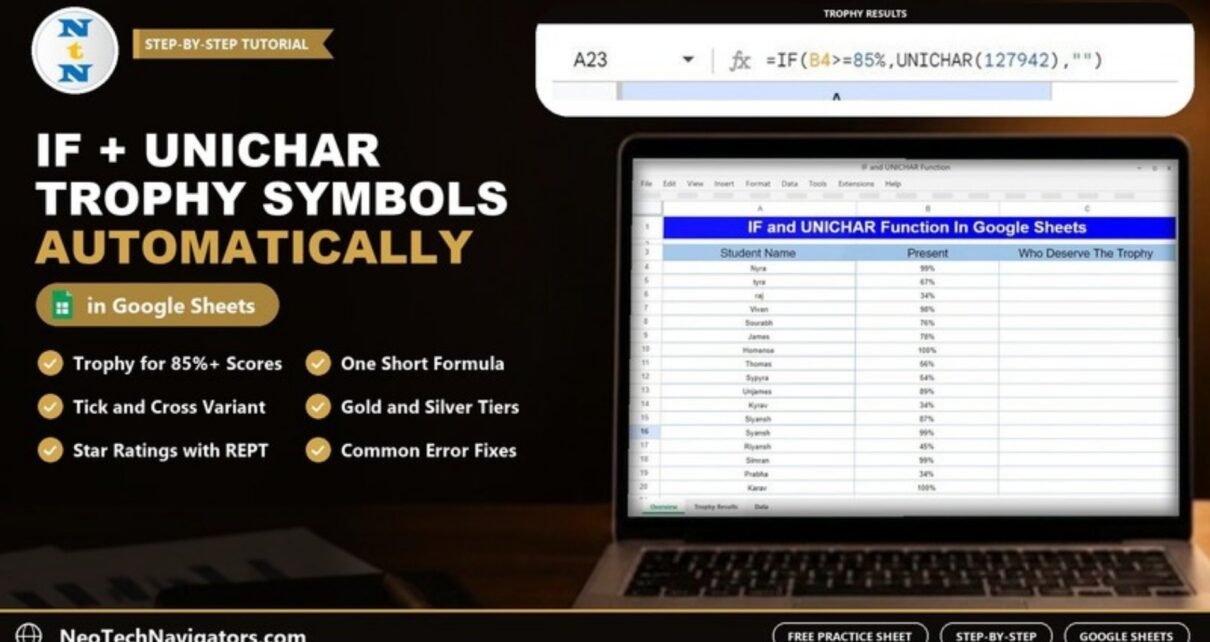
Combine the IF and UNICHAR functions in Google Sheets to show a trophy, tick or star next to rows that meet a condition. Worked example with 17 students, symbol codes, variations and fixes for common errors.
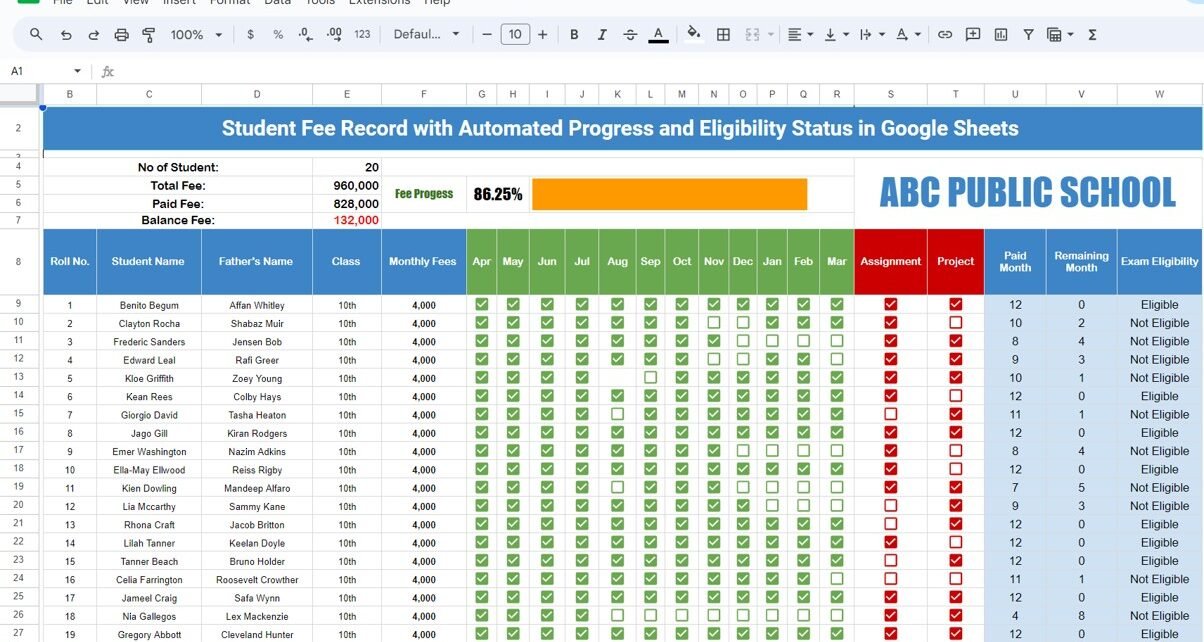
A Student Fee Record Template in Google Sheets with monthly checkboxes, automatic total, paid and balance fee, a progress bar and exam eligibility status. See every formula and how to set it up.
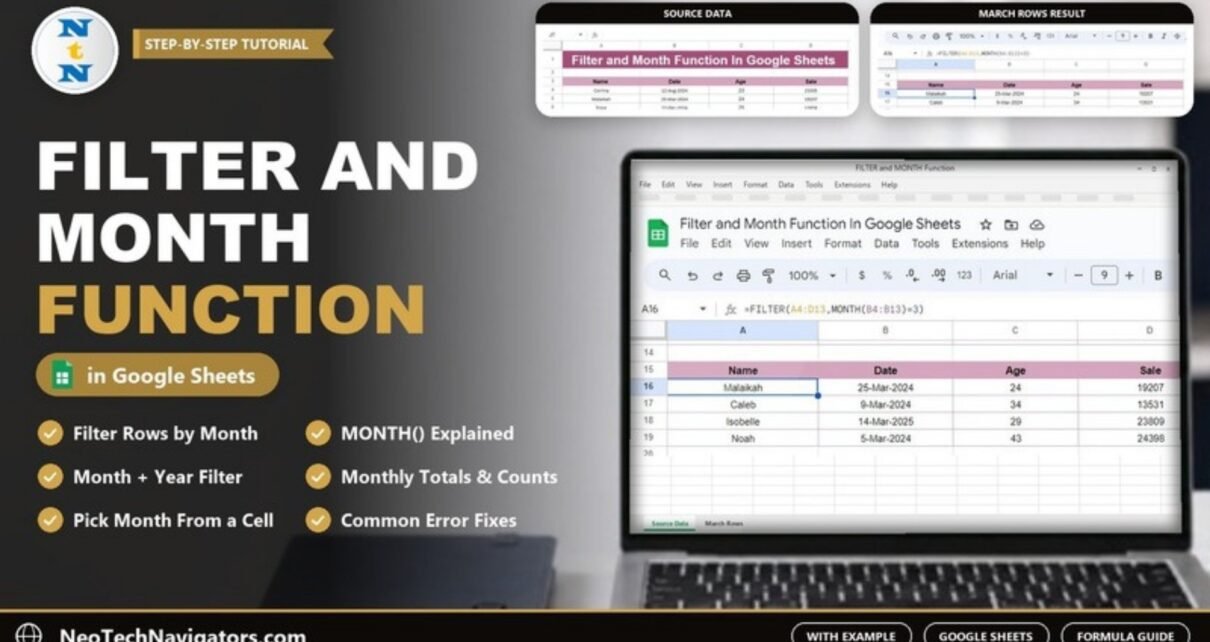
Combine FILTER and MONTH in Google Sheets to return every row from a chosen month, with a worked example, month-and-year filtering, monthly totals and fixes for common errors.
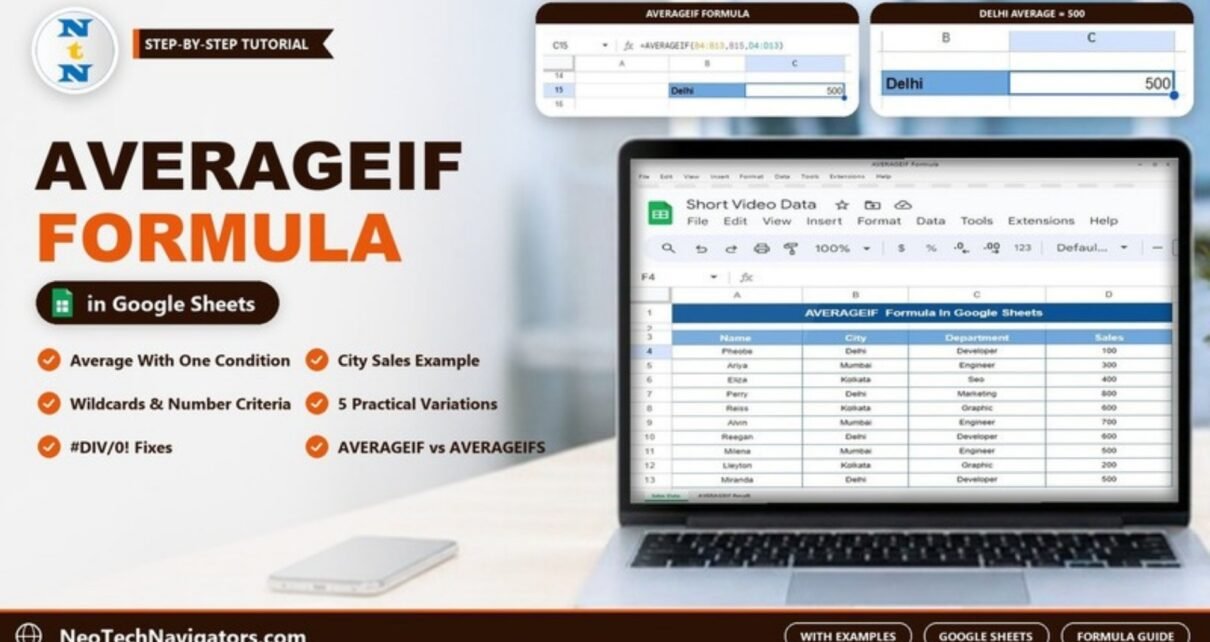
Learn the AVERAGEIF formula in Google Sheets with a worked city sales example, five variations including wildcards and number conditions, error fixes and when to use AVERAGEIFS.
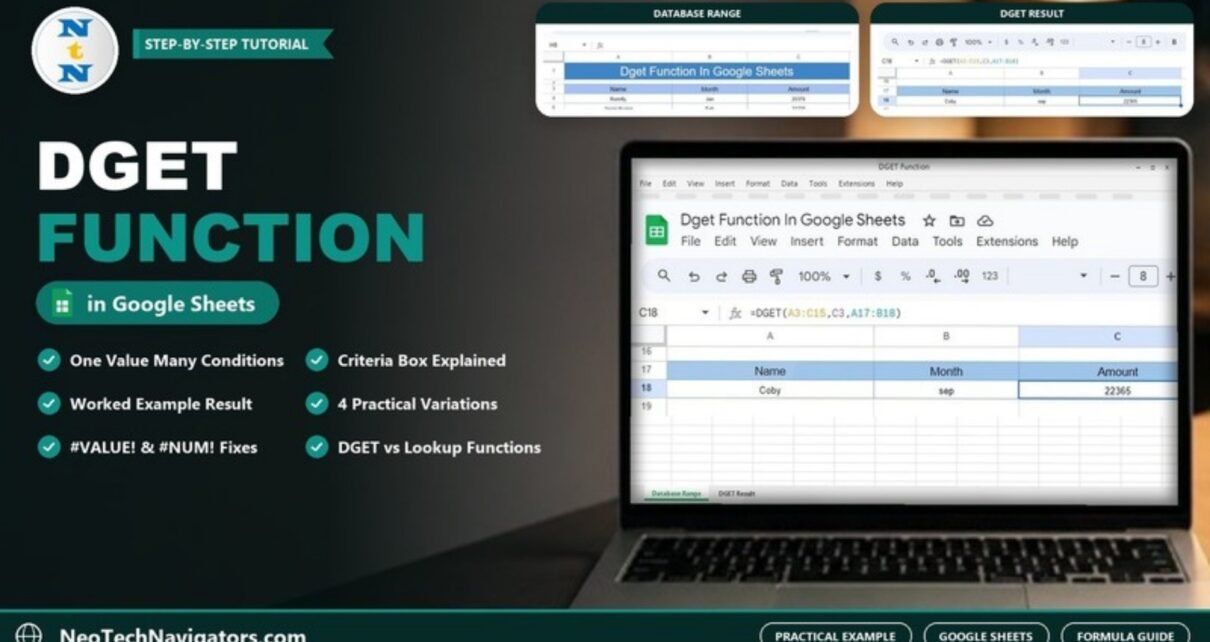
Learn how the DGET function in Google Sheets returns one value that meets several conditions, with a worked Name and Month example, four variations and fixes for #VALUE! and #NUM!.
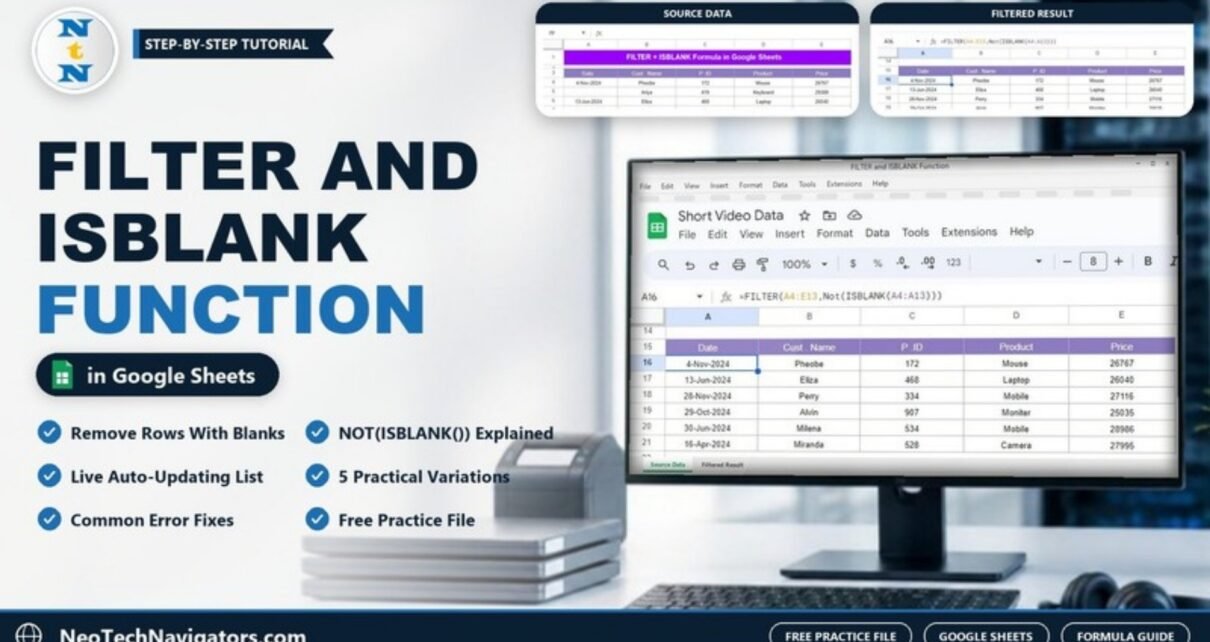
Use FILTER with NOT(ISBLANK()) in Google Sheets to return only the rows that have a value, with a worked example, five variations, common errors and a free practice file.
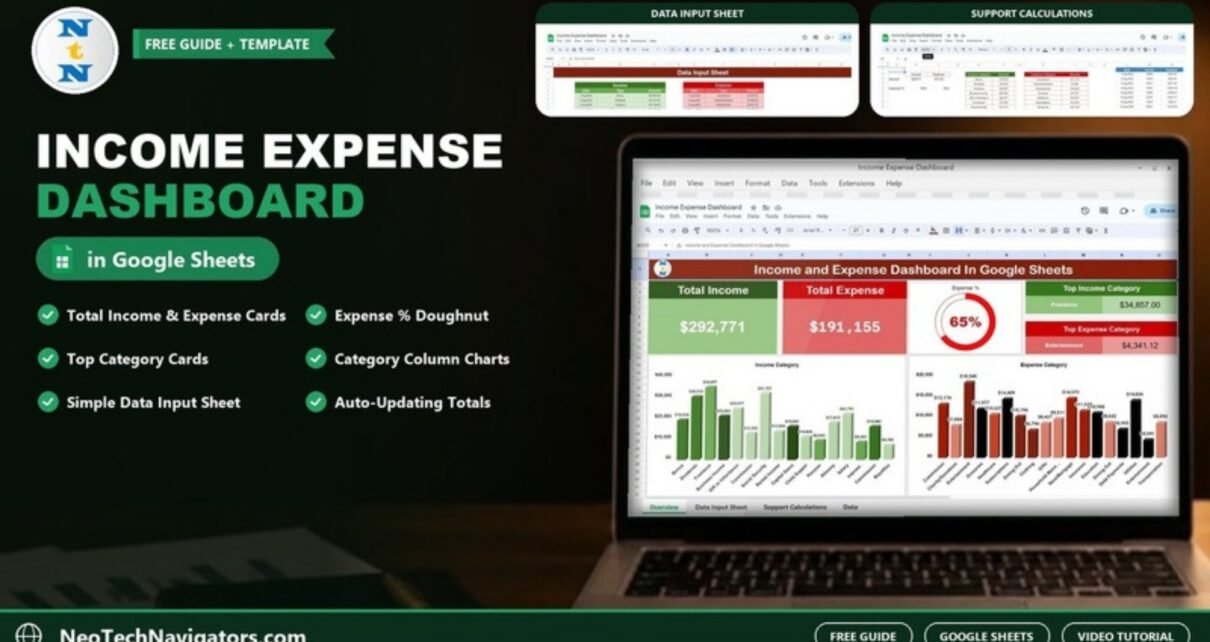
A ready-made Income Expense Dashboard in Google Sheets with total income and expense cards, an expense percentage doughnut and category charts. See what each tab does and how to load your own data.
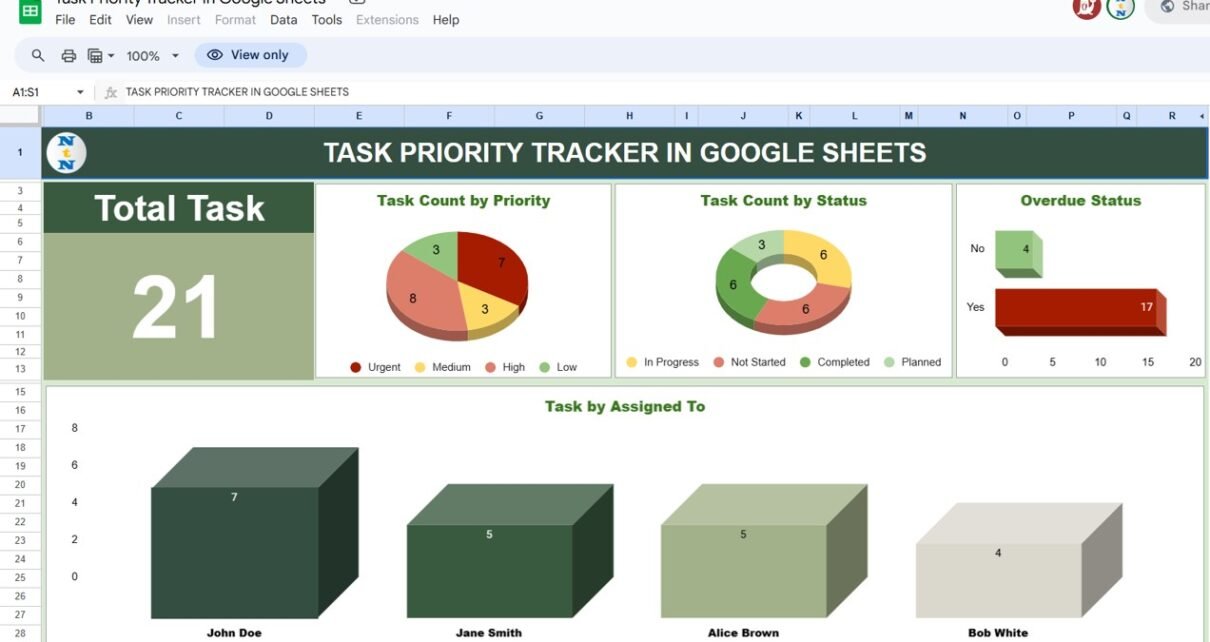
A Task Priority Tracker in Google Sheets with a dashboard, a Kanban-style priority view, an overdue flag and completion percentages for Urgent, High, Medium and Low tasks. See how each sheet works and how to set it up.